Have you also update to latest version of eventON and tickets? Also if you are using Woocommerce block based cart and checkout you will need to switch over to shortcode based cart.
Archives: Replies
Replies for tickets on suppota
Reply to: tickets(348021)
As Artem mentioned kindly update to latest version of tickets and eventON and see if your issues are resolved.
Also if you are using Woocommerce block cart/checkout please switch to shortcode based methods.
Reply to: tickets(355107)
From my tests it looks like something is there for that content box.
I think this may have to be an issue with the iframe more than the eventON code side.
Can you try a static value in custom meta field for repeats and see if those get changed correct and visible correct on event page or light box?
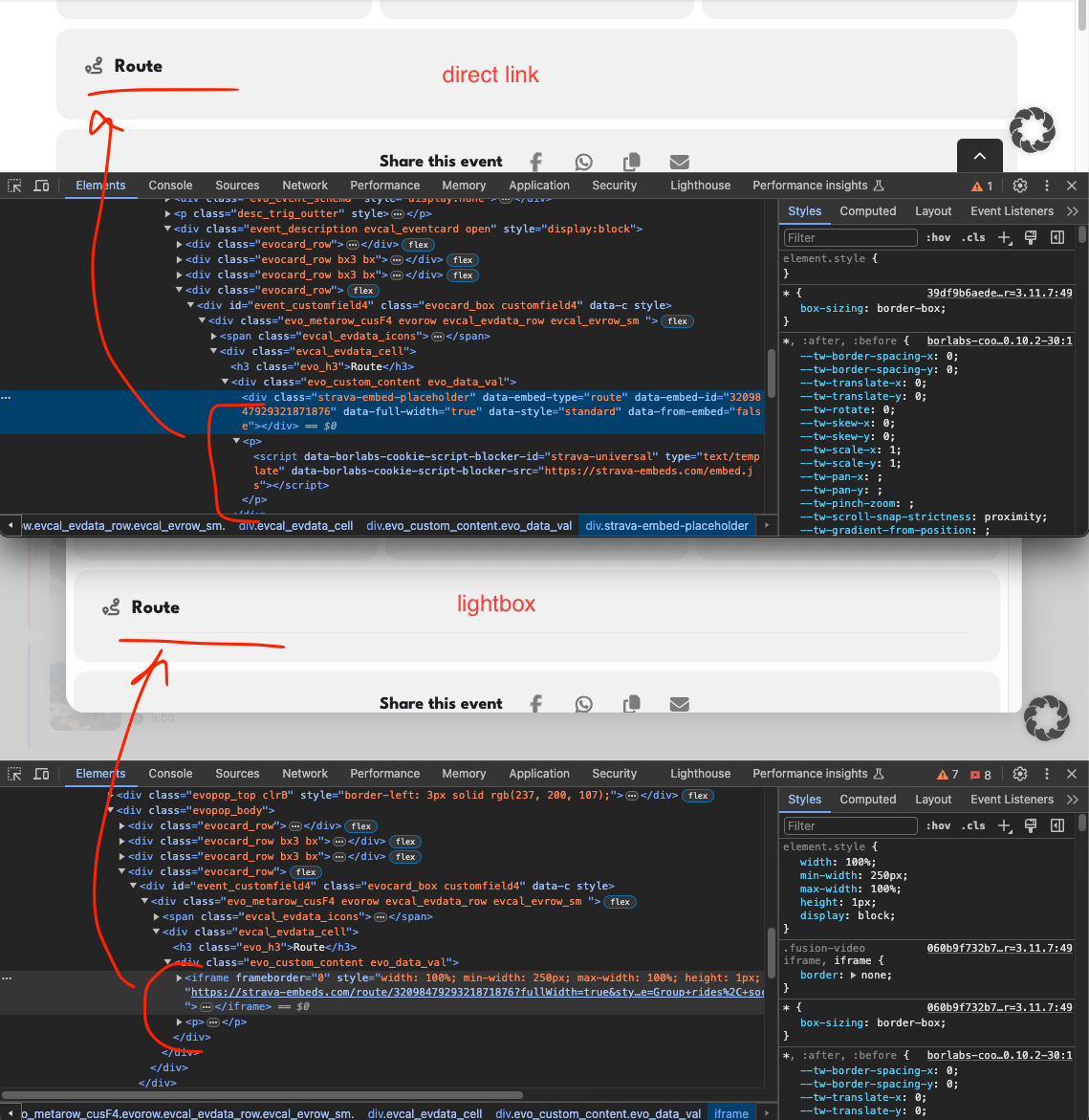
Reply to: tickets(355415)
You can remove the whole section also the newversion of eventON is out now with that part of the code removed completely 🙂
Reply to: tickets(355264)
Hi I got the recent update for the Event On but still i have my problems. My PDFer plugin is not working and I can’t resend tickets to customers. Additionally, I am unable to check in customers because their ticket status is showing as “checked In already”. Please help me to fix these issues it’s urgent.
Reply to: tickets(355584)
I don’t have FTP access to my site
Reply to: tickets(355400)
It needs more than 1GB. Also tried to allocate additional 489MB.
Please take a look at
https://docs.myeventon.com/documentations/why-my-site-and-eventon-page-loading-slow/
Also try going to EventON > Advanced > select a different Select event calendar WP Query method.
Reply to: tickets(355402)
Seems to be working in Troubleshooting Mode:
https://filarmonicatrt.it/wp-admin/site-health.php?tab=troubleshoot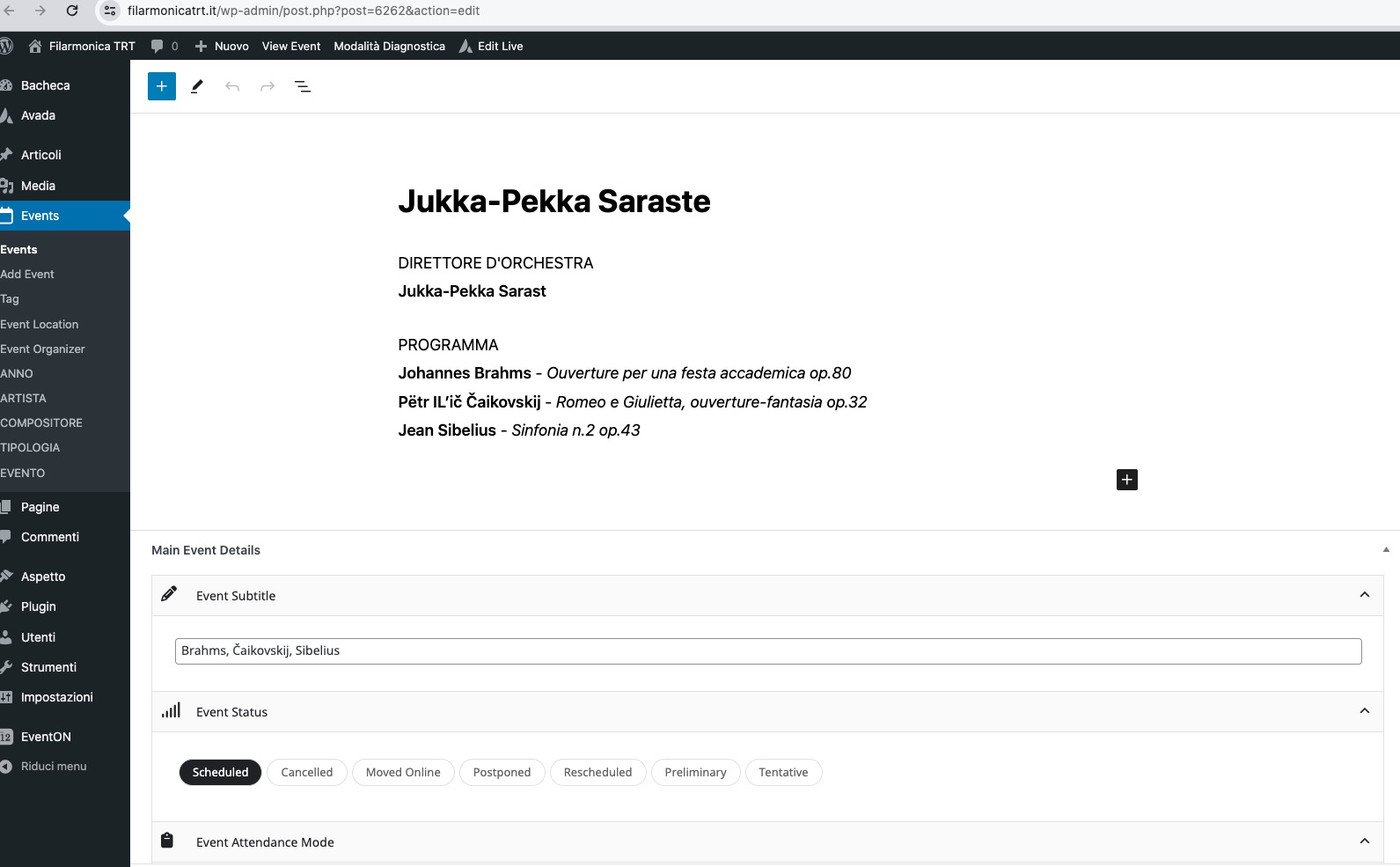
Could you please try the instructions mentioned in this documentation to make sure your issue is indeed coming from eventon.
Reply to: tickets(355411)
Please try 4.5.9:
https://helpdeskx.s3.amazonaws.com/wp-content/uploads/2024/03/28044059/eventON-4.5.9.zip
Reply to: tickets(355489)
Please follow the instructions in this documentation to activate debug in your site to see any PHP errors recorded that can provide insight on to whats going on. Please reply with a link to debug.log file. If you are not able to do this please send us FTP access to your site so we can do this for you.