Hello,
Thank you for your messages, I am going to assign this ticket to Ashan and he will be able to take it from here and find you a solution. Please allow some time for him to get back to you, we greatly appreciate your patience and thank you for being a eventon customer! Also please disable any IP blocking on your site if there are any.
Event: https://dev2.myeventon.com/wp-admin/post.php?post=54322&action=edit
Ashan,
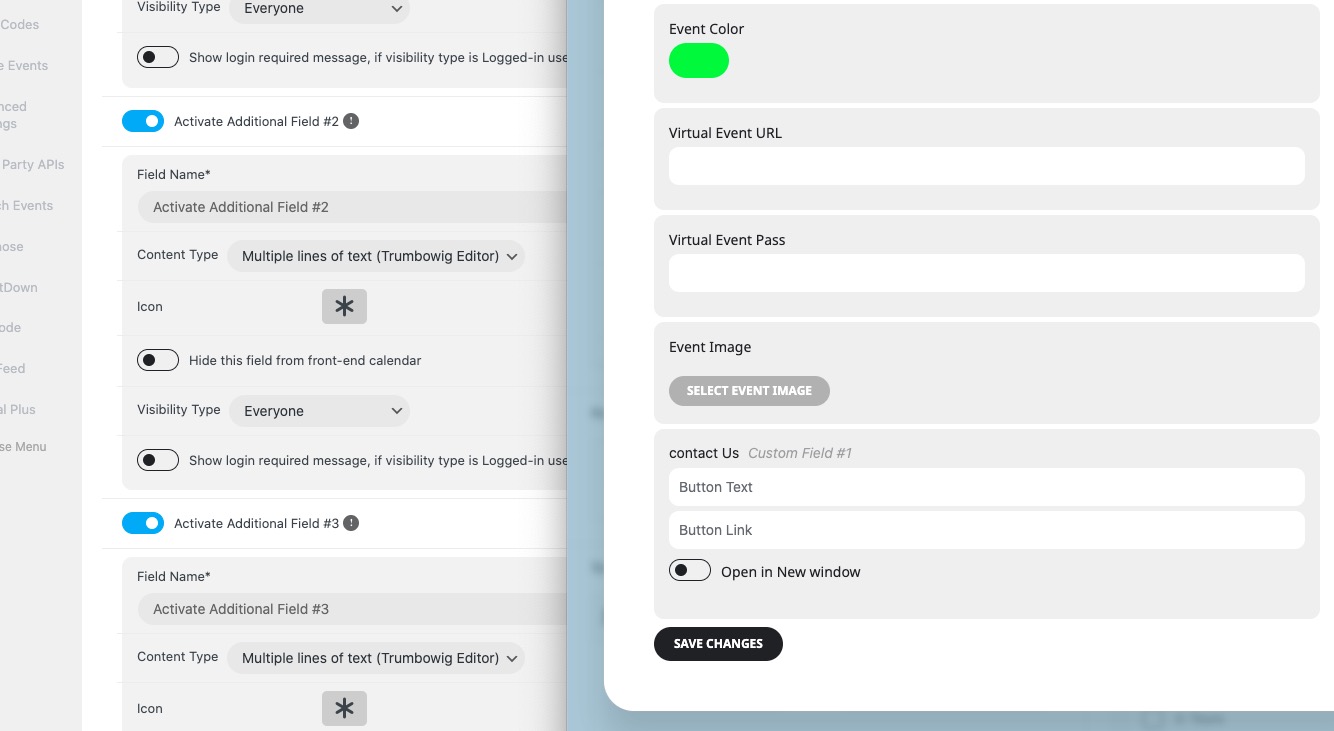
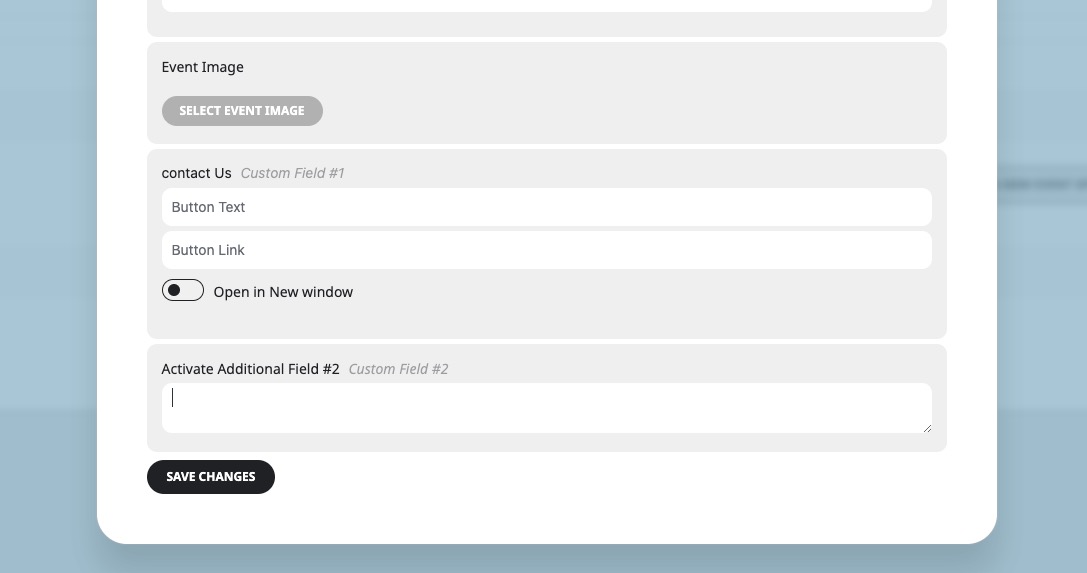
The same on dev2:
Reply to: 355270
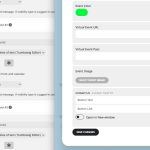
[Replyto/355271]
When I added the code from customer’s website, it simply deleted everything after I refreshed the page:
Thank you for your messages, I am going to assign this ticket to Ashan and he will be able to take it from here and find you a solution. Please allow some time for him to get back to you, we greatly appreciate your patience and thank you for being a eventon customer! Also please disable any IP blocking on your site if there are any.
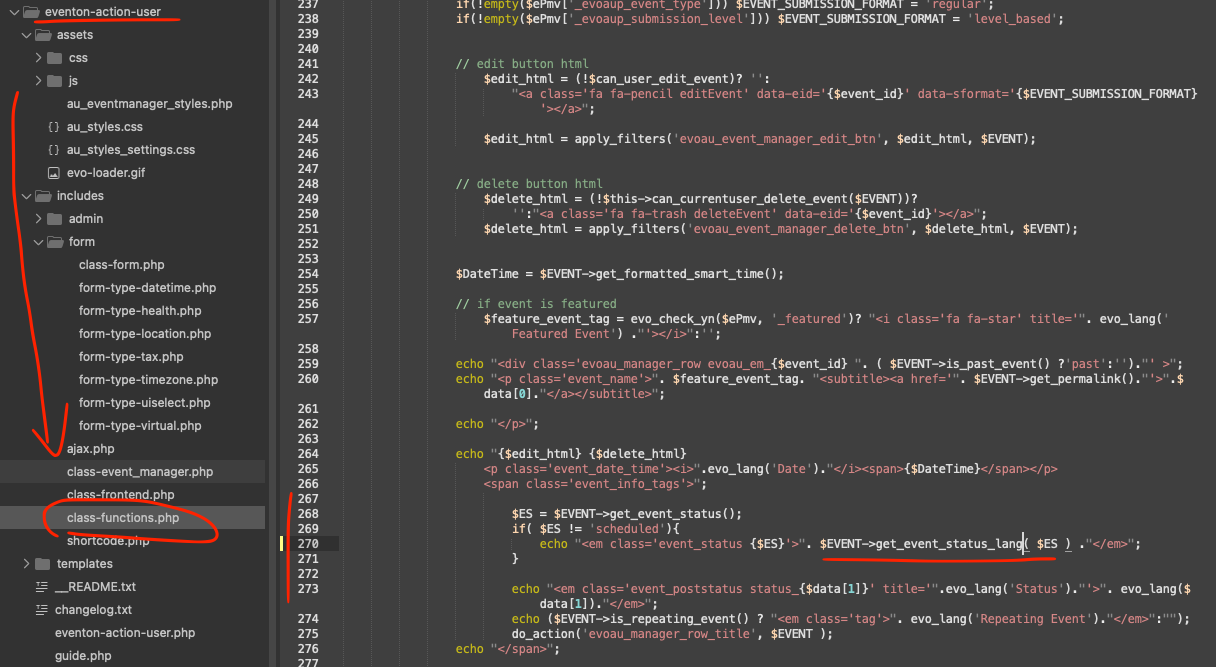
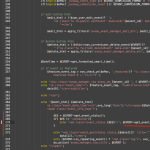
Here is the patch fix to resolve this issue. Make the changes in your actionUser addon as shown in the image.
Code: get_event_status_lang
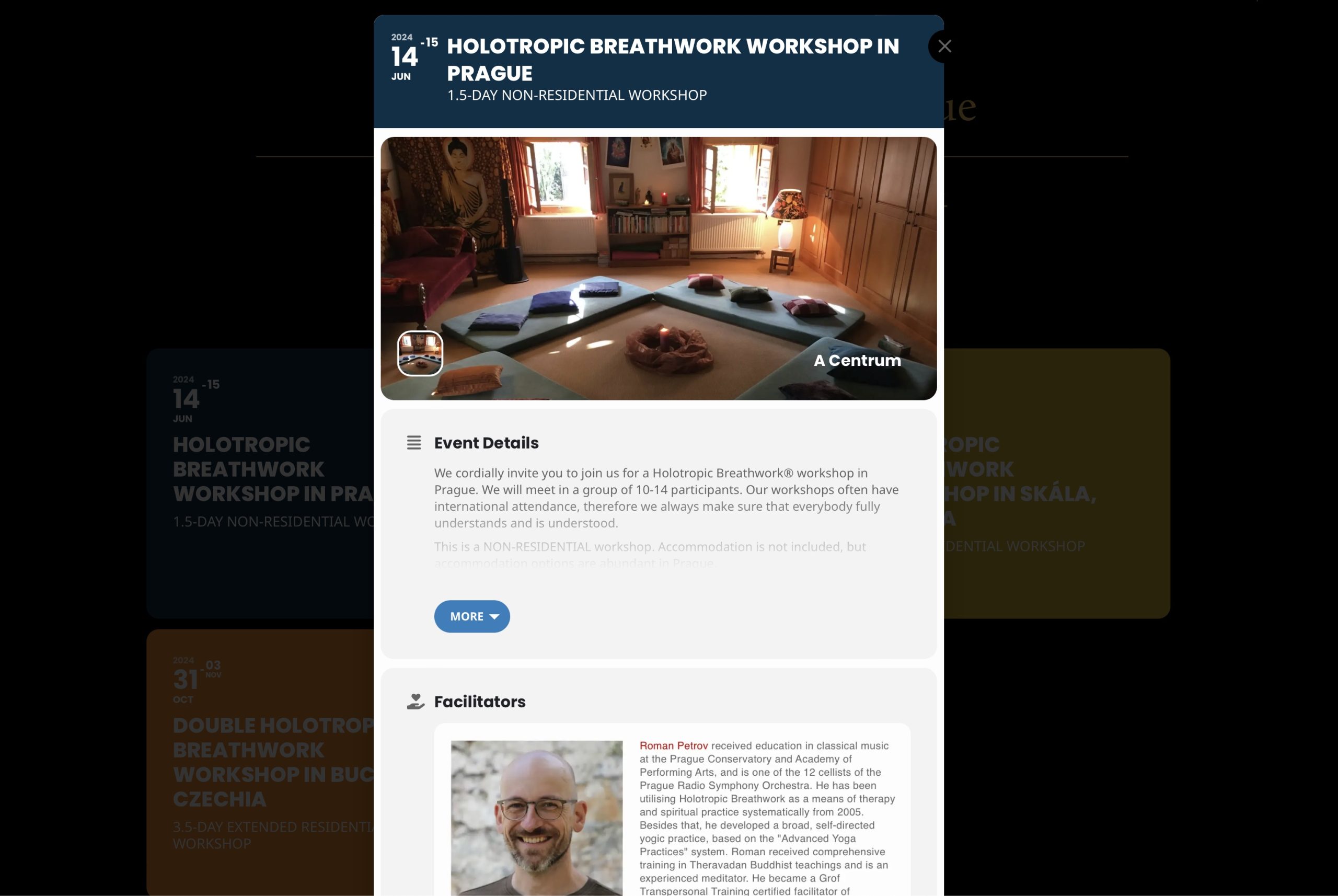
Just change -40px to place the close element where you want. Please try and let me know.
I replaced the shortcode, so it seems to be working now. Please check and let me know.
Hello,
Please take a look at
https://docs.myeventon.com/documentations/why-my-site-and-eventon-page-loading-slow/
Also go to EventON > Advanced > try a different Select event calendar WP Query method.
Yes, I’m.
https://kylevincentg12.sg-host.com/wp-login.php
Username: kvgarcia0@gmail.com
Password: Ilovesoccer@05