Please go to /wp-content/plugins/eventon-action-user/includes/class-form.php the organizer section starts from line 751.
Archives: Replies
Replies for tickets on suppota
Reply to: tickets(355199)
Hello,
Please go to EventON > EventCard > try a different Feature image display style. Try “Feature image display style: Fit entire image, resized box height“.
Reply to: tickets(353440)
Try adding this code to wp-admin > Appearance > Customize > Additional CSS.
Reply to: tickets(355203)
Hello,
You can edit Organizers and Locations from wp-admin > Events > Event Location and Event Organizer.
Reply to: tickets(355168)
Please go to EventON > EventCard > try a different Feature image display style. Try “Feature image display style: Fit entire image, resized box height“
Reply to: tickets(355205)
Hello,
Are you using this shortcode:
[add_eventon_fc]
Please send us wp-admin access to your site as a private message for us to further assist your situation.
Reply to: tickets(355210)
Hello,
Please go to EventON > EventCard > try a different Feature image display style. Try “Feature image display style: Fit entire image, resized box height“.
Reply to: tickets(351647)
Please add the CSS code to EventON > Styles (If you don’t see any change, EventON > Scripts & Styling > turn off Write dynamic styles to header > save settings > turn on Write dynamic styles to header).
Reply to: tickets(355107)
Route is empty in Edit Event: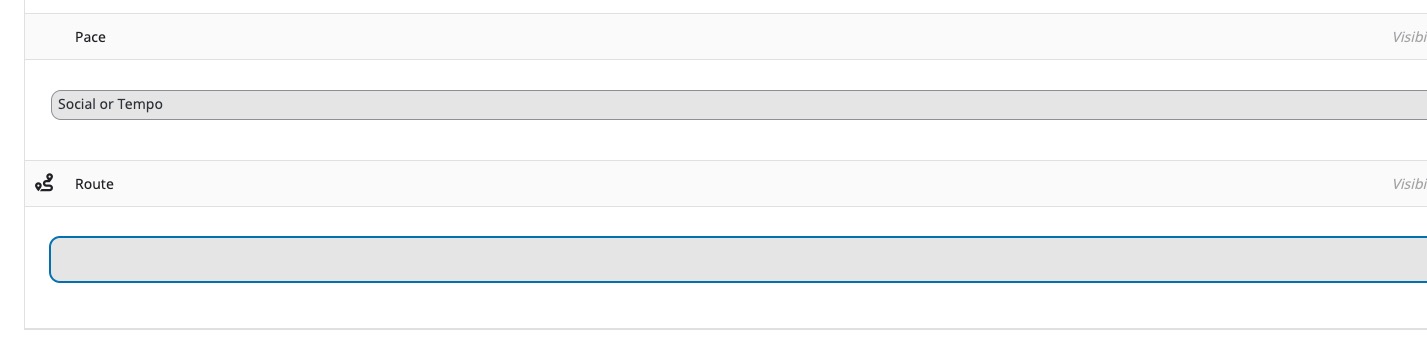
Could you try going to EventON > Custom Meta Data > selecting “Content Type: Multiple lines of text (Trumbowig Editor)”?
Reply to: tickets(355213)
Hello,
Please follow the instructions in this documentation to activate debug in your site to see any PHP errors recorded that can provide insight on to whats going on. Please reply with a link to debug.log file. If you are not able to do this please send us FTP access to your site so we can do this for you.