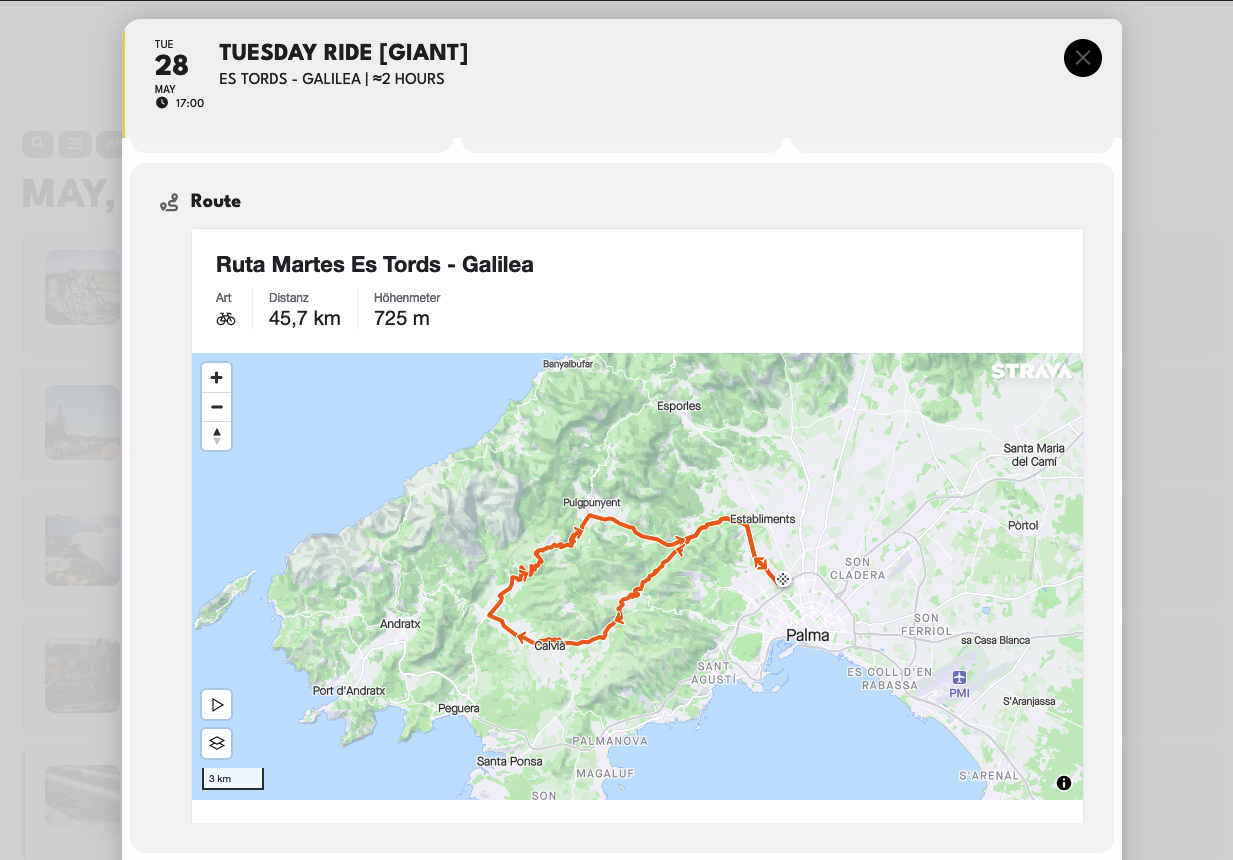
Screenshot 1
Replies for tickets on suppota
Screenshot 1
BOOM! fixed. just needed to resave the myeventon>>>settings>>>>event card setting page
We are glad your issue is resolved, if you have any further questions or concerns please create a new ticket.
If you have a moment, we would greatly appreciate if you could kindly leave us a review at Codecanyon. By going to your account > Downloads. We are very grateful for your kind review!
need admin access- we need to edit the page with the shortcodes make out own testing page and have access to your shortcode generator
Hi, no have disable the snippets, have also disabled the Oxygen Builder
https://amovida.gal/wp-admin/
user: eventon_support
pass: MaR4HJw3luva0ad
I gave you Event Contributor profile, let me know if you need something else
Welcome,
Has a solution been reached in the problem of linking the event display to the publication date and not the end date?
Wp admin access
https://courtyardkoota.com/wp-admin/
User name: EventOn
Password : pastEvents24!
Sending you access. My website was hacked the last time i gave you access. Please solve this at the earliest and i will delete your access
no, we are not working on your website and havn’t for over 7 hours
Hello,
Are you working on my website? my website is currently not working? do you know why is that?