I’m sorry, but since this is a staging site, I’m unable to provide individual access.
Archives: Replies
Replies for tickets on suppota
Reply to: tickets(343005)
Hello Lorena Cañamero,
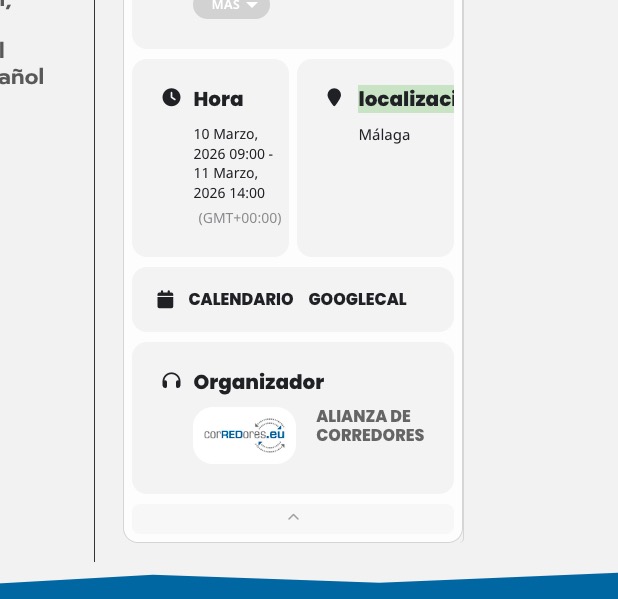
Are you referring to ”localización” being cut off?
Reply to: tickets(343005)
I have the calendar installed on a client’s homepage, but when you click on the event, the card appears cut off and is not fully visible.
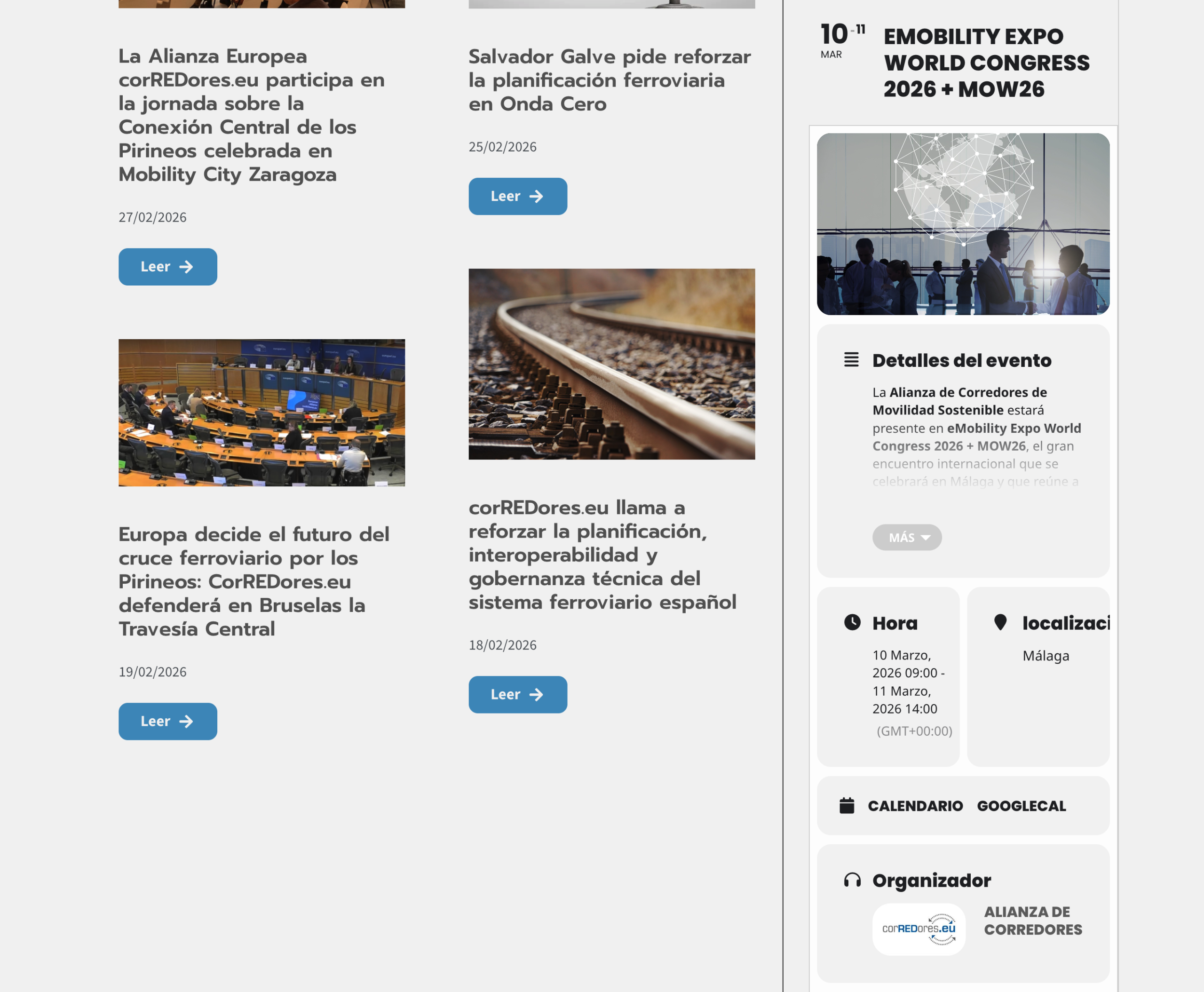 https://alianzacorredores.greenhatworkers.com/
Reply to: tickets(405339)
Order #224567 (March 16, 2026)
Reply to: tickets(405138)
Thank you for taking care of this. Could you now close/delete our account or let me know where I can take care of this from the dashboard? Thank you!
Reply to: tickets(405048)
Please go to
> find Downloads. You’ve be able to find the add-on there.
Reply to: tickets(405322)
Can you please send us a direct link to where the actual issue is happening?
yourwebsite/bb-2026/ leads to the login form.
Reply to: tickets(405339)
Hello,
Could you send us Order ID of the purchase?
Reply to: tickets(405349)
Hello,
Thank you for your messages!
I am going to escalate this ticket to our account manager to help in here. Please allow us some time to address this, and we truly appreciate your patience. Thank you for being a valued EventON customer!
Just to make sure are you trying to verify it by going to this website and using the ”Verify Codecanyon Purchase” form?
https://www.myeventon.com/full/
Reply to: tickets(401971)
Not possible, I am afraid.
However, you can get a free copy bu going to
https://www.myeventon.com/full/
And clicking on ”Verify Codecanyon Purchase”.
Please try and let me know.