Reply to: tickets(354886)
Replies for tickets on suppota
Hi dave,
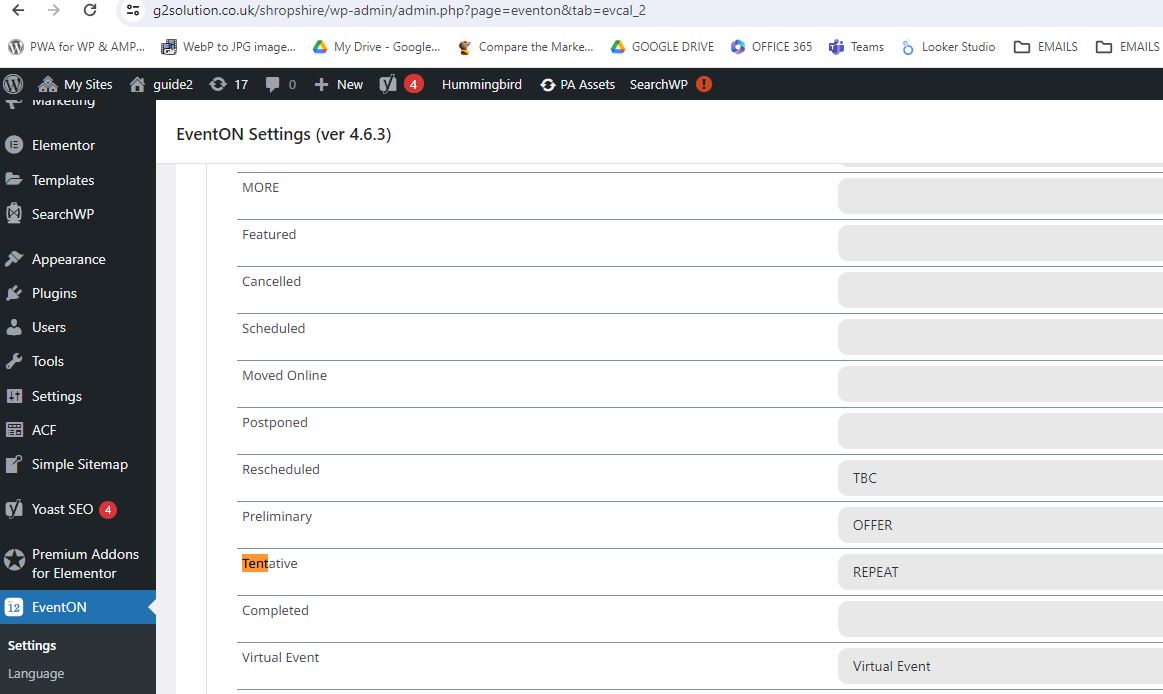
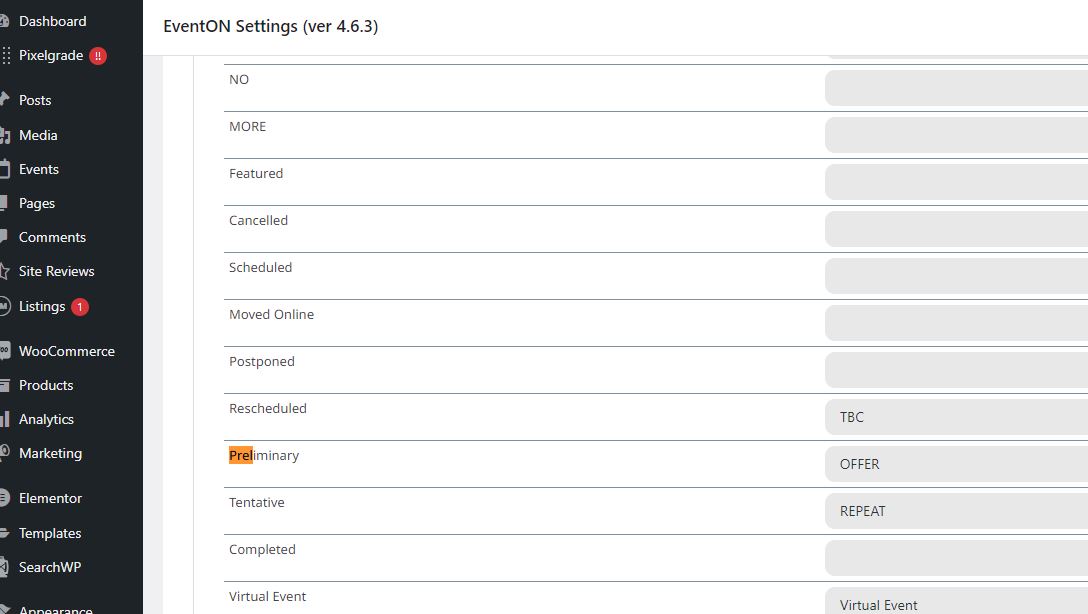
please see attached over 3 tickets
where did you change the language- I don’t see any changes from myeventon>>>>language>>>>action user—–event manager
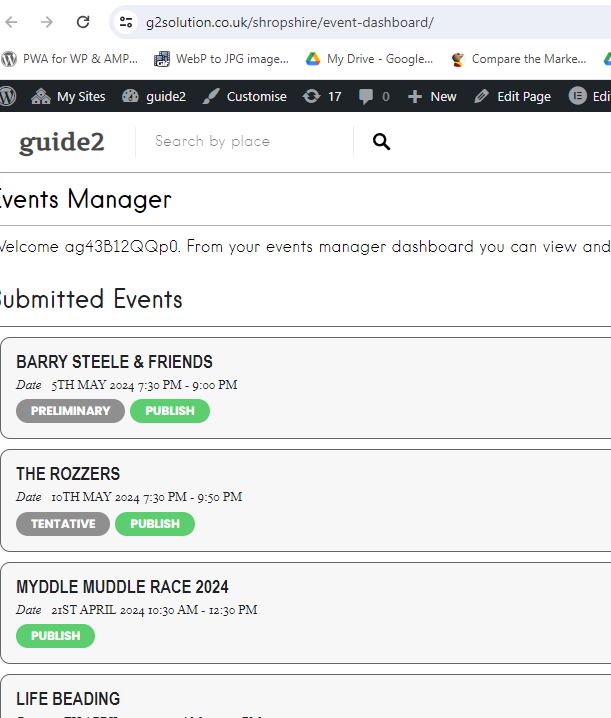
I have added dashboard to test site https://g2solution.co.uk/shropshire/event-dashboard/
To top events have to wording
To password are required to view as user
ag43B12QQp0
freewill.museum.peroxide
admin
ag43B12QQp0
bNTepKxIRIb^M&Zmym83F6pd
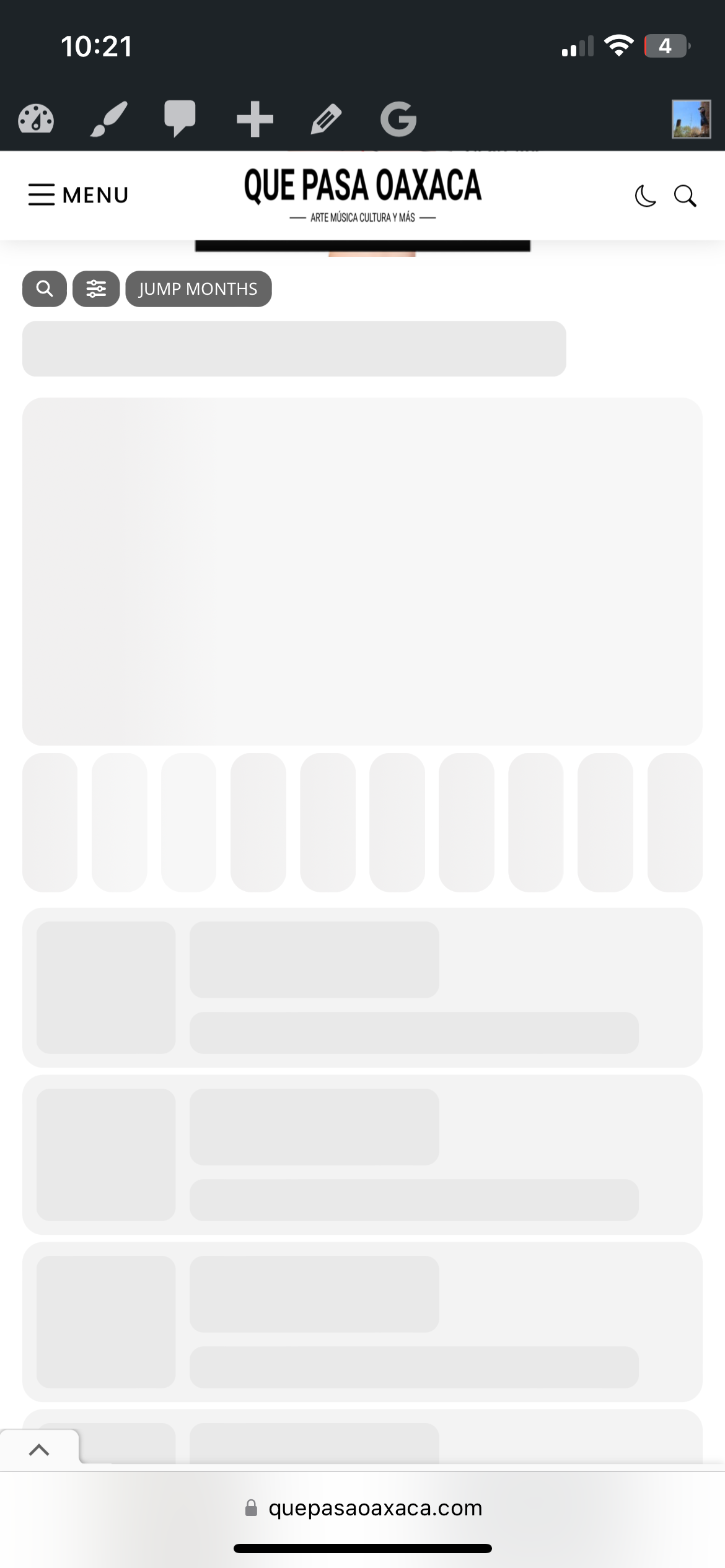
Hi, I just cleared the cache on my server (including the calendar pages which I usually have excluded), but it didn’t seem to make any difference. On my newer iphone the calendar still isn’t loading at all, on my much older iphone it’s loading normally. I logged in on the new phone but it still didn’t load. I’ve attached a screenshot to show how it looks on my new phone.
Thank you
Hi, ok thank you for the update, I’ll wait to hear from Ashan.
Have a nice weekend.
https://docs.wp-rocket.me/article/670-hosting-compatibility
in particular
def try that as you have rocket cache
those 2 elementor updates are still running in the background- I would really recommend getthing them over and done with as they use resources-
(will they speed up the image? possibly but its processors that are running which could be used for anything else)
if you are happy to share plesk access I’ll have a look in there but mostly the solution should be found within wordpress (however plesk might have their own cache running on a server level- always good to cancel that out as a cause at least)
Please send us wp-admin access to your site as a private message for us to further assist your situation.