Your server has installed cache plugin. Could you try clearing it and check the calendar again?
Also can you try to login to your website on mobile and see if it helps?
Replies for tickets on suppota
Your server has installed cache plugin. Could you try clearing it and check the calendar again?
Also can you try to login to your website on mobile and see if it helps?
Ashan,
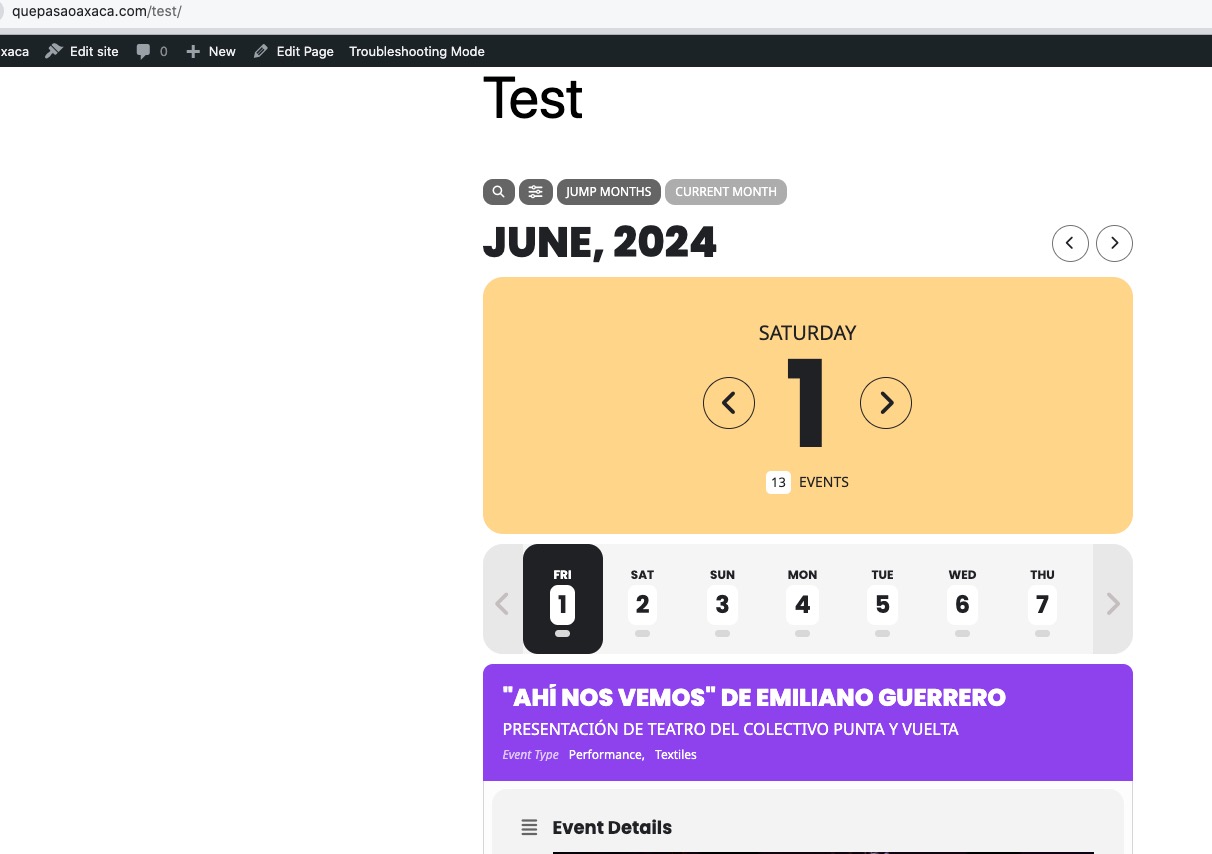
Even in Troubleshooting mode it still shows incorrect day names:
https://www.quepasaoaxaca.com/wp-admin/site-health.php?tab=troubleshoot
Thank you for your messages, I am going to assign this ticket to Ashan and he will be able to take it from here and find you a solution. Please allow some time for him to get back to you, we greatly appreciate your patience and thank you for being a eventon customer! Also please disable any IP blocking on your site if there are any.
Please use
.evo_cal_above span.evo-gototoday-btn {display:none !important}
Very sorry for the delay.
Katrin Baarth,
Could you send us a private message with login info, if possible? I want to check if I can get the same error:
https://helpdeskx.s3.amazonaws.com/wp-content/uploads/2024/04/16153100/Screen-Shot-2024-04-16-at-3.29.57-PM.png
Gerard W,
Could you create a new ticket with included login info for the same reason?
Hello,
Seems to be working on my side:
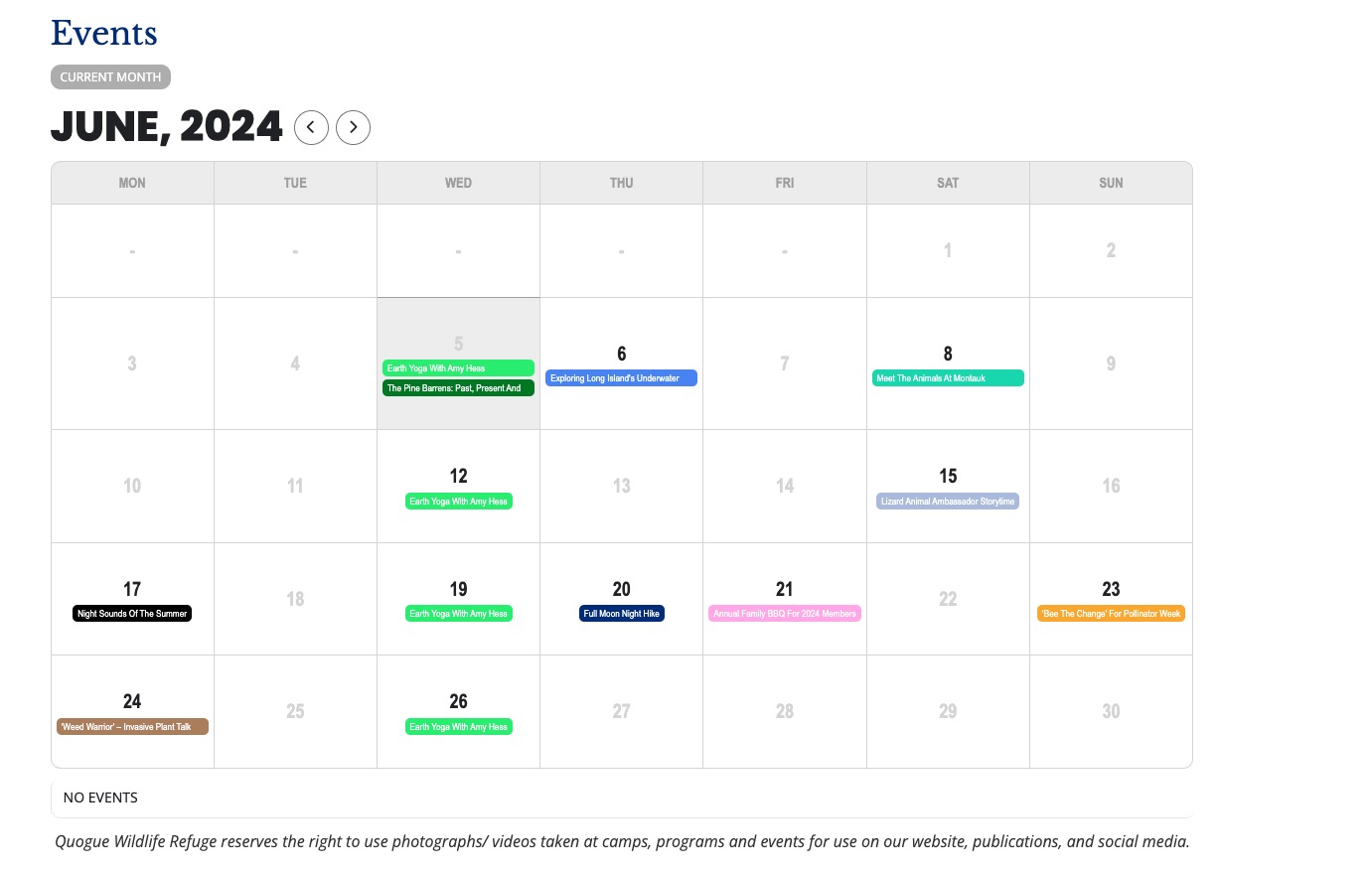
Could you try manually clearing your browser as well as server’s cache?
Unfortunately, we unable to help with PHP customizations since it’s against CodeCanyon’s Support Policy.
This ticket is private.
Hello,
I cannot find the button when checking from my Mac:

Could you send us a screenshot?
Please also send us wp-admin access to your site as a private message for us to further assist your situation.
Hello,
Everything seems to be working completely fine on my side:
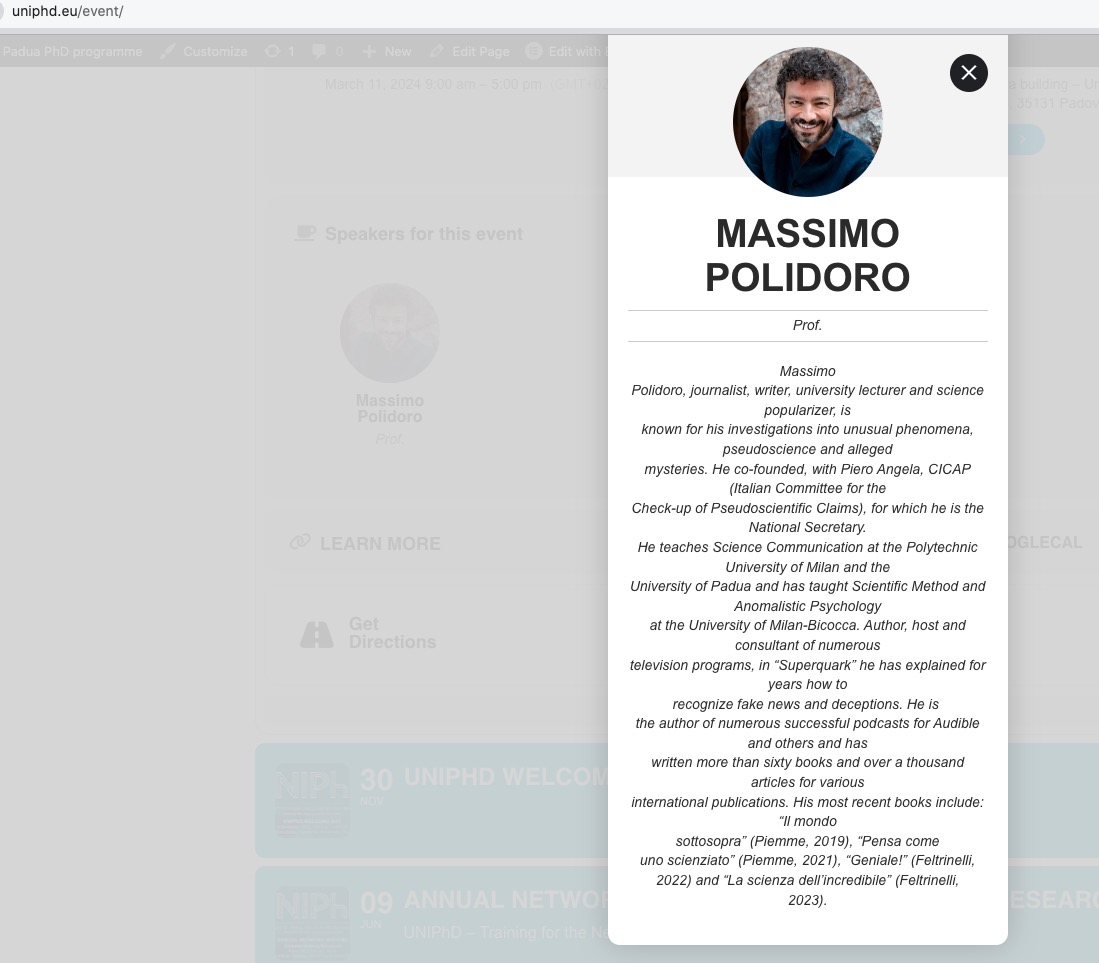
Could you check and let me know?