I’m not sure if it’s actually the same issue. Now I’m logged in I can see the response was to update, which I’ve already done.
Archives: Replies
Replies for tickets on suppota
Reply to: tickets(352653)
Hi,
I have been testing actionuser plus.
I have noticed today that if i go to woocommerce my account and view orders and click order again it does not add a price, just the default set in my products.
Should there be products in woocommerce for each eventon product. Should they create automatically or do i need to create, many thanks
https://www.awesomescreenshot.com/video/28000811?key=c4fa5eb90f948309c7677b162ae3e1c9
Reply to: tickets(354886)
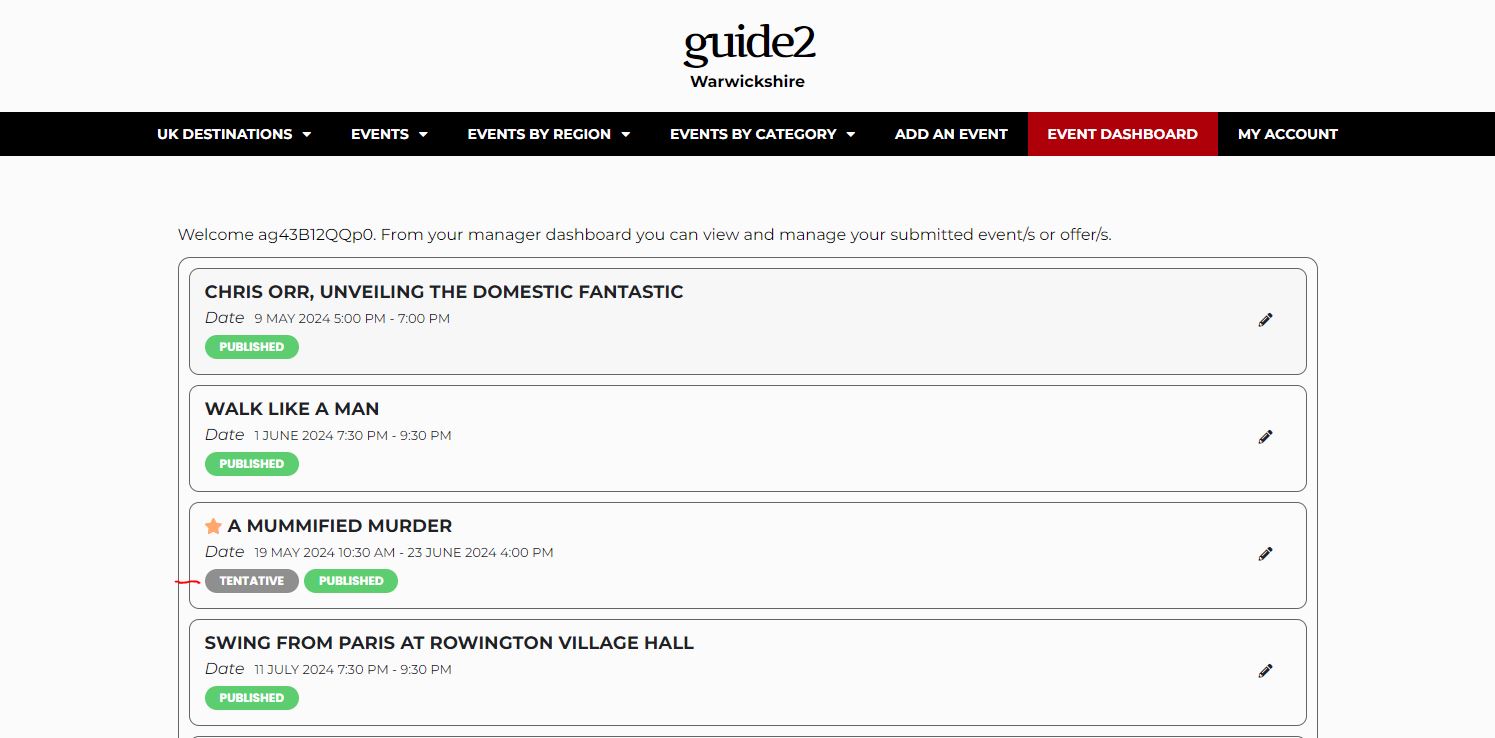
Sorry image attached
Reply to: tickets(354882)
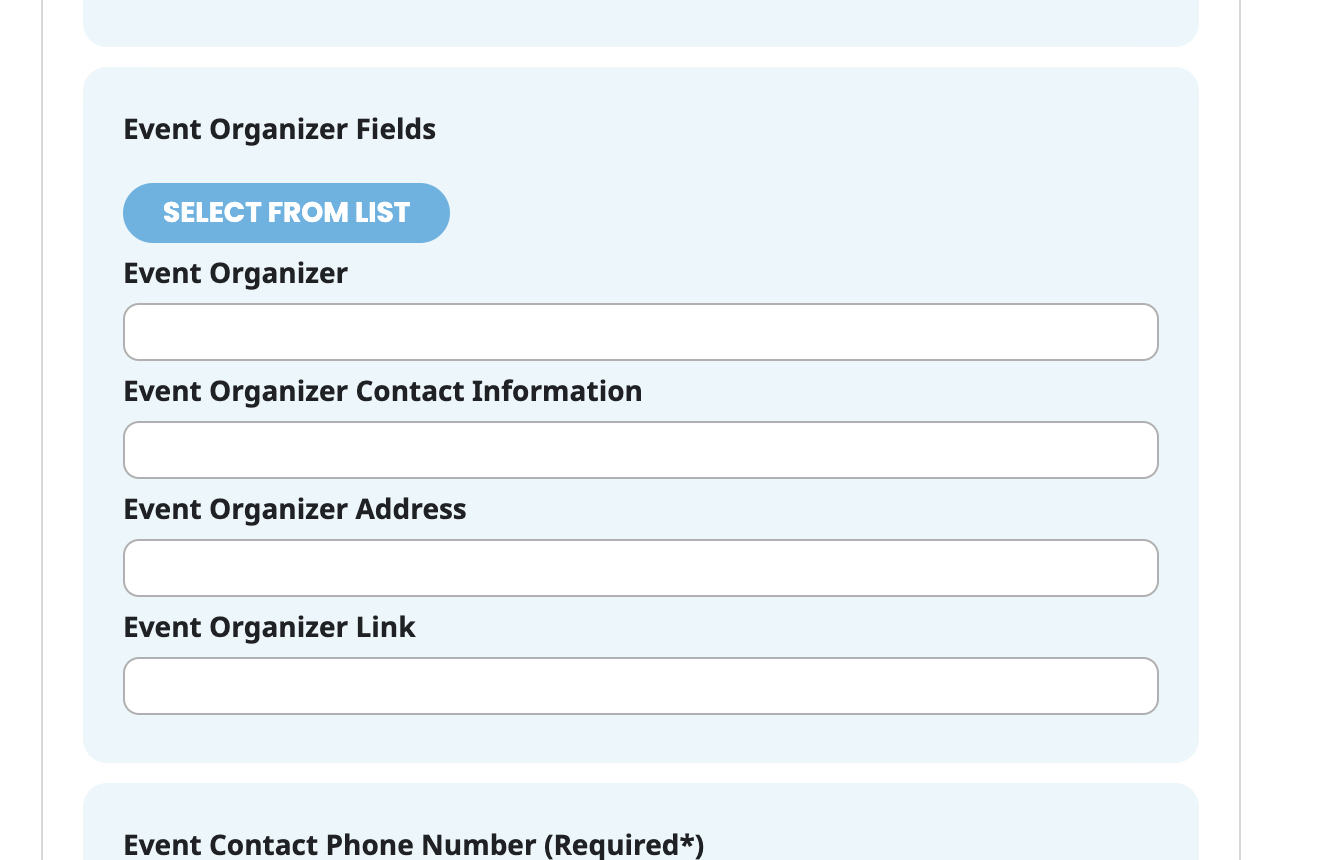
I submitted this ticket to the page since it was required, but there’s really nothing to see there since I haven’t added the fields to that form. However, I did add the Event Organizer fields to the form on a staging site:
https://visitcasscounty.flywheelstaging.com/events/
you’ll need this info to view:
user: flywheel
password:frantic-market
You’ll see on that form I’ve added the ability to create a new Event Organizer, I just want to change the fields that appear in that section.
Reply to: tickets(354265)
Yes, EO, please escalate this matter. Your explanation does not make sense. If the issue was with the Google Maps API, then there would not be a map on any event card. However, as demonstrated above with links to live events on our site, older events show the map while newer events do not show the map. If the issue was with referrer restrictions on Google Maps API, then no maps would generate. Thank you.
Reply to: tickets(354740)
My coworker has been adding images by copying and pasting them into the event rather than using the “upload media” button, could this have anything to do with it?
The only thing is that only some of the events that are showing the problem and I’m pretty sure she copies and pastes all of them.
Reply to: tickets(354740)
Hi, I’ve just re-uploaded the photo to the event.
Thanks
Reply to: tickets(354733)
https://helpdesk.ashanjay.com/ticket/eventon-calendar-has-the-wrong-dates-for-events/
Sorry, just realised I forgot to paste it in
Reply to: tickets(354713)
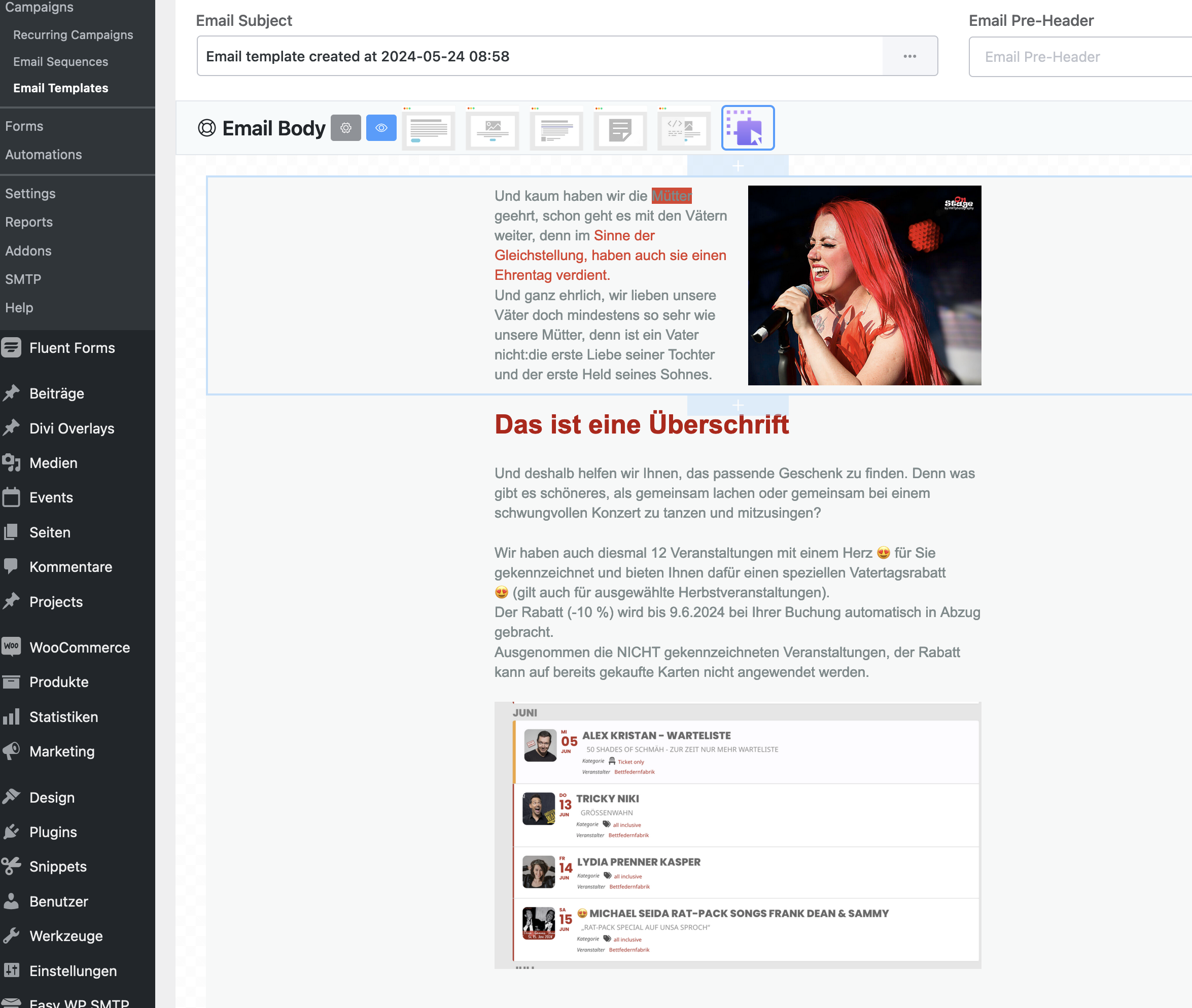
In email, I want to include a preview of some events. So client can click ión this event and come to the website,
I showcase this on my newsletter template.
But here it is an image not data.
How can I send Emails to clients and use EventOn?
Reply to: tickets(353176)
https://tyskschlager.dk/wp-admin
user: EVENTON
pass: EVENTON