I think that the updating fixed the issue: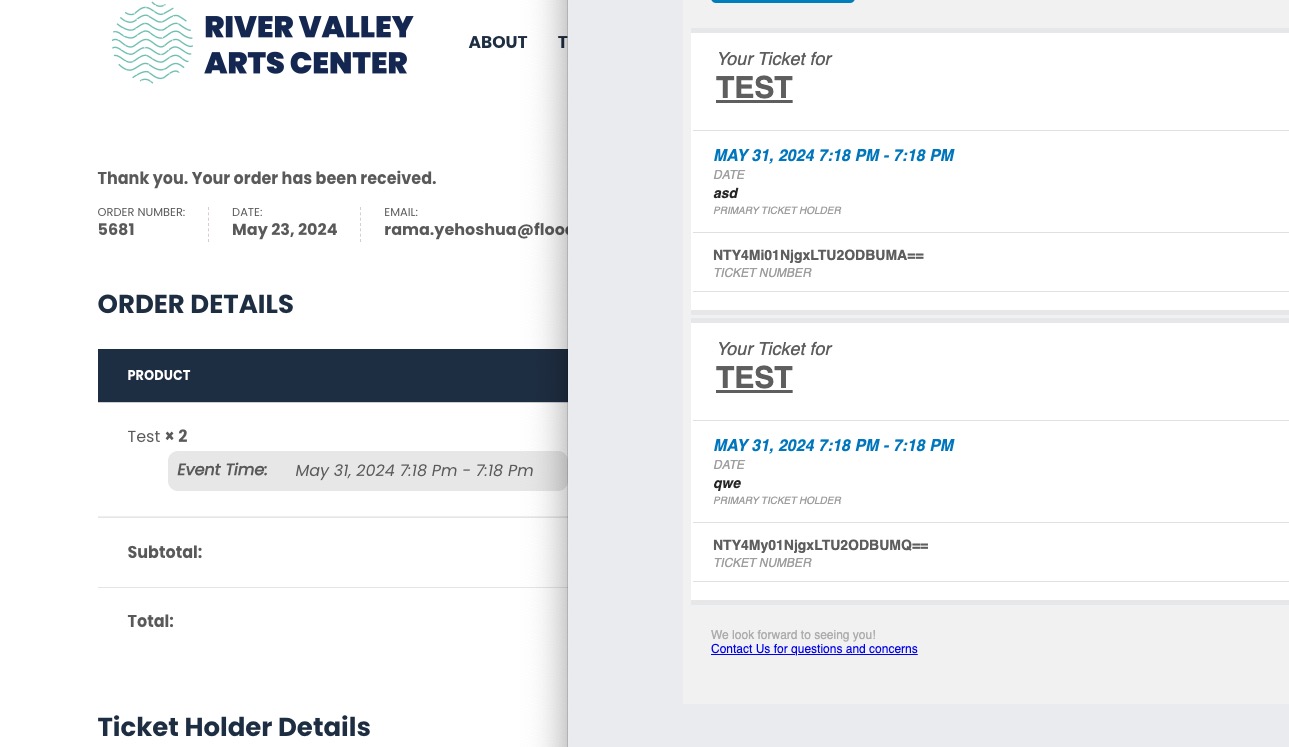
This ticket is private now.
Replies for tickets on suppota
I think that the updating fixed the issue:
This ticket is private now.
Hello,
Please add this CSS code to EventON > Styles (If you don’t see any change, EventON > Scripts & Styling > turn off Write dynamic styles to header > save settings > turn on Write dynamic styles to header):
.evoGEO_map .evoIWl { display: none !important; }
Could you try following this guide:
https://docs.myeventon.com/documentations/wpml-eventon-front-end/
There are two options that can affect this:
1. EventON > Advanced > Select calendar event content filter type. But not sure if this option actually causes your issue.
2. Something from WPML plugin.
First of could you try
https://docs.myeventon.com/documentations/wpml-eventon-front-end/
Hello,
Please go to EventON > Event Card > enable Open all eventCards by default (Except tile layout).
Thanks Gerard for pushing the same direction.
For us it is the same as you describe. Just we started in this status round February, never had the promised functionality. Insisting on a solution for approx. 8 weeks. So far only referring to other tickets, try this, try that, no real investigation, no success.
@Artem, @Ashan: Please urgently follow this request to adjust the Addon and give clear instructions how the settings in the google account need to look like to make it work.
As described by Gerard: This is consuming ressources on our side and keeps customers of ours unsatisfied.
Thank you so much, this worked:)
Please Ashan, did you found a solution?
How can the EventOn plugin have such a big problem on a new WordPress installation?
Hi, thanks for your response.
This is the login page: https://www.quepasaoaxaca.com/qpowelcome
If you could have a look and let me know what’s happening that would be great. It’s a new change so something different is happening to before. We’ve been using the plugin for around ten years.
Thanks,
Rebecca
Hi, this is the login page: quepasaoaxaca.com/qpowelcome
Thanks