Unfortunately, we cannot fix this from our side, so please apply this patch to Fusion files:
https://helpdeskx.s3.amazonaws.com/wp-content/uploads/2023/02/08180337/Screen-Shot-2023-02-08-at-5.02.20-PM.png
Replies for tickets on suppota
Unfortunately, we cannot fix this from our side, so please apply this patch to Fusion files:
https://helpdeskx.s3.amazonaws.com/wp-content/uploads/2023/02/08180337/Screen-Shot-2023-02-08-at-5.02.20-PM.png
Hello,
Even so Tickets add-on as well WooCommerce are both enabled, I cannot find Event Tickets section on Edit Event page. Comparing to our test site:
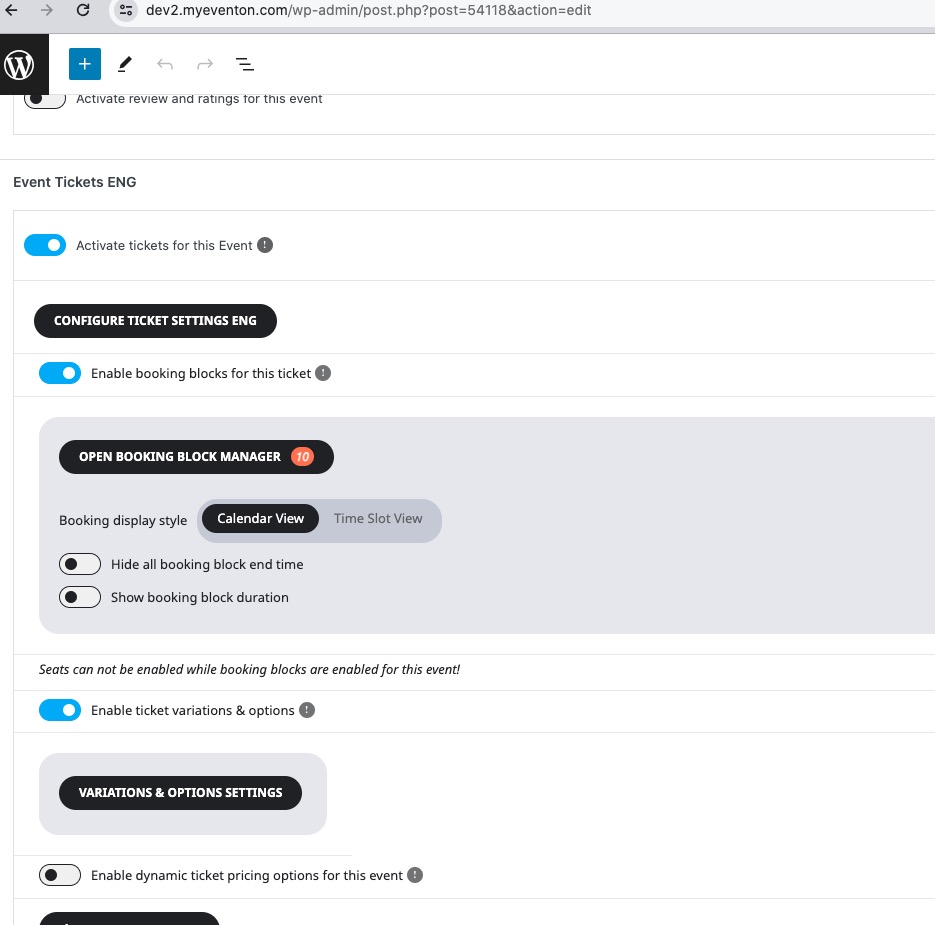
Could you please try the instructions mentioned in this documentation?
Here you go:
https://go.pickpea.ch/JruE6nW4
Hi,
Thanks. Any news ?
It’s urgent to find a solution as we are unable to sell tickets of my upcoming events and that’s is a big loss for me. Please give me an ETA so I can plan accordingly.
Thanks for your understanding,
Thank you can you advise where I go to edit this please? Thank you
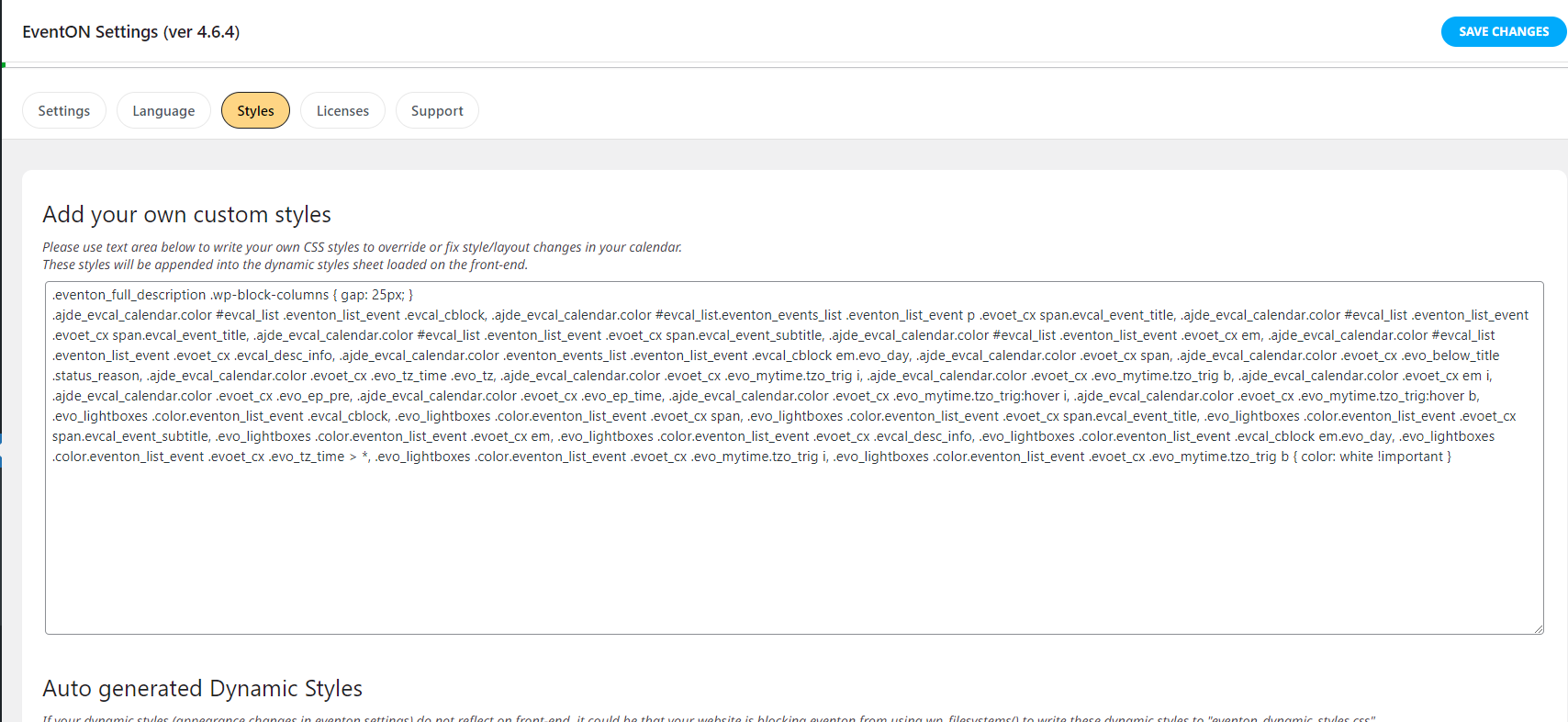
Hello,
It doesn’t seem to work, I don’t know why. And I turned off and on the “dynamic styles to header” setting.
What should I do ?
Tanks,
Lucile.D
In addition to the usability concern – that users will not know that they have to click a time slot and walk through the process again – the larger issue is that the capacity can be exceeded by replicating these steps. How can we ensure that ticket sales for a given time slot never exceed capacity?
We have the plugin installed. We create an event and add a ticket in the panel according to the instructions from your website, but the buy ticket button doesn't appear in the event tile.
Sorry about that. Try this:
admin: EventONAdmin
pass: EventOnAdmin052024!
I followed the recommendation for the event card. Now it shows the image, but with the “loading image” text.
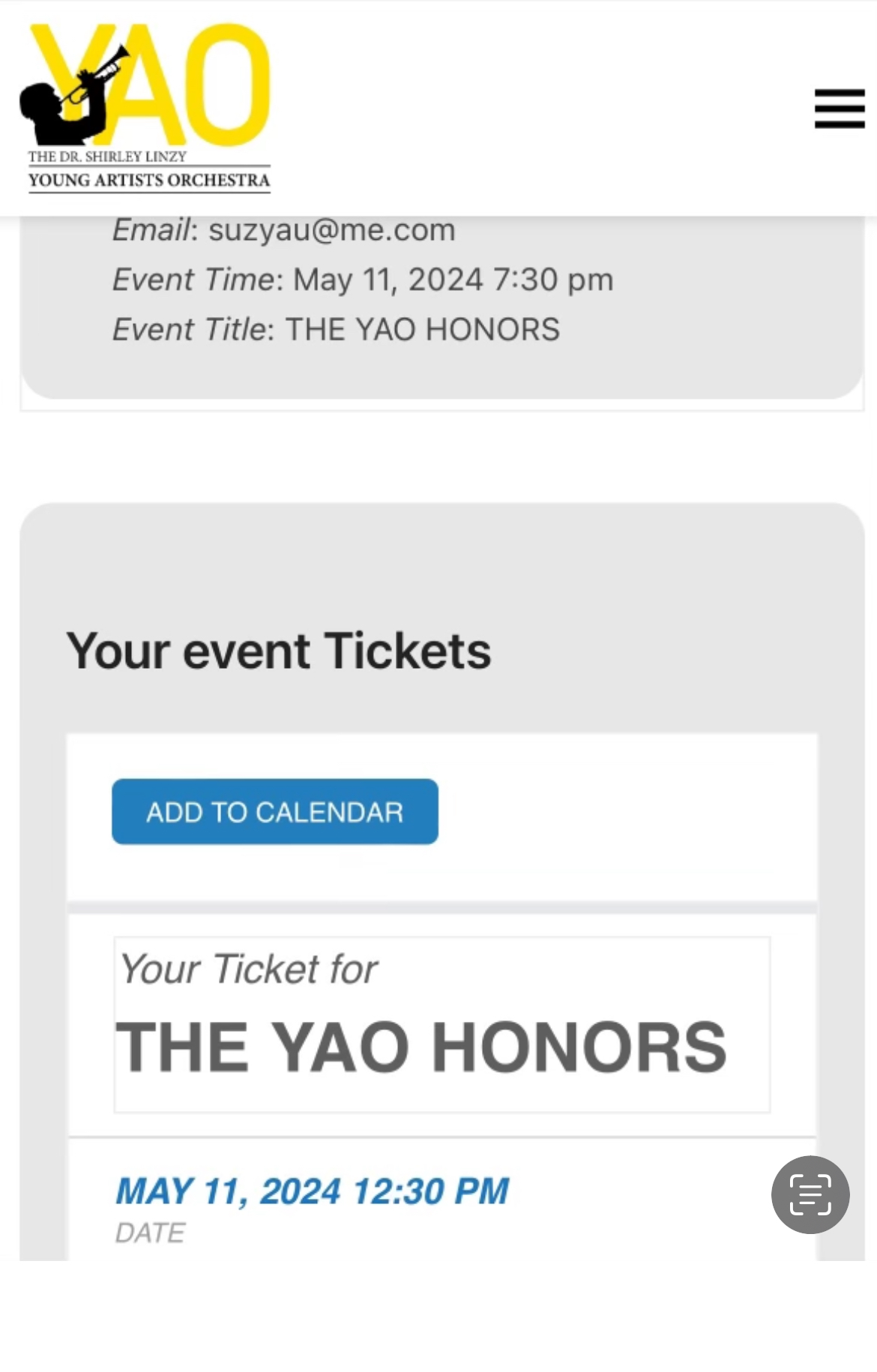
I’ve added a photo with the ticket error.
As of today, with the latest version of eventOn, bookings and tickets addon, this issue no longer occurs.