Hi Artem, thanks for the quick reply. This is the debug file: https://mcg-neuss.eu/wp-content/debug1.log
Archives: Replies
Replies for tickets on suppota
Reply to: tickets(353714)
FTP access
user eventon@foodsorcery.co.uk
pass: Eventevent123!!!
Thanks
Helen
Reply to: tickets(353630)
Please don’t forgive us, we are in a ceryndifficult situation with our website closed and many clients complaints.
With the tickets purchases well recorded and the pdf working we will be able tu reopen the site.
Thank you ver much,
Rafael
Reply to: tickets(353451)
Hi Taylor,
We are glad your issue is resolved, if you have any further questions or concerns please feel free to create a new ticket.
Reply to: tickets(353975)
Hello Thomas,
Please go to EventON > EventCard > try a different Feature image display style.
We are working on fixing this.
Reply to: tickets(353560)
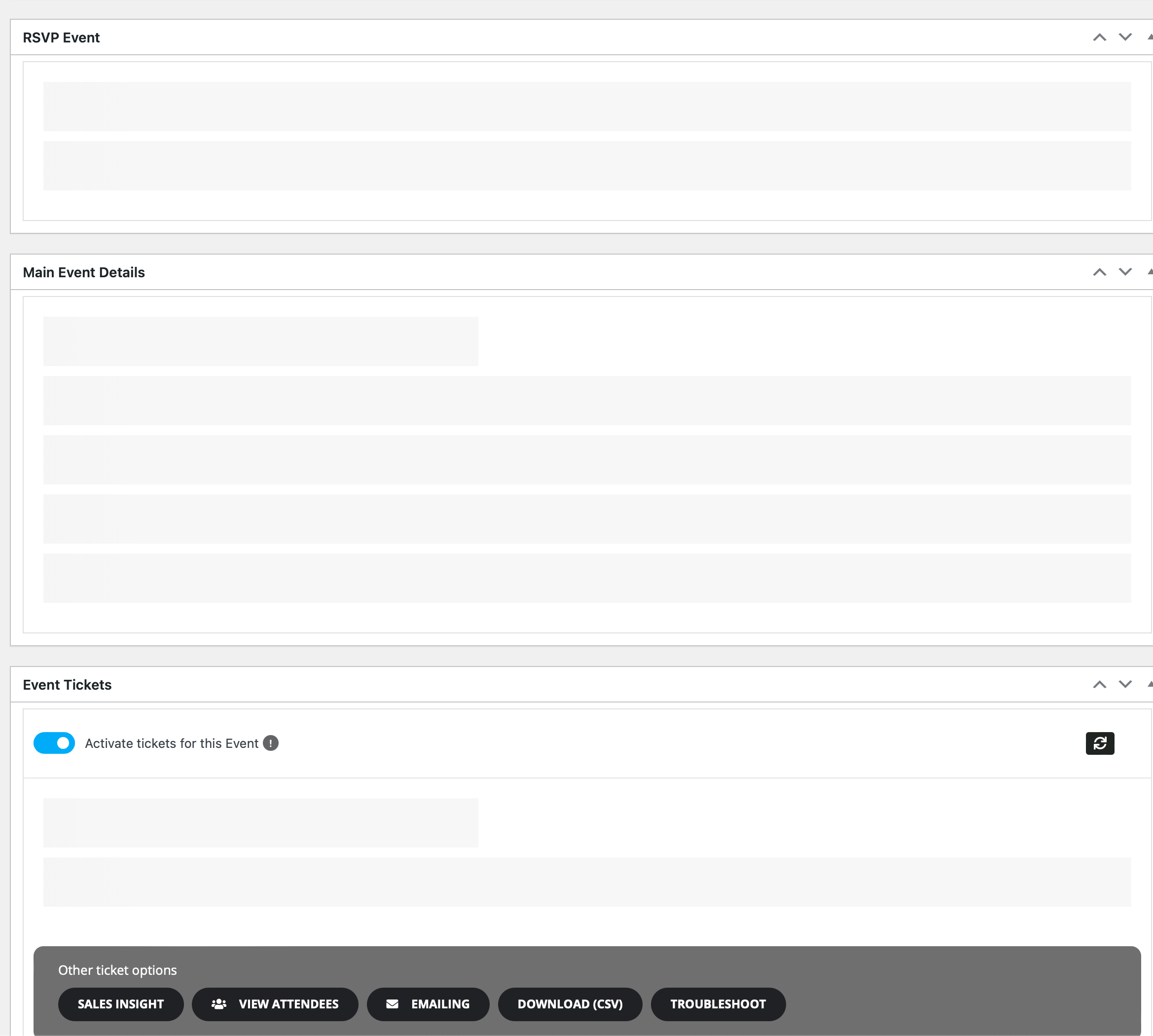
Whenever we try and create or edit an event, we get stuck with empty event card details and options.
Why is this?
Reply to: tickets(353451)
The issue has been cleared up
Reply to: tickets(353560)
Can I get an update? Did you point our WordPress instance to an outside database. If it wasn’t your staff, I will need to reset a bunch of credentials.
Please give me an update.
Reply to: tickets(352581)
Thanks, but these are the codes I tried and the events still look full width, not under the day’s column:
https://corporacionrm.cl/innovacion/santiago/
[add_eventon_wv event_type=”31,32,34,” event_location=”29,33,35,36,” event_organizer=”30,” fixed_week=”4″ fixed_month=”7″ fixed_year=”2024″ week_style=”1″ table_style=”1″]
[add_eventon_wv table_style=”1″ week_style=”1″]
I did selected both options form your screenshot, I don’t know what I’m doing wrong, please help.
Reply to: tickets(353630)
UPDATED:
Main urgent issues pending to be able to publish the events:
>> Purchases seats doesn’t appear in ‘All Events Tickets’
>> NO PDF: all orders marked now as completed with the ‘Autocomplete WooCommerce Orders’ plugin: now the email confirmation arrives to the guest/client, but STILL WITHOUT PDF.
>> Purchased seats appear in the map as available!!