Hello,
Are you trying to refund the main plugin or the add-ons as well? Could you tell us more?
Replies for tickets on suppota
Hello,
Are you trying to refund the main plugin or the add-ons as well? Could you tell us more?
Hi,
Adding the code to wp-config.php made the website disappear.
The FTP access is open for 7 days:
ftp.swissotours.ch
User: swissotours.ch
PW: Ejw7VW2G.
Access to WordPress so you can see that there is no option to set the date for an event anymore:
http://swissotours.ch/wp-admin/
User: Jolanda
PW: @Laufen123
Thanks for your help!
Florence
please visit here https://dutchflowacademy.com/test/
the arrow button did not work
whats wrong please help me
thanks
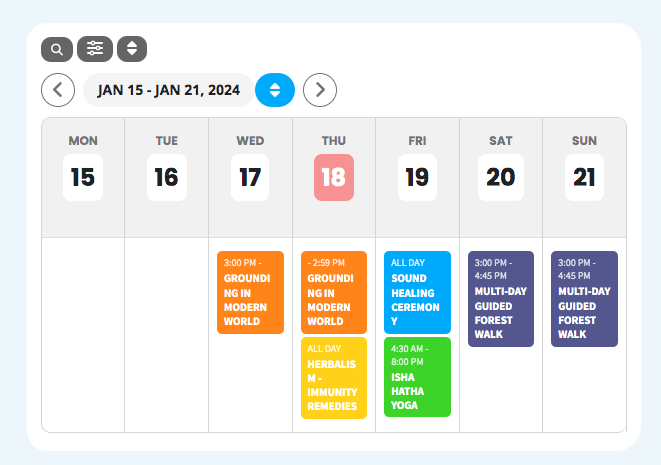
I see that I can’t upload 2 images, here is the screenshot1.png one, as I want the calendar to display the events.
Thanks
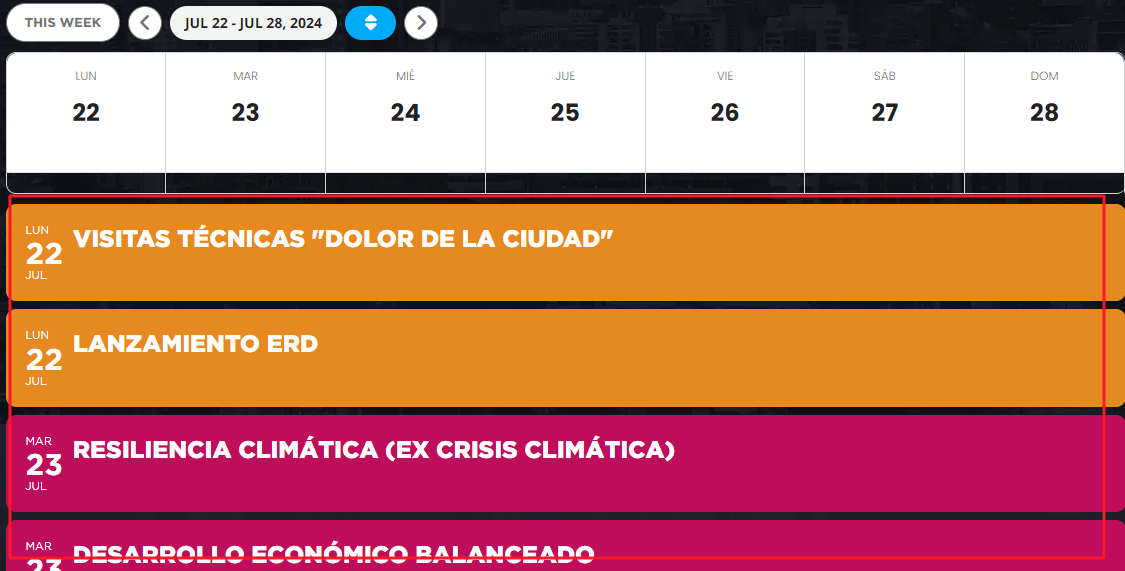
Sure, yes its showing the correct information, but not displaying as it was. It was like screenshot1.png with the events for monday, under monday’s column, events for tuesday under tuesday’s column, and so on. Now I changed the month and week and it’s showing the week with the days as columns but the events full width, not under each day’s column, screenshot2: https://corporacionrm.cl/innovacion/santiago/
The first calendar is the test you made. Don’t worry about that
Any update on this, please?
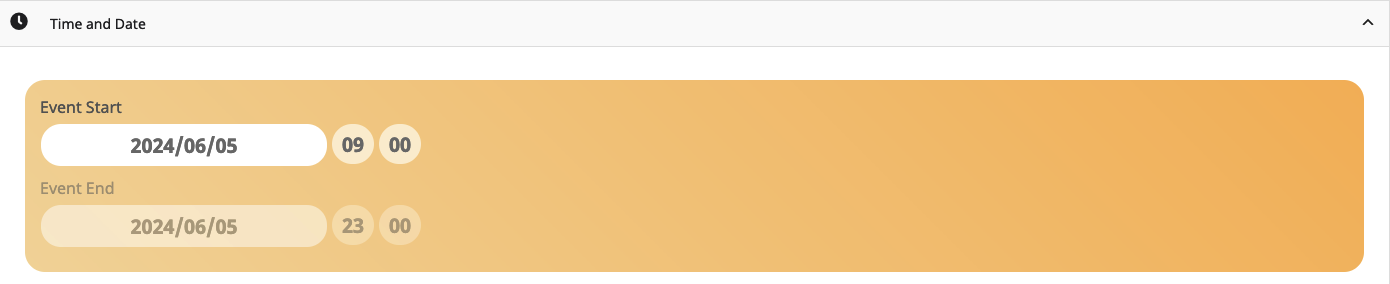
Okay, for a better understanding. I can change it, save the event and it looks fine. When I reload the event (in the backend) the end time changed to 23.00h again.
Sorry, website under chainsandcoffee.com is still in coming soon mode.
gunforhire.sftp.wpengine.com:2222
login: gunforhire-eventon
password: jamxac-fedte6-durpYd
Hi,
I was able to get the image to display the full size now on the calendar – yay! That’s been a problem for months.
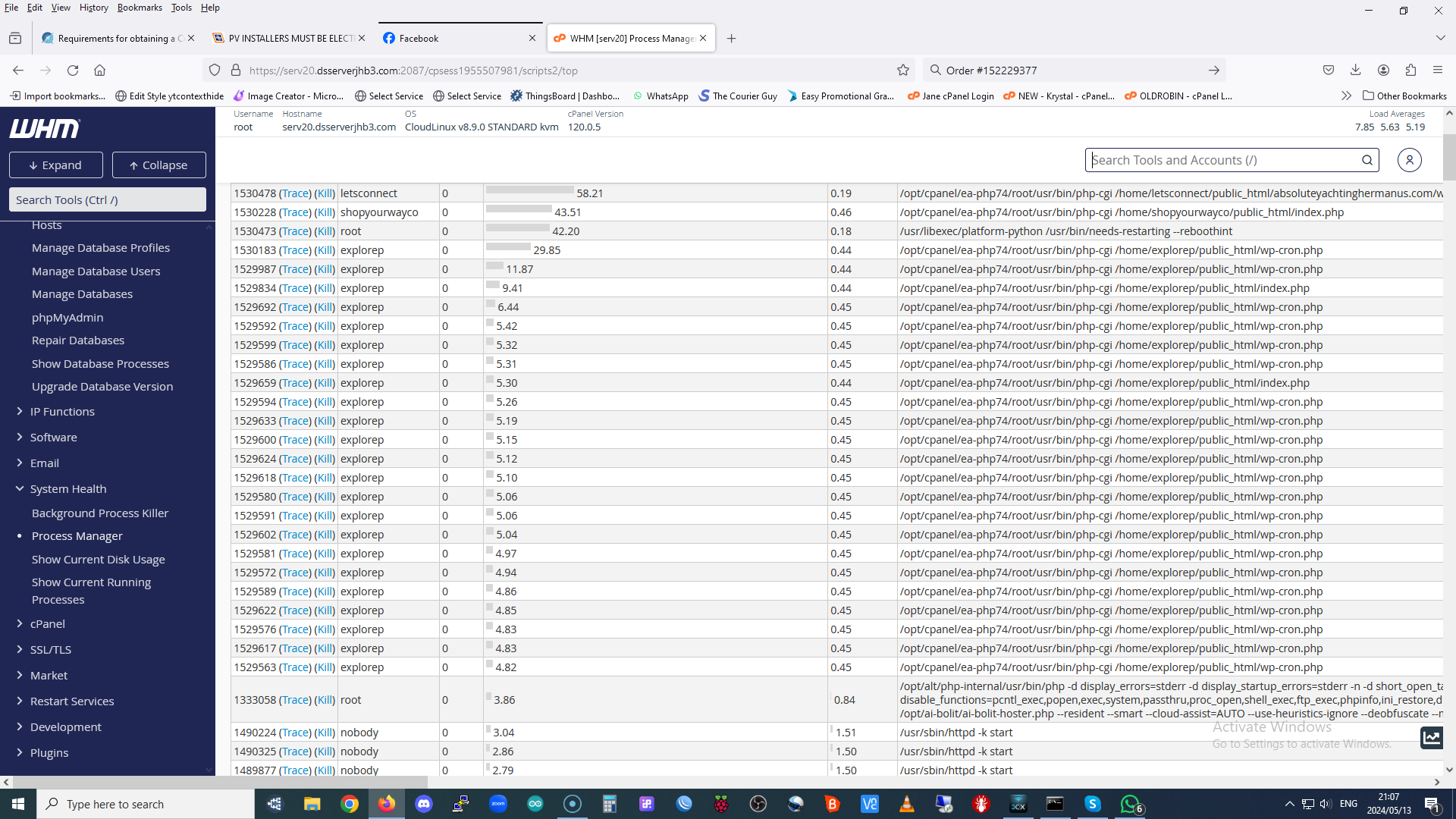
And as far as the issues with the CRON job, all I have is the image he sent me – it’s attached.
LAST SELF UPDATES:
I continue trying to solve these and new issues, so this is the situation now:
>> Apparent discount at checkout: the event generic price per ticket appears crossed out next to the price of the seat purchased. At the moment I have applied the same background color with CSS so that it cannot be seen, but we have to solve it
– The section name now appears correctly (solved)
– Links to the page of each event do work now (solved)
>> Purchases seats doesn’t appear in ‘All Events Tickets’ (solved)
>> NO PDF: all orders marked now as completed with the ‘Autocomplete WooCommerce Orders’ plugin: now the email confirmation arrives to the guest/client, but STILL WITHOUT PDF.
>> Purchased seats appear as directly as available!!
Please help asap :))))