Thanks Artem! Everything appears to be working ok.
Your help is greatly appreciated!
Replies for tickets on suppota
Thanks Artem! Everything appears to be working ok.
Your help is greatly appreciated!
My email is thisboxformail@gmail.com
Hello,
Please go to EventON > EventCard > open Designer and save > now save EventON Settings.
Did filling the price fix the issue? Could you let us know?
Could you try this code:
.eventon_desc_in iframe {max-width:100% !important}
Add it to wp-admin > Appearance > Customize > Additional CSS. It has !important, so should work.
I enabled WP_DEBUG. Please recreate the issue, so we can check the debug.log file.
Perfect! If you have any further questions or concerns please create a new ticket.
The file doesn’t contain any errors from EventON, unfortunately.
However, when I went to
https://hopepoint.org/wp-admin/admin.php?page=eventon#evcal_001_advance
and selected “Select event calendar WP Query method: Query only the event posts created this year” the calendar started working:
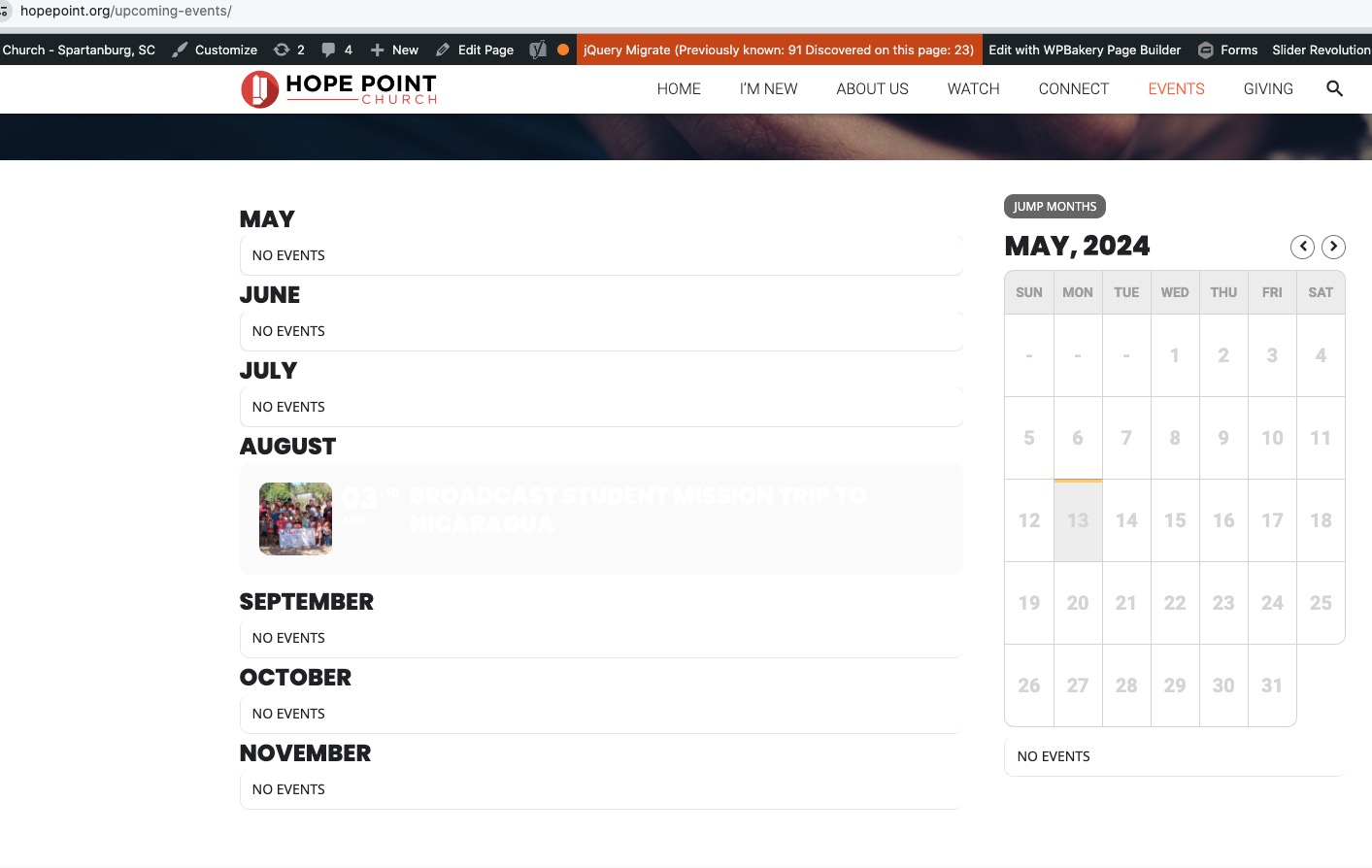
So the issue is with memory limit. Please make sure that your server has enough memory:
https://docs.myeventon.com/documentations/increasing-wordpress-memory-limit/
Hello,
Please go to EventON > EventCard > try a different Feature image display style.
Also try manually clearing your browser cache.
Hello,
Please send us wp-admin access to your site as a private message for us to further assist your situation.
Could you update RSVP to 2.9.12?
To update eventon addons: You can download latest eventon addons from myeventon > my account. Then you can go to your website, deactivate old addon and install new one and activate then delete the old addon. This link will further explain the process. Also you can follow us on twitter to get real-time announcements on updates!
Ashan,
This event
https://dev2.myeventon.com/events/canyoning-fosso-roccaranieri/var/ri-2.l-L1/
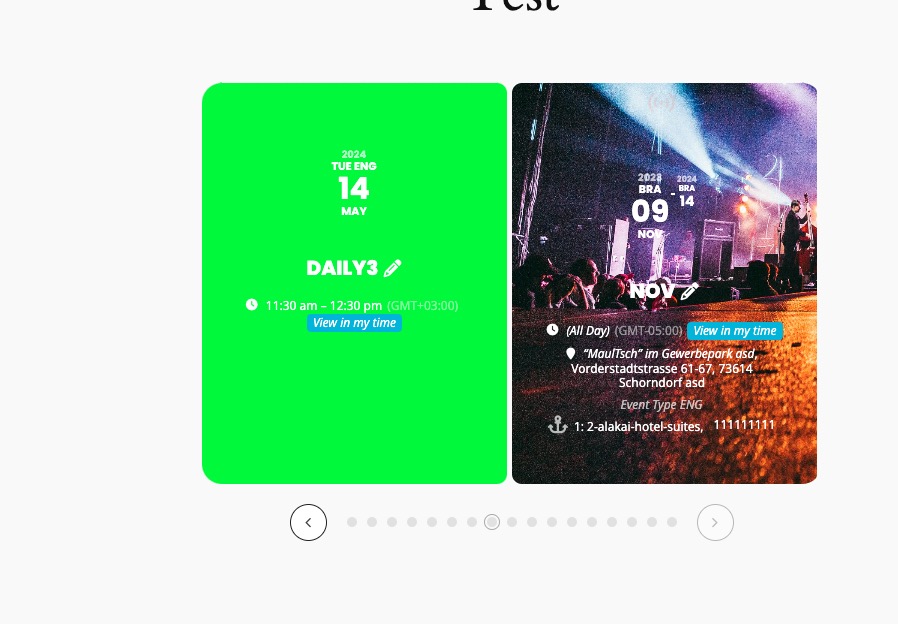
isn’t visible on this slider:
https://dev2.myeventon.com/test-554/