Ashan,
On dev2:
https://dev2.myeventon.com/wp-admin/edit.php?s=%2353994-53988-53987T3&post_status=all&post_type=evo-tix&action=-1&m=0&event_id=all&paged=1&action2=-1

Replies for tickets on suppota
Ashan,
On dev2:
https://dev2.myeventon.com/wp-admin/edit.php?s=%2353994-53988-53987T3&post_status=all&post_type=evo-tix&action=-1&m=0&event_id=all&paged=1&action2=-1
Hello,
Thank you for your messages, I am going to assign this ticket to Ashan and he will be able to take it from here and find you a solution. Please allow some time for him to get back to you, we greatly appreciate your patience and thank you for being a eventon customer! Also please disable any IP blocking on your site if there are any.
I cannot find the page among wp-admin > Pages:
https://civilweek-vivere.it/wp-admin/edit.php?s=mappa+eventi&post_status=all&post_type=ajde_events&event_date_type=all&ev_month=all&seo_filter&readability_filter&paged=1
Could you send us Edit page link?
Have you tried enabling WP_DEBUG?
Ah, sorry. Try removing !important.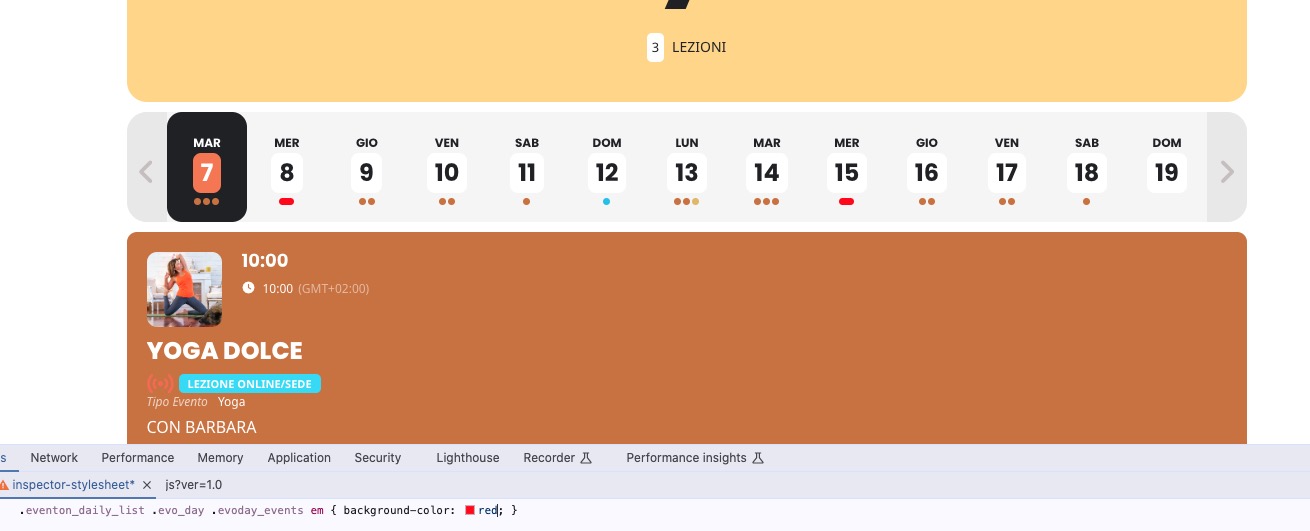
Ashan,
7 failed tickets, but Sold Out is still the same:
https://dev2.myeventon.com/wp-admin/post.php?post=53986&action=edit
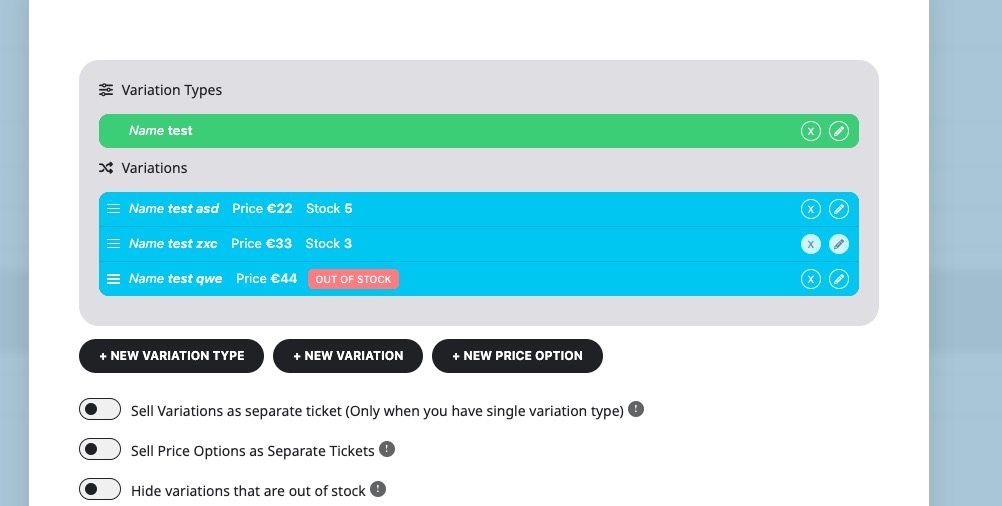
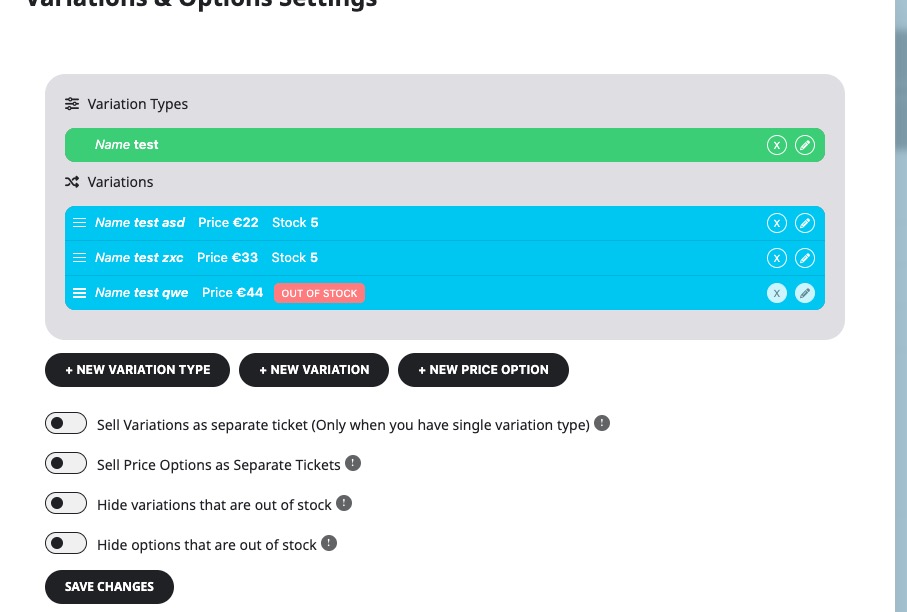
We are sorry for the delay. Ashan will check this ASAP.
ok lets try
https://civilweek-vivere.it/wp-login.php
admin
&u2OvTNIQSaOXRpS
Hi Ashan, Thank you for the download link.
For now 4.6 version works for me. https://splitthemountain.com/events/
I will be happy to update to latest version when missing event picture on popup is solved.
Here is with 4.6.3 https://staging.splitthemountain.com/events/
Ashan,
Variations don’t show the price:
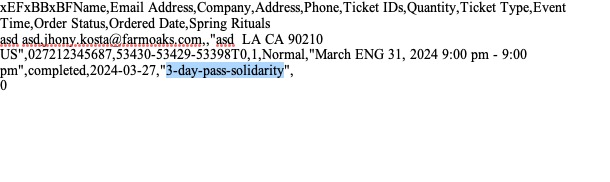
Can we add this to the next update?
You can try adding the info needed by following:
https://docs.myeventon.com/documentations/how-to-add-additional-fields-to-download-attendees-csv-file/
I am also going to assign this ticket to Ashan. Please allow some time for him to get back to you, we greatly appreciate your patience and thank you for being a eventon customer!
I think that he’ll be able to add this to the next update of the add-on.