currently you are using eventon lite- could you try activating full eventon instead and see if the issue percists
Archives: Replies
Replies for tickets on suppota
Reply to: tickets(352880)
so you purchased action user plus (which you will also need action user to run)
this ticket is private so only you or our team can view
Laldrica@gmail.com
is the email used to purchase action user plus do you simply
you should be able to reset your password at https://www.myeventon.com/my-account/lost-password/
Reply to: tickets(352882)
yeah thats not how eventon is supposed to pop up
see video
Could you please try the instructions mentioned in this documentation to make sure your issue is indeed coming from eventon. this will tell us what is causing the issue as opposed to going through every single plugin line by line creating the conflict
once we know whats causing the conflict we can then figure out a solution which may simply be a css change to make it 100% but that scrolling in the background would not be a simple css change
the documentation link above should take all of 1.5 minutes- testing in betweeen each time you re-activate each plugin or theme- we can do it for you if you like if your not wordpress savvy (Its a nice looking site so I am assuming you know what you are doing)
Reply to: tickets(352131)
That worked, thank you. Now I just have one more issue, the time of events seems to be 4 hours behind our time zone, and the “events happening now” show events coming in 2 hours, but the “coming up next in” shows events happening in 5 hours but it should actually be 9 hours away.
Reply to: tickets(352437)
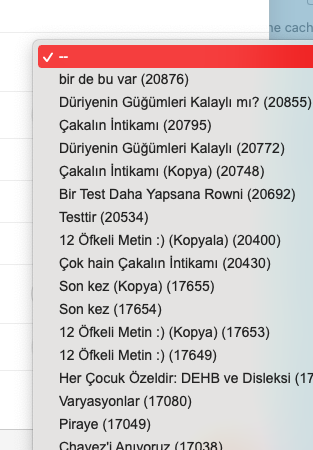
Thank you for your answer, my friend Ashan. In older versions, I remember that this event ID ranking is according to the date of arrangement. (starting from the last event -> so last event ID). which I want, the last (new) event is should be at the top. We have a lot of events and most of them are the same name. It is difficult to find out which one is the new ->so last entered (looking at the ID number).
For example, order should be for us:
Event E (571) – Last
Event C (567)
Event A (563)
Event A (562)
Event A (561)
Event D (558) …
I tried to edit the relevant file line as “Order by $ WPDB-> Posts.Post_Date DESC”, and it work for me!
But other users may request different ranking options. Maybe this should be added in the new version
Reply to: tickets(352812)
I possibly have fixed the image issue but the calendar doesn’t load
see video- lots and lots of errors on the page:
its possible if you have 2 calendar plugins running at the same time that can cause conflicts
Reply to: tickets(352811)
I wonder if the schedual view is more of what you are after
in the shortcode generator select schedual view- give that a try
The multiple shows wont appear in the event top- it will only appear in the event card (the section that appears after you click the event)
you possibly could create a custom field- and you would have to manulally add the different times if you wanted to have it on the event top
https://docs.myeventon.com/documentations/setup-use-custom-meta-fields-events/
the weakness of that custom field is it wouldn’t be clickable and it would only display info you type in for each event
Reply to: tickets(352812)

Also, when using your own event list grid – it’s not responding when attempting to switch pages to view more events. Nothing happens when you click the arrow buttons
Reply to: tickets(352812)
Hi again,
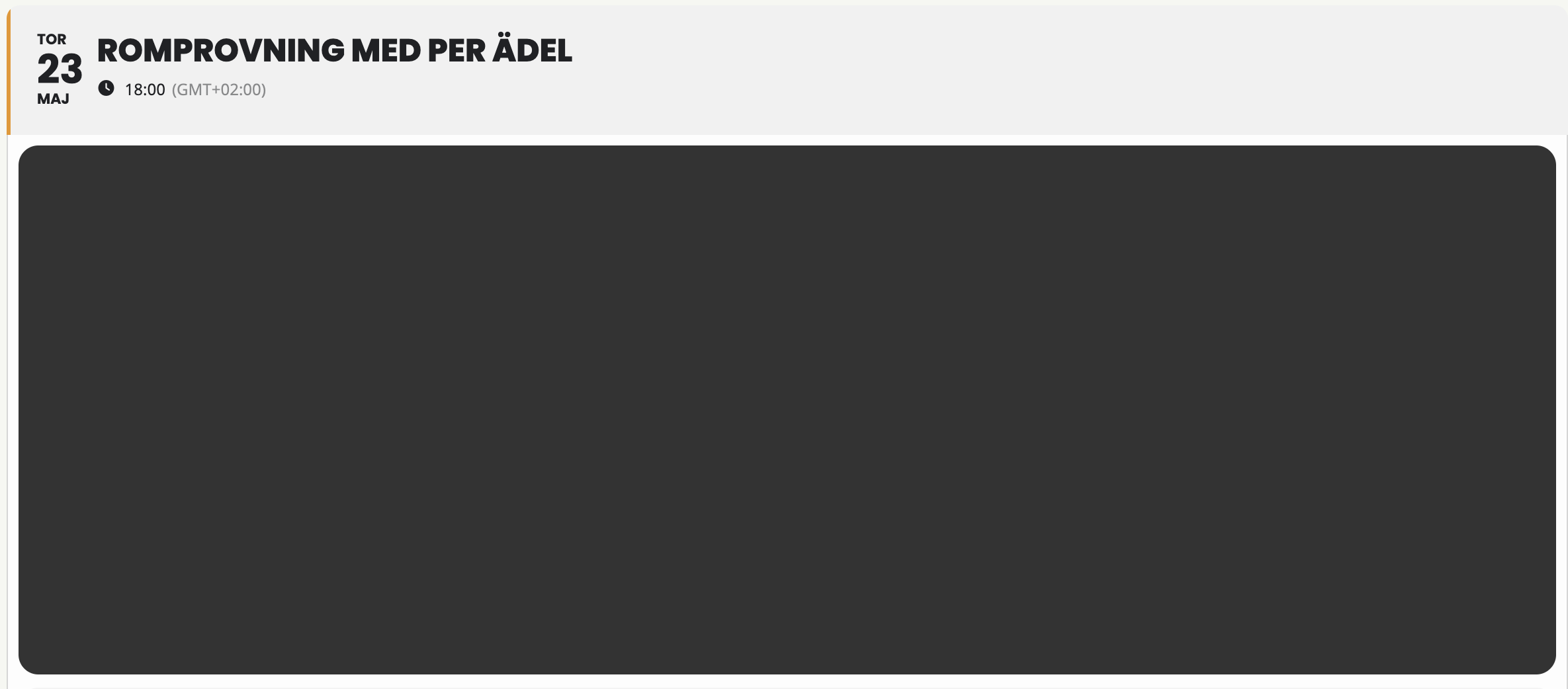
Okay – but we’re also experiencing another issue where the images of the events aren’t loading – they just show up as a dark box.
Could you check?
Reply to: tickets(352867)
Please send us wp-admin access to your site as a private message for us to further assist your situation.
The majority- thats not what eventon does so we would need to see how you have set up the event top to diagnose
archive pages see video
https://www.myeventon.com/addons/event-lists-extended/