#188248 Is the other order
Archives: Replies
Replies for tickets on suppota
Reply to: tickets(352634)
Dear Ashan, thanks a lot for the answer. Questions:
- Does this also apply to the core plugin bought through CodeCanyon (Envato)?
- Can I get a credit note of 20% on USD 76 for the purchase of the 2 Single Site licenses done on April 30, 2024?
- Can I get a credit note of 20% on USD 166 for the purchase of the Calendar Bundle done on May 1, 2024?
Reply to: tickets(352643)
WholesaleX – WooCommerce Wholesale Plugin is causing the EventOn calendar not being displayed.
Reply to: tickets(350324)
i feel dumb.. i did that and it didnt work.. i guess my caches were the issue.. thank you very much
Reply to: tickets(352427)
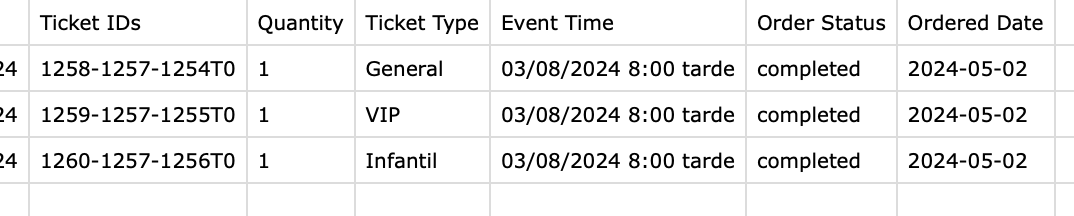
I have tried it in both ways, in the second option, editing the variations in the product, the csv does indicate the type of ticket but it still does indicate the price of the different tickets. The ideal is that the downloaded CV also carries this information, the price of the tickets with their respective variations.
Reply to: tickets(341915)
Vaughan, we have done so much code work on locations it would be very difficult to revert back on that.
Location name us used as the event_location taxonomy term name and term slug name.
It just wouldn’t save location information without a location tax term name, which is used to track back location data.
Reply to: tickets(350363)
We are sorry for the delay. Ashan will check this ASAP.
Reply to: tickets(351461)
We are sorry for the delay. Ashan will check ASAP.
Reply to: tickets(350324)
I commented these lines and after clearing the cache, I think that the menu works now: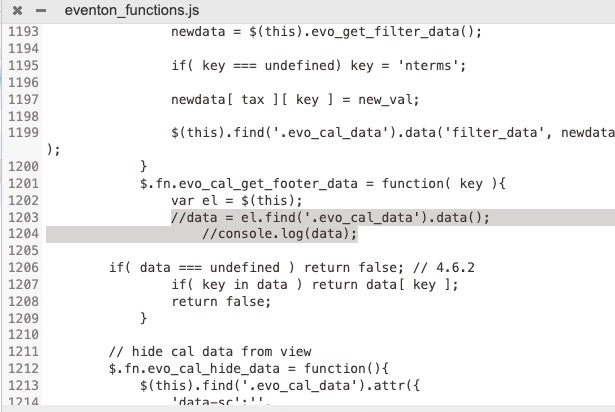
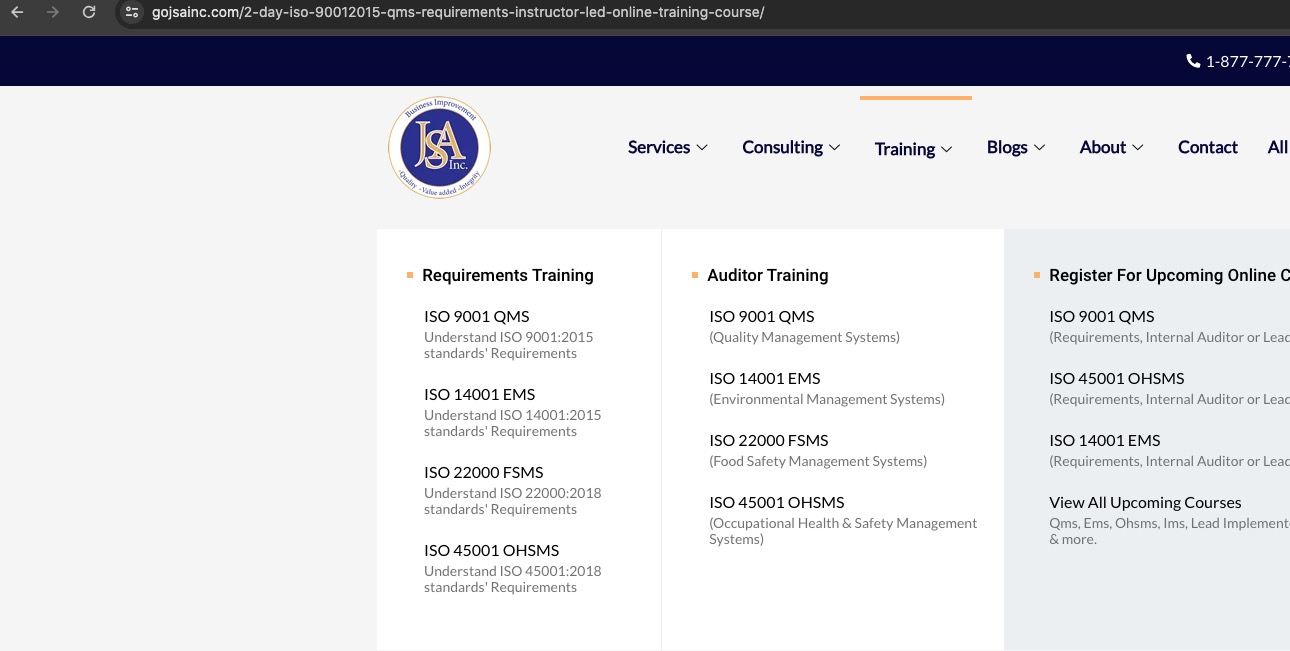
Could you check with cleared browser cache?
Reply to: tickets(352257)
This is the problem with using and relying on APIs, they change things whenever they want and a continuous effort is needed to make sure things are in alignment with their changes.
We have gone ahead and updated the docs to match their new API items;
https://docs.myeventon.com/documentations/how-to-generate-zoom-api-credentials/