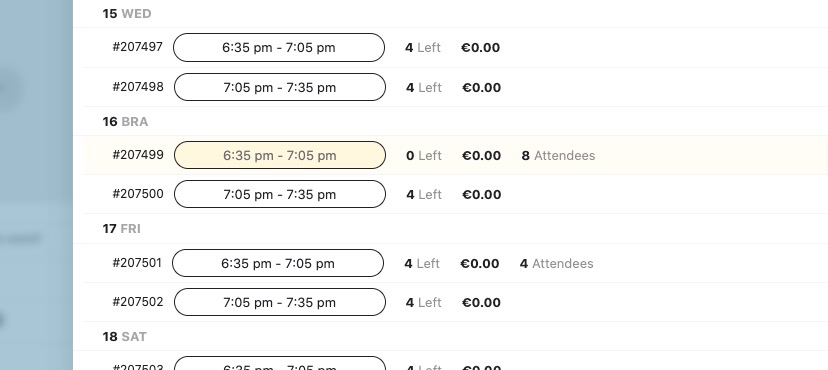
just want to confirm the process of this event page please https://g2solution.co.uk/events/organised-event-4/
clicking on no:1 a pop up appears and if I click no:2 it takes me to this page https://g2solution.co.uk/event-organizer/the-beefy-boys-event-pop-ups/
This is the page i want to change https://g2solution.co.uk/event-organizer/the-beefy-boys-event-pop-ups/
Is it the same template for both 1 and 2.
Where is the css for these? it is not clear in the eventon, appearance. Surley you agree my page looks nothing like yours
Yes, it is clear how the variations are generated but what I am referring to is that when downloading the csv file to see the list of attendees, the details of each variation do not appear.
Order numbers are 187549 and 187559
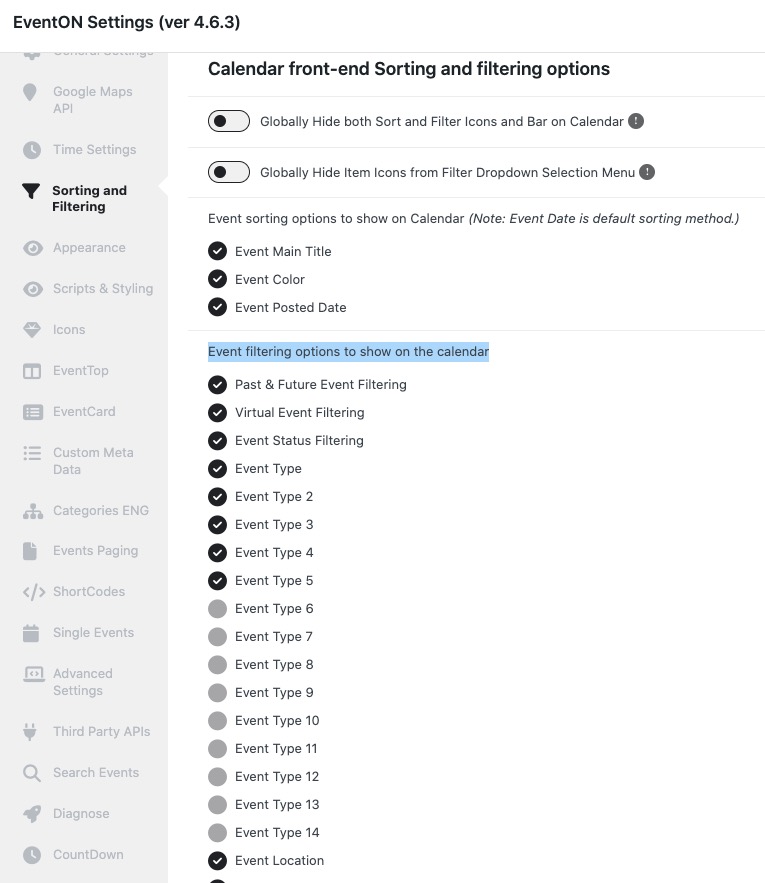
changing the filters worked ok for second part. really not sure what to do with hooks, shortcode was much simpler. without this page working i cant use any of the ticketing
thank you updating it complete changes it. im already having issues with the organiser page. its a shame we bought the ticket plugin and renewed all plugin subscriptions and we cant selling anything at the moment
Ashan,
https://www.uschovna.cz/zasilka/PEHKE695KRVM3Z8B-3N5/
The same on dev2:
https://dev2.myeventon.com/wp-admin/post.php?post=53857&action=edit
You just need to click on booking blocks back and forth and you can add more and more tickets.
Sorry for the delay. Ashan will check this ASAP.
Please go to EventON > EventCard > open Designer and save > now save EventON Settings.
…display the parent category or selected items from the list…
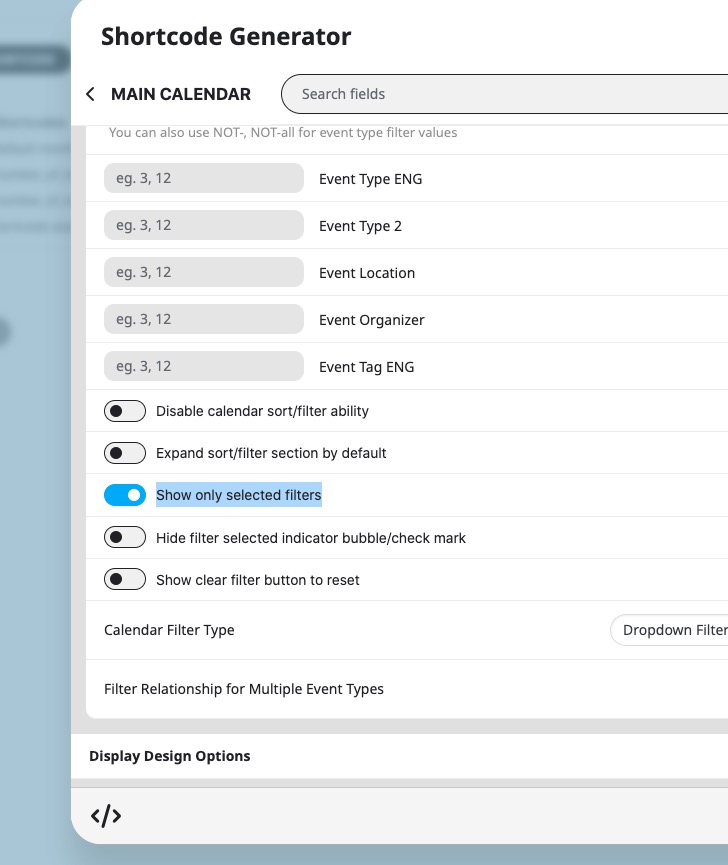
This is the option that is available: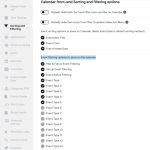
You can also try
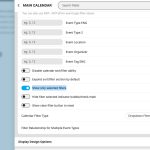
For new functionality please create a new ticket and select Feature Request as category so others can vote on your idea and get it moved into development faster.
Also, do you think there is a way I can have a bar with the filters to save load time, that way users can choose their selection, hopefully including date without needing the whole calendar to load?
Not possible, I am afraid.
Hello,
Do you create variations with
https://www.myeventon.com/addons/ticket-variations-options/
or
https://docs.myeventon.com/documentations/set-variable-prices-tickets/
Please let us know.