Activated the moment.js script and the calendar now appears.
All good. but there should be a note that that script is needed for the Full Calendar to work.
Thanks
Replies for tickets on suppota
Activated the moment.js script and the calendar now appears.
All good. but there should be a note that that script is needed for the Full Calendar to work.
Thanks
I also just purchased :”Speakers & Schedule License” and am having the same issue. All the other addons 10+ addons that i own are working fine when i activate. It is only the 2 new ones purchased today
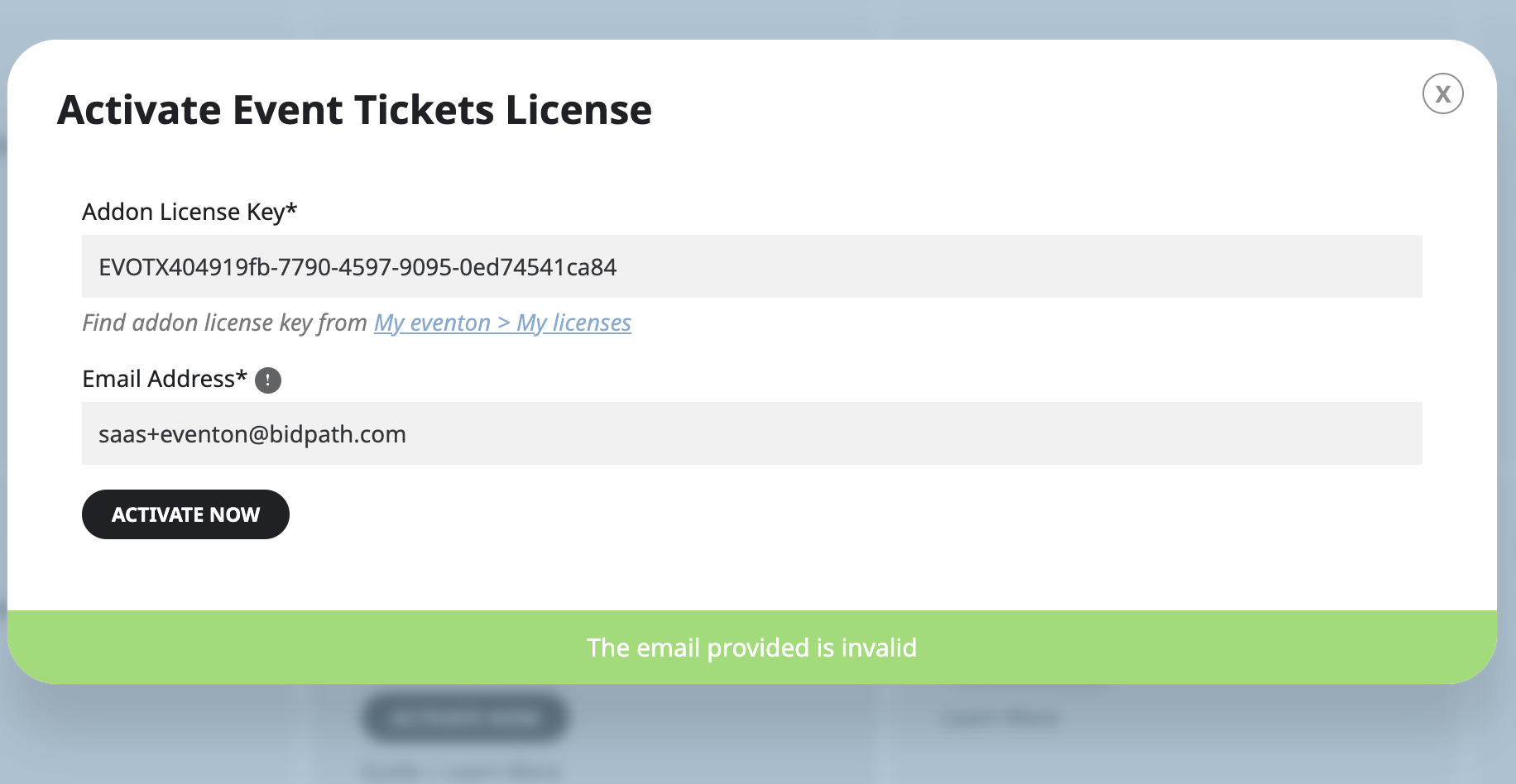
is it possible it is related to the email address we use? saas+eventon@bidpath.com
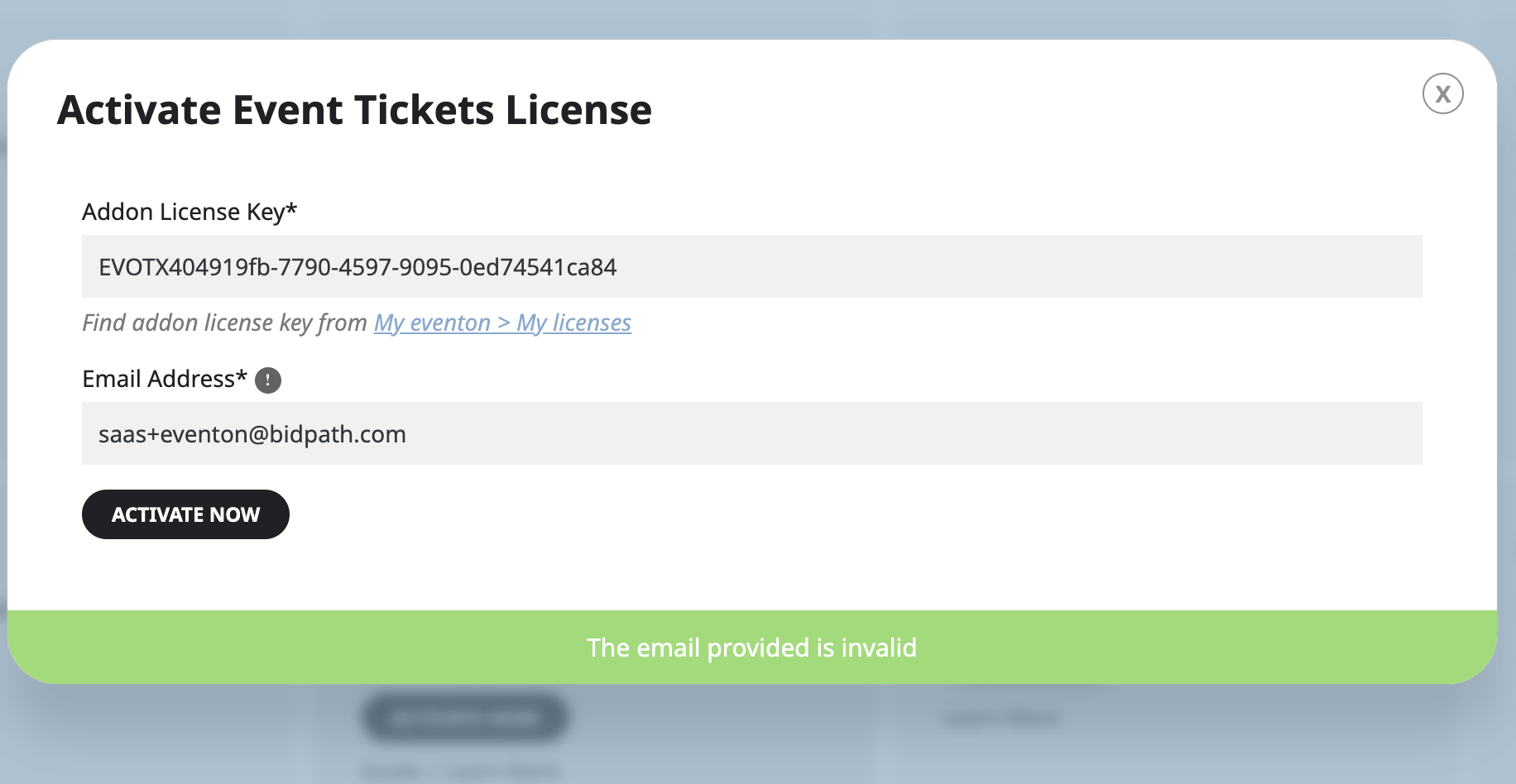
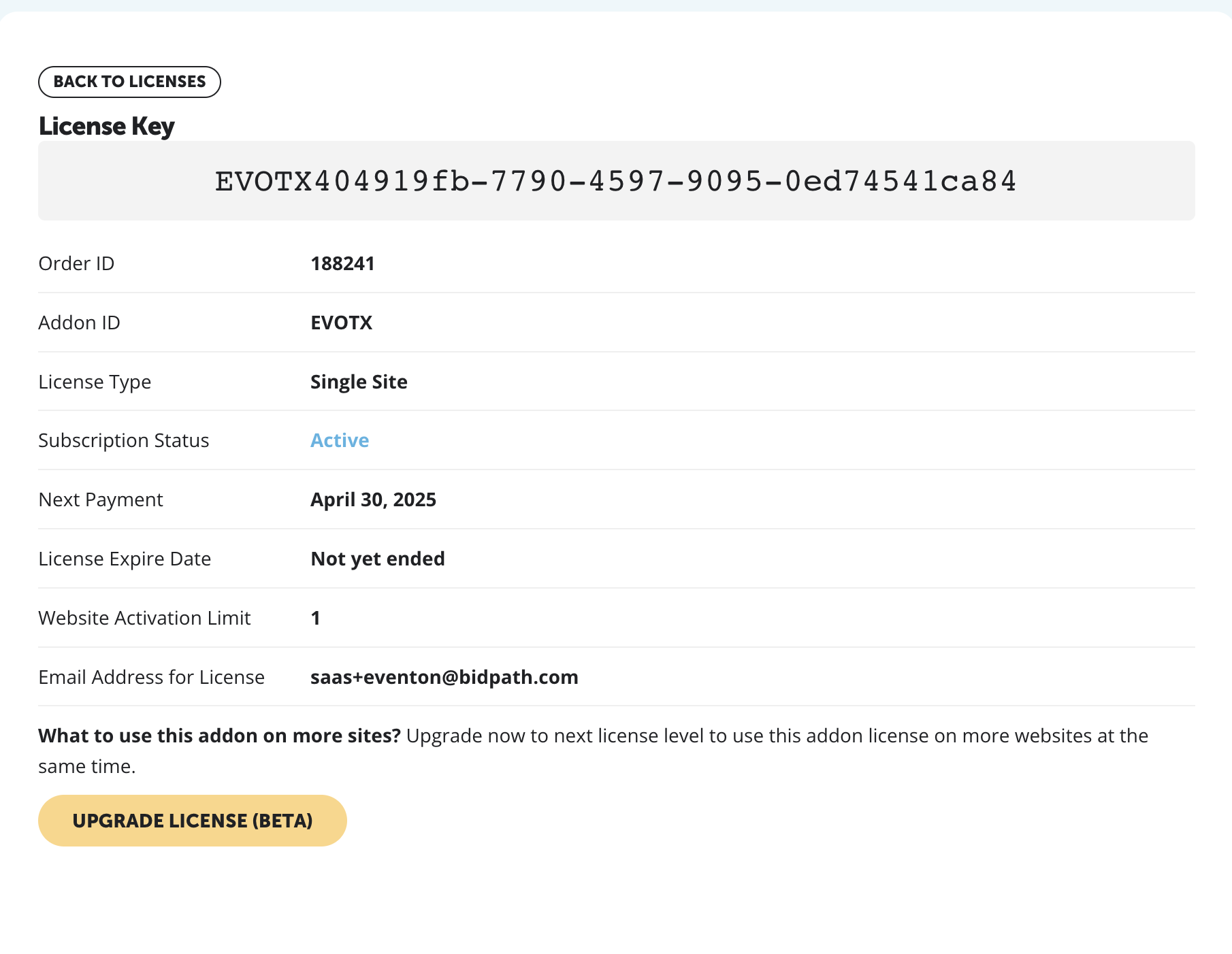
Here is my receipt for the purchase and the error i am receiving when u try to actvate
Also, do you think there is a way I can have a bar with the filters to save load time, that way users can choose their selection, hopefully including date without needing the whole calendar to load?
Thanks in advance
Helen
Yes, it seems to be correct now. I don’t know what happened but as you can see from the initial screenshots I sent you, it’s showing a different time in the ticket.
Hi, all of our virtual events has this issue. Here’s a sample.
https://wearewomenconnect.com/wp-admin/post.php?post=82401&action=edit
https://wearewomenconnect.com/events/may-zoom-lunch-n-learn/
https://www.dropbox.com/scl/fi/cupiv0fcpf79maakxy8d1/app-support.png?rlkey=94zf20rwynkm6ettc45ipvlrs&dl=0
yes, that’s a screenshot we used on the landing page and for the app stores preview. i’ve attached another image, hopefully this one is visible for you.