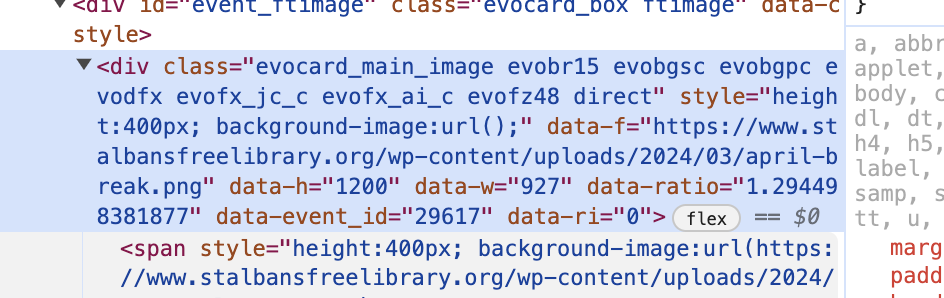
It looks like the background URL in the style sheet for EventOn is no longer populating.
Replies for tickets on suppota
It looks like the background URL in the style sheet for EventOn is no longer populating.
At the moment EventON doesn’t have such functionality. However please create a new ticket and select Feature Request as category so others can vote on your idea and get it moved into development faster.
Hello,
Please go to EventON > EventCard > try a different Feature image display style.
Ashan,
They have the issue when Lat/Long values aren’t loading.
I sent them this one, but not really sure how to fix the issue:
https://wpstorelocator.co/document/create-google-api-keys/#:~:text=will%20be%20different.-,API%20keys%20with%20referer%20restrictions%20cannot%20be%20used%20with%20this,Address’%20for%20the%20server%20key.
Thank you for your messages, I am going to assign this ticket to Ashan and he will be able to take it from here and find you a solution. Please allow some time for him to get back to you, we greatly appreciate your patience and thank you for being a eventon customer! Also please disable any IP blocking on your site if there are any.
Please take a look at what it looks like when you enable “EventON > RSVP > enable Allow only logged-in users to submit RSVP”:
https://dev2.myeventon.com/events/rsvp-41/
Please check and let me know if this works for you.
We are glad your issue is resolved, if you have any further questions or concerns please create a new ticket.
If you have a moment, we would greatly appreciate if you could kindly leave us a review at Codecanyon. By going to your account > Downloads. We are very grateful for your kind review!
EventON changed the styling correctly: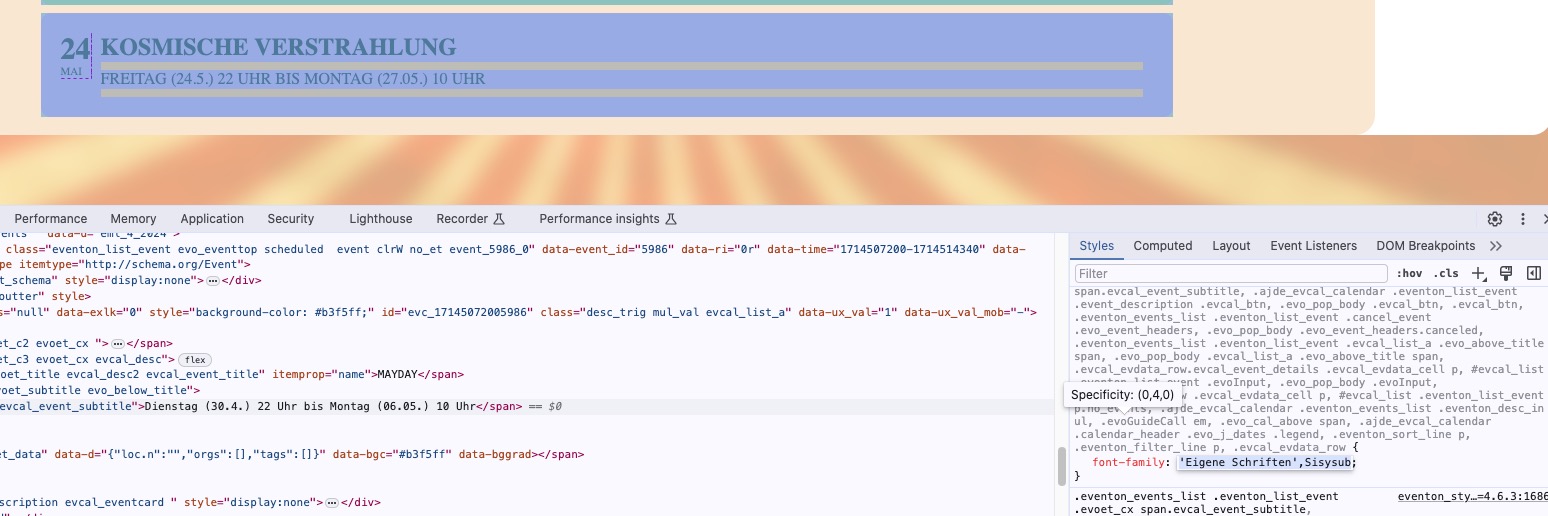
Please note that EventON doesn’t load the font file itself, only changes the CSS styling. Could you make sure that files are loaded?
Hello,
Please go to EventON > Appearance > Calendar Header > Header Month/Year text color. If you don’t see any change, EventON > Scripts & Styling > turn off Write dynamic styles to header > save settings > turn on Write dynamic styles to header.
Please go to EventON > EventTop > check Event Start Year and Event End Year (If different than start year).