I can see images on your website: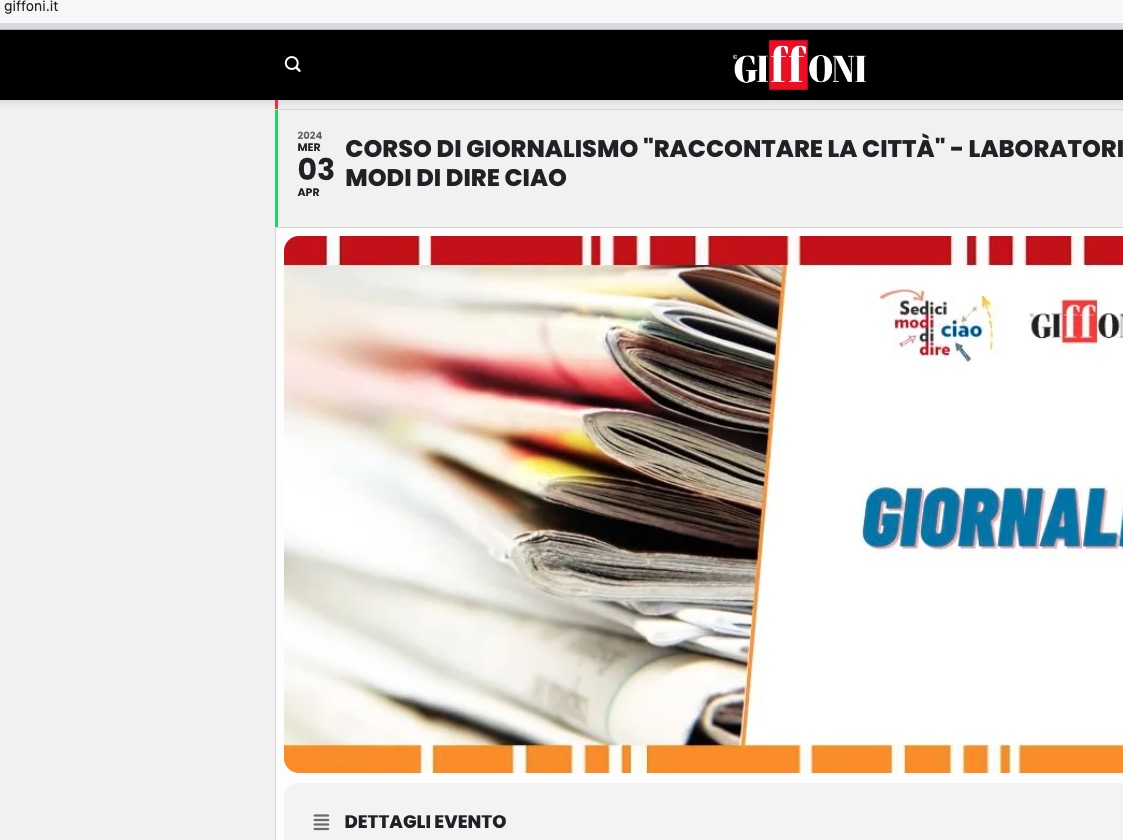
If you want to show a small featured image on EventTop, please add show_et_ft_img=”yes” to the shortcode.
Replies for tickets on suppota
I can see images on your website:
If you want to show a small featured image on EventTop, please add show_et_ft_img=”yes” to the shortcode.
Hello,
How do I set my events up with a button that does the same thing…
Where do you want to put the button? On EventTop? Could you elaborate?
Hello,
Could you send us a link to an event with the issue?
Hello,
Please add event_past_future=”future” to the shortcode to show only future events.
Closed as duplicate.
Hi Ashan.
1. About Time. I am not see same lines on 62 …
A have there this: https://prnt.sc/_jHuNw7ZNzrz
But maybe i can change it here? 🙂 https://prnt.sc/_1d2zCq8kzPq
2. Yes you can make what you want on site, in EventOn plugin and Woocommerce. This part is site is demo demo for now, not available for people yet.
3. I see, that in system is some cache problem, cause i can add more tickets than is possible from my setting (max 4 on slot). I am sending you videos of simulation from my and your site. I think it is same problem: https://www.uschovna.cz/zasilka/PEHKE695KRVM3Z8B-3N5/
Your system looks great, but please fix this problems.
I am using normal Event plugin for many sites. But now i want use your Booking addons for more sites, but it needs work without this problems. This is 1st site, where i am trying it.
Thank you a lot.
Best regards.
Lukas
Ok so just checking your website and all the events are loading correctly for the corresponding dates.
Is there any way for me to replicate this issue on your website? right now?
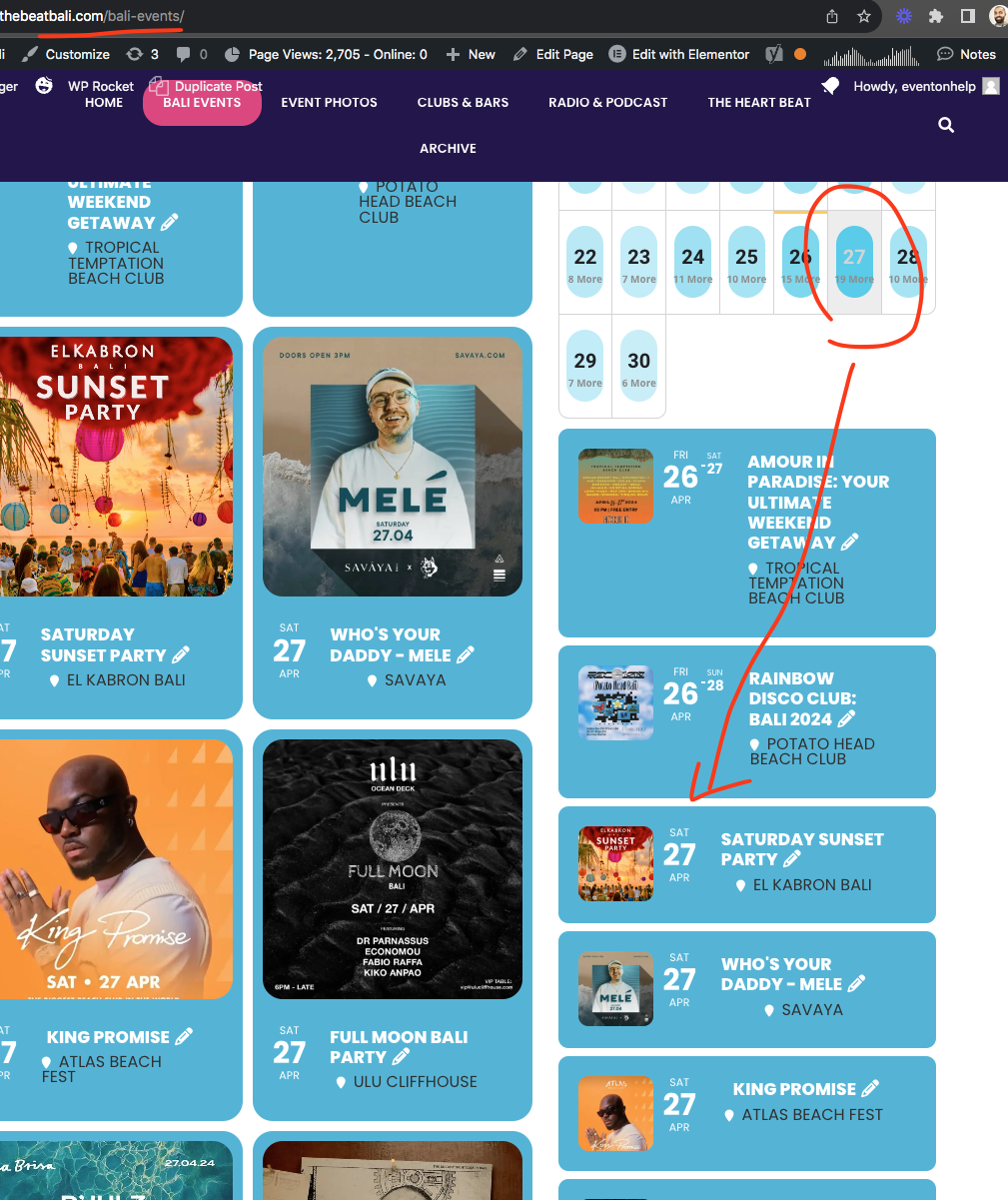
Ok so in our tests, once we set the timezone correctly for event and eventon settings, they no longer show incorrect events on the selected date. Let me check in your website.
Brad I am not an expert in mail clients. But don’t you think if you tell the mail client this is not a spam email, it should put it in inbox?
I know with google’s gmail you can add inbox filters so if email with certain address move it directly to main inbox.
Perhaps you can create a gmail account and use that email and try out?
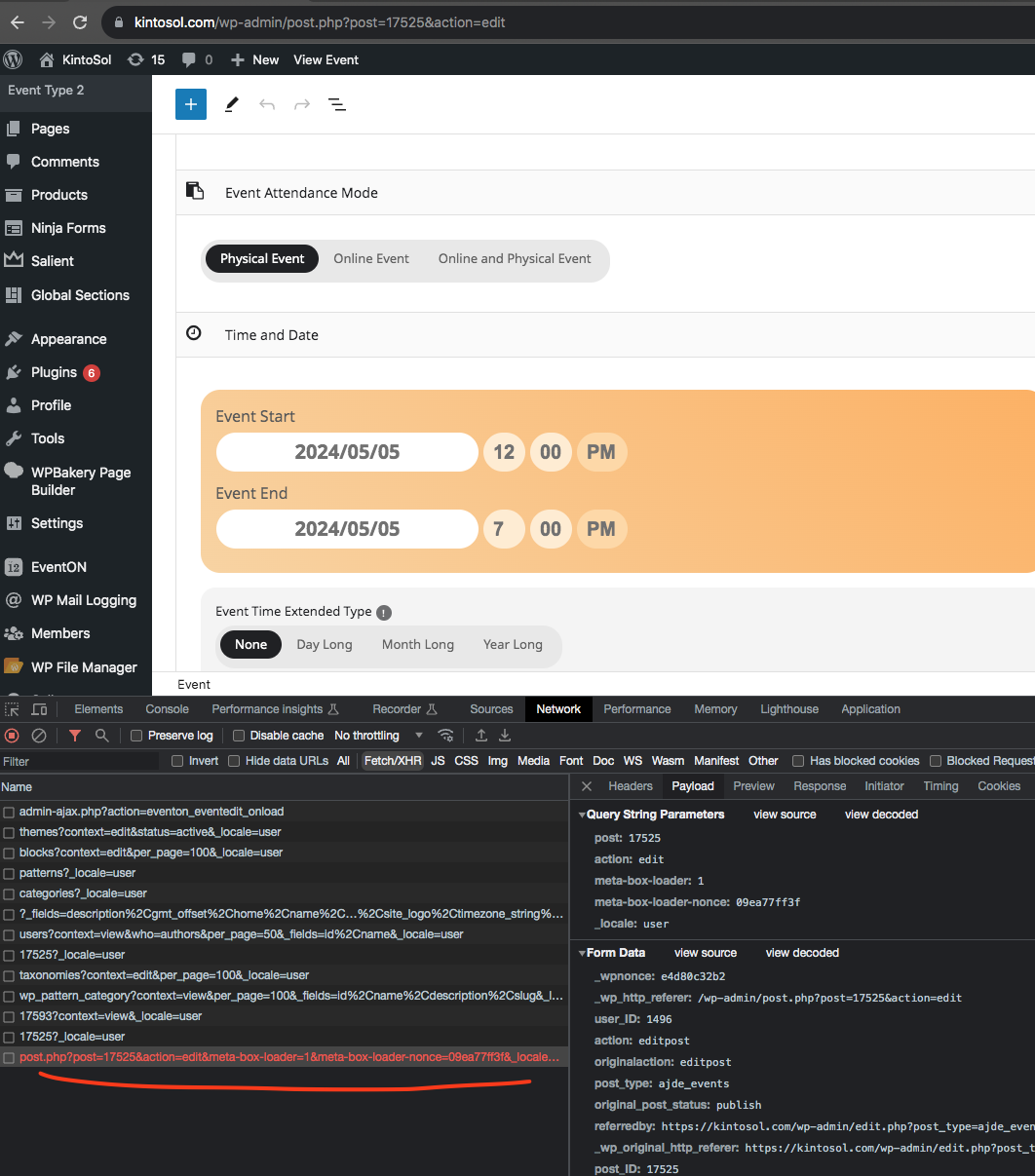
Ok so it seems like saving the event post data is not really saving the data. There is some error comes up. But nothing is recorded in wp_debug file.
So next step is to disable all other plugins and see if that would make event data save without error. and one by one activate plugins to catch the one that is causing the issue.
Sorry no other easier way…