Hello Andre sorry for the delay. I literary spent 3 hours trying to figure out where your issue is coming from. Anyways so it seems the code in screenshot #2 is what is causing the issue. I do not know why that might cause the issue with elementor. because if I comment that out no issue and no error from elementor.
Are you able to reach out to elementor and show this and see if they have any insight into this because I do not know their code and what they have done.
Also I installed WP File Manager plugin to edit the code of eventON. I hope you do not mind, I did not want to wait another day to ask you and wait to hear back.
Here is the direct link to edit eventON file.
https://gojsainc.com/wp-admin/admin.php?page=wp_file_manager#elf_l1_d3AtY29udGVudC9wbHVnaW5zL2V2ZW50T04vYXNzZXRzL2pz
Let us know what you find from elementor side.
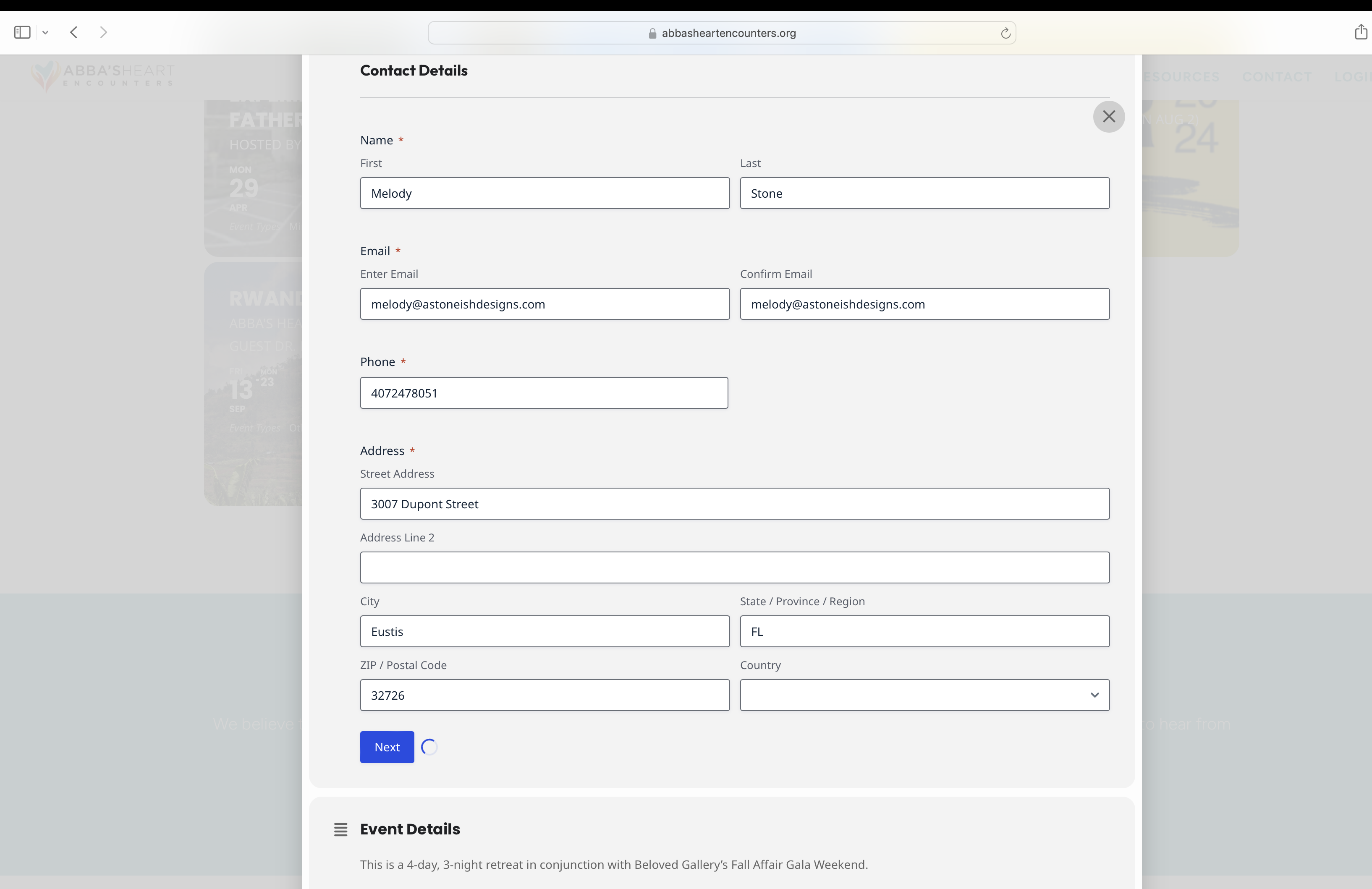
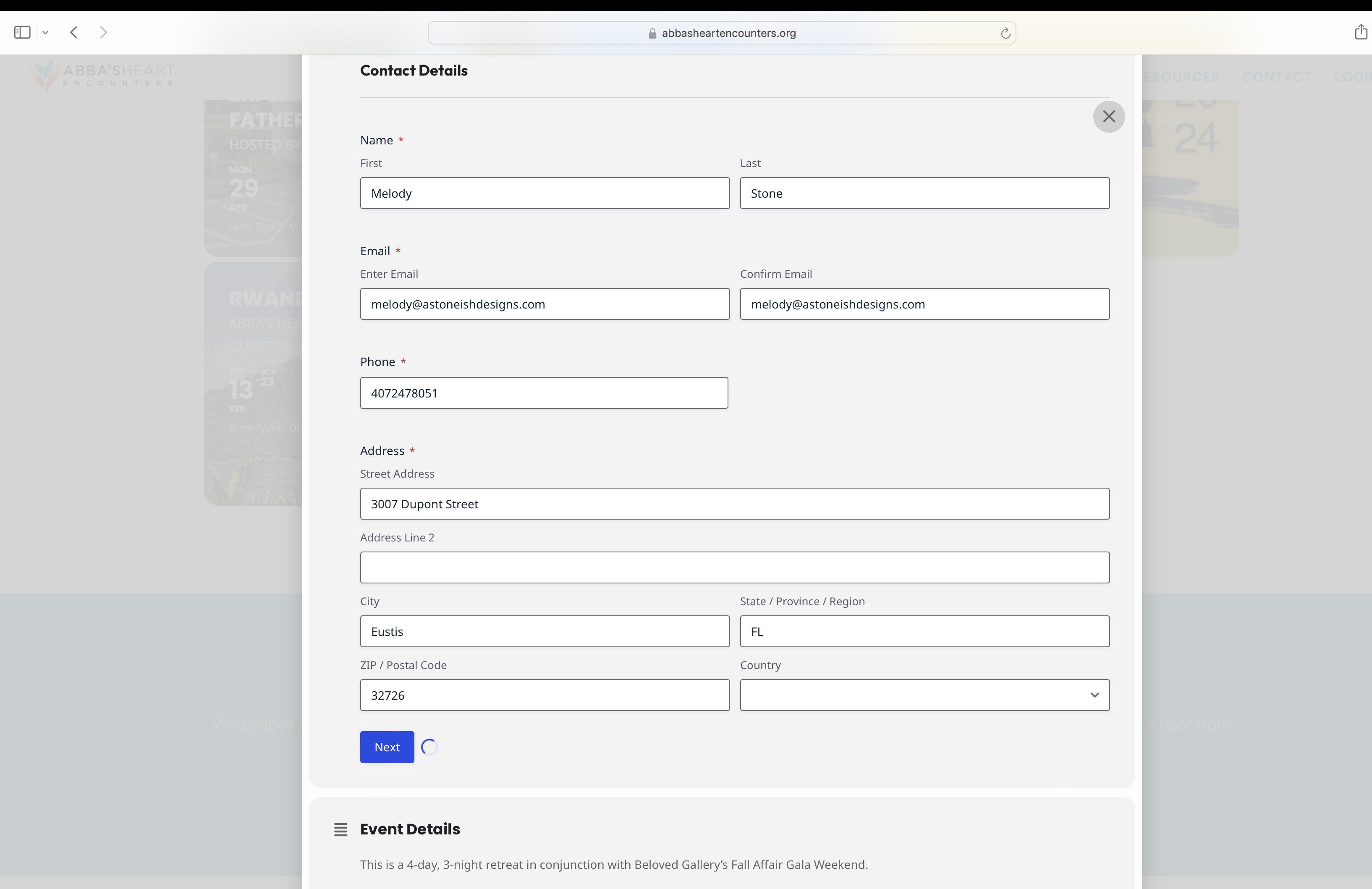
See Image of Next – it just keeps spinning and doesn’t go to the next section of the form
Hello,
I added Ticket Section from https://www.baav.be/wp-admin/admin.php?page=eventon#evcal_004a > Designer, so it should work now. Please check and let me know.
Hi Artem,
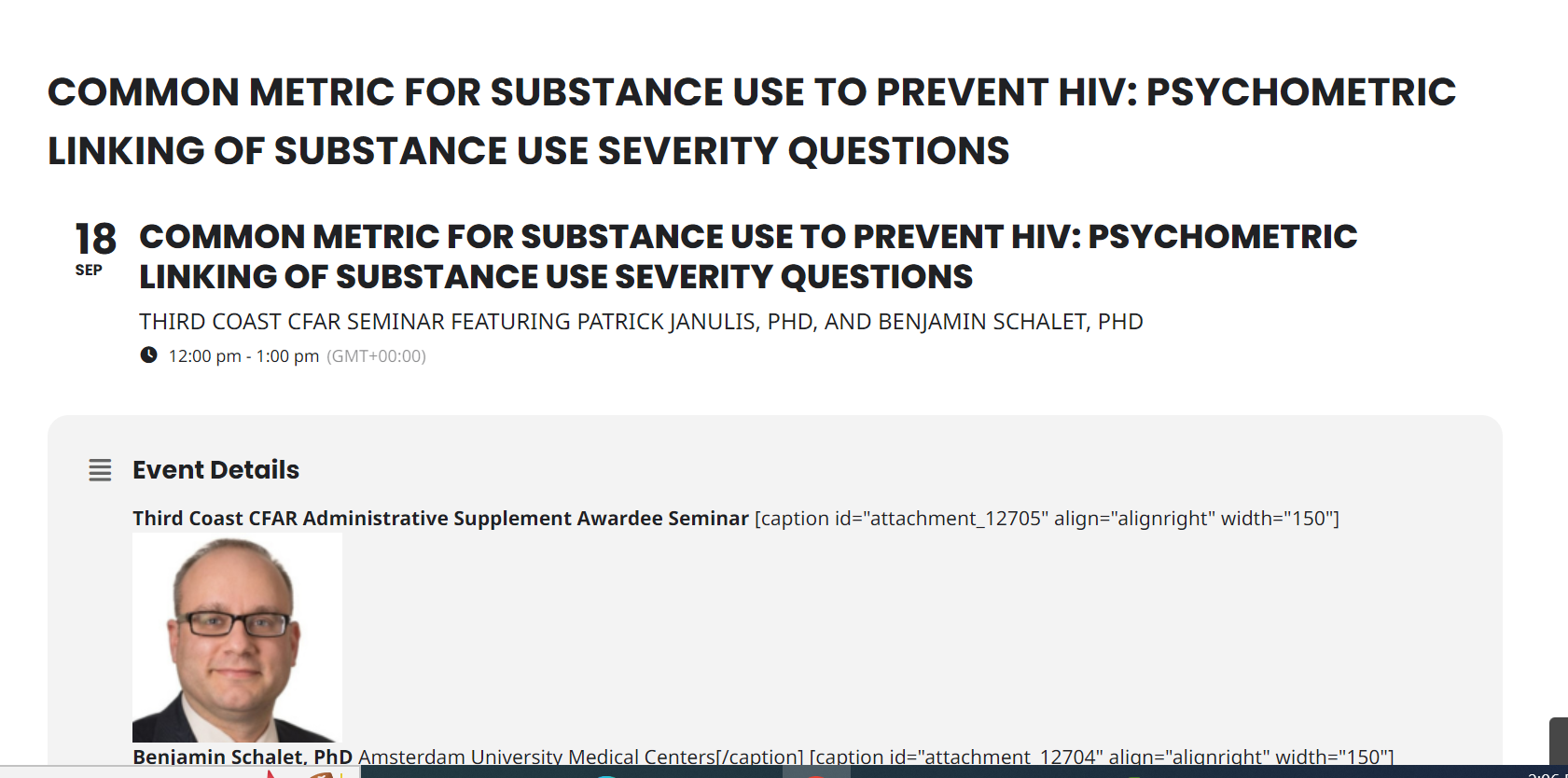
Thank you for changing the shortcode on this page. There are only a select events that appear in the past events on the page and they are not in descending order (from most recent to least recent past event). Also, not all of our previous events are showing up on that page. In addition, the dates don’t appear for any past events. Also, there is coding when I click on an event (I attached a screen shot to give you an example). Is there any way you can address/fix some of these issues? Please let me know. Thank you.
Sincerely,
Dana Kauffman
Try adding the code to wp-admin > Appearance > Customize > Additional CSS.
Please take a look at this page:
https://themashhouse.co.uk/test/
I added hide_month_headers=”yes”.
Sorry for late reply. But we firstly had to get access permission to the customer’s google account.
As you state in the other ticket, “this may solve”…. Well, it solves a bit. The related article describes to create two API keys. One for the browser (restricted by the domain), one for the server (restricted by the IP address). I did this. How this ended up?
Entering the key with IP restriction really allows to gather the long/lat values. Great improvement!
Having this key in the settings the map shortly flashes up, a tenth of a second later I get the error message “Something went wrong” in the map area. Exchanging the key with the former one (configured as restricted for the domain) the map flashes in the same way, but directly disappears completely. A bit like in the other example, just a bit faster.
BTW, they haven’t solved either so far… But I will contact those guys as they literally live just next door.
The article cannot be the final solution to the issue, if you consider your tool . EventOn just offers to place ONE API key. The restriction setting cannot be set both types on one API key. The selection is done by a radio button, so one or the other restriction.
What I desperately need as a user is a detailed guide for the google API setting to make your addon work. Probably my neighbours would apprechiate this, too.
How are your settings in your google account?
Perfect ! it’s working now, thank you
Hello,
Please follow the instructions in this documentation to activate debug in your site to see any PHP errors recorded that can provide insight on to whats going on. Please reply with a link to debug.log file. If you are not able to do this please send us FTP access to your site so we can do this for you.