Here’s the issue:
[10-Mar-2026 10:53:35 UTC] PHP Fatal error: Uncaught Error: Class ”Constants” not found in /home/customer/www/oldhamsendlocaloffer.co.uk/public_html/wp-content/plugins/eventON/includes/class-evo-ajax.php:59
Stack trace:
#0 /home/customer/www/oldhamsendlocaloffer.co.uk/public_html/wp-content/plugins/eventON/includes/class-evo-ajax.php(77): EVO_AJAX::evo_ajax_headers()
#1 /home/customer/www/oldhamsendlocaloffer.co.uk/public_html/wp-includes/class-wp-hook.php(341): EVO_AJAX::do_evo_ajax(’’)
#2 /home/customer/www/oldhamsendlocaloffer.co.uk/public_html/wp-includes/class-wp-hook.php(365): WP_Hook->apply_filters(false, Array)
#3 /home/customer/www/oldhamsendlocaloffer.co.uk/public_html/wp-includes/plugin.php(522): WP_Hook->do_action(Array)
#4 /home/customer/www/oldhamsendlocaloffer.co.uk/public_html/wp-includes/template-loader.php(23): do_action(’template_redire…’)
#5 /home/customer/www/oldhamsendlocaloffer.co.uk/public_html/wp-blog-header.php(19): require_once(’/home/customer/…’)
#6 /home/customer/www/oldhamsendlocaloffer.co.uk/public_html/index.php(17): require(’/home/customer/…’)
#7 {main}
thrown in /home/customer/www/oldhamsendlocaloffer.co.uk/public_html/wp-content/plugins/eventON/includes/class-evo-ajax.php on line 59
Login link doesn’t work. Could you check?
Please also make sure that your version of PHP is 8.2+.
Hello,
Please refer to your other ticket. I’ve replied there.
Hello,
Since your link downloads a .ics file, then it should work. However, some websites allow you to download the file using your browser, but doesn’t allow other websites to download it on command.
I am sorry, the access information you have provided did not work for us. Please check them and post the correct login information as a private message, thank you!
Could you tell us which versions (Tickets and Variations) did you update from?
Hello,
Please send us wp-admin access to your site from ”Access Info” box on right side menu, to further assist your situation.
We are glad your issue is resolved, if you have any further questions or concerns please create a new ticket.
If you have a moment, we would greatly appreciate if you could kindly leave us a review at EventON WordPress Page OR EventON > My Account > Downloads. Your review helps us a lot in continuing EventON improvements!
Hello Artem,
thank you very much for your help. Increasing the memory limit solved the problem. Thanks again for your great support!
Best regards
Eva
It seems to work with new orders, but the price options from orders before the update are not displayed correctly.
You can just see that they have different options because of different prices.
Monika Spielmann has 647€
Hermann Dupper has 817€
Sonja Wolpers has 842€
Was there a change in how they are saved in one of the updates?
could have been a cache issue
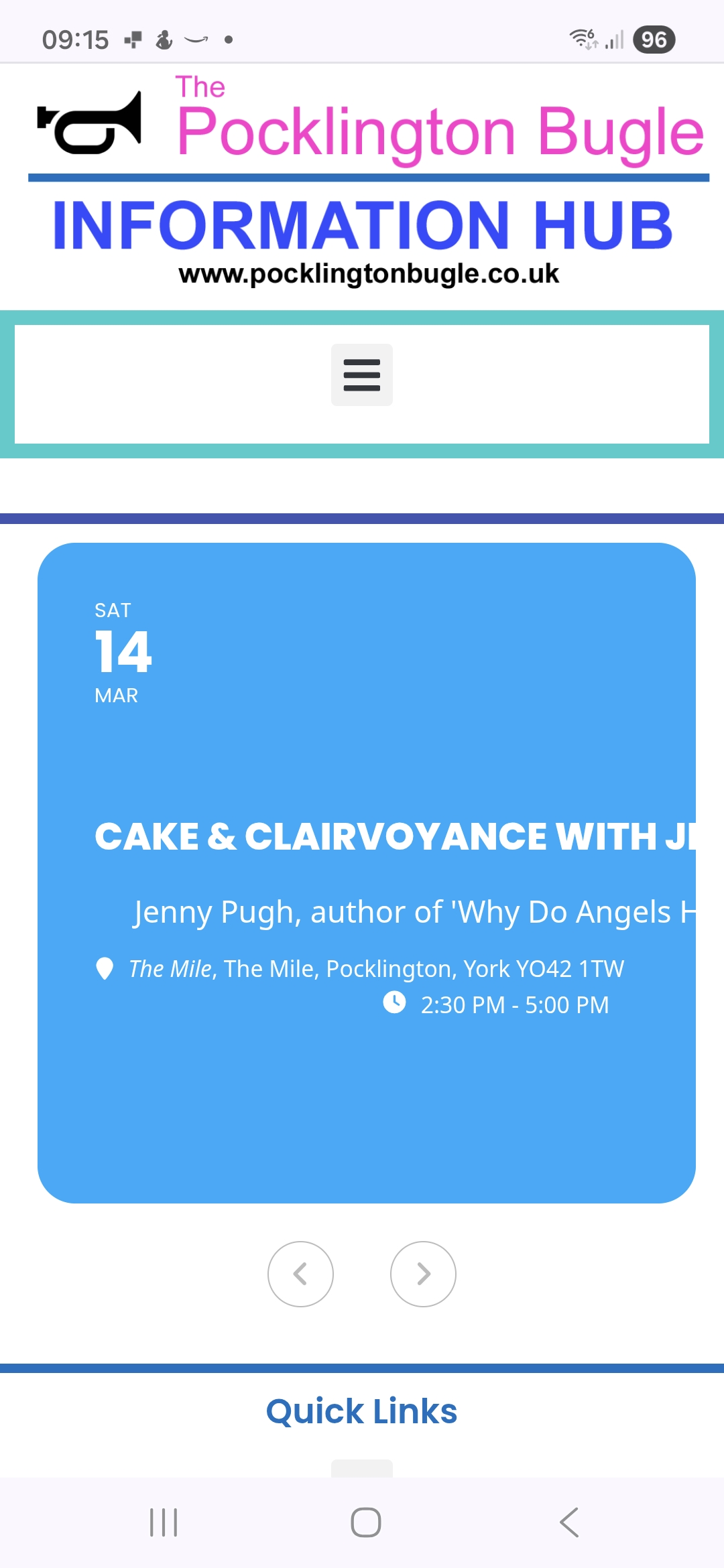
Still not wrapping on mobile screen