Sorry about the issue. We changed some stuff in 4.6+, so you needed to save Designer after updating.
Icons. Please go to https://www.theaterberatung-bw.de/wp-admin/admin.php?page=eventon#evcal_002sc > disable “Disable font awesome fonts”.
Replies for tickets on suppota
Sorry about the issue. We changed some stuff in 4.6+, so you needed to save Designer after updating.
Icons. Please go to https://www.theaterberatung-bw.de/wp-admin/admin.php?page=eventon#evcal_002sc > disable “Disable font awesome fonts”.
James did you tried to upgrade an expired license of fullCal? I see the fullcal order id 53893 last payment was on April 9, 2022 which was not successful and payment was never made for subscription.
Hello,
i don’t changed templates.
I commented only line, who i saw after enabling wordpress debug mode.
EventON – v4.6.3
Event Tickets 2.2.9
QR Code 2.0.2
Thank you I see it and went ahead and refunded you for the order.
Was your issue solved?
Hi James,
Please take a look at the tutorial below
https://docs.myeventon.com/documentations/can-download-addon-updates/
Let us know if this works for you.
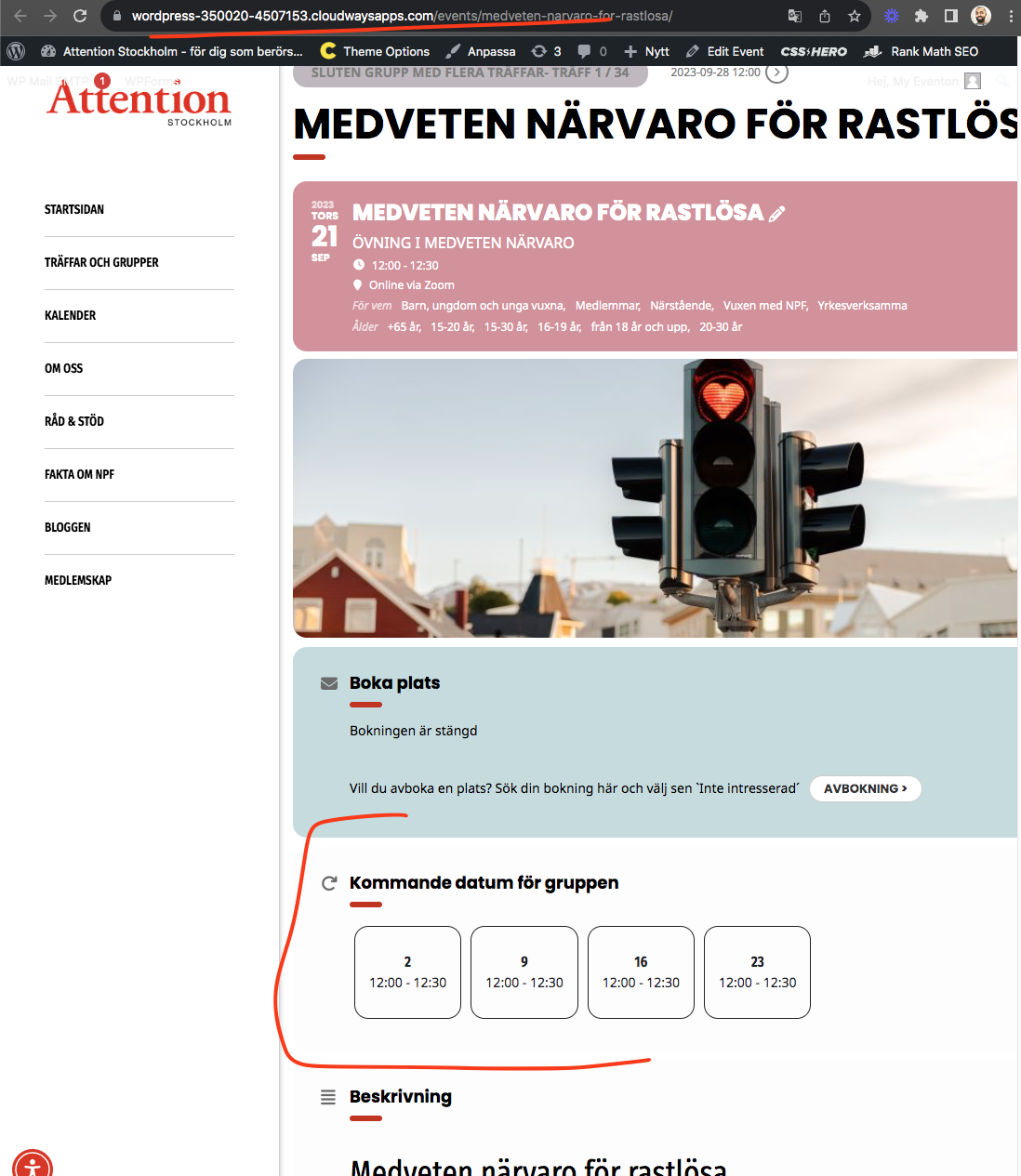
I got the errors resolved and we will include those code changes in the next version of eventON.
https://wordpress-350020-4507153.cloudwaysapps.com/events/medveten-narvaro-for-rastlosa/
I already made the update.
I already checked with the theme and my hosting to see if the problem could be caused by them, but no.
I have EventOn installed on two websites with the latest version of the plugin, and I have the same issue on both websites.
Hello,
Could you try updating Eventon to 4.6.3?
To update Eventon to the latest version: If you are unable to do auto-update, you can go to codecanyon your account > download and get the latest Eventon version as a zip file. Then you can go to your website > make sure “Delete eventon settings & data when EventON is uninstalled” is Deselected from eventon settings, delete old eventon, install new one, and activate. This link will further explain the process.
Hi Alice,
To remove the button, use the custom CSS code below
/*hides organizer learn more button on event card*/
.evo_card_organizer_more {
display: none;
}
To add the code please go to Appearance > Customize > Additional CSS