Thank you we will also continue to monitor this and make any necessary updates to it!
Archives: Replies
Replies for tickets on suppota
Reply to: tickets(350324)
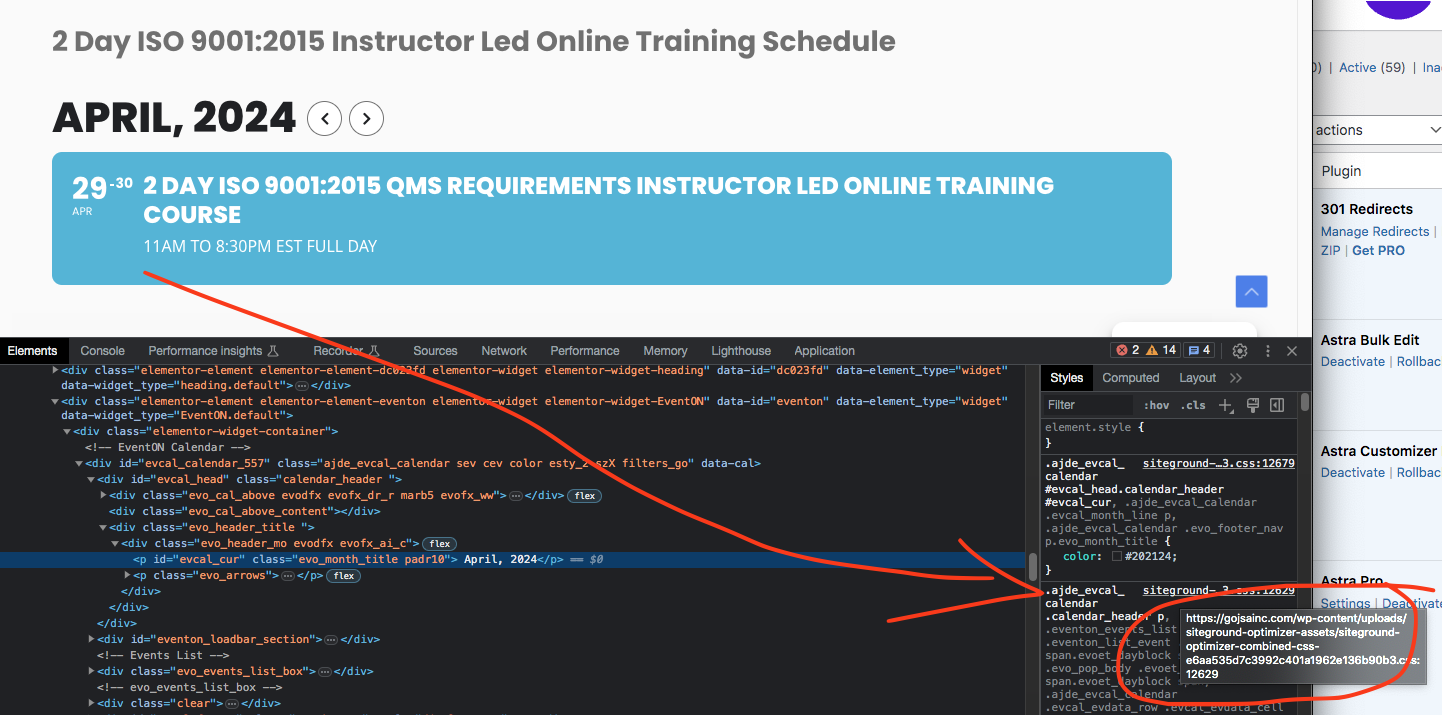
this is the link where eventON css are coming from rightnow – https://gojsainc.com/wp-content/uploads/siteground-optimizer-assets/siteground-optimizer-combined-css-e6aa535d7c3992c401a1962e136b90b3.css
Reply to: tickets(350324)
Sorry Andrew lets figure this out.
It looks like the styles for eventON is still coming from some caches place instead of eventon_styles.css
Lets disable all those and have eventON styles come direct from the eventON plugin folder.
Because I think if only in eventON pages this is happening, the cached styles are what is causing this.
Reply to: tickets(350138)
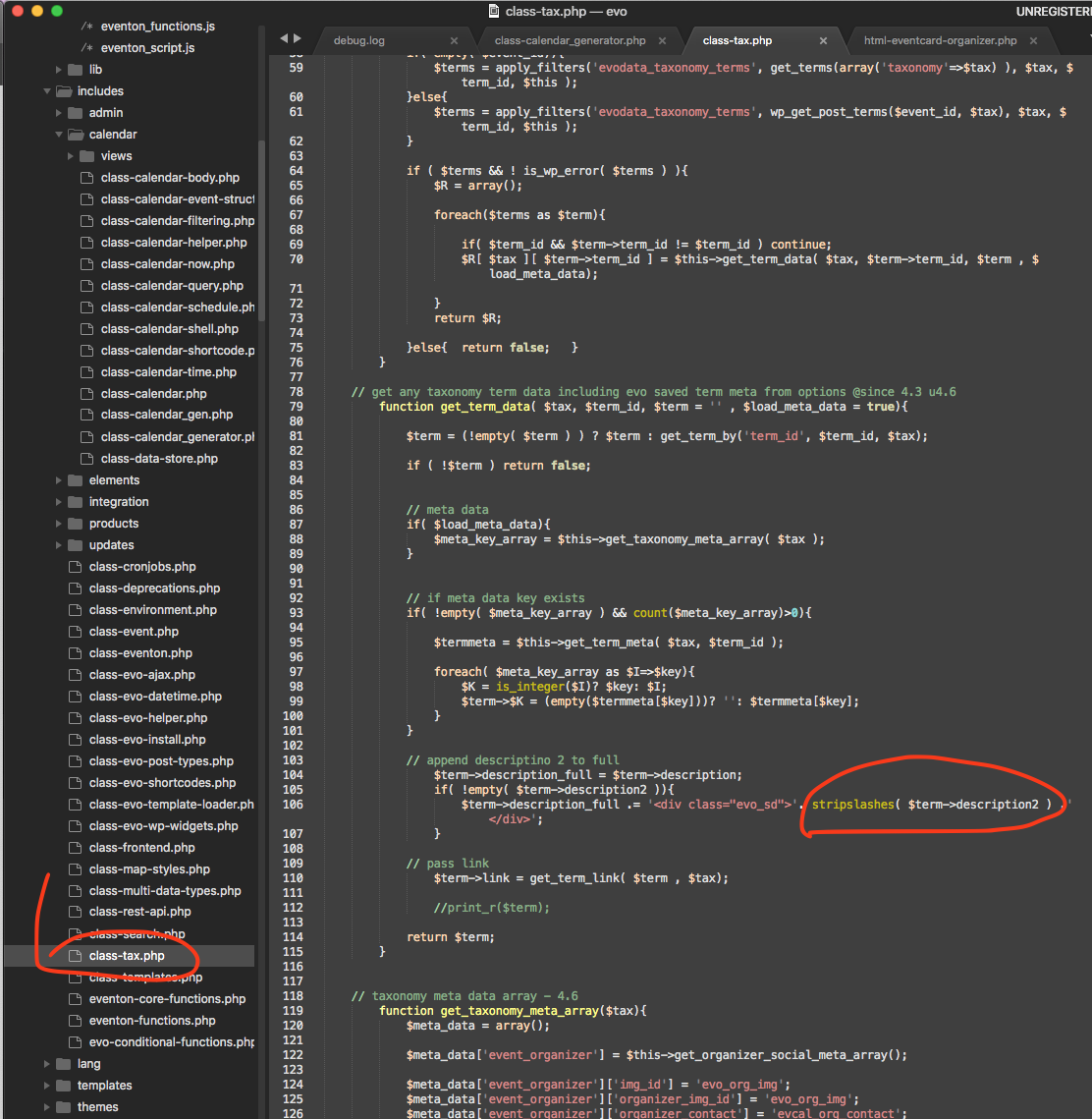
As for organizer details, here is the code change to make. We will be including this in the next version update 4.6.4
Reply to: tickets(351791)
Hello,
I went to https://themashhouse.co.uk/wp-admin/admin.php?page=eventon#evcal_004a and resaved Designer and then EventON Settings.
Please check now and let me know.
Reply to: tickets(350138)
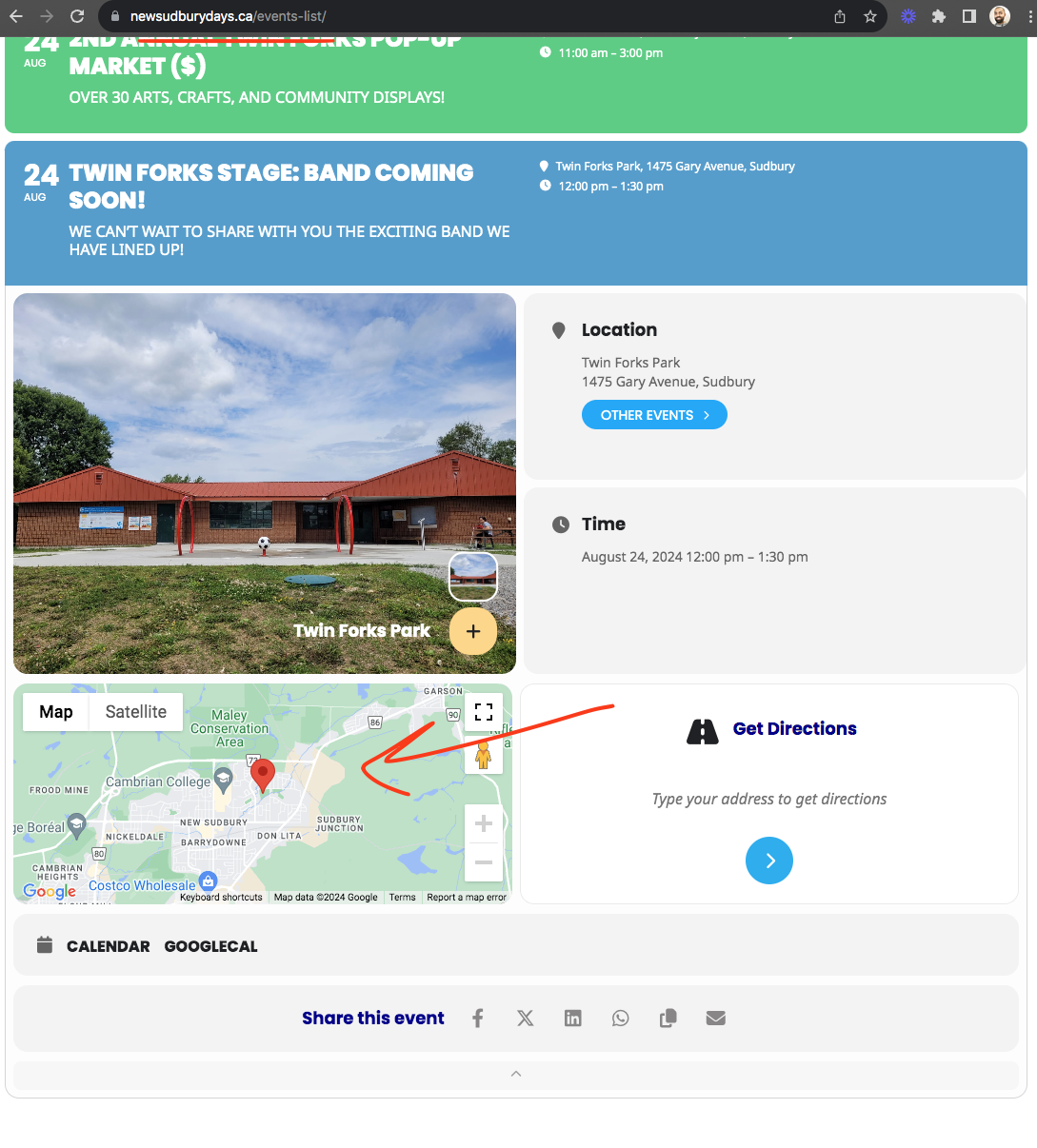
As for the maps I can not replicate the issue it works fine all the time.
Reply to: tickets(351792)
Hello,
Please take a look at Date/Time format:
event_start_date & event_end_date – Start/End date in format mm/dd/YYYY
event_start_time & event_end_time – Start/End time in format h:mm:AM/PM
Also please note that you must add event_start_time & event_end_time even if your event is All Day.
Reply to: tickets(351806)
Hello,
EventON uses it’s own template for Single Event page and Events Archive page.
You can customize them by following:
https://docs.myeventon.com/documentations/customize-single-events-page/
https://docs.myeventon.com/documentations/how-to-customize-events-archive-page/
PROTIP: If the /events page does not work due to theme/plugin conflicts, create a new page, call it “Events Directory” Insert eventon shortcode and use that as your main events page which will have a URL ending like /events-directory. This would be a perfect solution if you have conflicts with /events slug.
Reply to: tickets(351815)
Hello,
What are you versions of EventON and Tickets add-on? Can we take a look at wp-admin?
Please send us wp-admin access to your site as a private message for us to further assist your situation.
Reply to: tickets(351496)
Please take a look at https://docs.myeventon.com/documentations/why-my-site-and-eventon-page-loading-slow/
Also go to EventON > Advanced > change Select event calendar WP Query method.