I found the problem. I changed the alignment in the settings. I missed this small detail:
“Align month navigation arrows to rightside of the calendar”
Thanks
Replies for tickets on suppota
I found the problem. I changed the alignment in the settings. I missed this small detail:
“Align month navigation arrows to rightside of the calendar”
Thanks
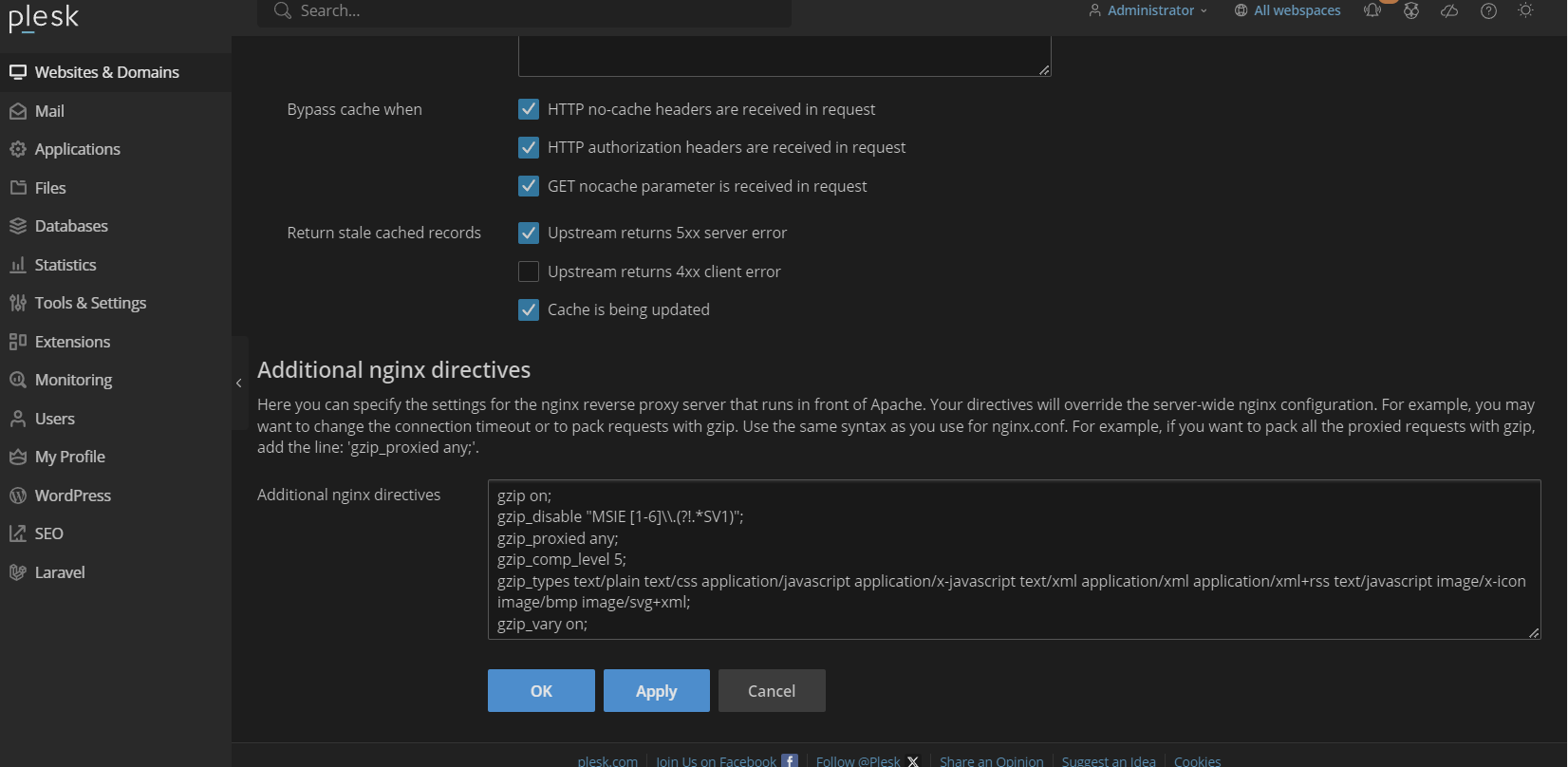
These are the other settings on the same Nginx page. Maybe you can offer some guidance
As I said I am no expert on the use of SSH so the guide is like chinese.
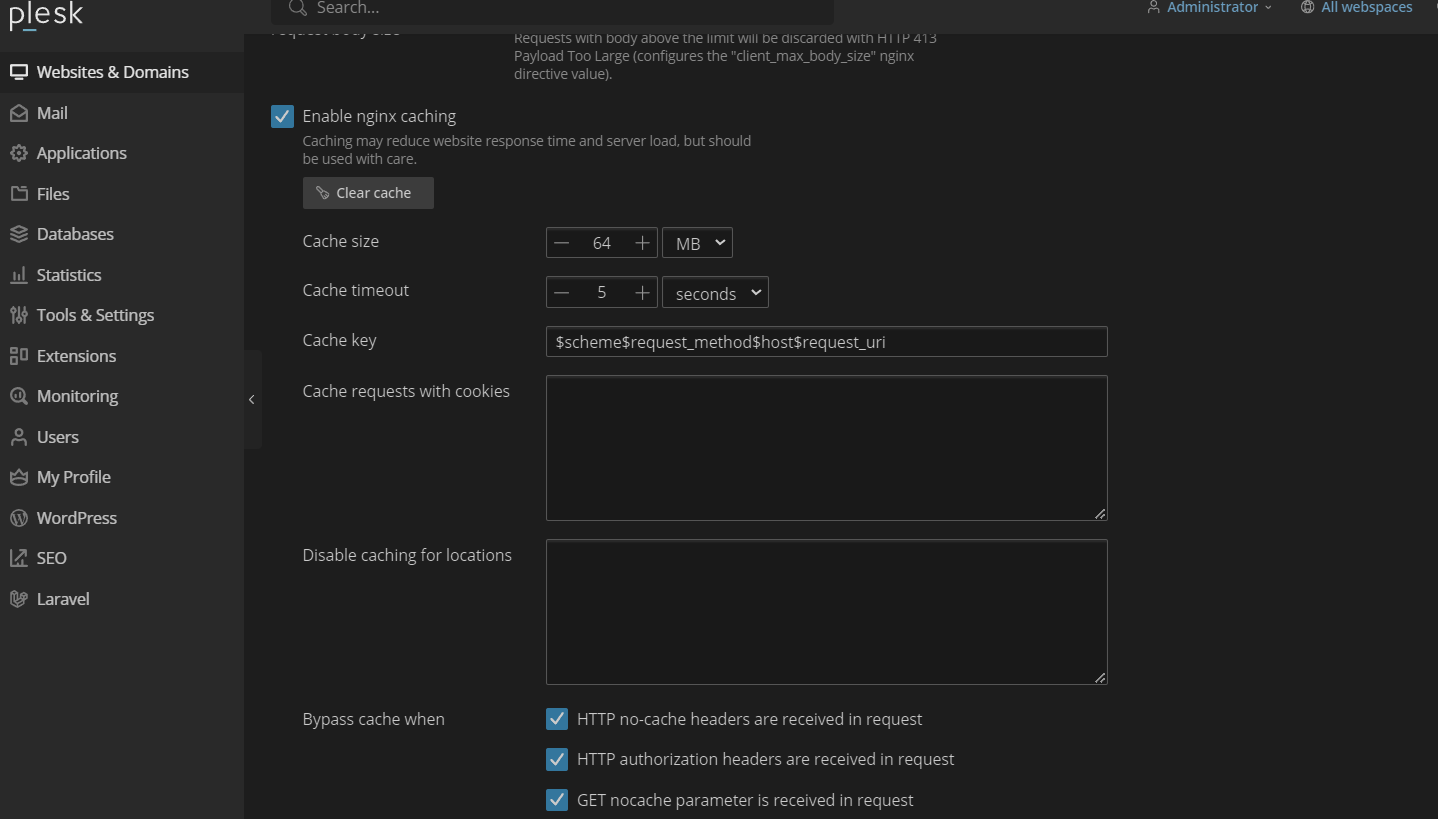
But I did find this on Plesk. See attached.
Do I need to change some settings there?
I have disabled all css combining of files.. same issue.. can you please check again ?
i will disable all combining of css files and purge caches
Can anyone help confirm if the API is available? Thank you.
yes, I ended up hiring someone on fiverr to quickly fix because we were having a fair amount of ticket purchasers not realizing the password is case sensitive. Thanks for your willingness to help though.
an error like that could occure if they try to upload an image that is too big-
see video:
this may or may not be the issue but helpful to edit the language field to say max size in kb or MB and also prefered dimensions of the image itself
in myeventon>>>>>language>>>>categories
I simply deleted the word and now its not showing
so yeah when you want to iether delete or change the name you have to remove it in your event types and then also in myeventon>>>>language>>>>categories- simply highlight the word and delete the word- then save and then it removes the category
We are glad your issue is resolved, if you have any further questions or concerns please create a new ticket.
If you have a moment, we would greatly appreciate if you could kindly leave us a review at Codecanyon. By going to your account > Downloads. We are very grateful for your kind review!
WordPress
| Version | 6.5.2 |
| PHP version | 8.1.27 (Supports 64bit values) |
| PHP SAPI | fpm-fcgi |