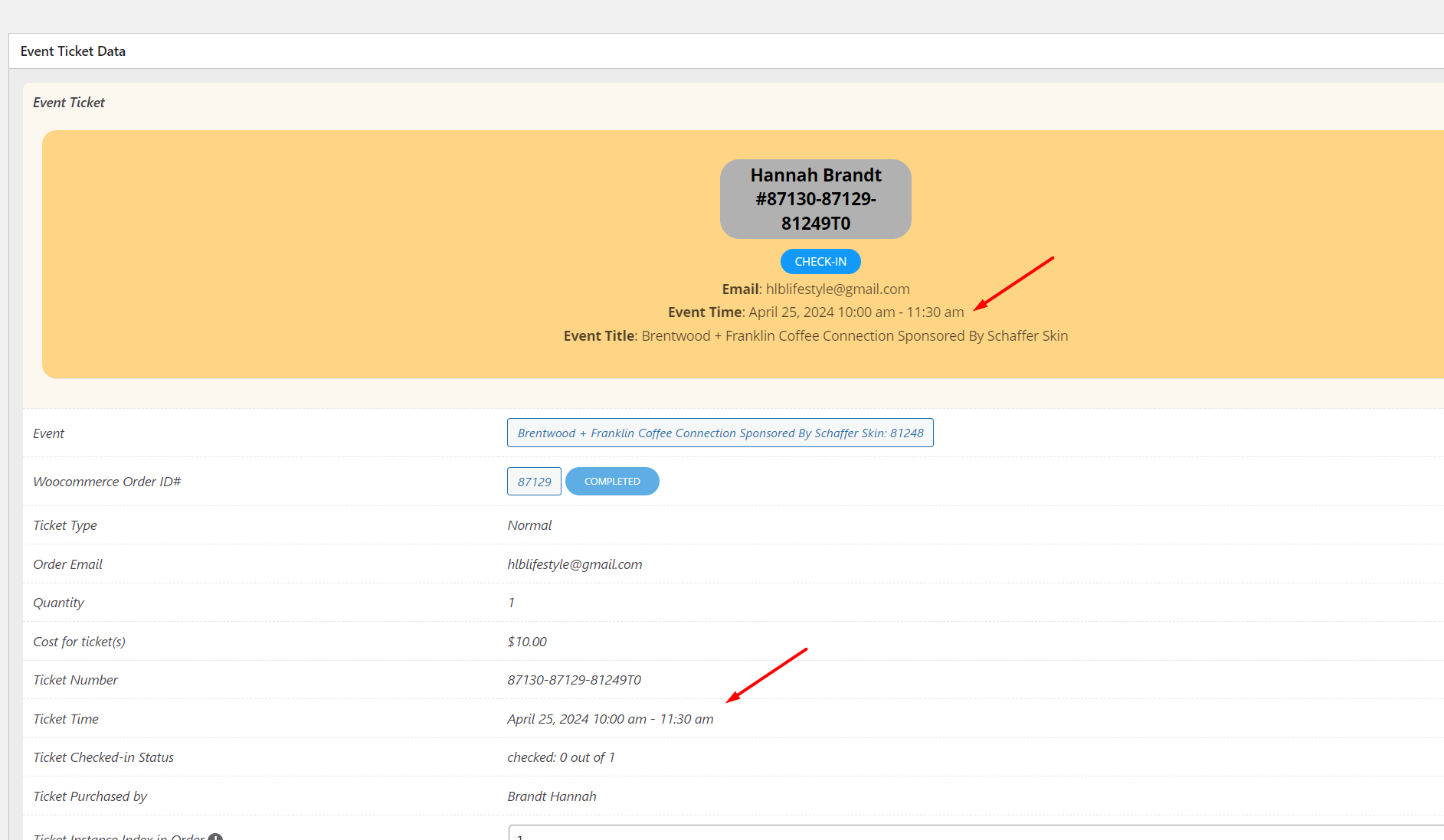
Reply to: tickets(351815)
Replies for tickets on suppota
I’ve updated it. Thanks.
Can you try updating to 4.6.3 from CodeCanyon?
Perfect! Thank you for sharing this info with us.
Hello,
Could you update EventON to 4.6.3?
To update eventon to latest version: If you are unable to do autoupdate, you can go to codecanyon your account > download and get the latest eventon version as zip file. Then you can go to your website > make sure “Delete eventon settings & data when EventON is uninstalled” is Deslected from eventon settings, delete old eventon, install new one and activate. This link will further explain the process it. Also you can follow us on twitter to get real-time announcements on updates!
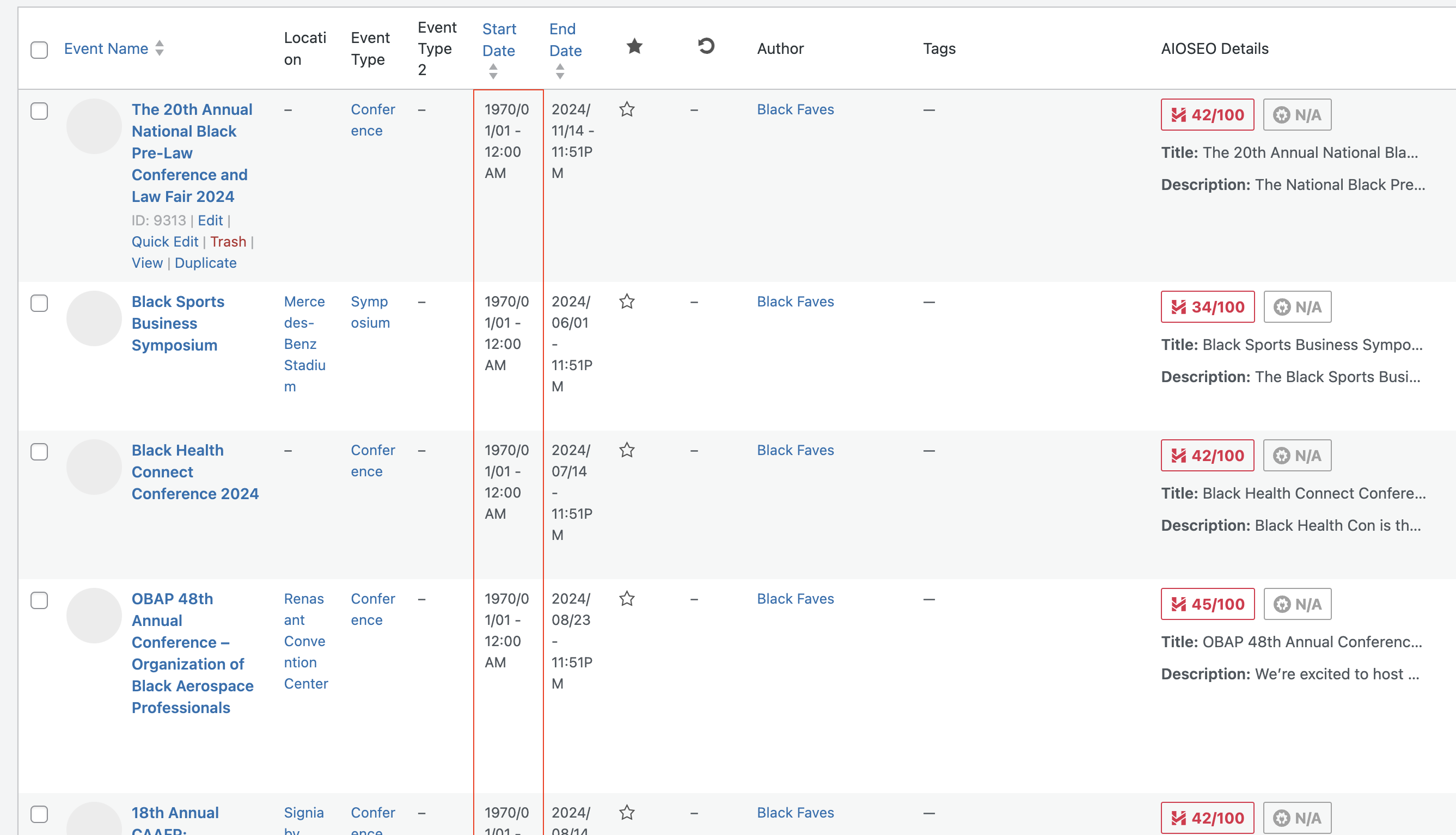
Here’s a screenshot of the events after the import, showing the start date changed to 1970/01/01
I tried to check your website in Troubleshooting Mode https://inishowen.ie/wp-admin/site-health.php?tab=troubleshoot and got this issue.
This page is empty:
https://inishowen.ie/wp-admin/post.php?post=237364&action=edit
But still showing EventON shortcode: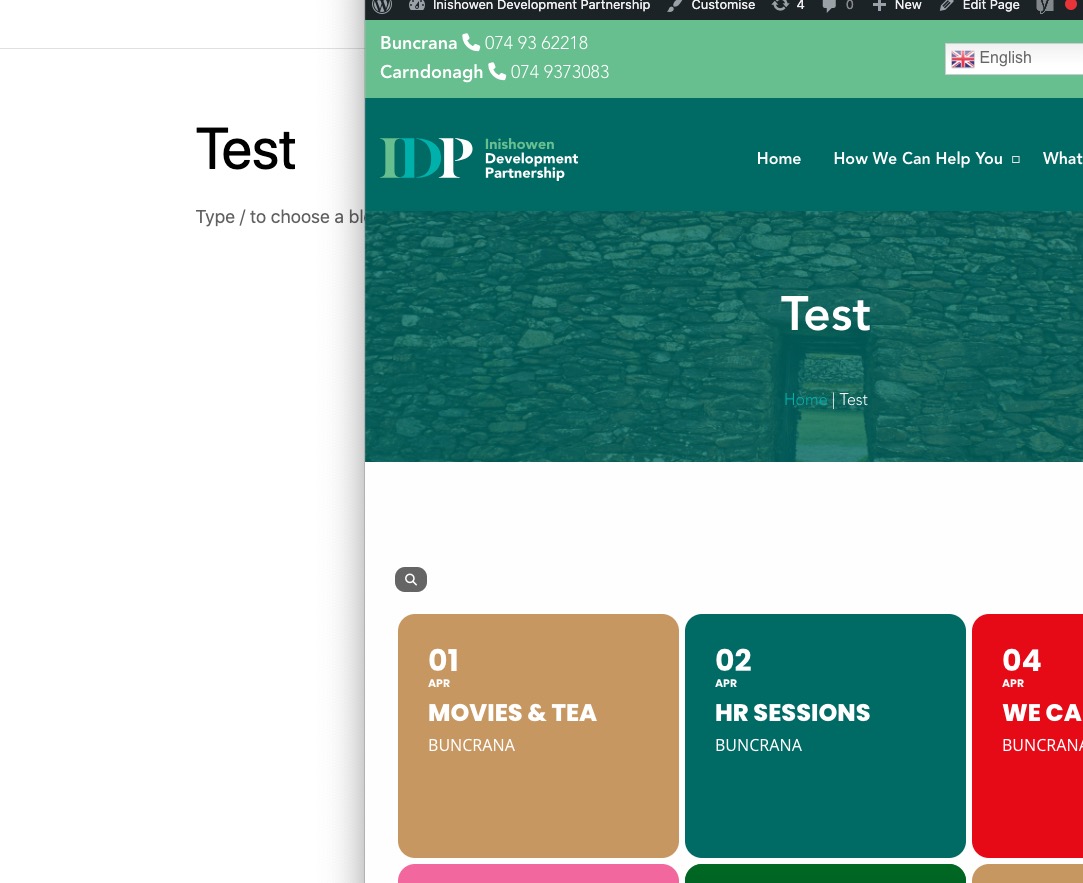
First thing, please update EventON to 4.6.3, then try the instructions mentioned in this documentation. I think something affects EventON.
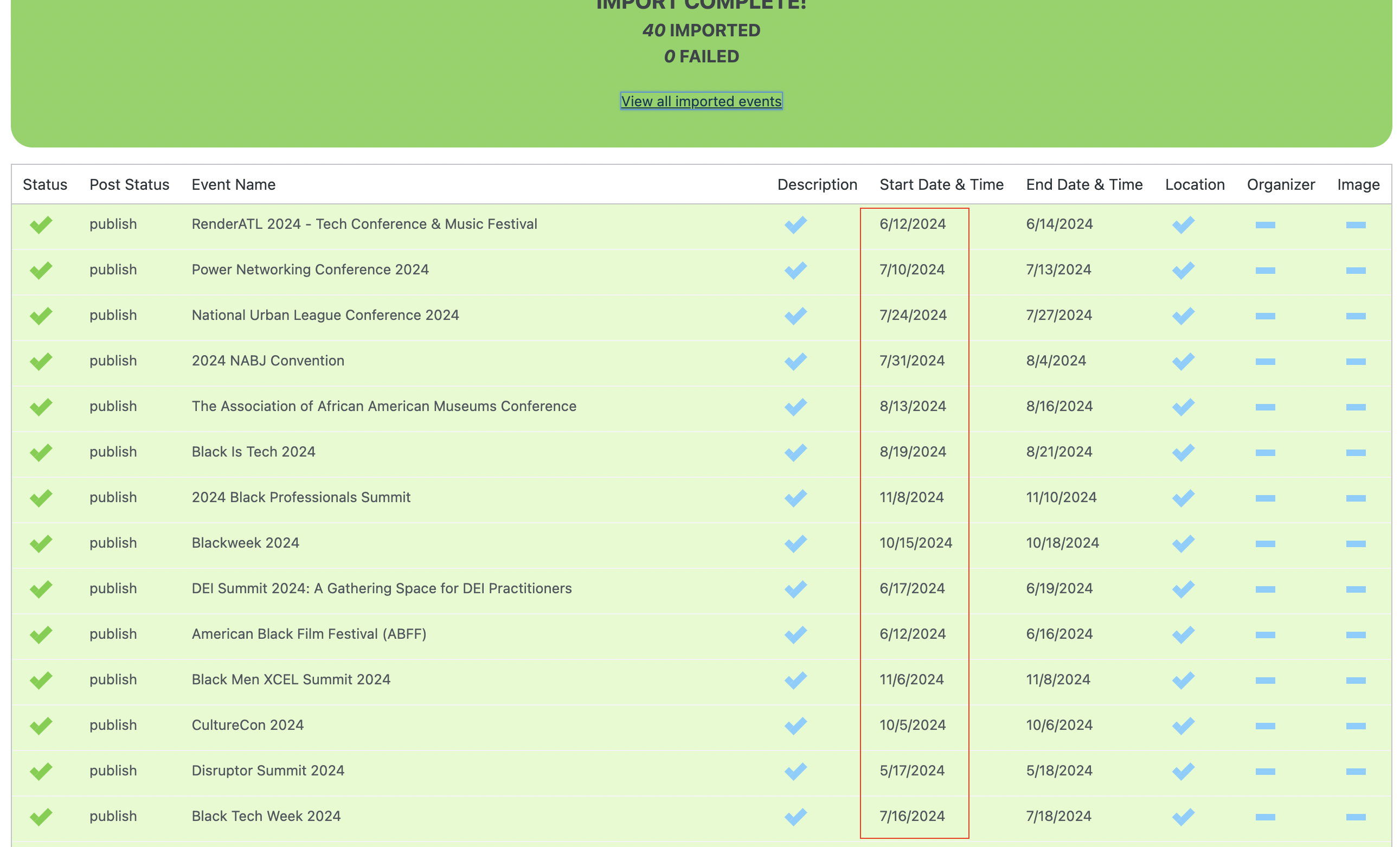
Here’s a screenshot of the import preview, confirming the start date was formatted correctly.
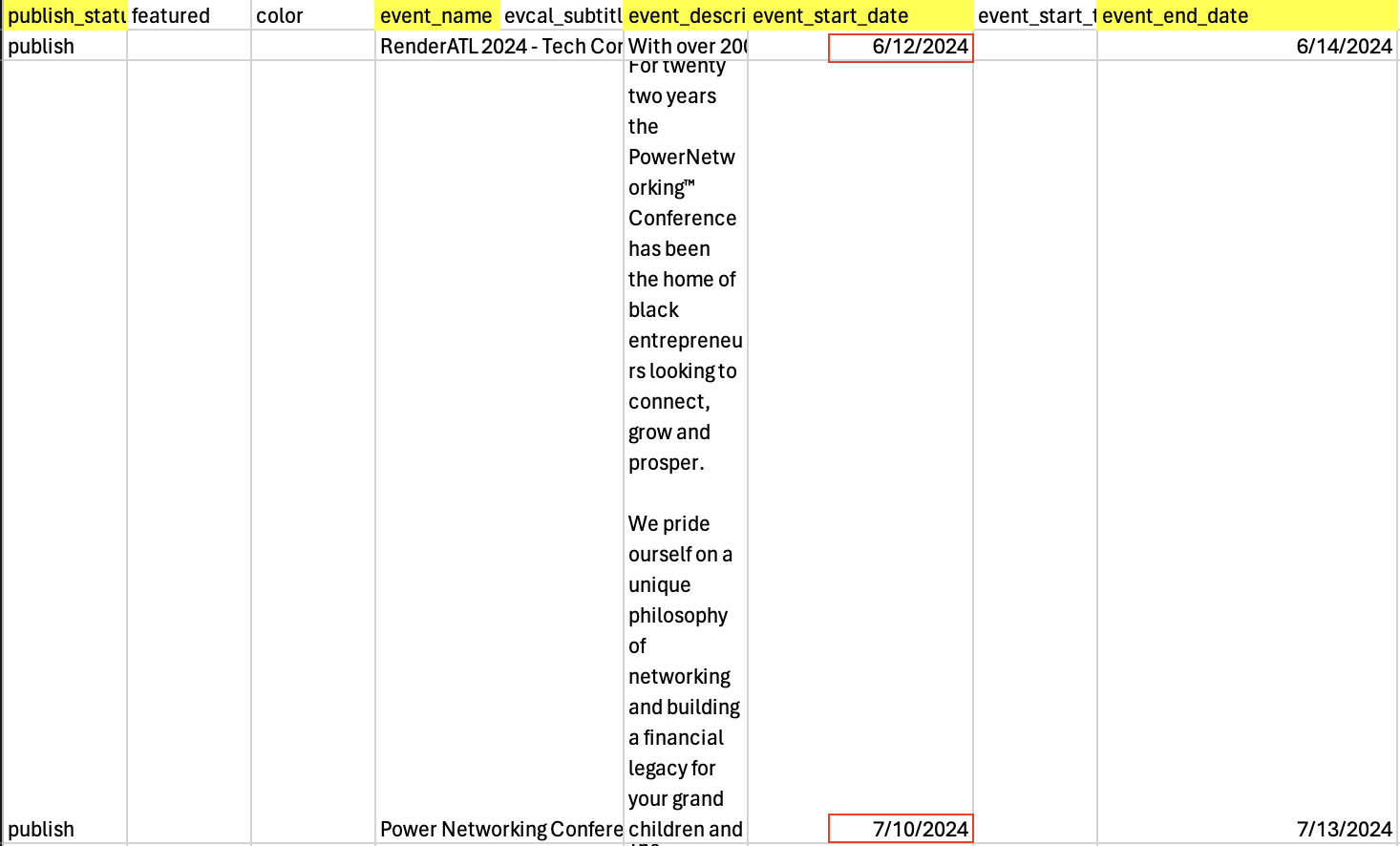
I fixed the issue manually on all the events on the import. But I’m attaching screenshots of the import for reference. Here’s a screenshot of the CSV file.
The only available option is to hide the event that have already started. Try adding
event_past_future=”future” hide_past_by=”ss”