hello, issue was caused when we tried to add a new location, issue was in database, I repaired it in myphpadmin. Seems to be working, but I reinstalled the plugin and its now on 5.0.6 and not 5.1.2. . How do I update it back as the time zones are now gone again. Thanks
Archives: Replies
Replies for tickets on suppota
Reply to: tickets(409978)
Artem we have not changed anything in the last year, except updates.
With every update something breakes in eventon – everything else works!!!
Let’s start with the error message above which obviously a problem?
Thx
Reply to: tickets(410208)
sorry, also note , the database has all the event locations in it as it work fine to display and even see in the events, it clearly there and migrated, the access to the organizers is there too. All data is confirmed in the table. It is not a import problem. Maybe some kind of hook to the database?
Reply to: tickets(410208)
Hello, the migration happened days ago, and the old site is gone and deleted. Bluehost couldn’t get the DNS to take, so they deleted the old site without our permission to make the DNS switch. I can see the locations in events but can’t edit or add them anymore. Is there a way to completely delete and purge everything and reinstall so it will work, or to fix it via myphpadmin, or is this plugin useless to us now?
Reply to: tickets(384858)
And Extended Insight on Ticket Sales don`t open….
The same on our test site. Thank you for letting us know! We are going to fix this.
On my testside with other plugins and theme, the same crash:
Seems to be working correctly with the default theme and no plugins:
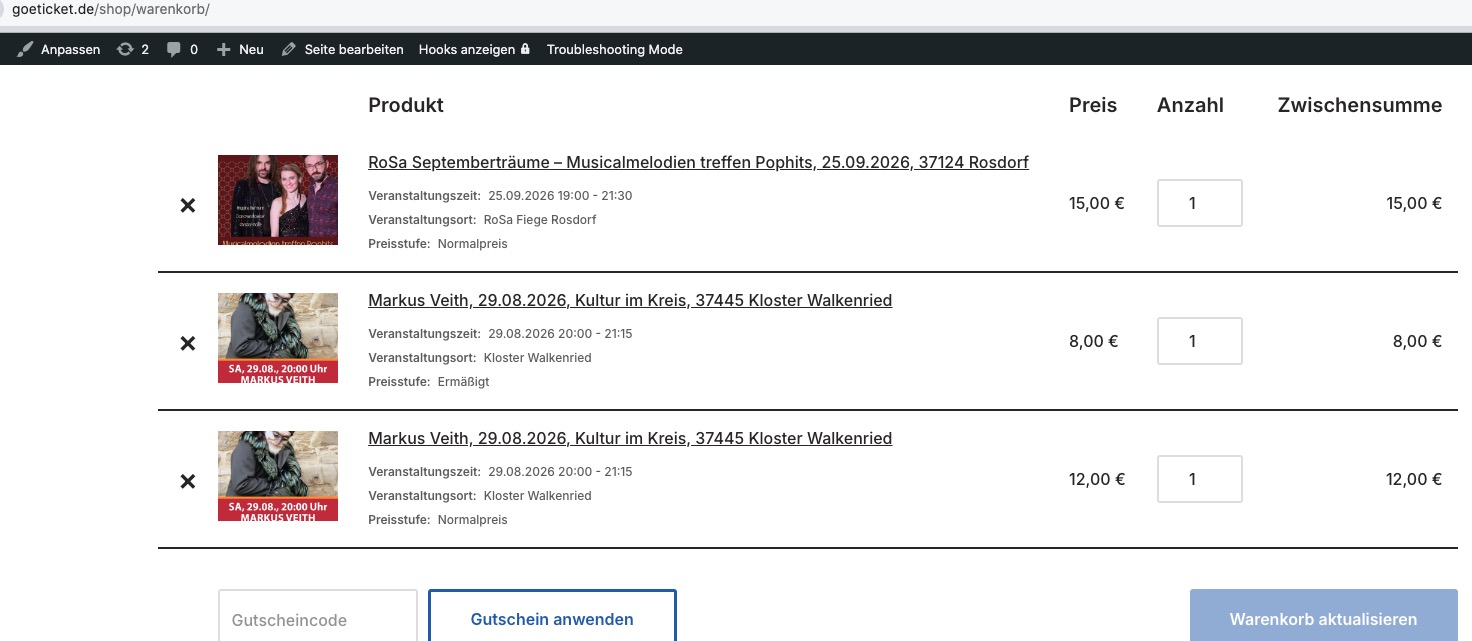
As opposite to the default state:
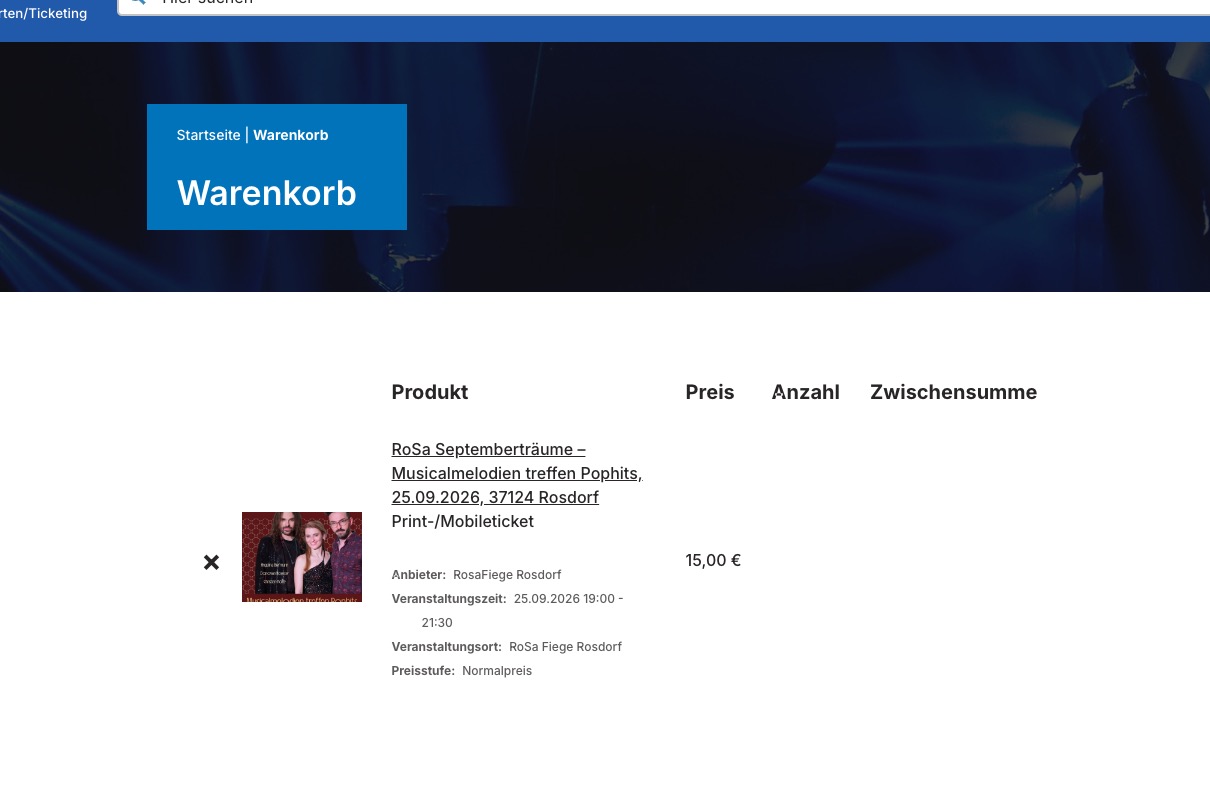
Please follow the instructions in this documentation to activate debug in your site to see any PHP errors recorded that can provide insight on to whats going on. Please reply with a link to debug.log file. If you are not able to do this please send us FTP access to your site so we can do this for you.
Reply to: tickets(406932)
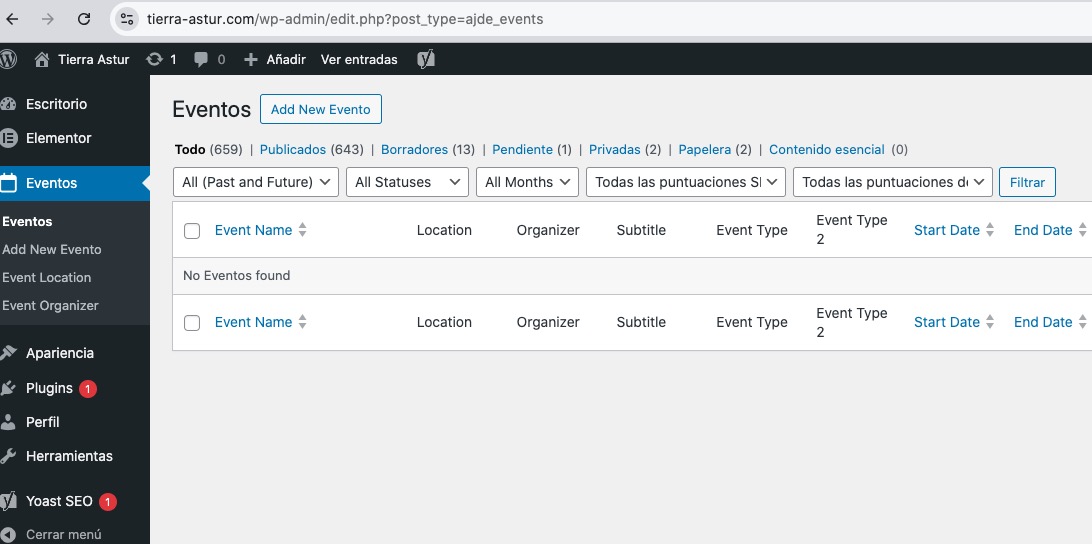
Events page is empty
Could you allow us to access them?
functions.php file doesn’t have any custom code. You also don’t have any plugin can apply custom code to plugins/theme.
This was possible without any custom code? With just older version of EventON + Tickets?
https://helpdeskx.s3.amazonaws.com/wp-content/uploads/2026/05/04064010/trf6utr6y.gif
Reply to: tickets(409978)
The image upload works with the default theme and no plugins enabled, so the issue is in some of your plugins or the theme. Please try switching plugins one by one to figure out which one can cause this.
Please start with disabling the theme.
Reply to: tickets(409978)
Sorry for the delay.
I created this test user:
https://www.dav-burghausen.de/wp-admin/user-edit.php?user_id=97&wp_http_referer=%2Fwp-admin%2Fusers.php
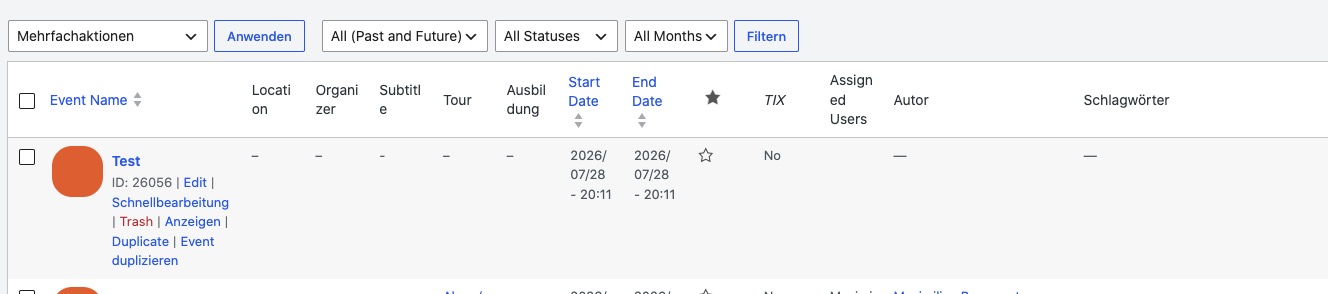
After I created this event using Submission Form, the author is empty:
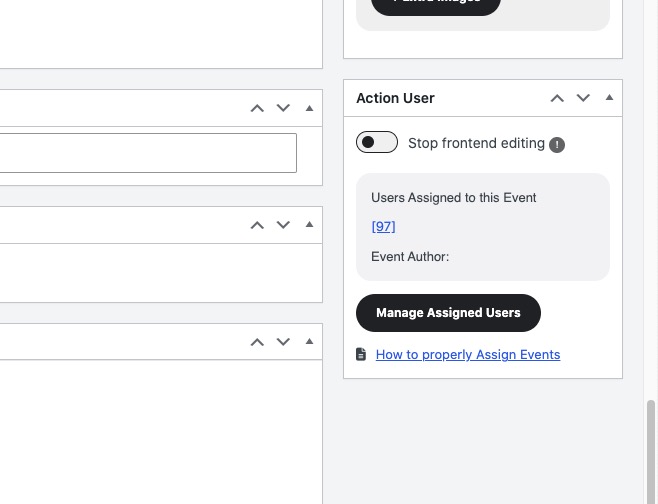
Can I disable all plugins except EventON and also switch the theme? I would like to see if your user role plugins can cause this.
I just tried the same with our test site and all submitted events are visible in Event Manager.
Reply to: tickets(410221)
Hello,
Could you send us Order ID of the purchase, so we can find the add-in in our system?
Reply to: tickets(410208)
The thing is that Event Location is a separate taxonomy (event_location). So I believe that Migrate Guru Plugin simply doesn’t understands how to import events and then import associated locations.
Please note that we have our own add-on that allows you to import events and locations:
https://www.myeventon.com/addons/csv-event-importer/
Try on