I still need to have access to Plugins, because when I enable Troubleshooting Mode, it disables all plugins: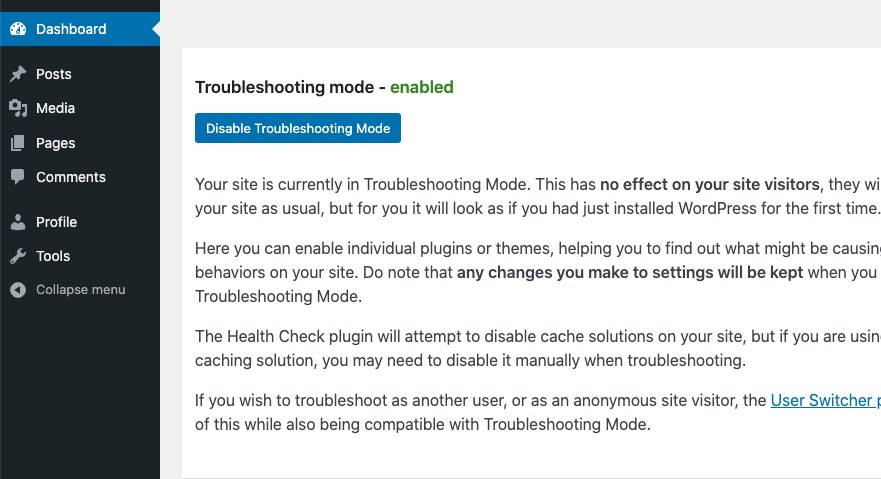
Archives: Replies
Replies for tickets on suppota
Reply to: tickets(351461)
Ashan,
The same on dev2:
https://dev2.myeventon.com/product/test-var/
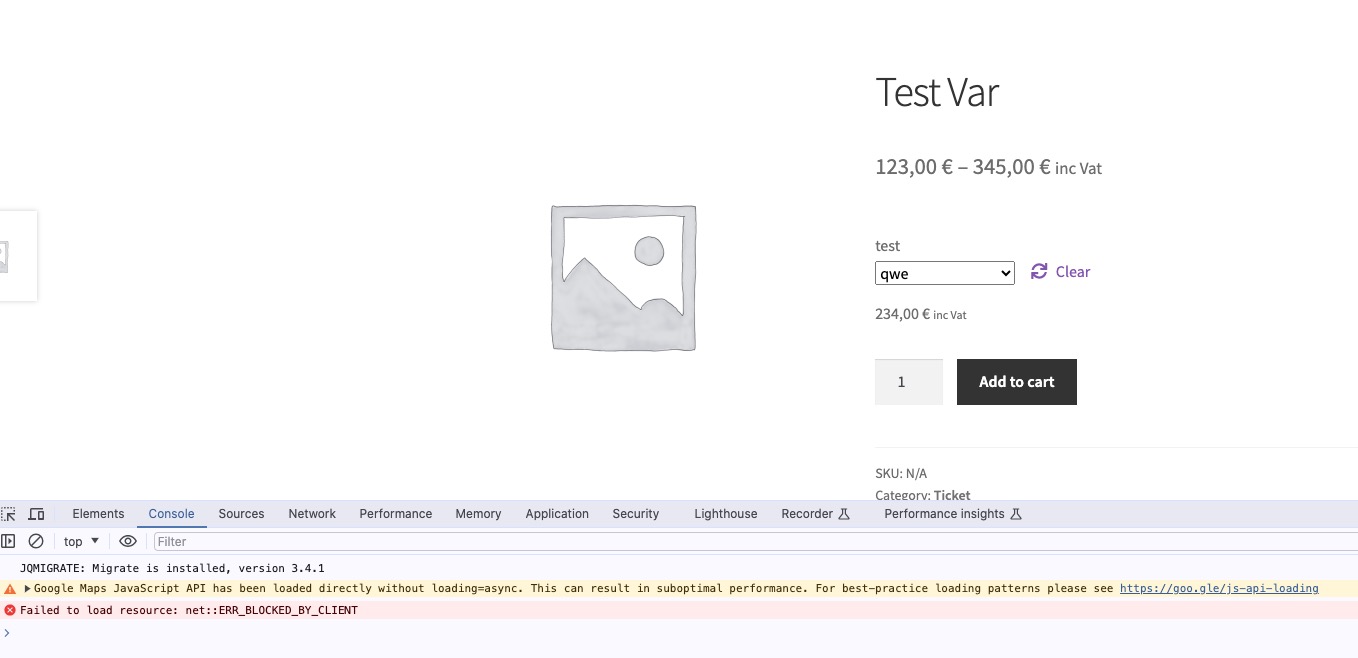 Only WooCommerce is enabled: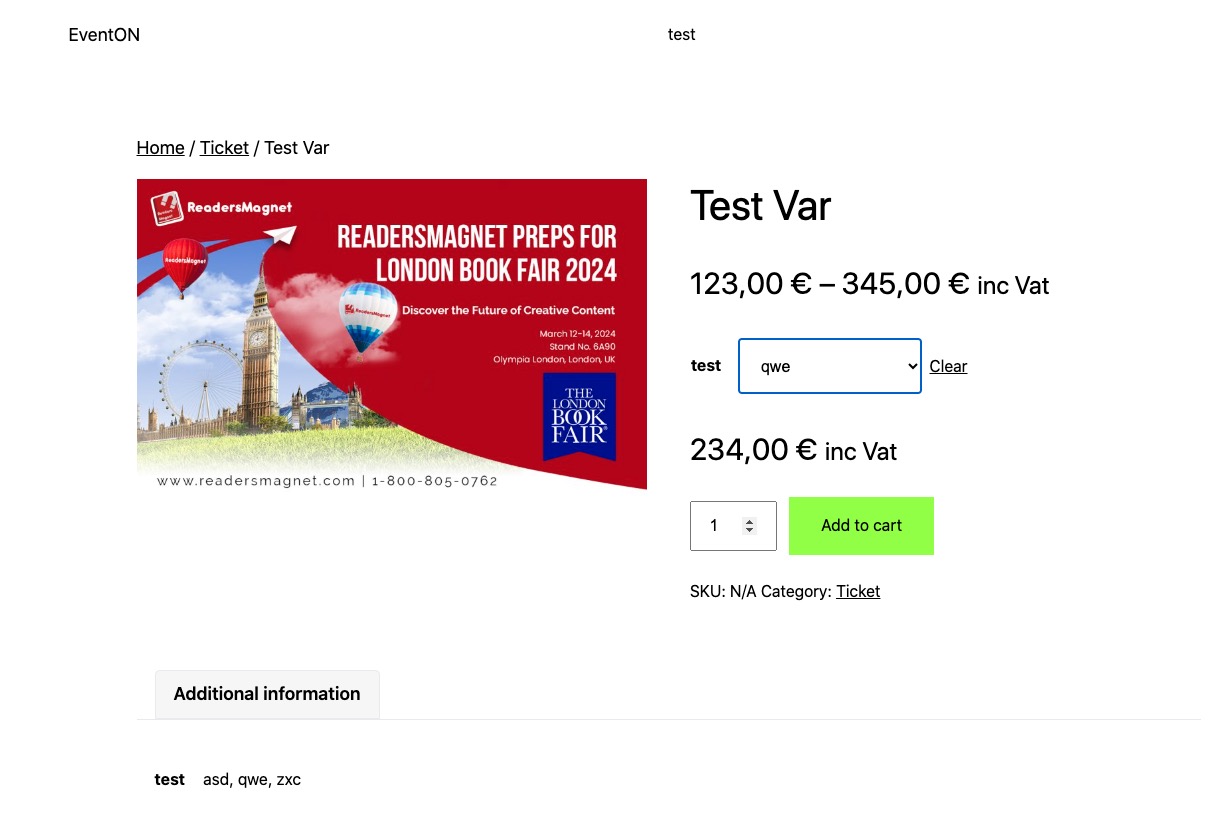
Reply to: tickets(351461)
Thank you for your messages, I am going to assign this ticket to Ashan and he will be able to take it from here and find you a solution. Please allow some time for him to get back to you, we greatly appreciate your patience and thank you for being a eventon customer! Also please disable any IP blocking on your site if there are any.
Reply to: tickets(351510)
Hello,
Thank you for your great suggestion, at the moment it is not supported. However please create a new ticket and select Feature Request as category so others can vote on your idea and get it moved into development faster.
Reply to: tickets(348021)
You can use any email you like. Just create a new user and then send us login/pass combination here.
Reply to: tickets(351202)
Unfortunately, I just cannot recreate the issue. Can you?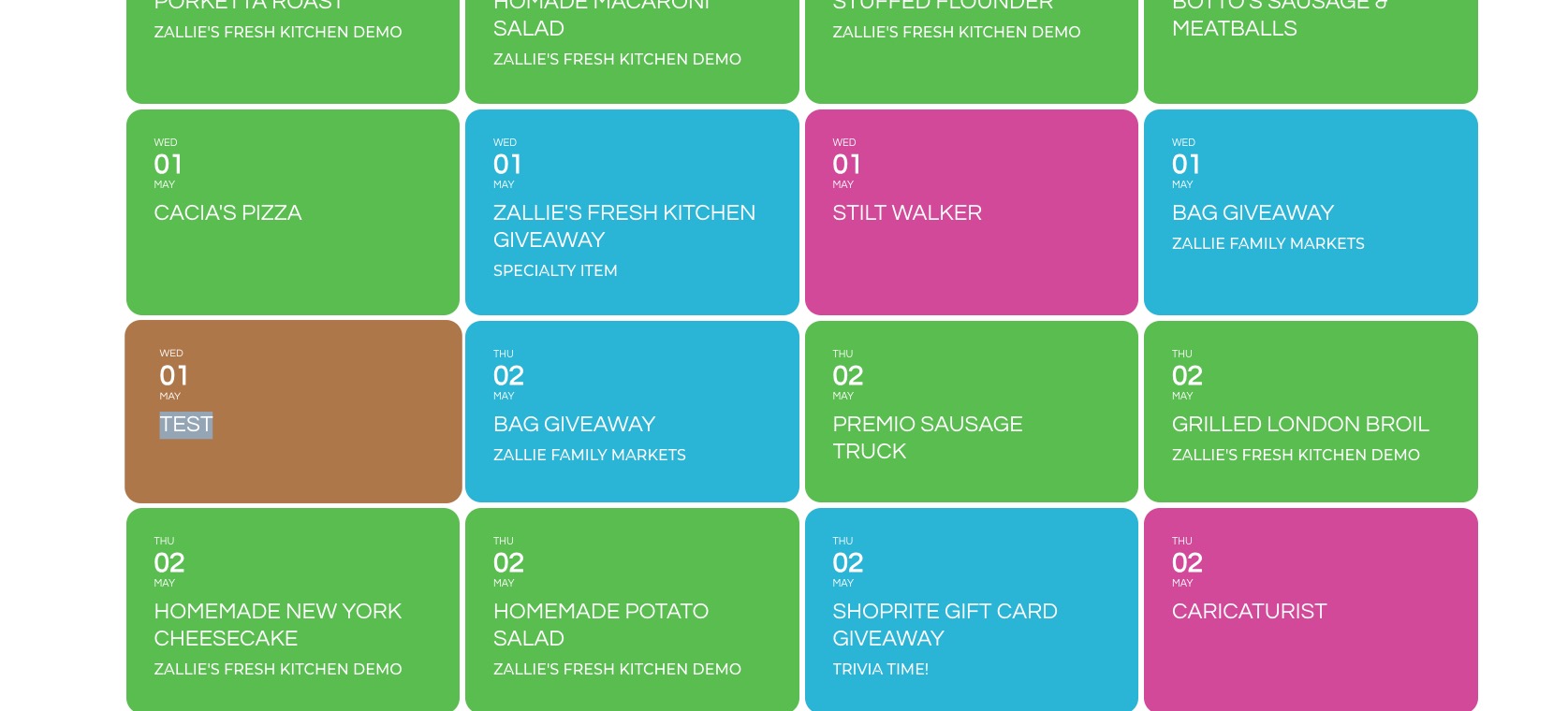
Test event:
https://zalliefamilymarkets.com/wp-admin/post.php?post=23529&action=edit
Reply to: tickets(351533)
Hello,
Please use this shortcode:
[add_eventon_list number_of_months=”24″ tiles=”yes” tile_bg=”1″ hide_empty_months=”yes”]
Reply to: tickets(351162)
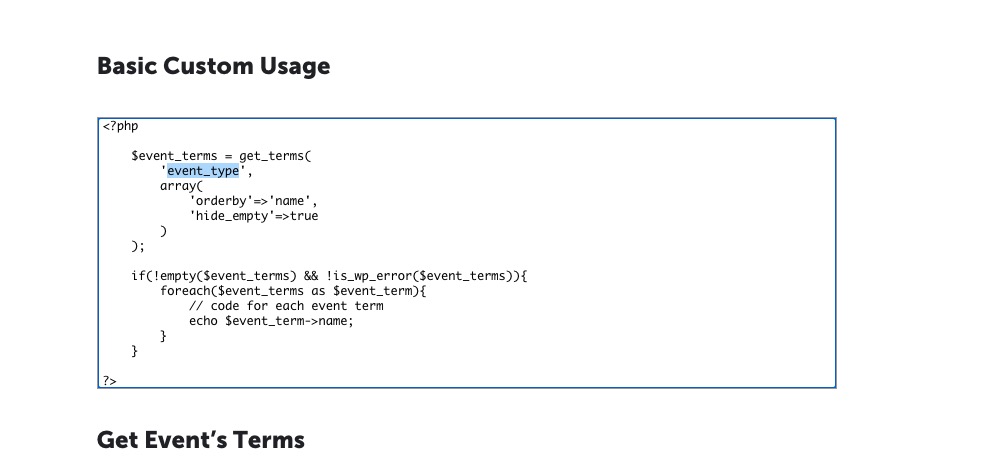
Please take a look at
https://docs.myeventon.com/documentations/taxonomies-eventon/
This part:
Reply to: tickets(351162)
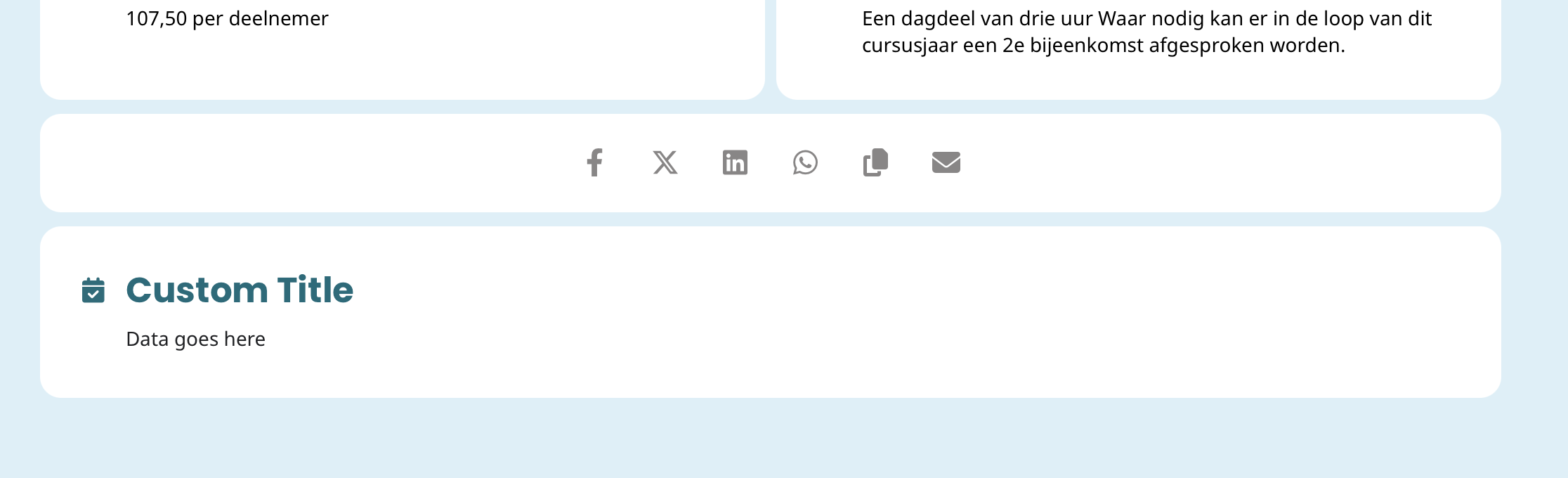
I think I am almost there. I have the text box (see image) in the event page. Now step two: I want here to show the categorie-group “Doelgroep”. How do I do that? I only see codes for Event Location and Organizer in the tutorial.
Reply to: tickets(351162)
Okay, I see. Code Snippets. Now I understand.