Hello Mahmood, As dave shared the old versions changes, there isn’t much done on the RSVP addon end that cause this, But on EventON main settings. The save changes button above will run jquery code to trigger click of the settings button on the bottom of the page.
As dave found out, seems the theme is causing the issue with build thing. Kindly see if you can do what Dave suggested as temp solution. We will continue to see if we can find any discrepancy in the code that have changed and if we catch something we will get that resolved.
Kind Regards.
The code I shared with you is in the latest version. Which part of the code are you having to update in the new version? Please share with us.
So to your original question. the shortcode you want to use is not supported on RSS addon by default but you can use pluggable filter to add support for that. 🙂
here is the guide to do so
https://docs.myeventon.com/documentations/how-to-customize-event-feed-with-arguments/
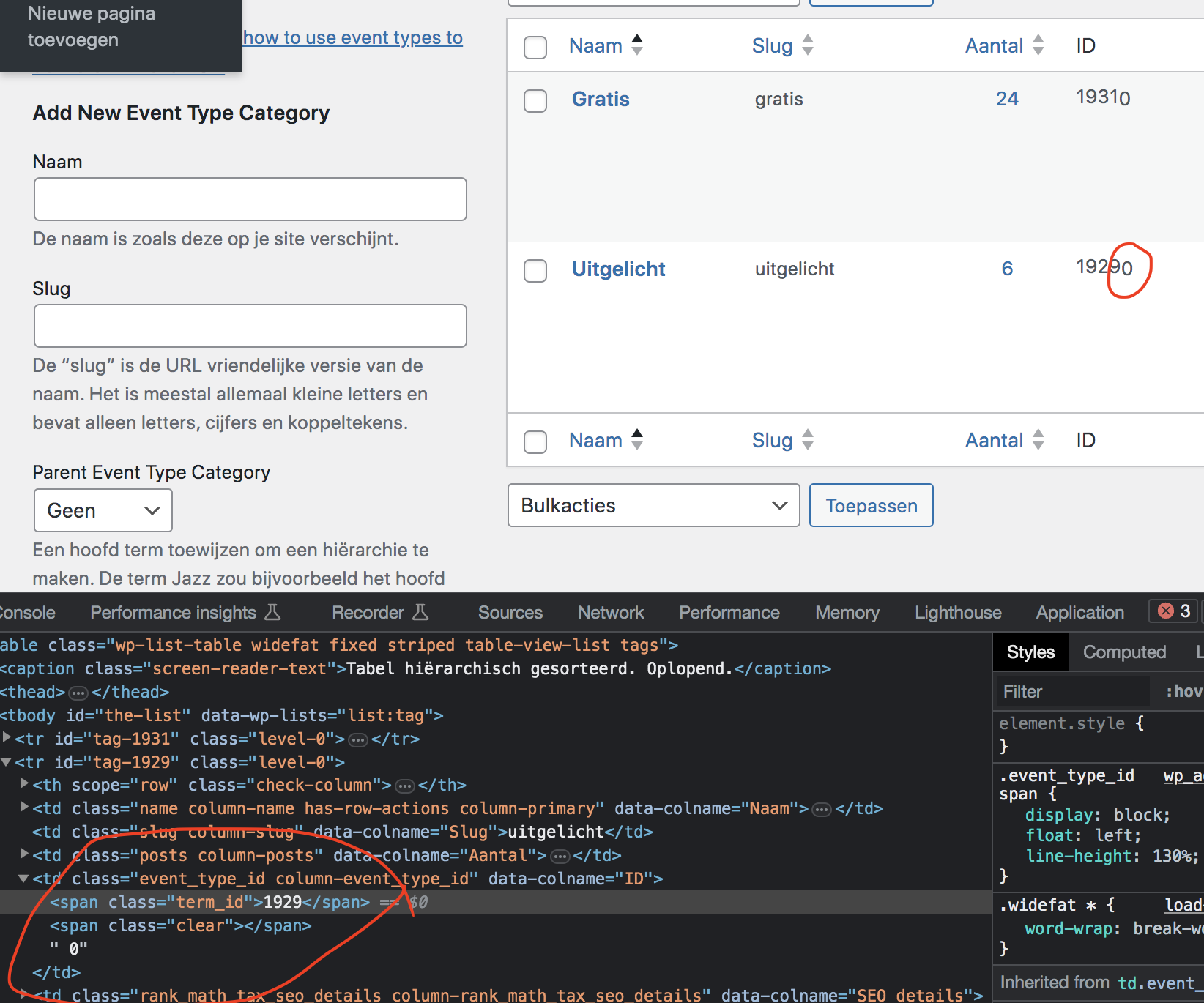
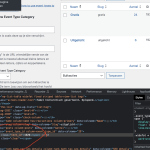
Hello Frans Ok, the term ID you are using is not correct. Something in your website is adding an extra 0 to the term ids.
If you do this, https://nijmegenonline.nl/evofeed?event_type=1929 you will see all correct events.
Brad I which email client are you using? I wonder if its a problem with the mail client? if an address is marked as NOT spam and still get sent there, makes me think must be a fault in the mail clients filtering system…
Is it possible to switch to another mail client and try?
Sorry for the delay. We are also humans just like you not machines 🙂 Soon though AI will be able to answer it 🙂
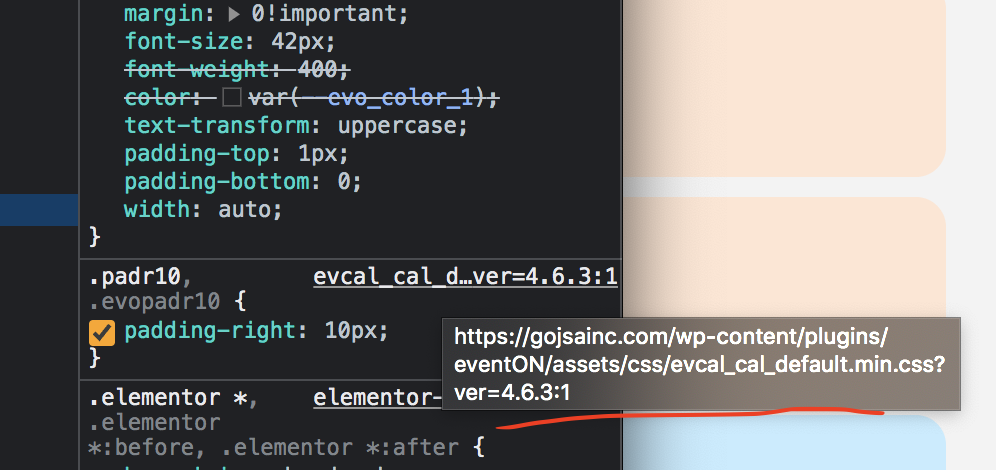
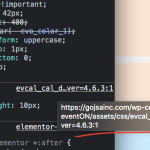
Ok so something is not right, are you using some other plugin to minify eventON styles? because these are no CSS file with this name that comes with the eventON package.
Whatever modification they is done is messing with the styles and that might be why the menu is getting messed up.
See if you can find where this is happening and undo this and see if the original eventon_styles.css can be loaded .
I know that you have issues with the latest version of EventON, so you cannot update, correct? But can you update Tickets add-on?
Maybe there is such difference with our test server, because we use the latest version of Tickets? Could you try?
Hello,
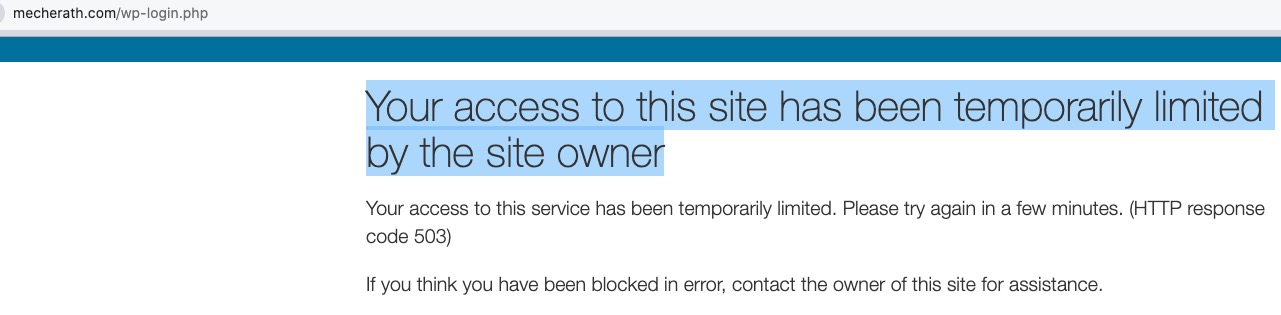
I cannot access wp-admin:
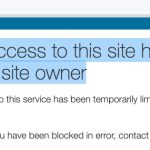
Could you check?
Please try going to EventON > Scripts & Styling > disable Write dynamic styles to header.
Hello,
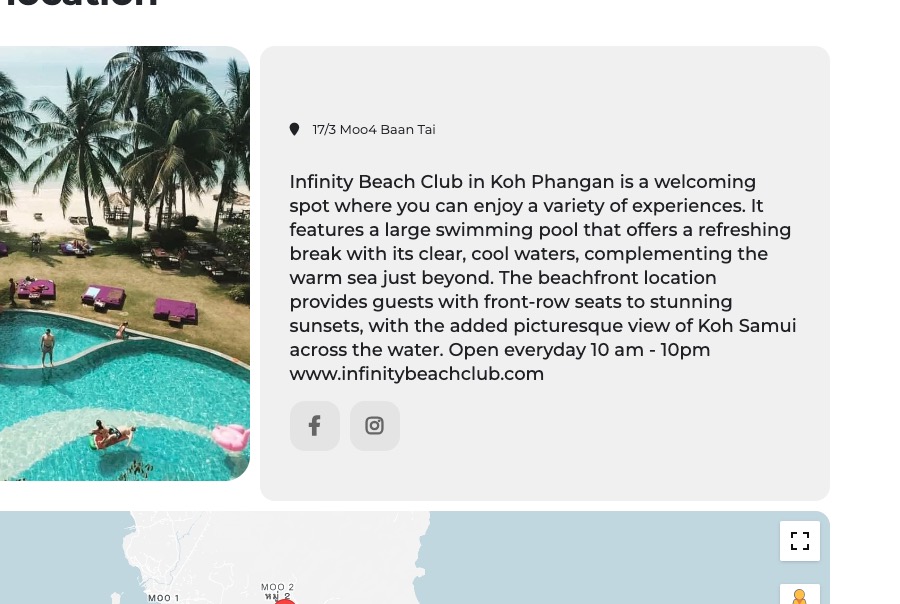
Please go to EventON > EventTop > add fields to EventTop Designer.
In order to show the progress bar, you need to make sure that Event Start Date/Time is in past.