We are glad your issue is resolved, if you have any further questions or concerns please create a new ticket.
If you have a moment, we would greatly appreciate if you could kindly leave us a review at myeventon/my-account!. Cheers!
Replies for tickets on suppota
We are glad your issue is resolved, if you have any further questions or concerns please create a new ticket.
If you have a moment, we would greatly appreciate if you could kindly leave us a review at myeventon/my-account!. Cheers!
it works! thank you so much
Good morning; Would it be very complicated to put it as a paragraph or div? For example to put a class for example (<p class=”exampletitle”>)
Hi,
I already use this function, but when a visitor consults the calendar a few days beforehand, he’ll see that the event will take place on Friday and Saturday, which can be confusing if the user isn’t careful.
I think we should have the option of displaying the end time without displaying the event on the following day.
I’m going to create a feature request in this sense.
Regards,
correction : …”the earlier version” -> read the “following versions”…
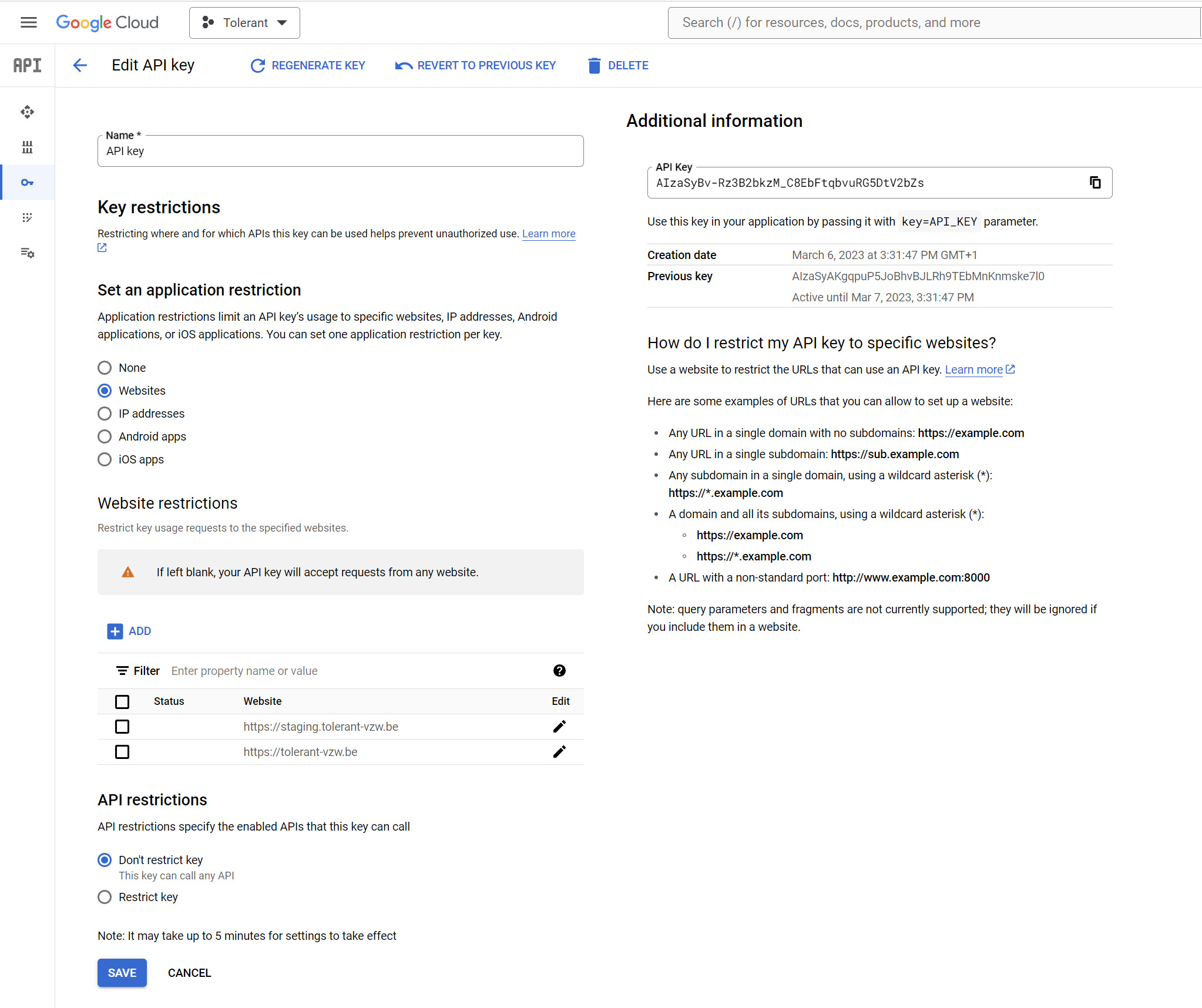
See attachment.
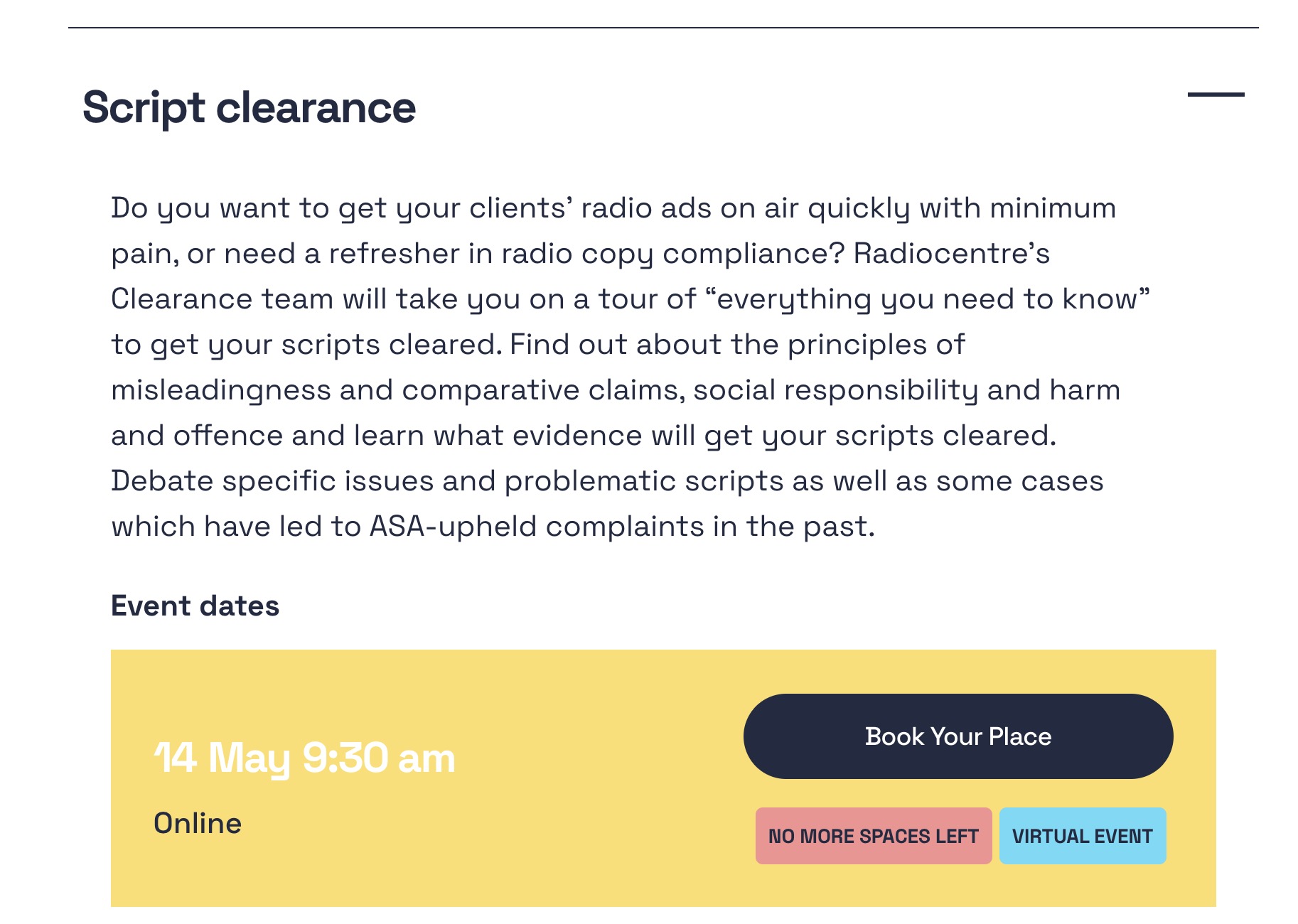
Hi Artem,
In settings here, I have already set to hide the virtual event tags: https://www.radiocentre.org/wp-admin/admin.php?page=eventon&tab=evcal_1#evcal_004aa
They still appear in the accordions on this page: https://www.radiocentre.org/how-to-do-it/training/
I have to use my own CSS to hide these at the moment.
thank you for your help! its works now!
Hi Michael,
Thank you for your message, I am going to assign this ticket to Ashan and he will be able to take it from here. Please allow some time for him to get back to you, we greatly appreciate your patience and thank you for being an eventon customer!
After that icons disapear everywhere ;(