Please send us the whole page like this with “Filters” (the most important part):
https://images.archbee.com/WbG-8Sh3VFgtyBVv0S83d/Uul5Q8fsy9ylK-RJtGG5v_image.png?format=webp&width=1048
Replies for tickets on suppota
Please send us the whole page like this with “Filters” (the most important part):
https://images.archbee.com/WbG-8Sh3VFgtyBVv0S83d/Uul5Q8fsy9ylK-RJtGG5v_image.png?format=webp&width=1048
Please take a look at my previous screenshot https://helpdeskx.s3.amazonaws.com/wp-content/uploads/2024/04/19135548/Screenshot-2024-04-19-at-22.55.12.jpg
“Strawberry Delight Donut” is highlighted there.
Please send us a screenshot or a video.
I don’t think so. You need to cache PHP requests to your server. But at the same time WP Rocket is also great, but in combination with my suggestion.
Test page: https://dev2.myeventon.com/test-519/
Ashan,
On dev2:
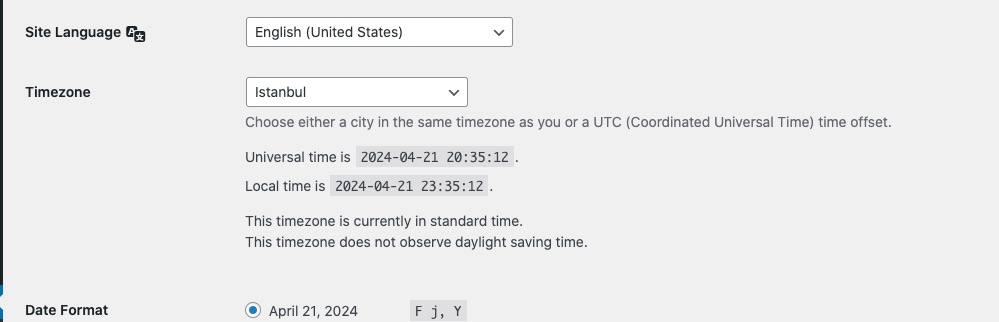
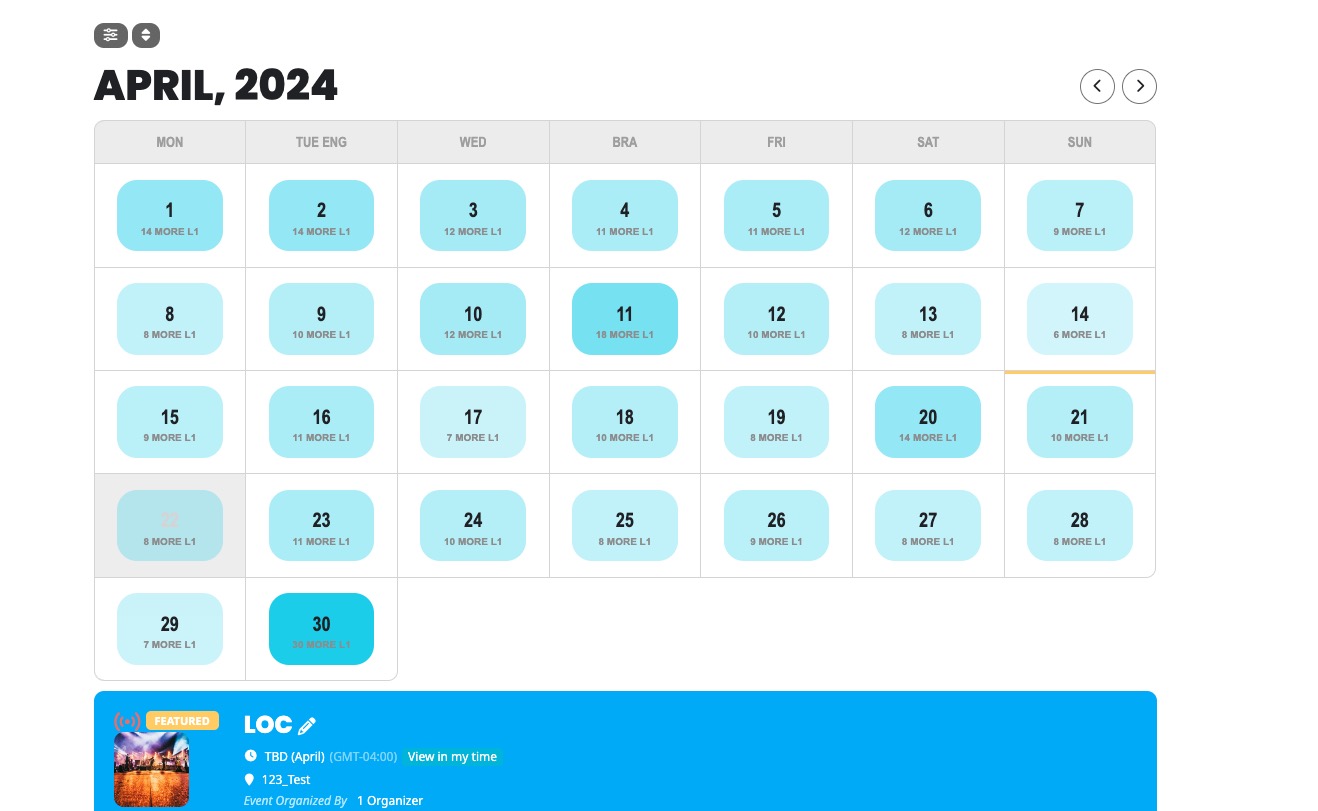
On load shows these events:
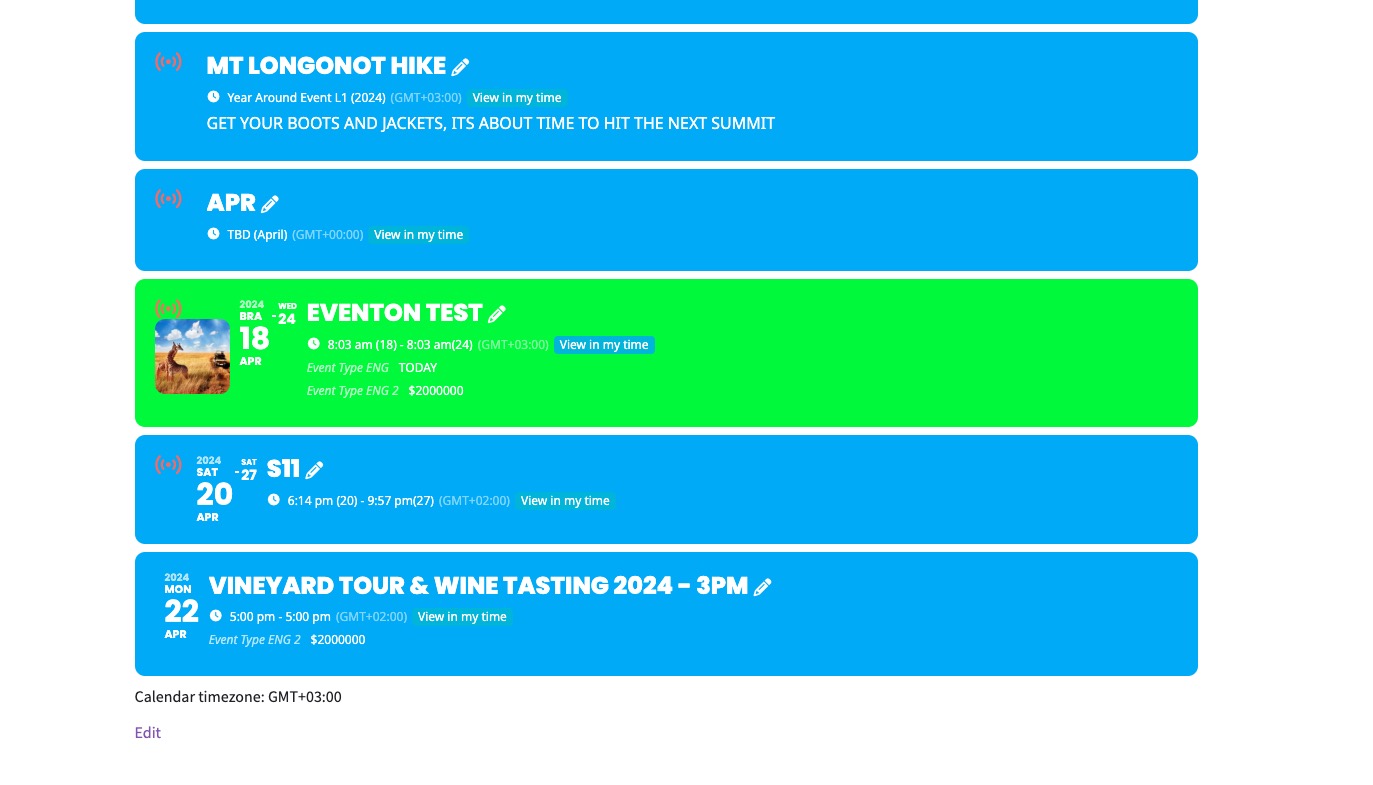 After I clicked on 21st: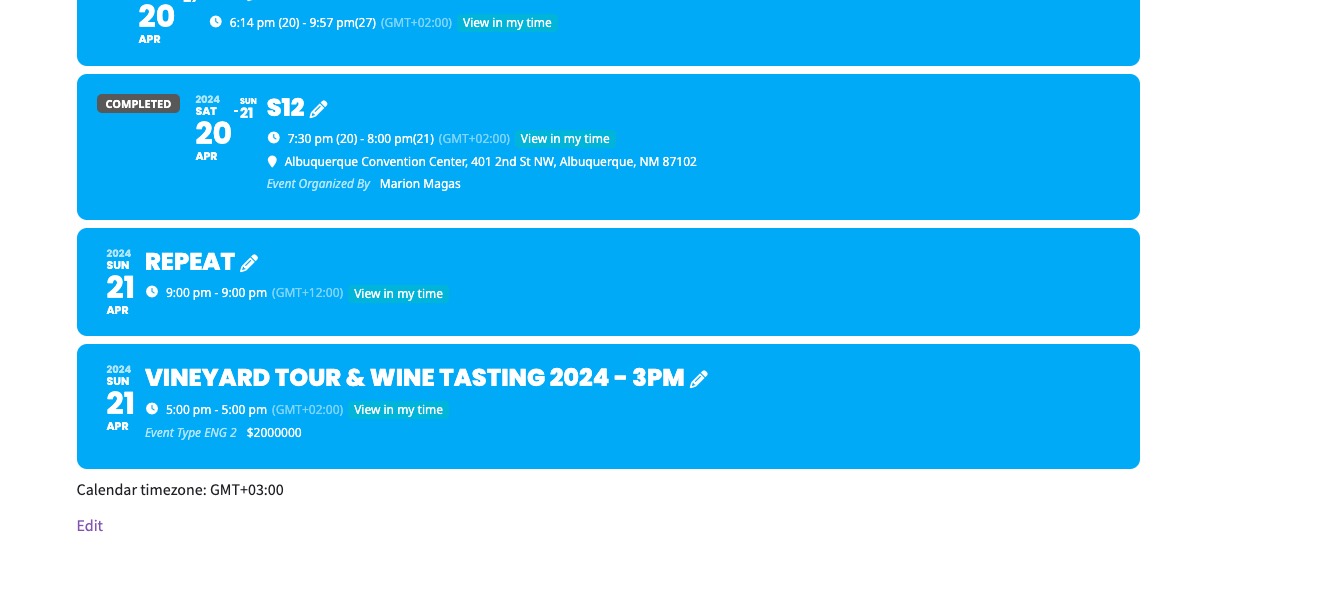
Hello,
Thank you for your messages, I am going to assign this ticket to Ashan and he will be able to take it from here and find you a solution. Please allow some time for him to get back to you, we greatly appreciate your patience and thank you for being a eventon customer! Also please disable any IP blocking on your site if there are any.
Please update QR Code add-on.
To update eventon addons: You can download latest eventon addons from myeventon > my account. Then you can go to your website, deactivate old addon and install new one and activate then delete the old addon. This link will further explain the process. Also you can follow us on twitter to get real-time announcements on updates!
Works with newly purchased tickets: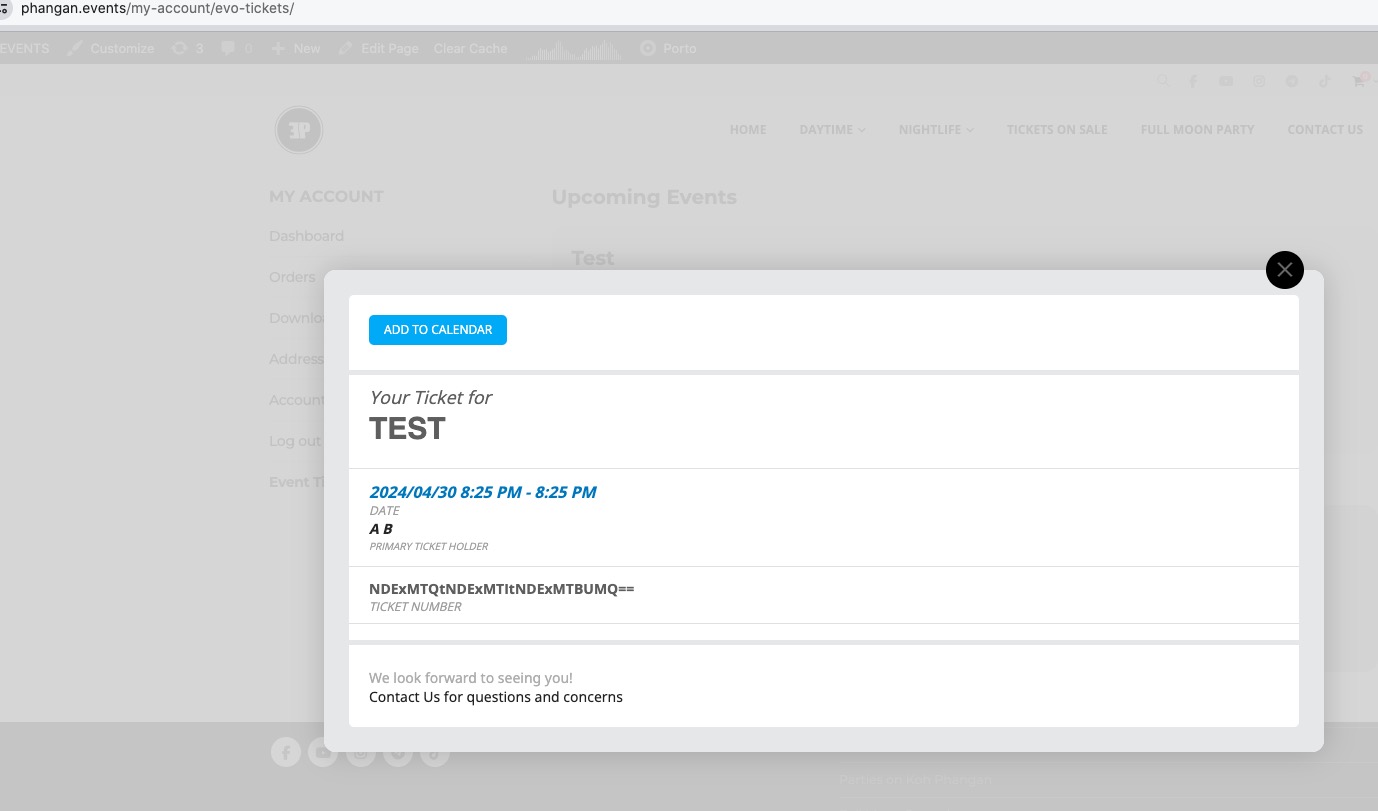
Can we login as this user: https://helpdeskx.s3.amazonaws.com/wp-content/uploads/2024/04/19002848/IMG_6396.jpeg
Hello,
Please send us wp-admin access to your site as a private message for us to further assist your situation.
Please add the code to wp-admin > Appearance > Customize > Additional CSS.