it doesn’t work
Replies for tickets on suppota
it doesn’t work
Dear Ahsan, the screenshot that you have sent me is for the Settings page. The problem happens only on RSVP page. Other settings are correctly saved.
That worked, thanks!
Sorry, I think the zip file did not uploaded. Here is the link:
https://ccsyr.org/wp-content/uploads/2024/04/eventon-rsvp_old.zip
Dear Ashan,
Thank you so much for the comprehensive reply.
I have just one question that has not received a reply during the whole conversation:
How come by using the RCVP older version, the same problem does not happen? and why all other save settings are working except the RSVP page?
I am a technical developer. Just give me a clue. I will really appreciate.
I have attached the older version that works fine. You may compare codes.
Could you send us a screenshot of HTTP referrers window?
I tried to import and it seems to be working:
Maybe the issue is with event_id? Could you try changing 60 (first event id) to something random, ie 568134?
We can solve this much faster if you send us wp-admin access.
Hello,
In the current version completed events look like this:
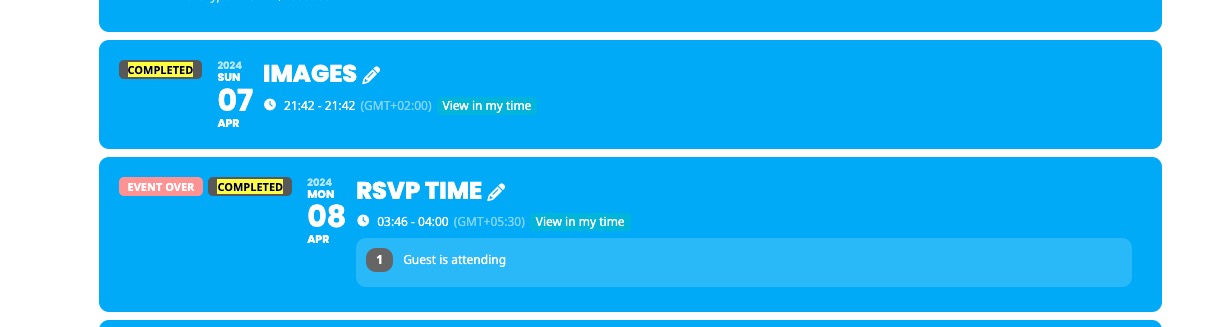
So if you go to EventON > EventTop > add Tags, it will show Completed tag.
So if users see an event from April 25th 2023 on google and click it, it open a single event page and look like an event from 2024.
Could you send us a link or any way we can test this? Not sure how this possible.
Hello,
Could you update EventON and Tickets add-on?
Seems to be working correctly on our test site:
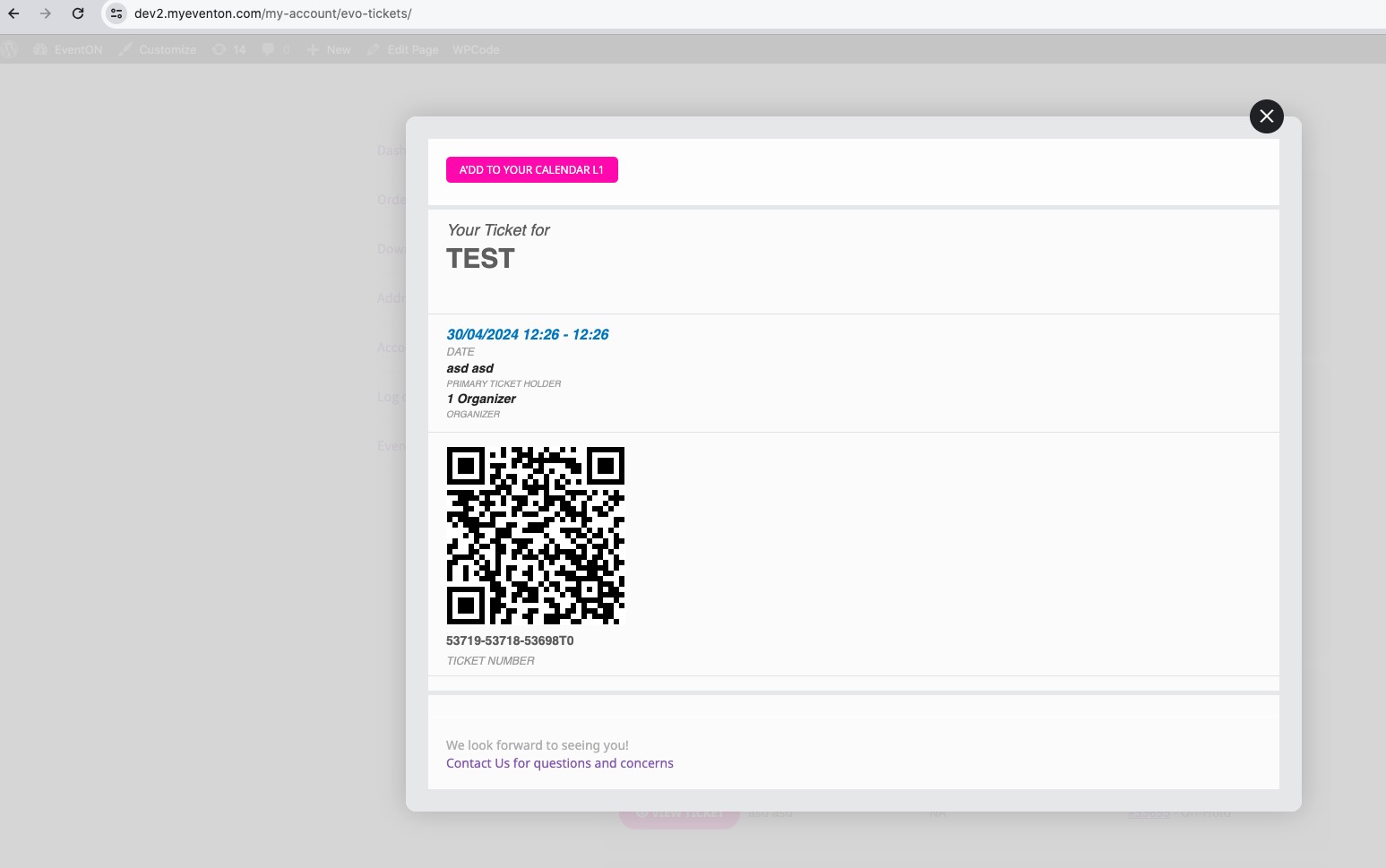
If after updating the issue still continues, please follow the instructions in this documentation to activate debug in your site to see any PHP errors recorded that can provide insight on to whats going on. Please reply with a link to debug.log file. If you are not able to do this please send us FTP access to your site so we can do this for you.
Hello,
Please update EventON and Tickets add-on.
To update eventon to latest version: If you are unable to do autoupdate, you can go to codecanyon your account > download and get the latest eventon version as zip file. Then you can go to your website > make sure “Delete eventon settings & data when EventON is uninstalled” is Deslected from eventon settings, delete old eventon, install new one and activate. This link will further explain the process it. Also you can follow us on twitter to get real-time announcements on updates!
To update eventon addons: You can download latest eventon addons from myeventon > my account. Then you can go to your website, deactivate old addon and install new one and activate then delete the old addon. This link will further explain the process. Also you can follow us on twitter to get real-time announcements on updates!