I tried to import and it seems to be working:
Maybe the issue is with event_id? Could you try changing 60 (first event id) to something random, ie 568134?
We can solve this much faster if you send us wp-admin access.
Replies for tickets on suppota
I tried to import and it seems to be working:
Maybe the issue is with event_id? Could you try changing 60 (first event id) to something random, ie 568134?
We can solve this much faster if you send us wp-admin access.
Hello,
In the current version completed events look like this:
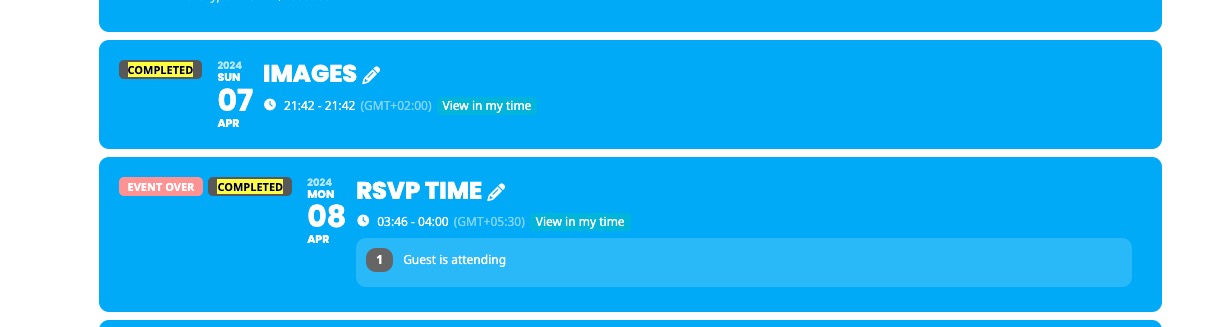
So if you go to EventON > EventTop > add Tags, it will show Completed tag.
So if users see an event from April 25th 2023 on google and click it, it open a single event page and look like an event from 2024.
Could you send us a link or any way we can test this? Not sure how this possible.
Hello,
Could you update EventON and Tickets add-on?
Seems to be working correctly on our test site:
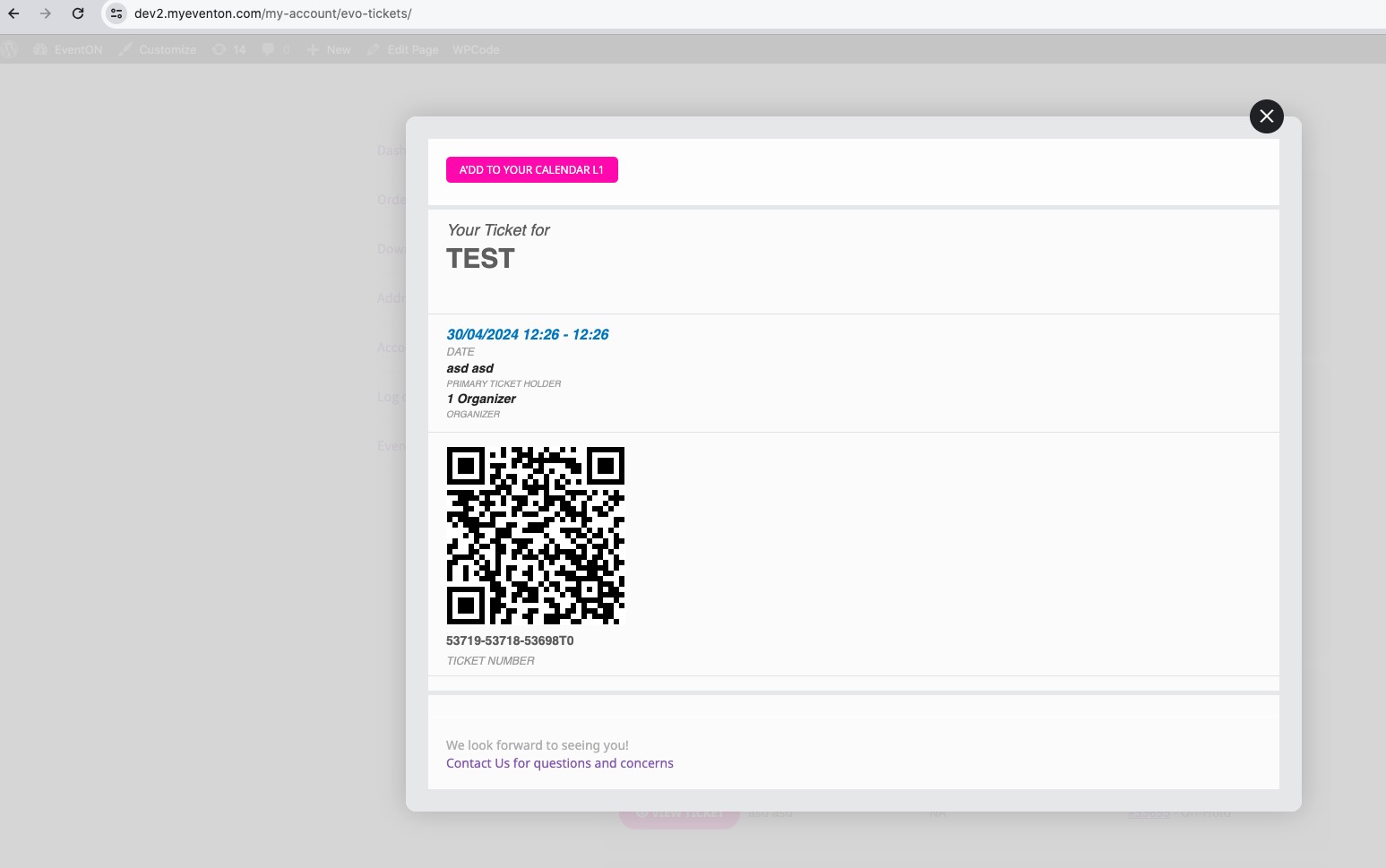
If after updating the issue still continues, please follow the instructions in this documentation to activate debug in your site to see any PHP errors recorded that can provide insight on to whats going on. Please reply with a link to debug.log file. If you are not able to do this please send us FTP access to your site so we can do this for you.
Hello,
Please update EventON and Tickets add-on.
To update eventon to latest version: If you are unable to do autoupdate, you can go to codecanyon your account > download and get the latest eventon version as zip file. Then you can go to your website > make sure “Delete eventon settings & data when EventON is uninstalled” is Deslected from eventon settings, delete old eventon, install new one and activate. This link will further explain the process it. Also you can follow us on twitter to get real-time announcements on updates!
To update eventon addons: You can download latest eventon addons from myeventon > my account. Then you can go to your website, deactivate old addon and install new one and activate then delete the old addon. This link will further explain the process. Also you can follow us on twitter to get real-time announcements on updates!
Hello,
Please add this CSS code to EventON > Styles (If you don’t see any change, EventON > Scripts & Styling > turn off Write dynamic styles to header > save settings > turn on Write dynamic styles to header):
.evo_metarow_socialmedia a.evo_ss i, .eventon_cal_social a.evo_ss i, a.evo_ss i { font-family: ‘evo_FontAwesomeS’,’evo_FontAwesome’,’evo_FontAwesomeB’ !important; }
Please replace my previous code with
@media (max-width: 960px) { .evosch_oneday_schedule .c > span { padding-left: 17px !important; } }
Hello,
The only available option from our side is EventON > Action User > Form Fields > Form Human Submission Validation.
I don’t think that even with the default WP you can block spam posts if users can add them from the front-end.
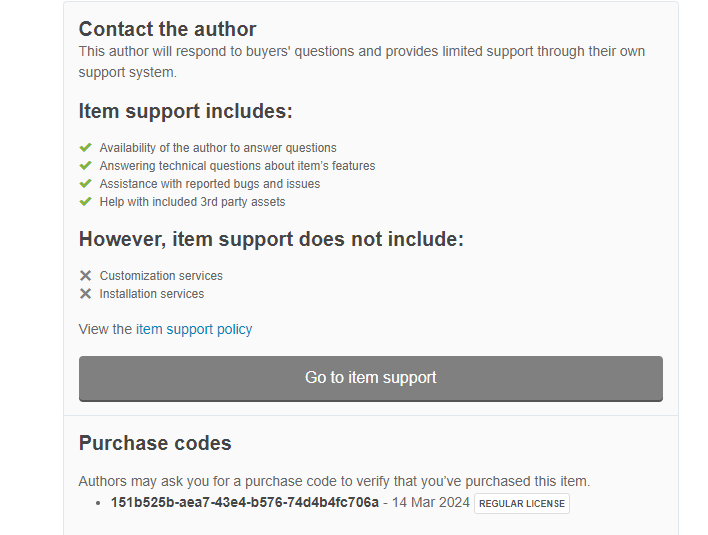
Je n’est que cela a vous donner le demande a ete fait deja depuis un bon moment quand vous n’avez dit de demander le remboursement sur codecanyon
Licensor’s Author Username:
ashanjay
Licensee:
NA
Item Title:
EventON – WordPress Virtual Event Calendar Plugin
Item URL:
https://codecanyon.net/item/eventon-wordpress-event-calendar-plugin/1211017
Item ID:
1211017
Item Purchase Code:
151b525b-aea7-43e4-b576-74d4b4fc706a
Purchase Date:
2024-03-13 22:17:06 UTC
Sous le nom :
bonne journée
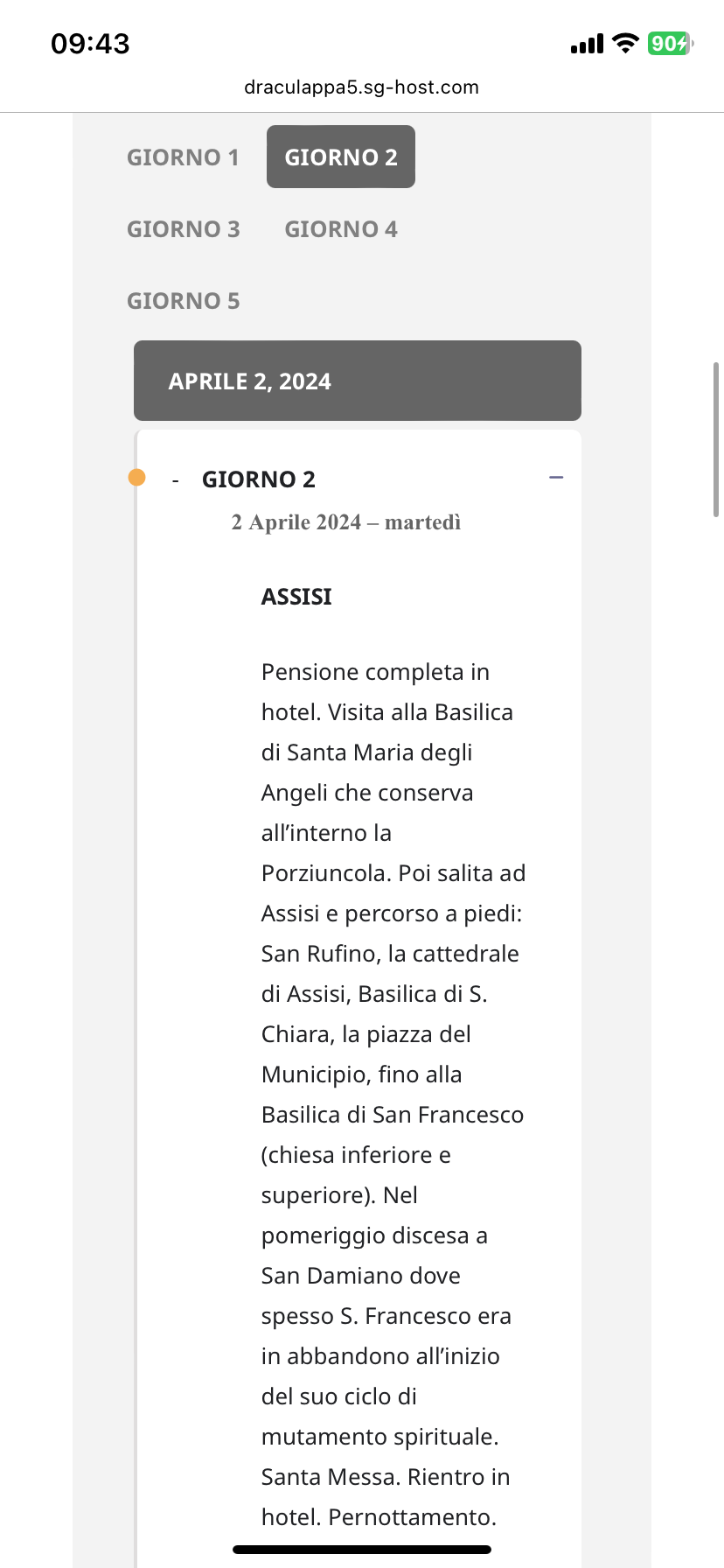
It is better, but the body of the text is still all shifted to the right (see screen)