Hello,
EventON loads images only after all HTML code and scripts have been loaded.
Try installing Varnish cache to try loading PHP faster:
https://www.varnish-software.com/developers/tutorials/configuring-varnish-wordpress/
Replies for tickets on suppota
Hello,
EventON loads images only after all HTML code and scripts have been loaded.
Try installing Varnish cache to try loading PHP faster:
https://www.varnish-software.com/developers/tutorials/configuring-varnish-wordpress/
Hello,
What kind of compatibility are you referring to?
Could you tell us more?
If you take a FullCal shortcode and put it on the page, it should work with no issues at all.
Hello,
Please update QR Code to the latest version.
Please follow the instructions in this documentation to activate debug in your site to see any PHP errors recorded that can provide insight on to whats going on. Please reply with a link to debug.log file. If you are not able to do this please send us FTP access to your site so we can do this for you.
Hello,
Please go to EventON > EventCard > try a different Feature image display style.
Seems to be working in Troubleshooting Mode:
https://southfloridafamilylife.com/wp-admin/site-health.php?tab=troubleshoot
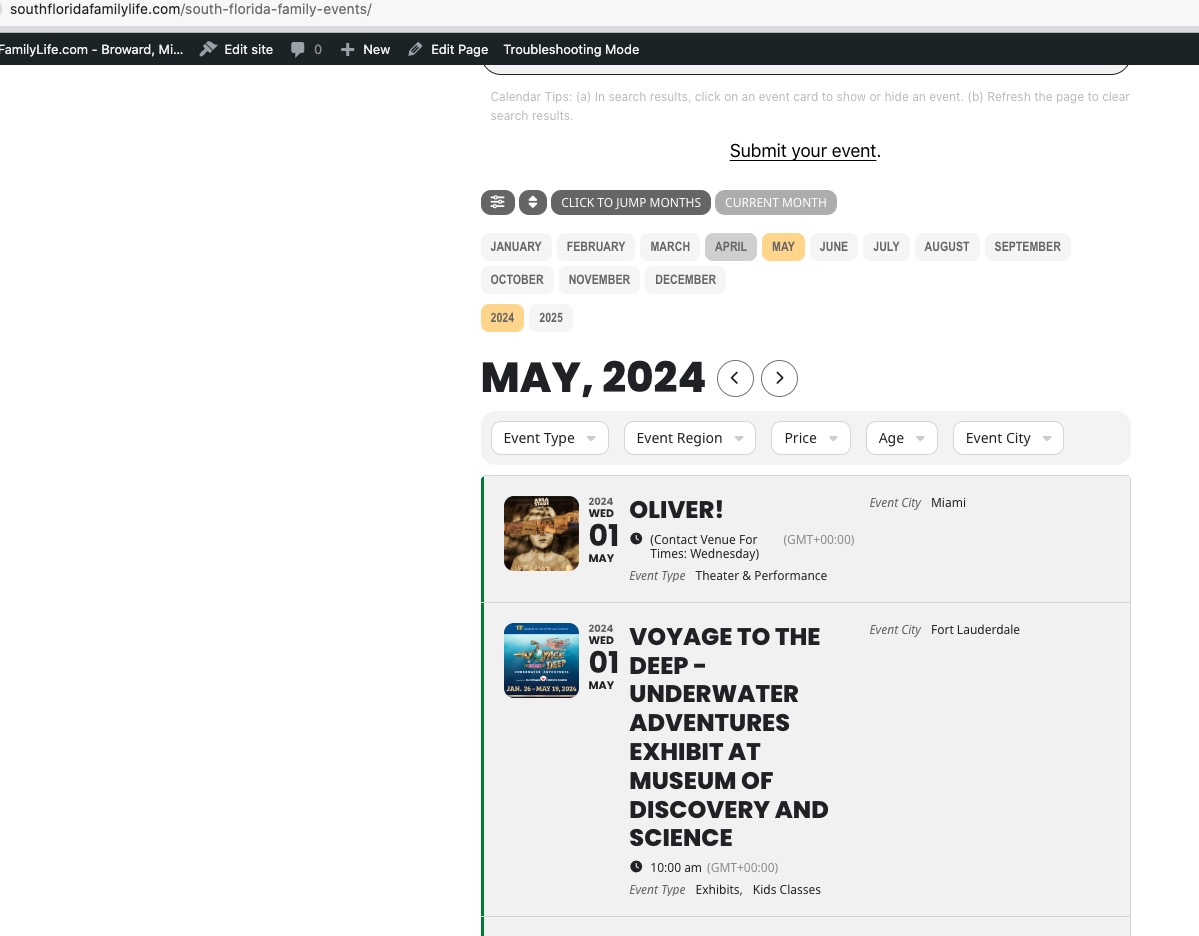 Could you please try the instructions mentioned in this documentation to make sure your issue is indeed coming from eventon.
Hello,
There are no limits that behave the way you described.
Could you create a new event, but keep it in Draft, so we can publish to check the issue?
Hello,
I cannot find 56668 order among your purchases. Could you check again?
Please also note that you can only download the latest version if your subscription is renewed and active.
Kyle, please try what artem suggested. Anothere solution would be, if possible copy/clone your website and then try switching the theme in a staging copy of your website.
Because clearly something else is messing with the checkout process here. And I suspect very highly that it might be the theme.
I already increased my memory in my wp-config file, and I have debugging already turned on, but I don’t know how to share it with you.
One thing I have noticed is that the following error appears in my browser inspector when the widgets won’t work:
POST https://southfloridafamilylife.com/?evo-ajax=eventon_init_load 500 (Internal Server Error)
send @ jquery.min.js?ver=3.7.1:2
ajax @ jquery.min.js?ver=3.7.1:2
(anonymous) @ jquery-migrate.min.js?ver=3.4.1:2
e.<computed> @ jquery-migrate.min.js?ver=3.4.1:2
init_load_cal_data @ eventon_script.js?ver=4.6.3:416
init @ eventon_script.js?ver=4.6.3:365
(anonymous) @ eventon_script.js?ver=4.6.3:362
e @ jquery.min.js?ver=3.7.1:2
t @ jquery.min.js?ver=3.7.1:2
setTimeout (async)
(anonymous) @ jquery.min.js?ver=3.7.1:2
c @ jquery.min.js?ver=3.7.1:2
fireWith @ jquery.min.js?ver=3.7.1:2
fire @ jquery.min.js?ver=3.7.1:2
c @ jquery.min.js?ver=3.7.1:2
fireWith @ jquery.min.js?ver=3.7.1:2
ready @ jquery.min.js?ver=3.7.1:2
P @ jquery.min.js?ver=3.7.1:2
The file that is not loading is definitely on the server:
https://southfloridafamilylife.com/?evo-ajax=eventon_init_load
Do you know what this indicates and why it only throws that error on pages with the EventOn widgets?