I tried it but it does not make any difference.
Archives: Replies
Replies for tickets on suppota
Reply to: tickets(348249)
So for the old events that do not have this event date in the title. You will need to simply go into event ticket page, and just click save changes on ticket settings. That should load the correct product titles. And any new product titles should work correctly from here on 🙂
Reply to: tickets(350981)
Allain, sorry for not getting back to you in time. We were swamped with various issues.
Please let us know the order ID so we can process this refund for you. We do not see any order IDs on our system with the email address you have provided.
Reply to: tickets(350915)
This is heavily embeded in the code. Would changing this to H5 or H6 be ok with you? because P tags usually get so many styles added to it, and try to override those 3rd party styles is a huge undertaking.
I think another client was asking for this. So we were considering changing the H3 tags to lower header tag.
Reply to: tickets(350143)
Dieter, the invoice might be created from another 3rd party plugin which may not recognize the order meta fields. That might be the reason.
As for ticket details. As a temp solution I would suggest using a custom meta field and using HTML content inside there as the details for the ticket. — While we work on resolving the HTML not saving for ticket details.
https://docs.myeventon.com/documentations/setup-use-custom-meta-fields-events/
Reply to: tickets(351032)
Hi there,
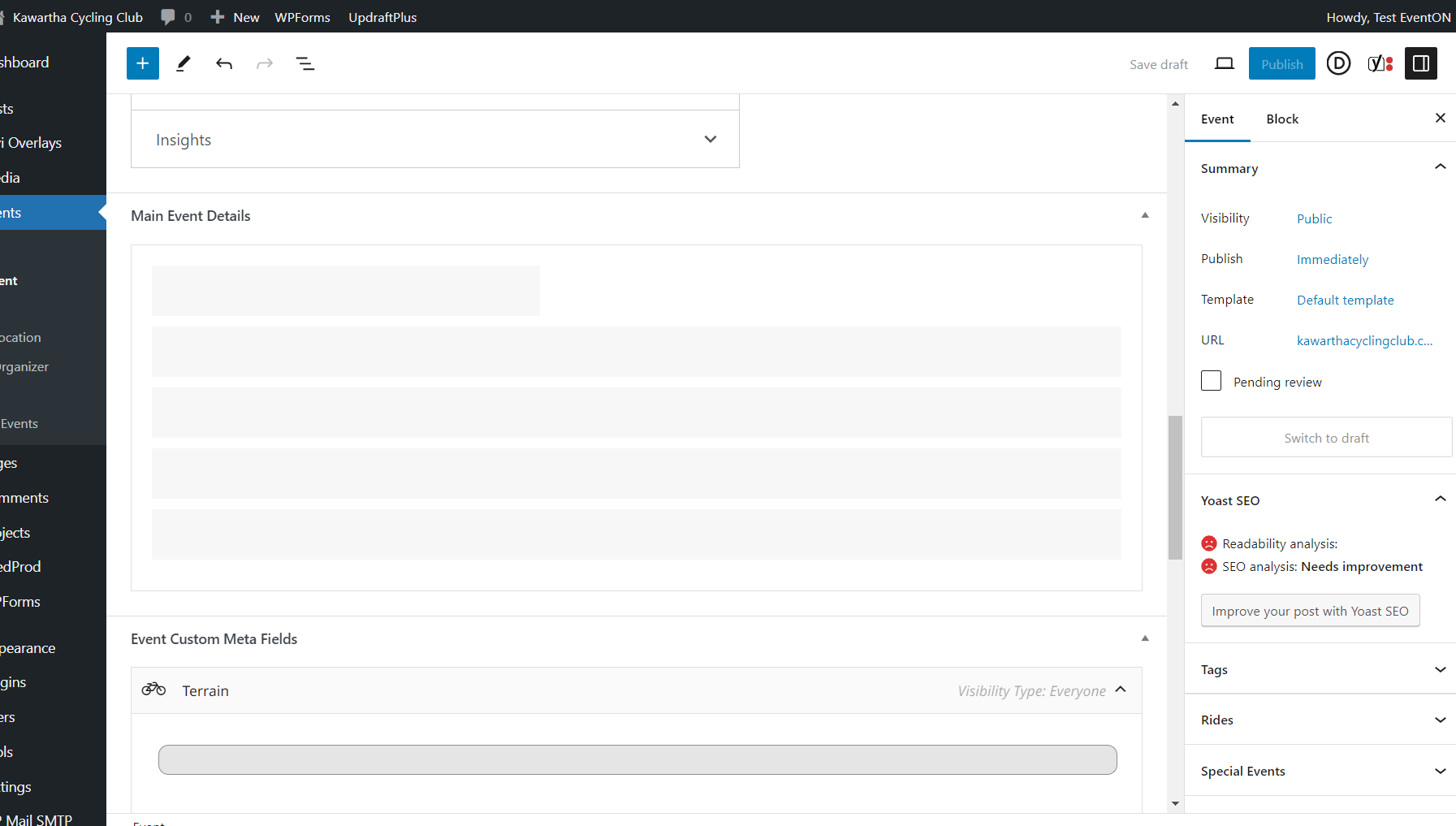
Thank you for checking. I don’t understand how you are able to access the details and I am not. My clients are also not able to. I did test it out on Chrome Incognito and used a VPN for a different IP and I still have the same issue.
I don’t have a Javascript or PHP error. I did look at the log file after setting up the wp-config as per your document. The only issue there is with the Bloom Plugin – it is a warning about fonts. I contacted Elegant Themes about that and they said that was not an issue really.
I noticed there is a “public” tix with the same issue – after this most recent update.
So what do I do next? Because I don’t know how to fix this.
Thanks,
M-J
Reply to: tickets(350441)
I am not able to access your wp-admin. would you mind sharing updated login access to your website and I can take a look and see whats going on.
Also when do you get this error?
Reply to: tickets(349051)
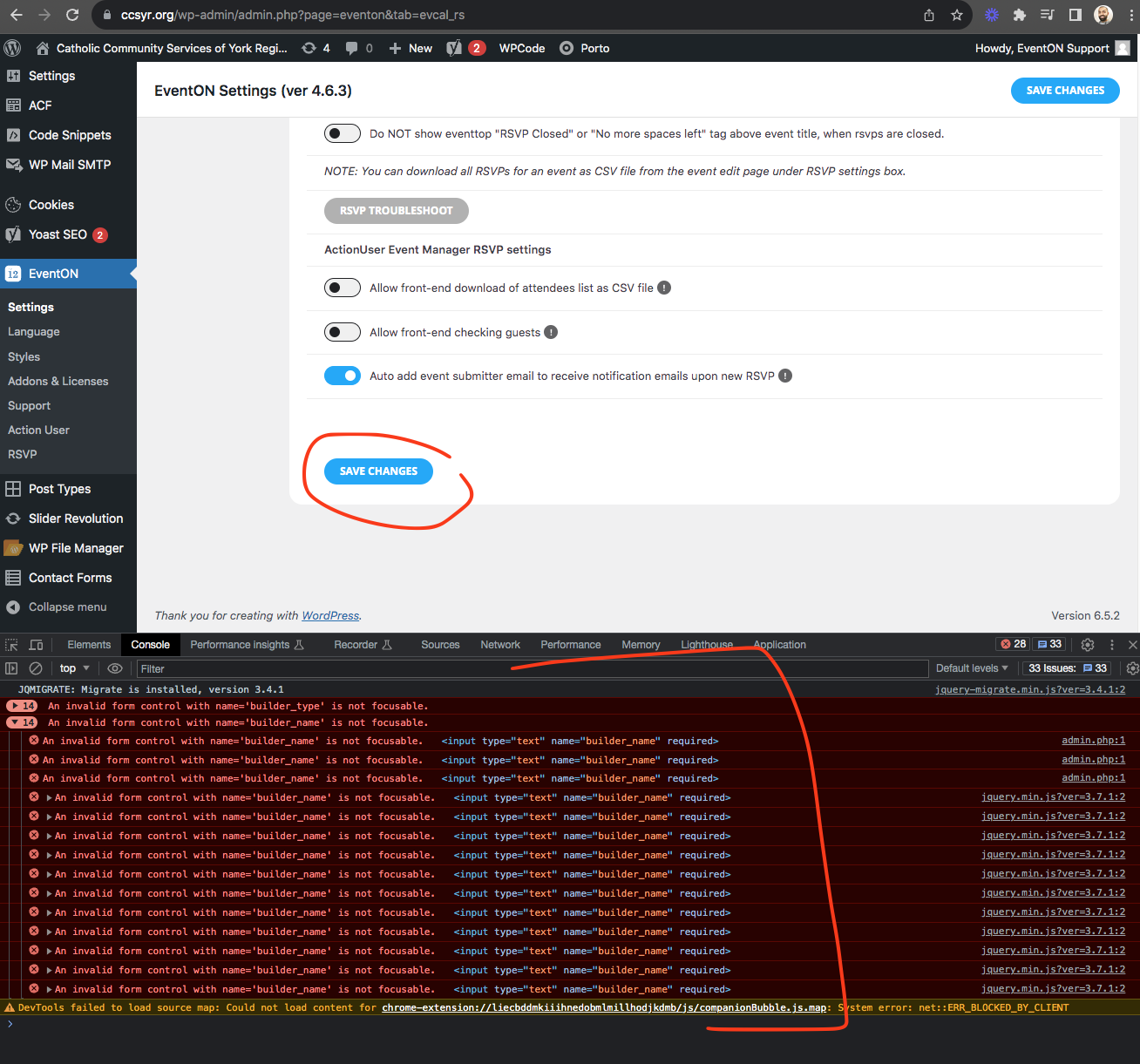
Hello Mahmood. So as artem has pointed out above there are lot of Javascript errors showing up. Coming from a builder element.
When you click Save changes > it is a submit type button which trigger submit the form element. But this other 3rd party is running a script which tried to focus on input fields and throw error messages like “fill this field” but it doesn’t work on eventON input fields.
You must contact the developer of the form builder validation system and ask them if their script can only be run on the pages where they have their content on.
Here is also some more guides I found on what this type of error is suggesting. https://stackoverflow.com/questions/22148080/an-invalid-form-control-with-name-is-not-focusable
Reply to: tickets(351086)
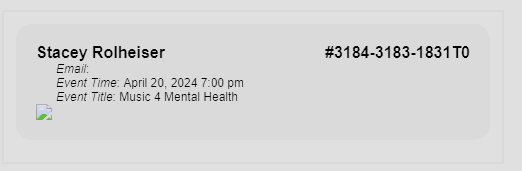
Ok thanks that solved the problem of the emails sending…however there is no QR code that shows up in the email?
Reply to: tickets(350143)
In the event https://www.bmab.de/events/10-peer-fortbildung-2023-peer-ticket is formatting the Ticket Field Description ok. But this doesn’t use Ticket variations and options.