WeeklyView seems to be working now: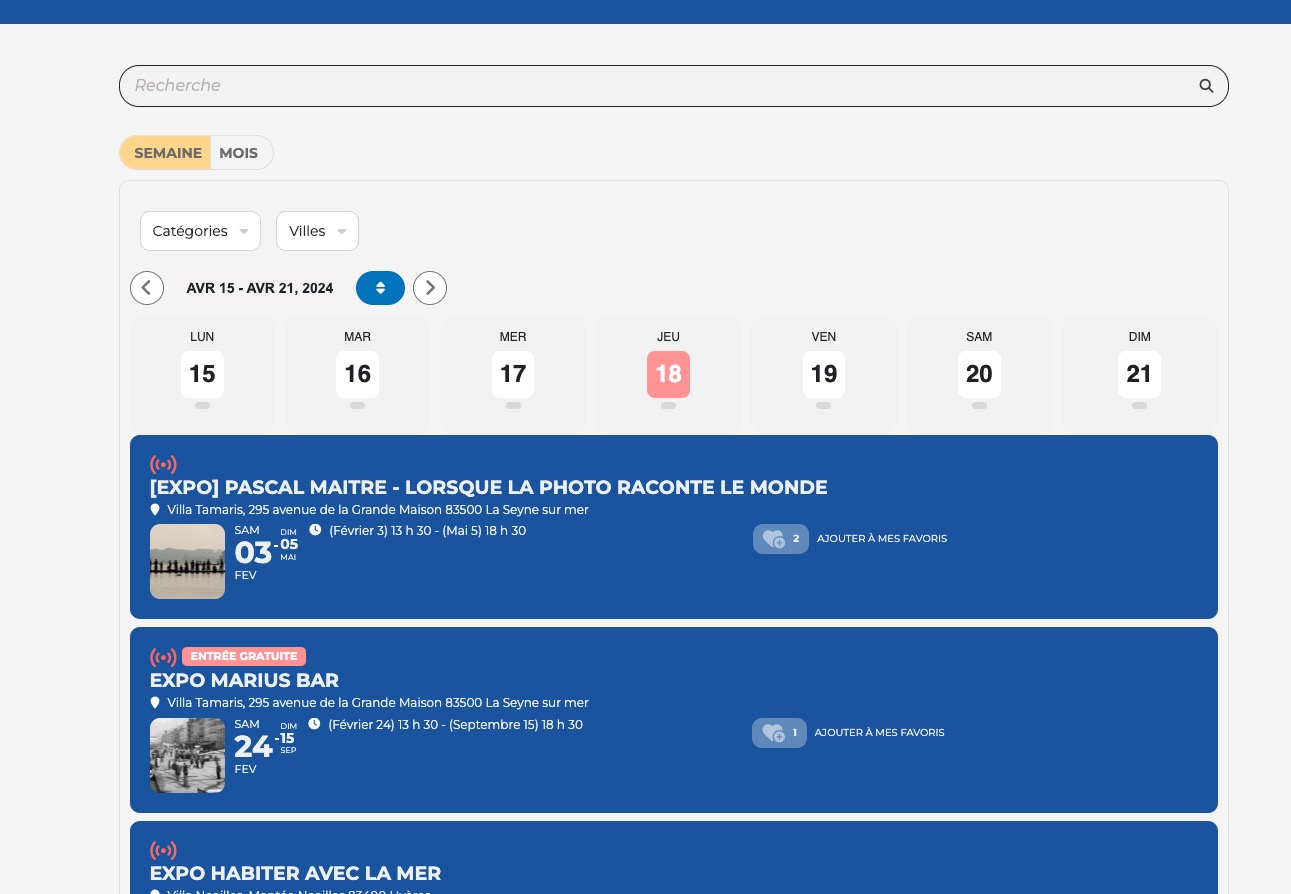
Could you let us know?
Replies for tickets on suppota
WeeklyView seems to be working now:
Could you let us know?
And I did update to the latest version but everything got a bit wonky.
We need everything to be up to date, I am afraid.
https://helpdeskx.s3.amazonaws.com/wp-content/uploads/2024/04/16095316/Screenshot-2024-04-16-at-18.51.54.jpg
Did this start happening after updating to 4.6.3?
Thank you for your messages, I am going to assign this ticket to Ashan and he will be able to take it from here and find you a solution. Please allow some time for him to get back to you, we greatly appreciate your patience and thank you for being a eventon customer! Also please disable any IP blocking on your site if there are any.
Please also add this code:
.ajde_evcal_calendar.cev.sev #evcal_list .eventon_list_event.open .desc_trig { border-radius: 0 !important; }
Instead of switching the theme please try enabling Troubleshooting Mode:
https://make.wordpress.org/support/handbook/appendix/troubleshooting-using-the-health-check/#troubleshooting
This way you’ll be able to check this without affecting the live website.
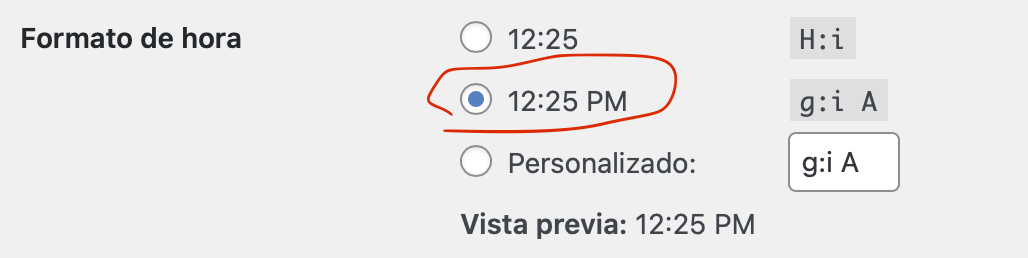
I have updated the time format and the Morning or Afternoon option still appears when creating an event.
Greetings
Instead of https://tolerant-vzw.be/, please try adding
https://tolerant-vzw.be/*
Because the event is in the future. Please change Start Date to Apr 17th for example to see the progress bar.
Please follow the instructions in this documentation to activate debug in your site to see any PHP errors recorded that can provide insight on to whats going on. Please reply with a link to debug.log file. If you are not able to do this please send us FTP access to your site so we can do this for you.
The second most common problem is memory limit:
https://docs.myeventon.com/documentations/increasing-wordpress-memory-limit/