Hello,
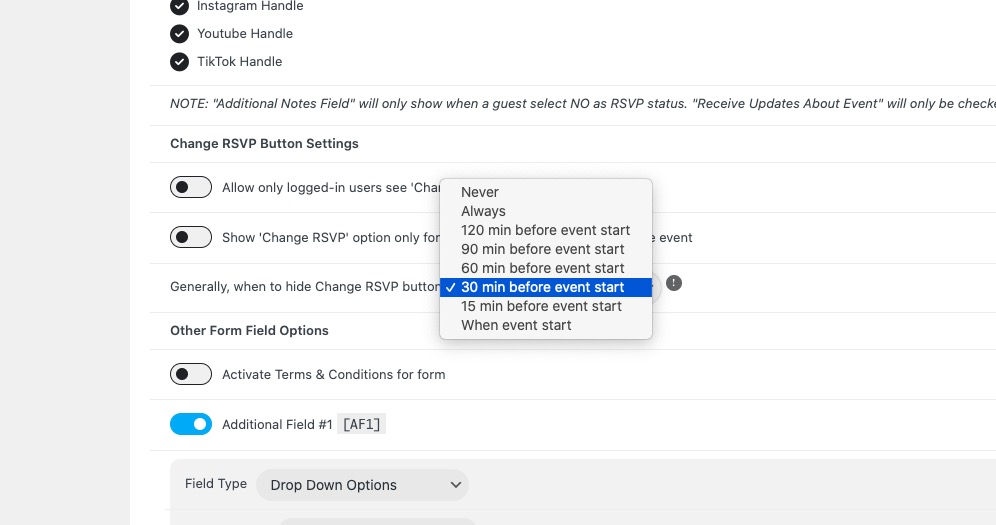
You can hide “Change RSVP” with this setting, but with these options only:
Replies for tickets on suppota
Hello,
You can hide “Change RSVP” with this setting, but with these options only:
Hello,
Please go to Edit Event > add new speakers and schedule:

After go to EventON > EventCard > open Designer > add Speakers Box.
Now you should see the speakers section on EventCard.
I removed the second image from Edit Event: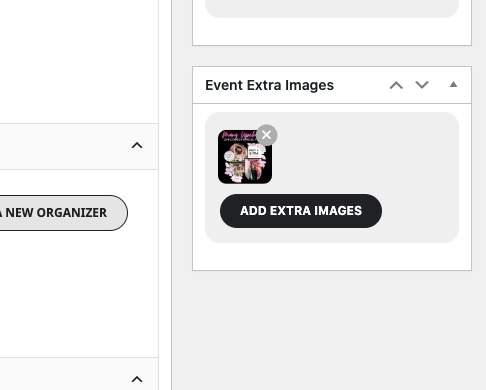
Could you send us a screenshot of your Edit Event screen?
Hello,
You can only add it to EventTop from EventON > EventTop. Please check and let me know.
Hello,
I switched the translation folder to System and it seems to be working now:
https://www.isabellamancioli.com/vbr/wp-admin/admin.php?path=languages%2Fplugins%2Feventon-it_IT.po&bundle=eventON%2Feventon.php&domain=eventon&page=loco-plugin&action=file-move
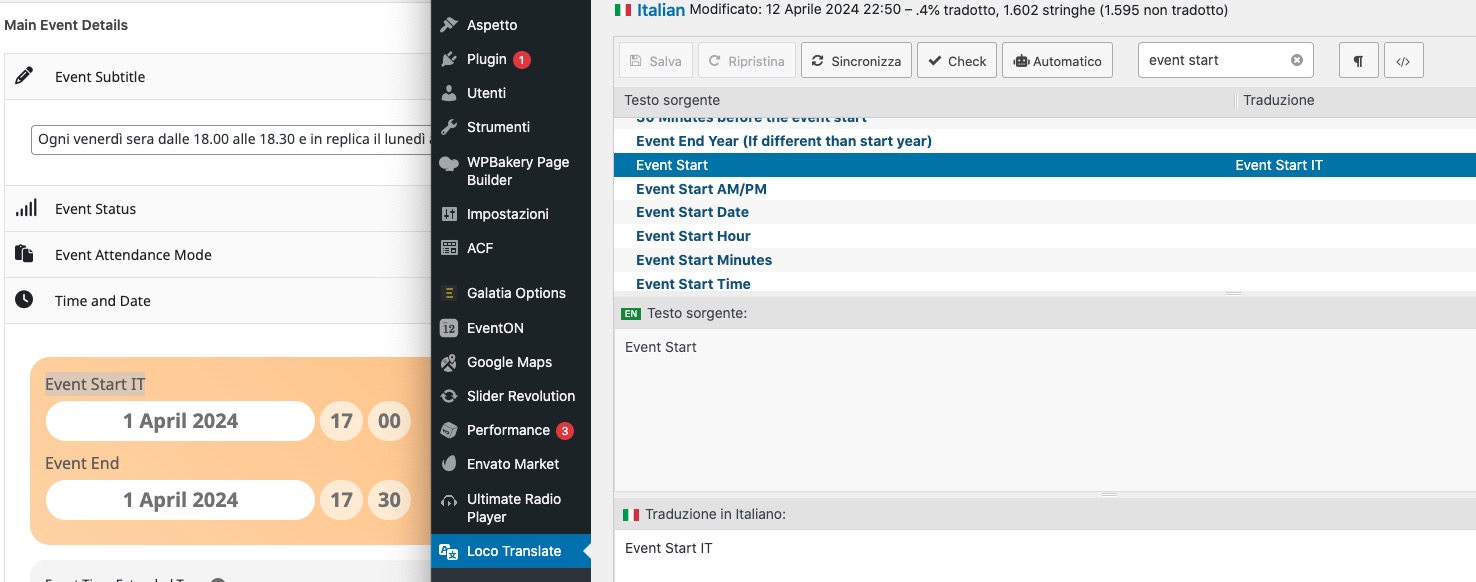
Please check and let me know.
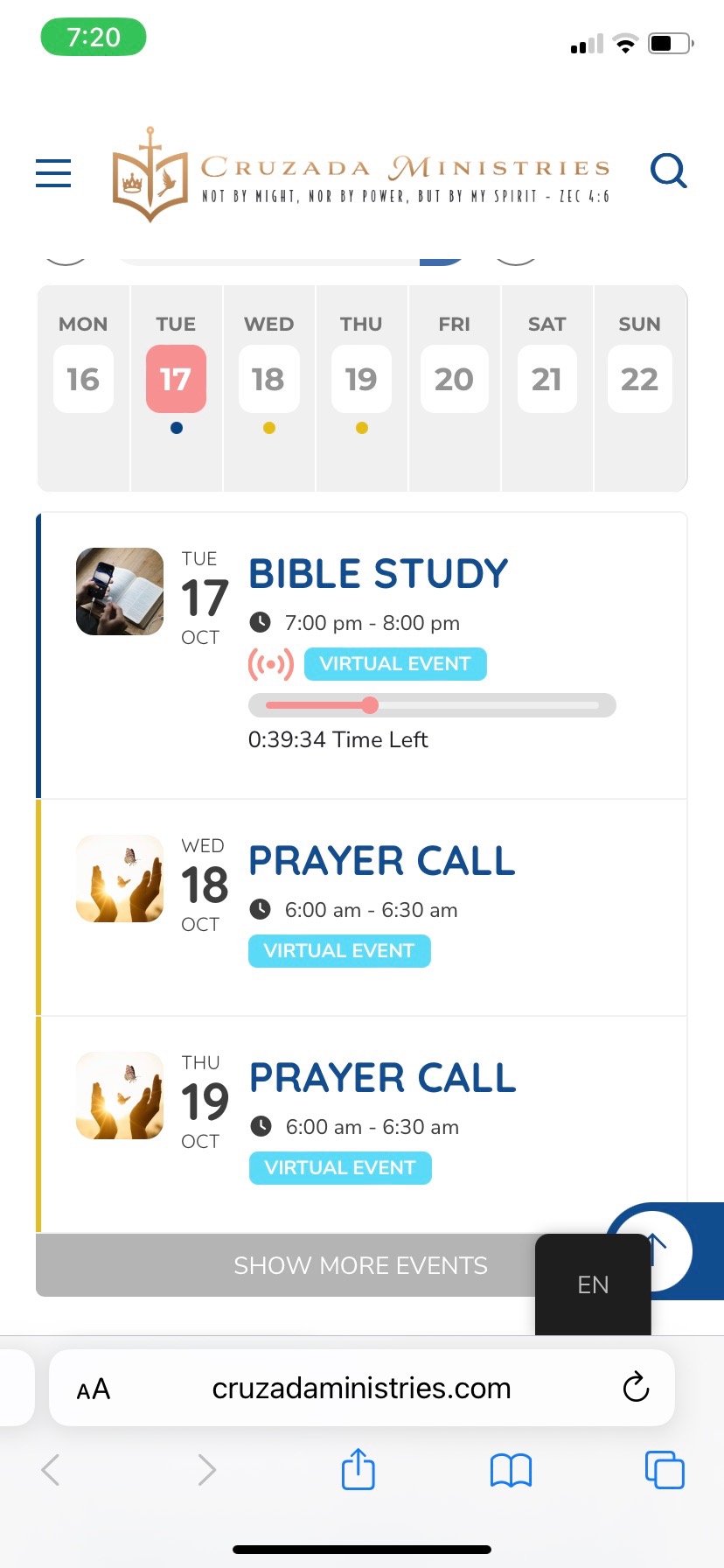
It’s supposed to look like this.
Please try this CSS code as a temporary solution:
.ajde_evcal_calendar.cev #evcal_list { display: block !important; }
Can you please provide an update for support for the WC cart and checkout blocks? Thank you.
Hello,
On my side it looks like this:
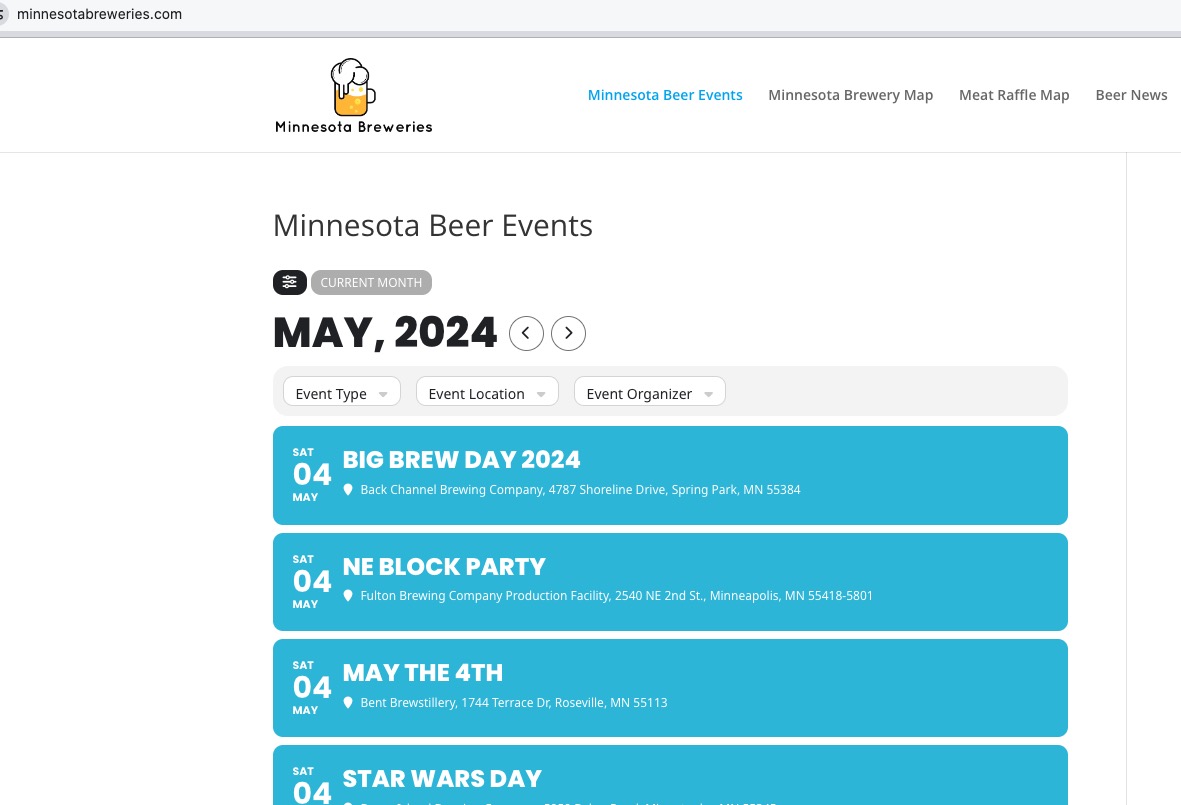
Could you try clearing the cache plugin and also browser cache?
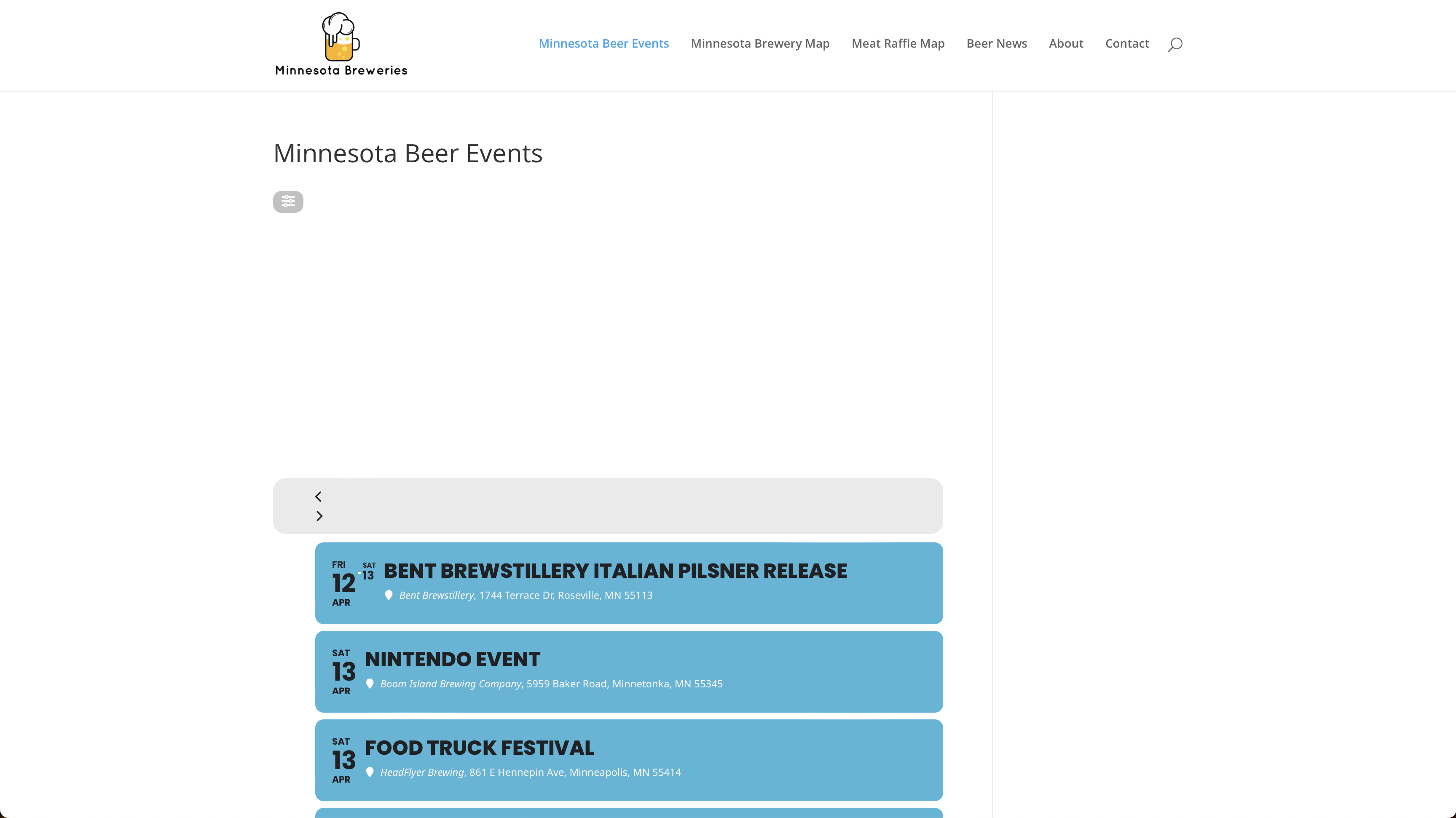
Here’s how it’s displaying with the big space between the top and the calendar on the page.