We are glad your issue is resolved, if you have any further questions or concerns please create a new ticket.
If you have a moment, we would greatly appreciate if you could kindly leave us a review at myeventon/my-account!. Cheers!
Replies for tickets on suppota
We are glad your issue is resolved, if you have any further questions or concerns please create a new ticket.
If you have a moment, we would greatly appreciate if you could kindly leave us a review at myeventon/my-account!. Cheers!
Please try this CSS code:
@media (max-width:960px) {.eventon_events_list .eventon_list_event .evcal_list_a { display: block; }}
Hello,
Would you mind sending us the order ID for this addon purchase from myeventon.com, because we do not see this addon as purchased using your email address in our system. Thank you!
It seems there is a js issue, so please try
https://docs.myeventon.com/documentations/debug-javascript-interactive-issues/
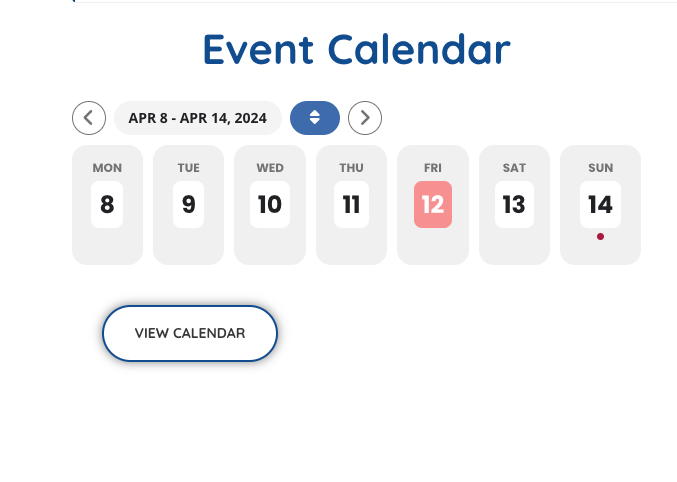
See image…
SO I am testing and if you could as well
I Have put in the normal events list shortcode into the page instead of events list extended
here is the events list extended shortcode just so you have it on record if we need to go back to it
[add_eventon_el filter_type=”select” filter_clear=”yes” sep_month=”yes” hide_mult_occur=”yes” number_of_months=”24″ event_count=”80″ hide_empty_months=”yes” show_year=”yes” hide_so=”no” exp_so=”yes” accord=”yes” lang=”L2″ etc_override=”yes” cal_init_nonajax=”yes”]
see if the current page loads faster now?
Also most people show the next months events first and then you can click through to see the extended years worth of events
my logic says people want to know what events are this month more so than whats happening in november- wouldn’t it be better to thave the “this month” loading as priority? or load first?
for example:
this test page https://www.explor-nature.fr/calendrier-explor-eventon-testing/
OK no problem, thank you for your help
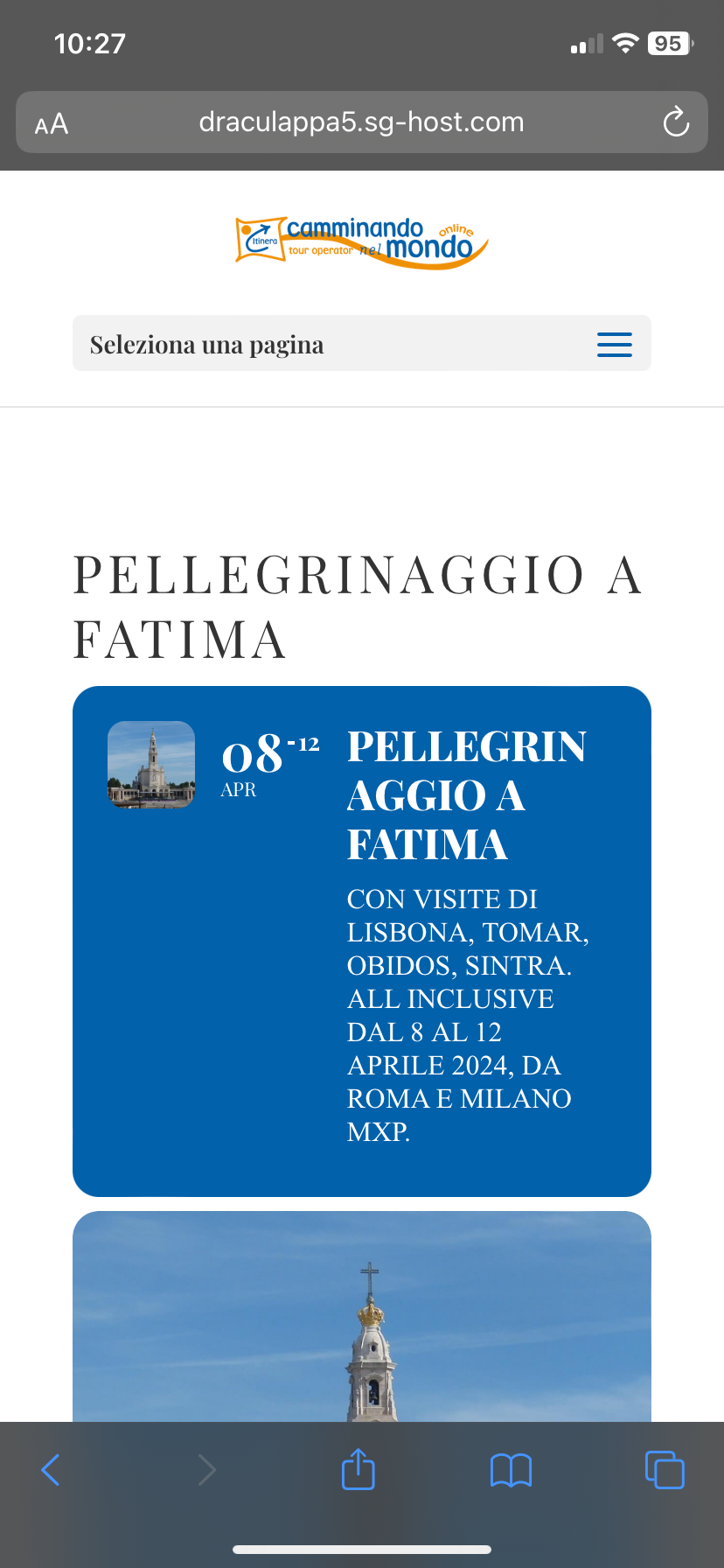
it works! thank you very much.
is there instead a way to make this banner from mobile (see attached screen) not all that squished?
When I opened the ticket all the events with images didn’t work.
Now It’s all ok.
Thank you.
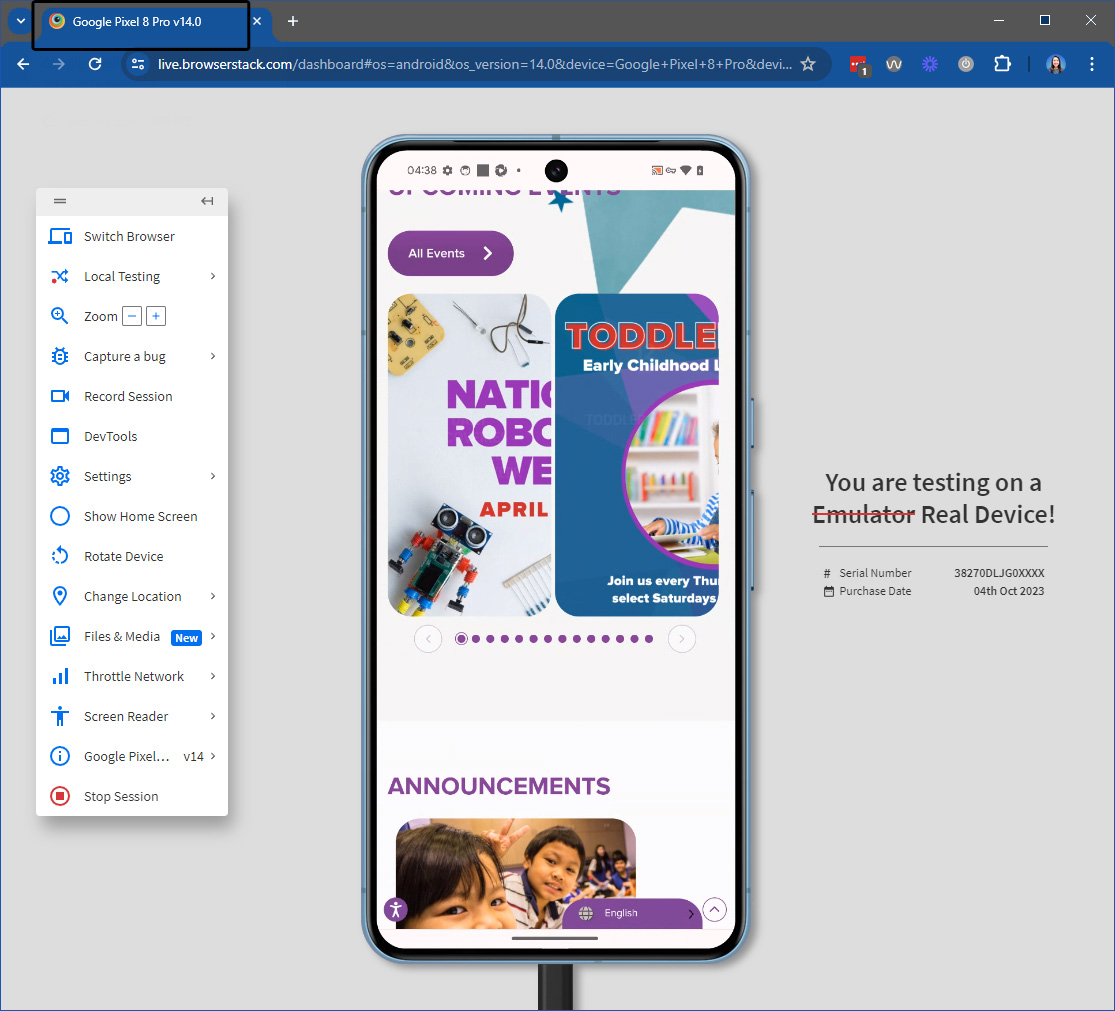
Yes, it’s fine for the iPhone 12 Pro, iPhone 13 Pro, iPhone 14 Pro, and iPhone 15 Pro.
It’s for the “newer” iPhone 15 Pro Max & the Pixel 8 Pro 🙁
We normally wouldn’t put a big deal on “fringe” phones but unfortunately, our client uses the iPhone 15 Pro Max and my boss has the Pixel 8 Pro so they see this on their devices.
I was able to get the color how I wanted it by using Event Types.
Attached is a screen shot of my image issue and here is a link to where you can see the additional image live on the website: https://www.laughafterdark.com/event/