Please use this code for text and background colors:
#evcal_list .evoet_cx .evors_eventtop_section_data .evors_eventtop_data em, .evoet_cx .evors_eventtop_section_data .evors_eventtop_data em { color: white !important; background: #656565 !important; }
https://helpdeskx.s3.amazonaws.com/wp-content/uploads/2024/04/10080632/Captura-de-Tela-2024-04-10-as-11.28.29.png
Could you show us the error itself?
Ashan,
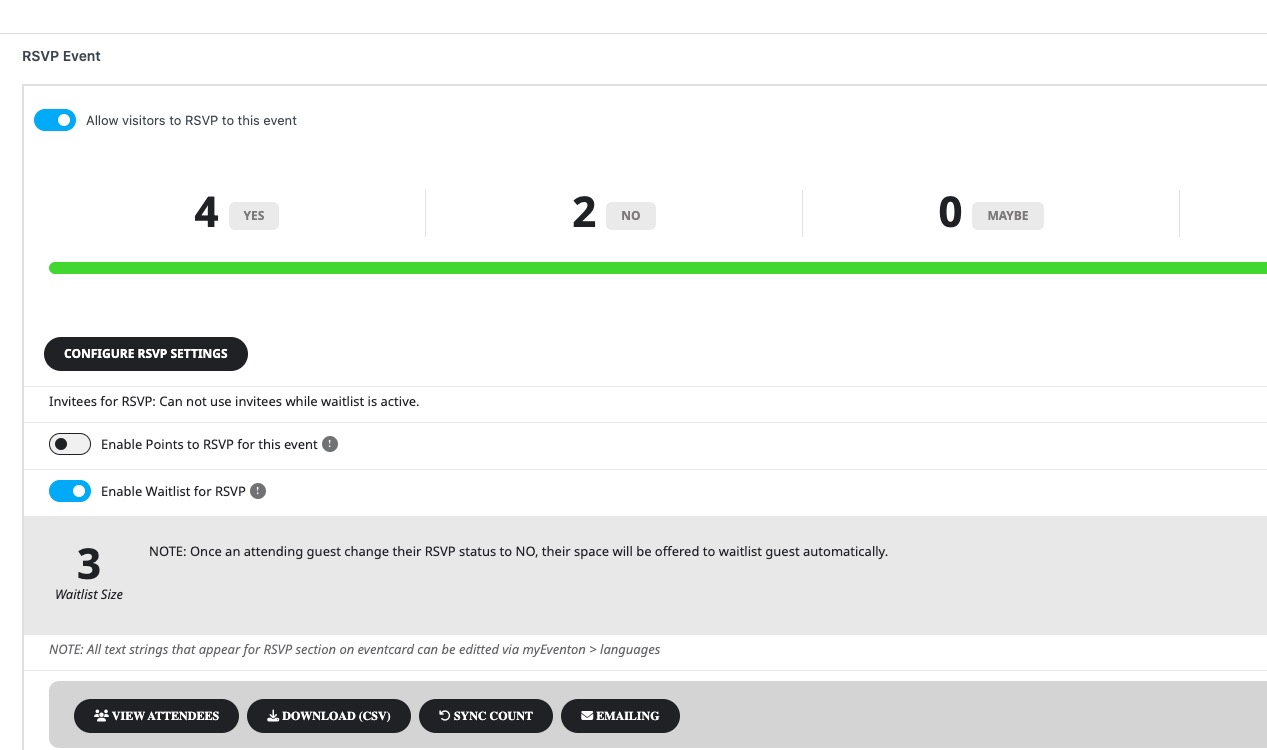
I put 2 to RSVP capacity, then changed how many guests are coming to 4, so now the capacity is 4:
https://dev2.myeventon.com/wp-admin/post.php?post=53643&action=edit
Ah you are exactly right! Thank you for your messages, I am going to assign this ticket to Ashan and he will be able to take it from here and find you a solution. Please allow some time for him to get back to you, we greatly appreciate your patience and thank you for being a eventon customer! Also please disable any IP blocking on your site if there are any.
Could you check now? I changed Feature image and also cleared your both cache plugins. Seems to be working.
We are glad your issue is resolved, if you have any further questions or concerns please create a new ticket.
If you have a moment, we would greatly appreciate if you could kindly leave us a review at myeventon/my-account!. Cheers!
Hello,
You can download updated versions only if your add-on subscription is renewed and active. When did you purchase the add-on? Could you also send us order id?
On this page your shortcode is inside of a container created by your page builder:
https://sexologische-koerperarbeit.at/kurstermine/
Could you try using ESE:
https://docs.myeventon.com/documentations/use-eventon-shortcode-executor-widget/
Simply put it on a page and then put your shortcode there.
Please add the CSS code to EventON > Styles (If you don’t see any change, EventON > Scripts & Styling > turn off Write dynamic styles to header > save settings > turn on Write dynamic styles to header).
Hello,
Please add this CSS code to EventON > Styles (If you don’t see any change, EventON > Scripts & Styling > turn off Write dynamic styles to header > save settings > turn on Write dynamic styles to header):
@media (max-width:960px) { .evo_page_body .evo_sin_page .evosin_event_title { font-size: 30px; line-height: 1.25; }}