Hi,
Thanks for the update and for releasing the fix so quickly.
I’ve updated the Countdown Addon to version 1.2.1 and tested the events again. The countdown timer is now displaying the correct time,
Appreciate the help from the team in identifying and resolving the issue. You can go ahead and close the ticket from your end.
Thanks again!
Thank you
eventON makes style changes with most updates
What I would prefer is the looks to stay the same
Can you please tell me which code to insert,
so ’Show my Time Zone’ is light blue, like before
so ’Show my Time Zone’ has no mouse-over change
so ’Show my Time Zone’ has no rounded border field around it ?
::
There have been many code additions by eventON help desk
With every update there are new ones
Does this need to be ”cleaned up” at some point?
If it has no negative effect, we can leave it
::
Best regards,
DM
Thank you very much for the quick and excellent support.
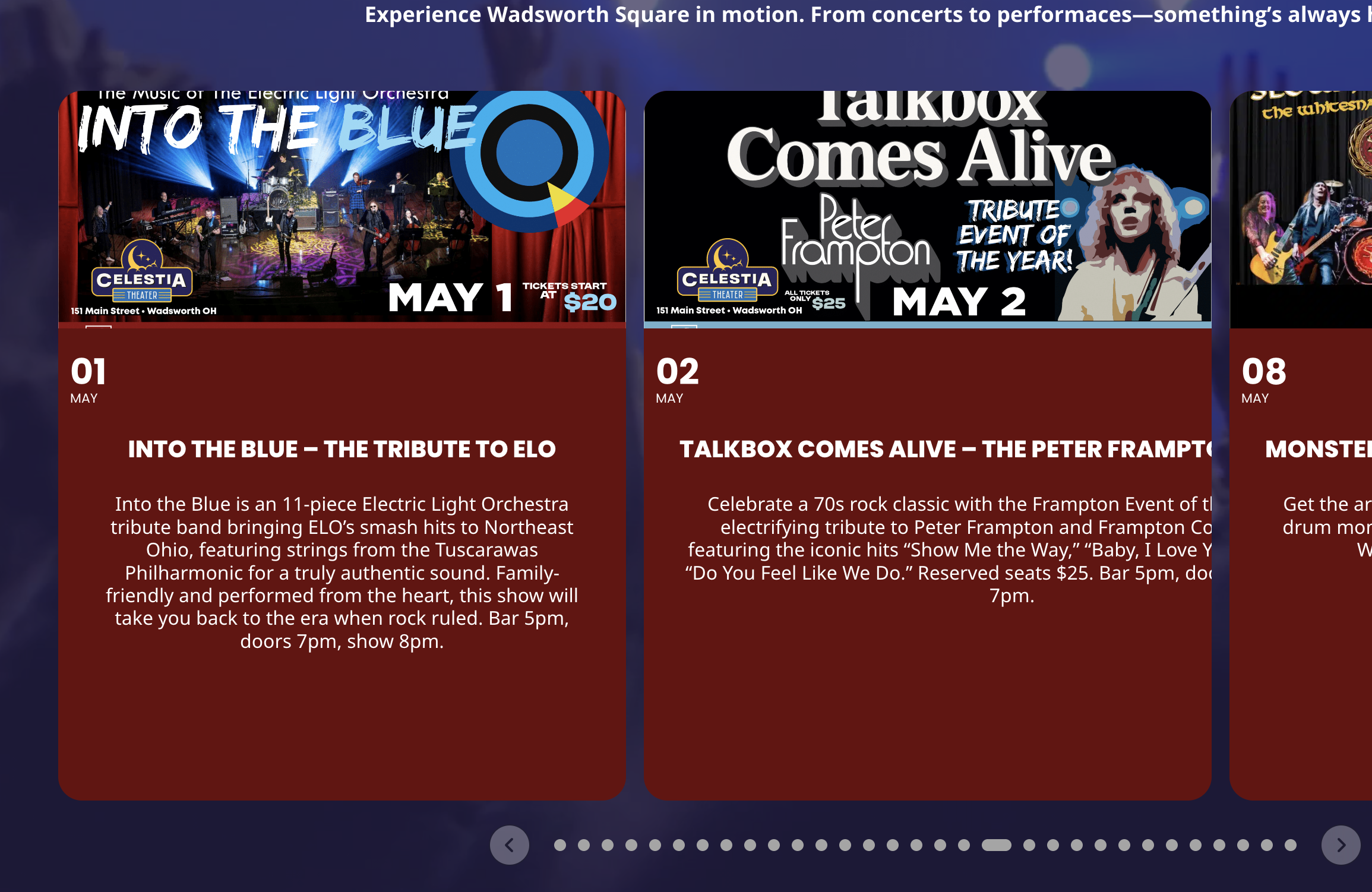
Some of the slider cards work but most are still broken…
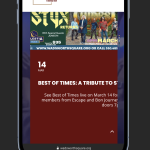
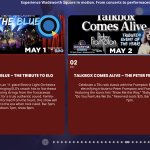
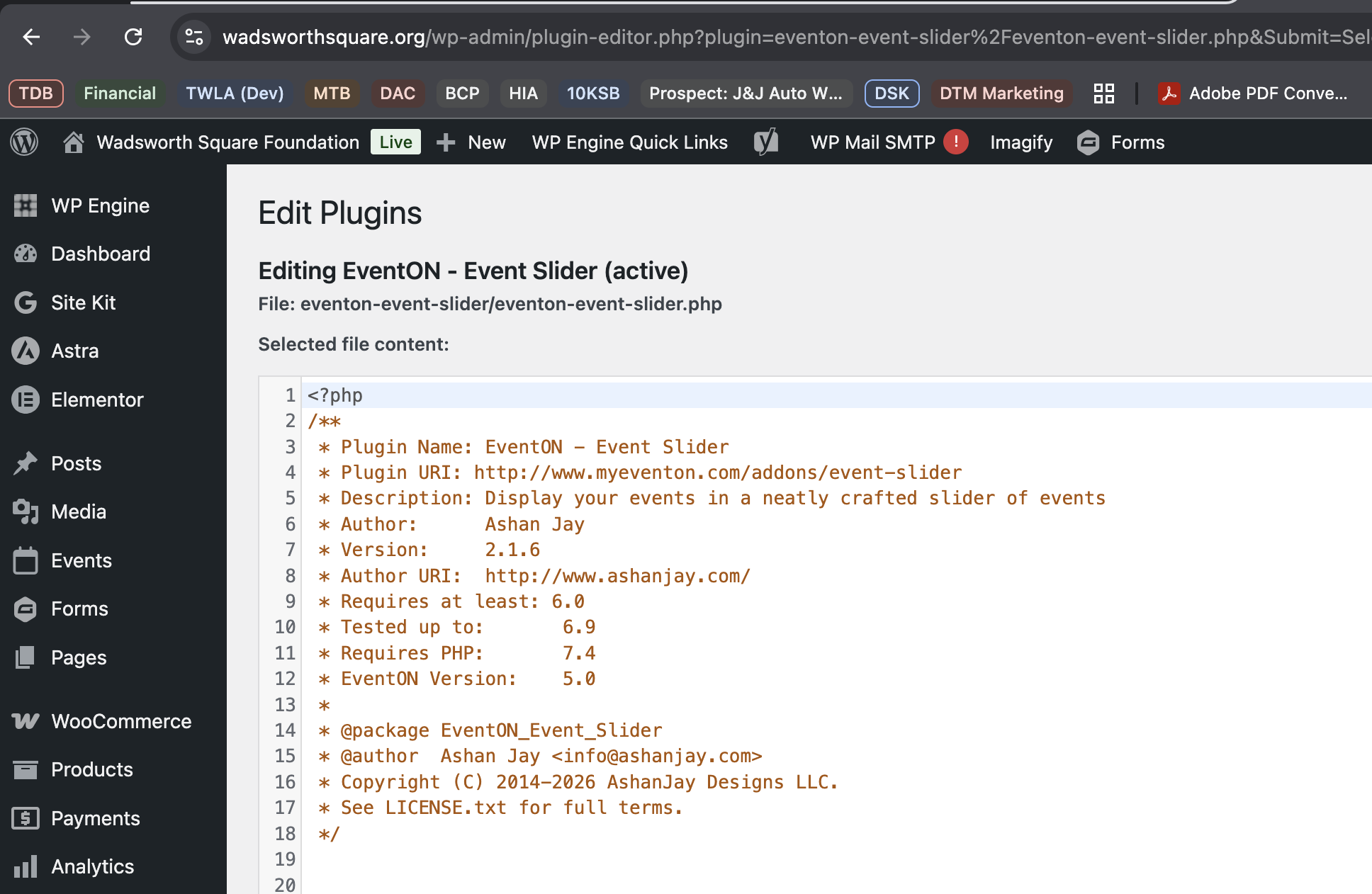
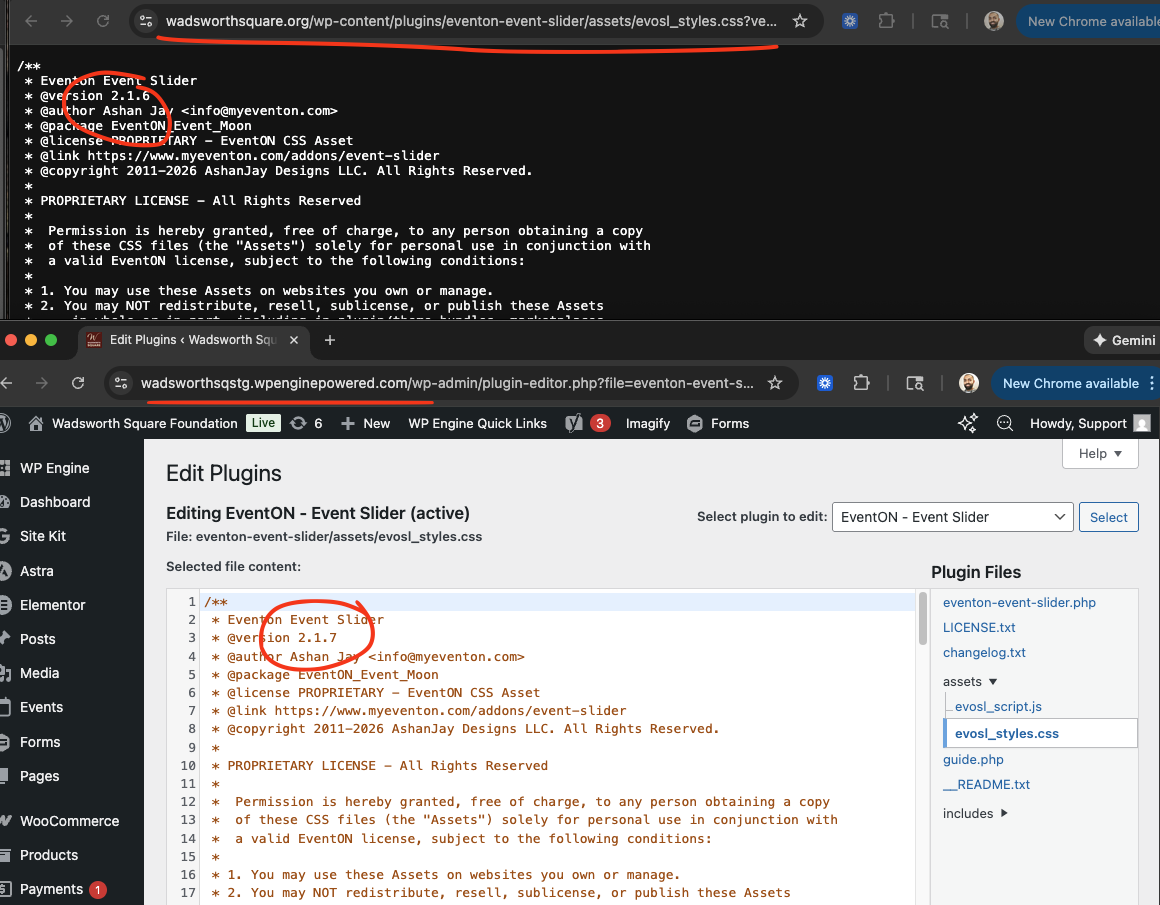
I am not sure how you’re seeing 2.1.7- I cleared the caches completely and Everything shows 2.1.6
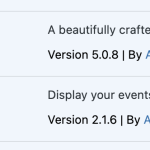
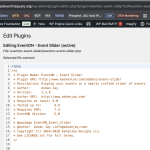
We can not access your event at https://dgsens.artt.media/termine/ it is asking for access info. pelase share those via right side Access Info box.
# About Organizer Read More: — We will make sure the missing translations are added in the next version. Clicking this will reveal rest of the Organizer description, while other button open lightbox view of organizer details.
It works fine on our end. if you would like to share wp-admin via Access on right side, we can take a look and make sure proper styles are in place. Be sure to enable plugin editor.
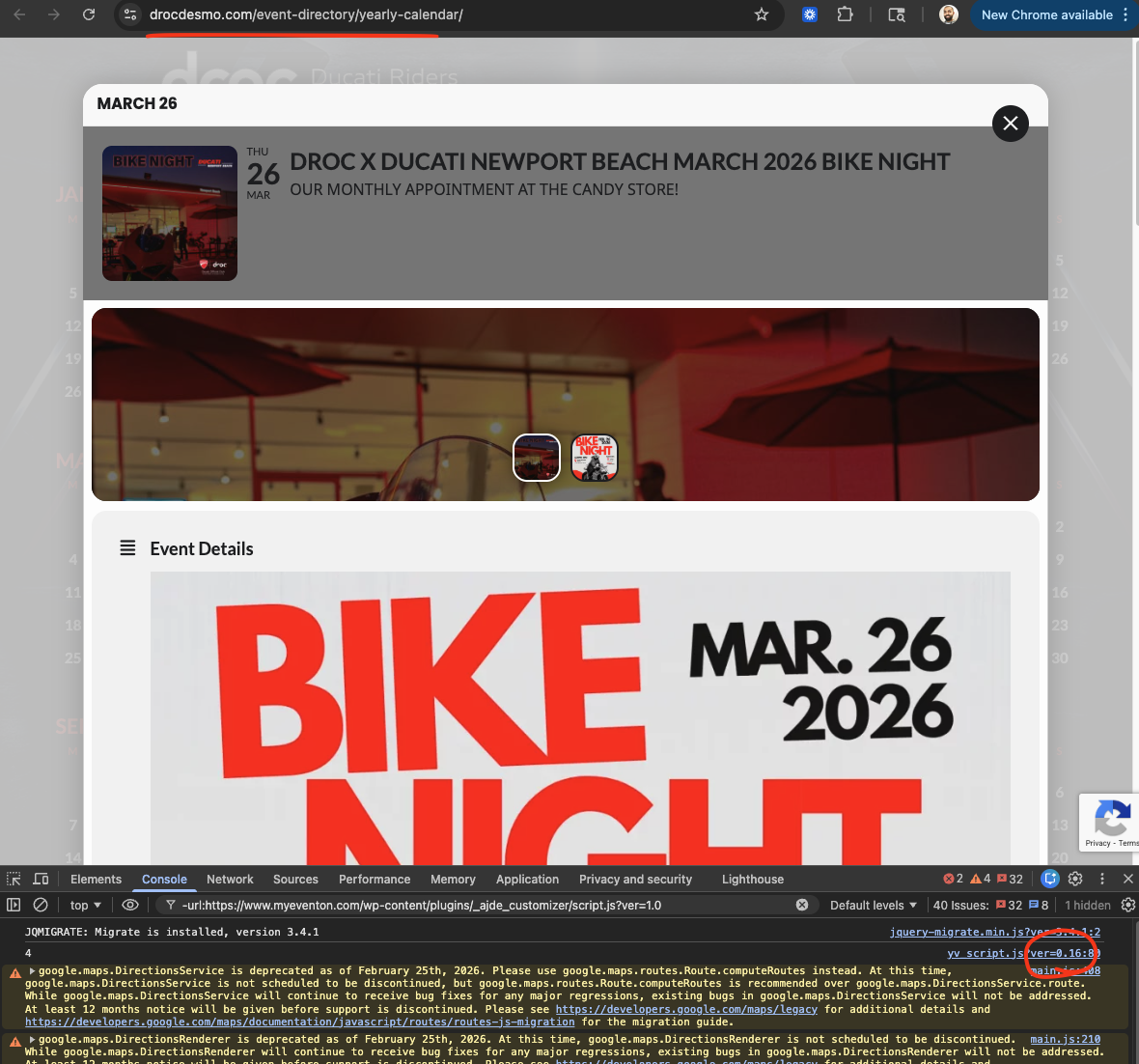
We just got the new yearlyview version 0.18 out please give it a try and see if you still see issues.
Changelog Yearlyview
Hello Renato, your website seems to be working fine with no visible issues on yearlyview. perhaps maybe because you are on 0.16?
We will make sure to enqueue moment and get a new version of yearlyview out shortly.