Thank you so much for agreeing to make the customisation. The FTP details are included in the url below
https://onetimesecret.com/secret/ej4y8mjrtsdfa3gp6jnfojfclnn5mdr
Please let me know if this is a permanent solution which will remain when I update the theme and fusion builder plugin.
Thanks again for your help
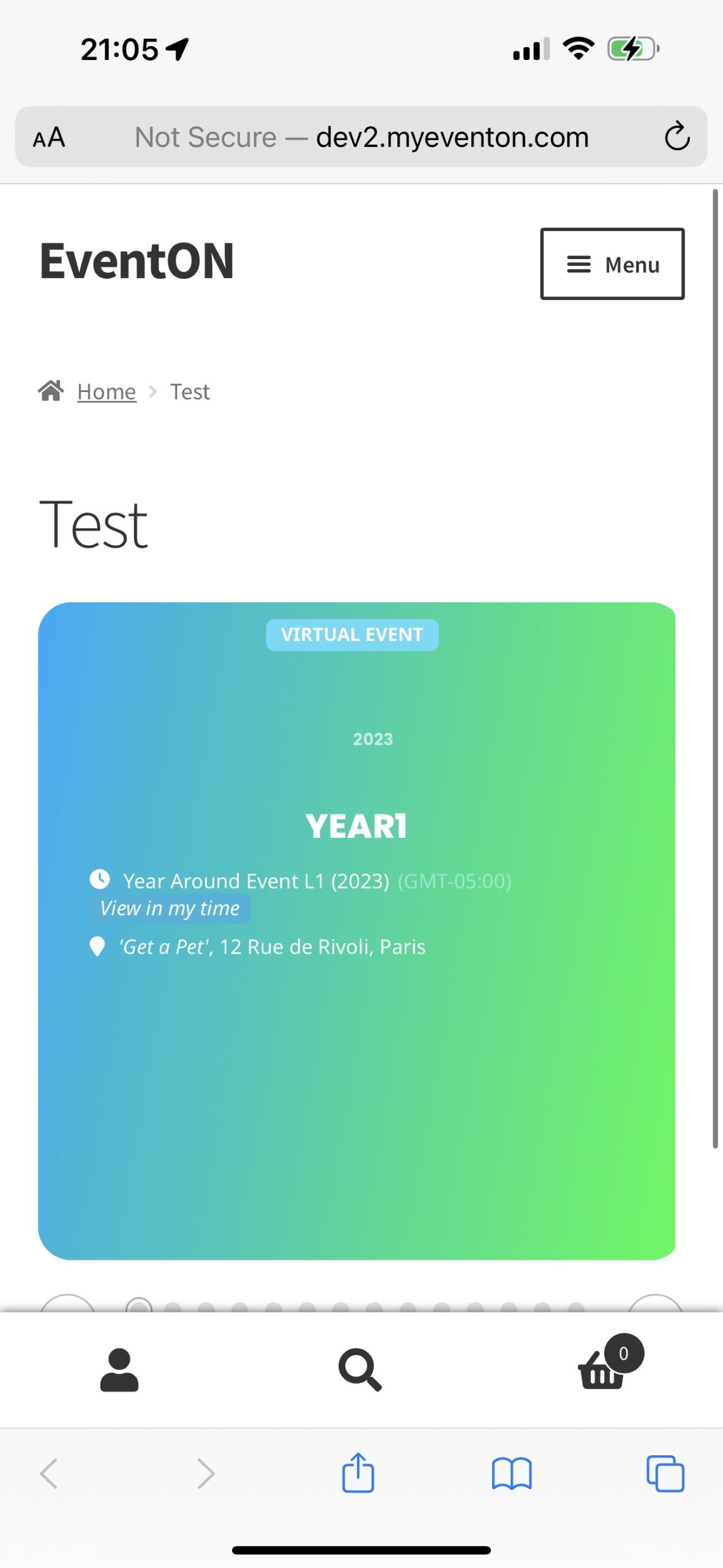
@Artem, yes it looks like it’s going well on the DEV server; is it because we’re using the featured image as a background image? Is there an update I need to perform on the plugin?
Hi,
The reason the March events are not showing now is because it’s April. I have it set so that once the date has past, those dates don’t show up any more. Try selecting the April calendar – there are plenty of events posted for this month.
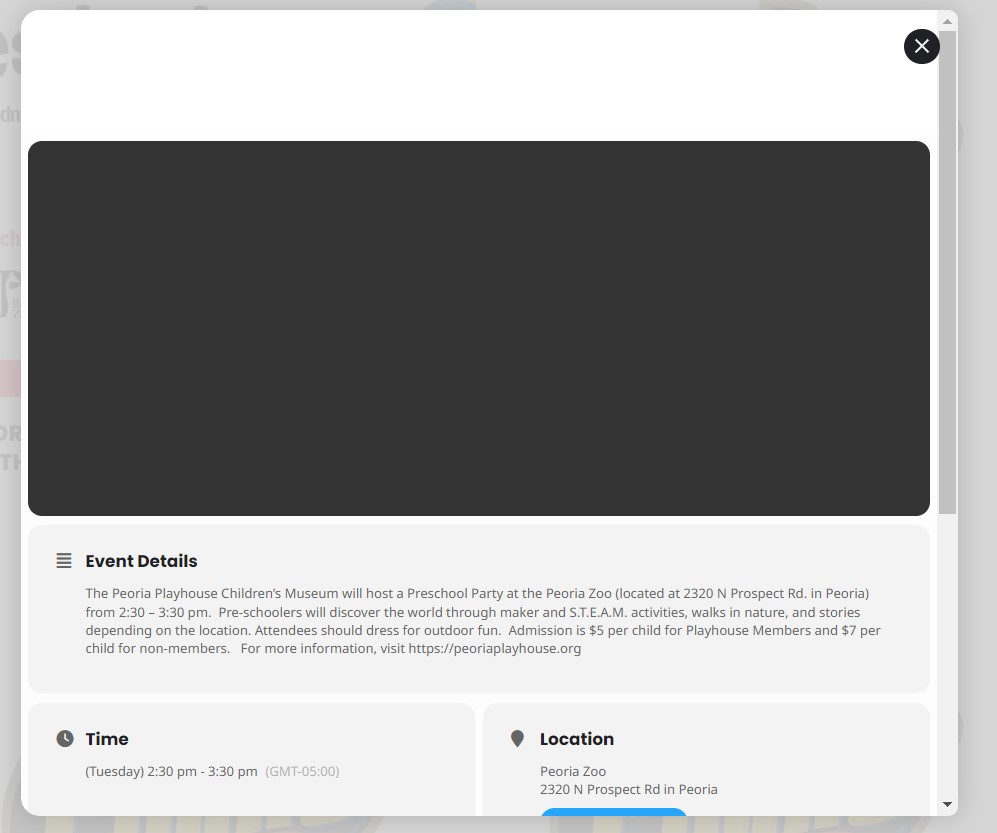
And when I set the image as you describe above, it gives me a grey shape where the image should be. Ugh. I also tried the Fit Entire Image resized min height and it displays the same way. Double Ugh. At least with the first option, it shows PART of the image vs. a grey box.
Please see attached screenshot.
If there’s something else I can try, please let me know. And also please let me know how to get the text color on the pop up to be black so you can see it against the white background.
Thanks for your help.
Hi, thank you.
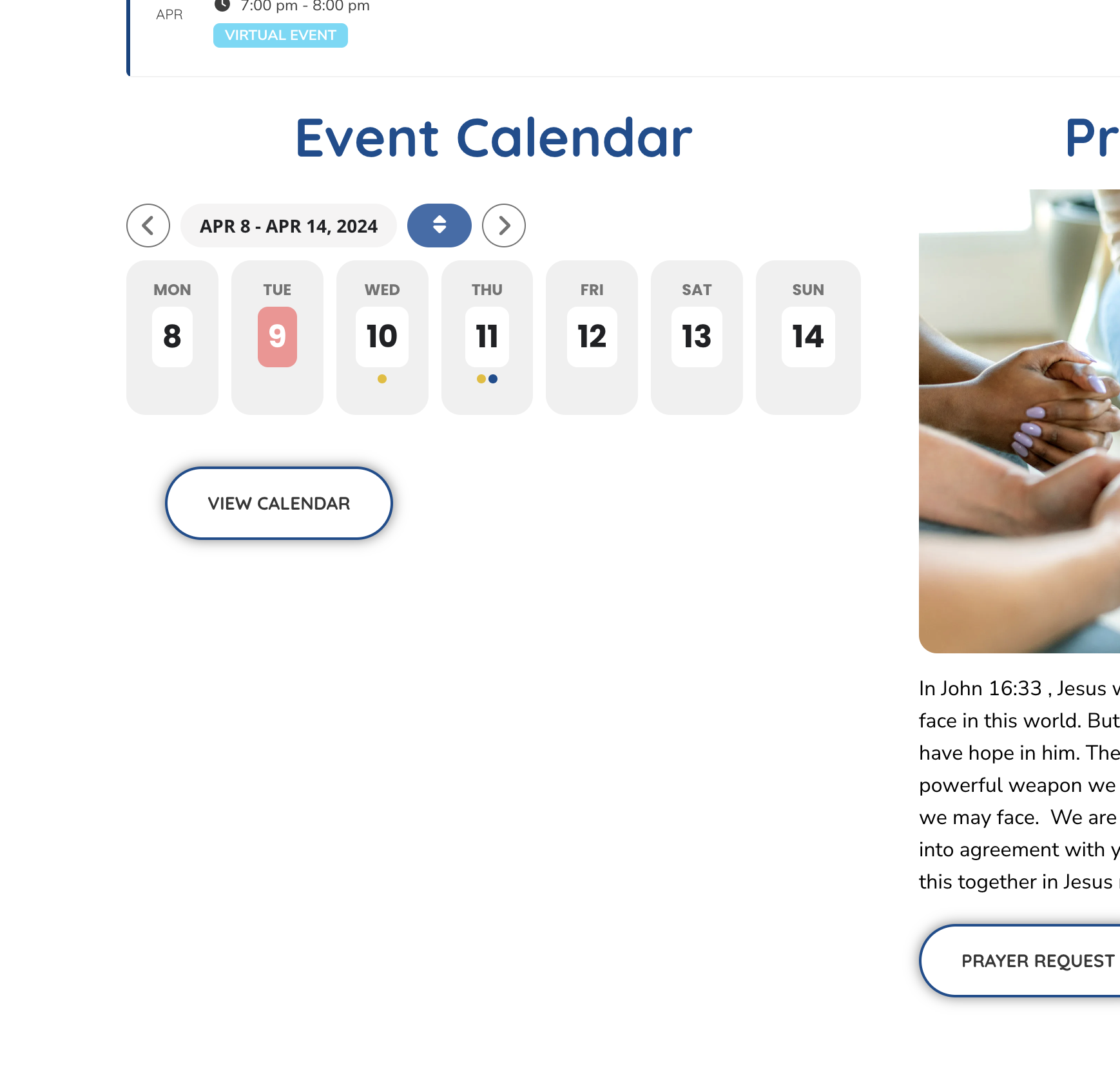
Something i’ve noticed, the weekly calendar is not showing the weeks events in a list like it used too. Can you check that please?
Thanks!
Jeff
Ideally, yes.
Ultimately, I ended up not using either the primary plugin or the add one. While I was able to customize the different segments to a degree with css, but the code that did stick impacted other areas where the calendar in other configurations was being used, due to the class structures.
If I weren’t looking for a particular style and functionality, it was a great plug and play solution.
I hope you understand!
All the best
– Ethan
Hi Ashan,
It would appear those changes have resolved the issue. Thanks for you help on this. Will we be able to update the plugin without losing these changes?
On the topic of updates – we see there is an update for the core plugin but when we click on the update link – nothing happens. See loom video: https://www.loom.com/share/7f8a469b275744f491308c5910c72c88?sid=fff91e22-12a8-4525-b986-e40b05db6833
Thanks
Dan
Please update EventON and RSVP add-on. There are included fixes for time issues in new updates.
Ashan is working on the issue. We just cannot understand what the issue is.
Please update QR Code add-on. It should fix the issue.
We are glad your issue is resolved, if you have any further questions or concerns please create a new ticket.