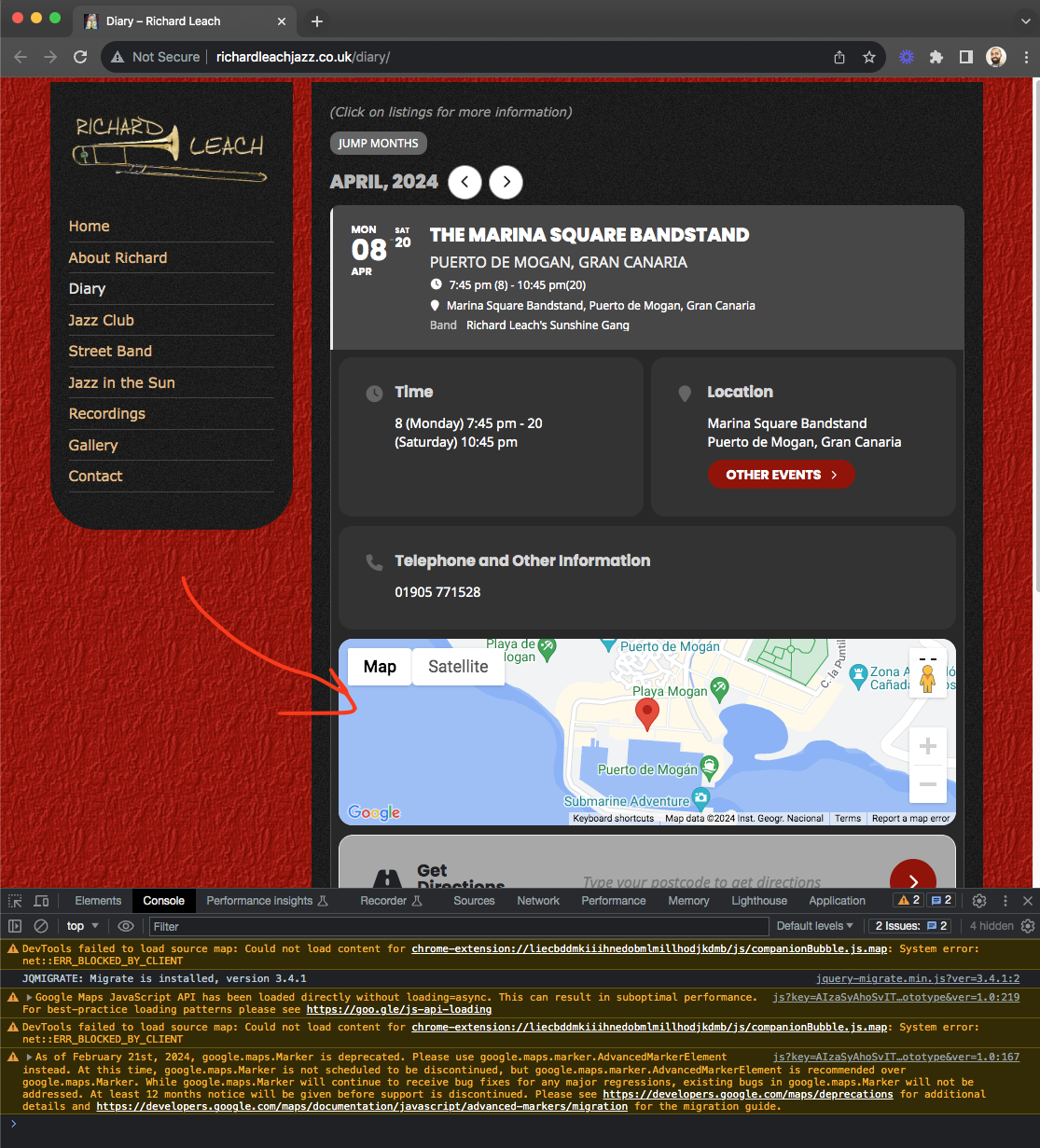
Ok close change RSVP option in settings works fine. So you are setting close Change RSVP button for 60 and hoping this will be applied for hide RSVP options. Which are two different things 🙂
We will see if we can add a settings for general time for hide RSVP as well 🙂 — in the future updates!
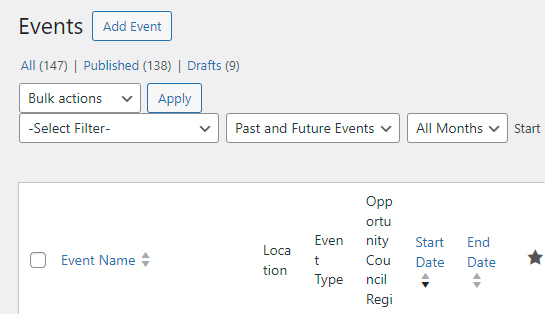
I know it may be hard to troubleshoot without access to the WP site. I would need to check with IT Manger if they are ok creating a new username.
There are 147 Events in the site, see screenshot. I just did another export and only 123 rows of events.
Another csv file zipped here.
https://drive.google.com/file/d/1iTeYEPQkyjGhtM4Ki_Eeozg3gqgFbmcy/view?usp=drive_link
Thanks for your help.
Hey Artem so I set up a page without it … and the page loads the events.
so I thought it was because the no Ajax was on the other page…..
I tried to set up a page for you but…
I removed the No Ajax from the Events Page … and it will NOT load the tiles.
But… the single test page WILL load the tiles..
the difference being that I can see is … the Events Page in question.. is set up with in tabs.. so you can choose All or Abbottsford etc… those individual cities are calling different events… but I don’t have any No Ajax on all those… I only add it to the ALL short code and they all work.
if that makes sense?
So it looks like the calendar is working when placed on a Page… but not when its inside a tab ?
ps. the theme is Avada Builder 7.6
Thank you for your time on this
Hello,
I was simply hoping to save time by using a CSV importer. But neither has an import worked so far, nor is filling out a CSV file with so many specifications faster than filling out the form.
Best regards
Maik
My apologies I was looking at the wrong thing, where you were looking at when to hide “Change RSVP button” not RSVP options. Ok let me check on this now!
Hello Foxy, very interesting, because on my tests as well slidedown event map works fine.
Here is a zip file.
https://drive.google.com/file/d/1irF1xFbIs2q1c7d_xaIHD_l8ZHvzkISk/view?usp=drive_link
That worked Artem, thank you!
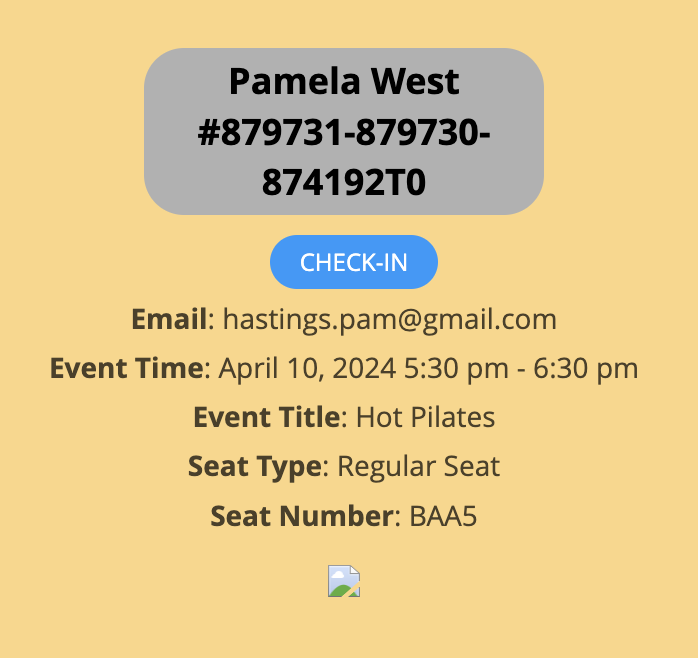
Same issue. The QR code generating has been a hit and miss issue for a while now. Please make this urgent as everyone using the QR code addon is currently affected.
We are sorry for the delay. We are still working on the issue.