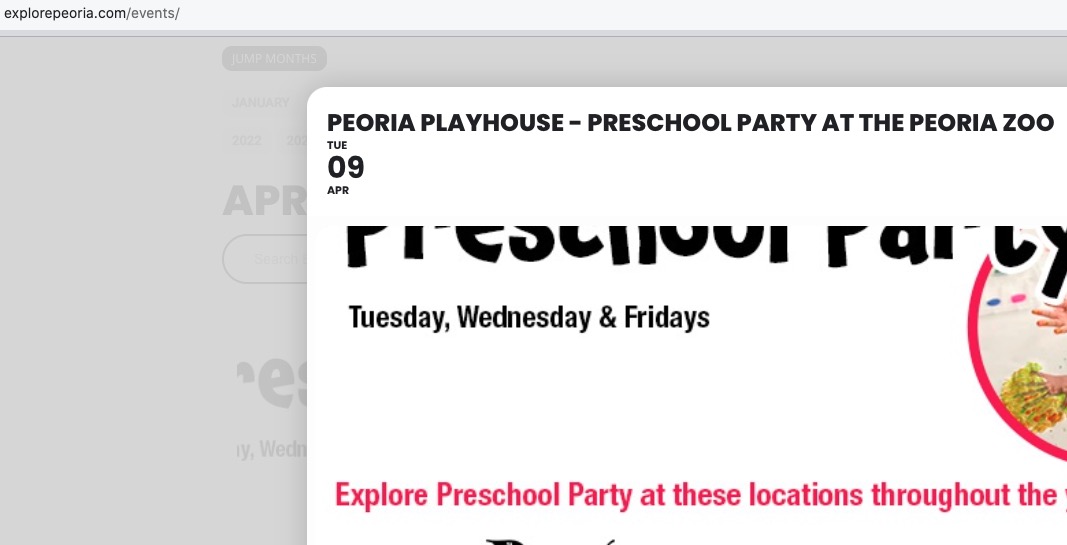
The text color should work correctly without the custom code.
When I check events, the color is black:
There are no events in March. Which event should we check?
Selecting “Feature image display style: Fit entire image, resized box height” shows the entire image.
We are glad your issue is resolved, if you have any further questions or concerns please create a new ticket.
If you have a moment, we would greatly appreciate if you could kindly leave us a review at myeventon/my-account!. Cheers!
Sorry for the delay.
I need to take a look at the calendar (HTML code and styles), but to your website is restricted. Can we check it somehow?
We are glad your issue is resolved, if you have any further questions or concerns please create a new ticket.
If you have a moment, we would greatly appreciate if you could kindly leave us a review at myeventon/my-account!. Cheers!
Could you try EventON > EventCard > remove Minimal height for featured image (value in pixels)? It should change how the image looks on mobiles.
Hello,
Not possible without customizing the source code, I am afraid.
In order to request a refund, please create a new ticket under Billing & Accounts and be sure to include the order ID for which you need a refund for and the reason for requesting a refund.
Hello,
Could you send us a link to the file you are trying to import?

And if I click the gray box this is what I get. I would like it to display like it used to right in the event. Looks way more pro
Hello,
Please update EventON to 4.6.2.
To update eventon to latest version: If you are unable to do autoupdate, you can go to codecanyon your account > download and get the latest eventon version as zip file. Then you can go to your website > make sure “Delete eventon settings & data when EventON is uninstalled” is Deslected from eventon settings, delete old eventon, install new one and activate. This link will further explain the process it. Also you can follow us on twitter to get real-time announcements on updates!