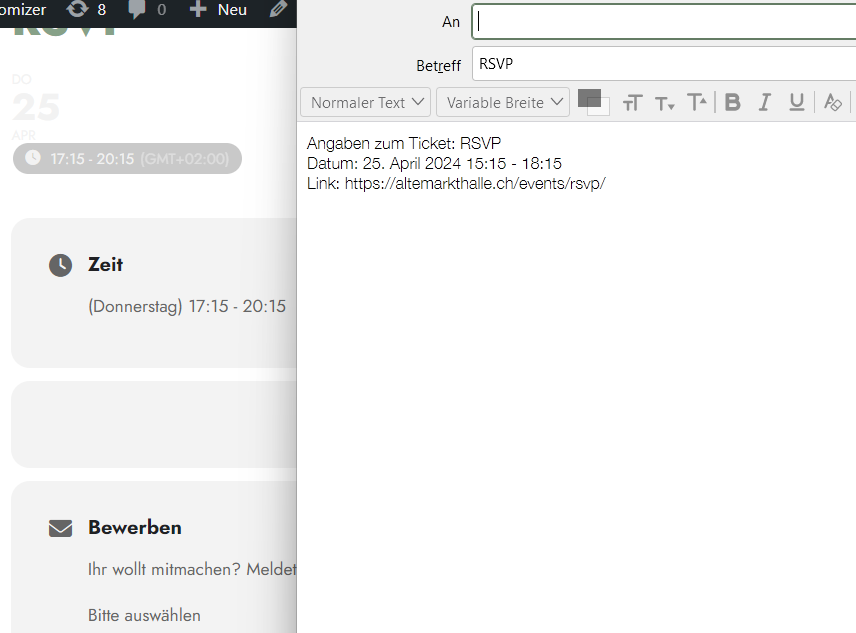
Hi, for the rsvps it seems to work now, but when I want to send the event via email, the time is still wrong (see screenshot), can you tell what’s the issue there?
Replies for tickets on suppota
Hi, for the rsvps it seems to work now, but when I want to send the event via email, the time is still wrong (see screenshot), can you tell what’s the issue there?
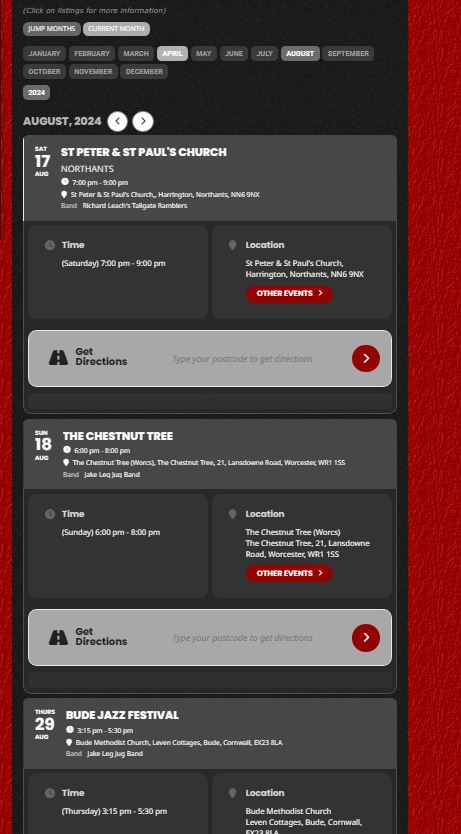
I’ve cleared everything and used 2 different browsers.
Before I contacted you I was going through adding long/lat co-ordinates to the location info, but as even that started to revert to broken maps I stopped.
Go forward to lgigs ater in the year this is August
Hello, please use our staging website for this:
Login URL: https://dmp.dvlpsite.com/gate_way
Username: dmp
Password: wIl&Vk2sLXUiU4KTUq
May i ask you when you can have a look why the attendees is not working. Our client told me that they need the list to manage sales at the gate.
Many of these events started in March and are reoccuring. They dont want to be visible after first event has started.
Event tickets
Hi,
Thank you for your reply.
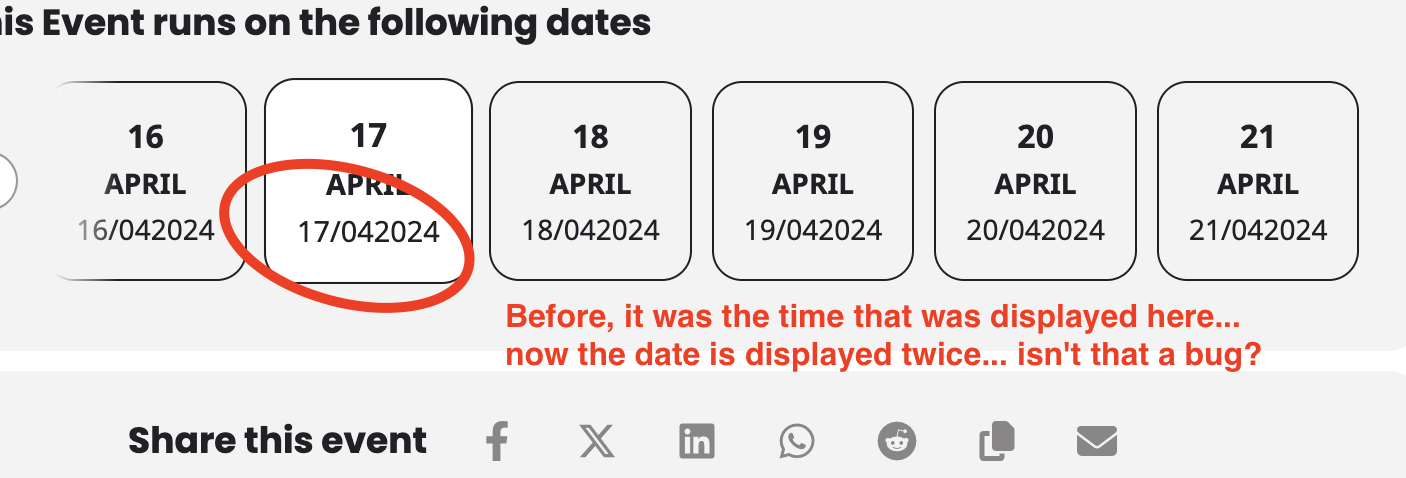
As I can see, we’re not talking about the same thing. I’ve put a screen caption to make it clearer.
Here are a link to access the backend : https://colormygeneva.ch/wp-admin/?wtlwp_token=40f1e802d9806ef947d88fc1d363ed599daf8776fdadc807f7165ab58e7447764a317bedf2f9fe81344cc59f0e831ce0512abb15bc9b940674bdefec98abd2a9
Regards
Hello,
Thanks for your fast support. EventOn is interfering with a plugin, i.e. Trafft Booking System. Trafft – Free Scheduling and Booking Software
I will reach out to them to inform them about the error.
Best wishes
Stefan
Hello,
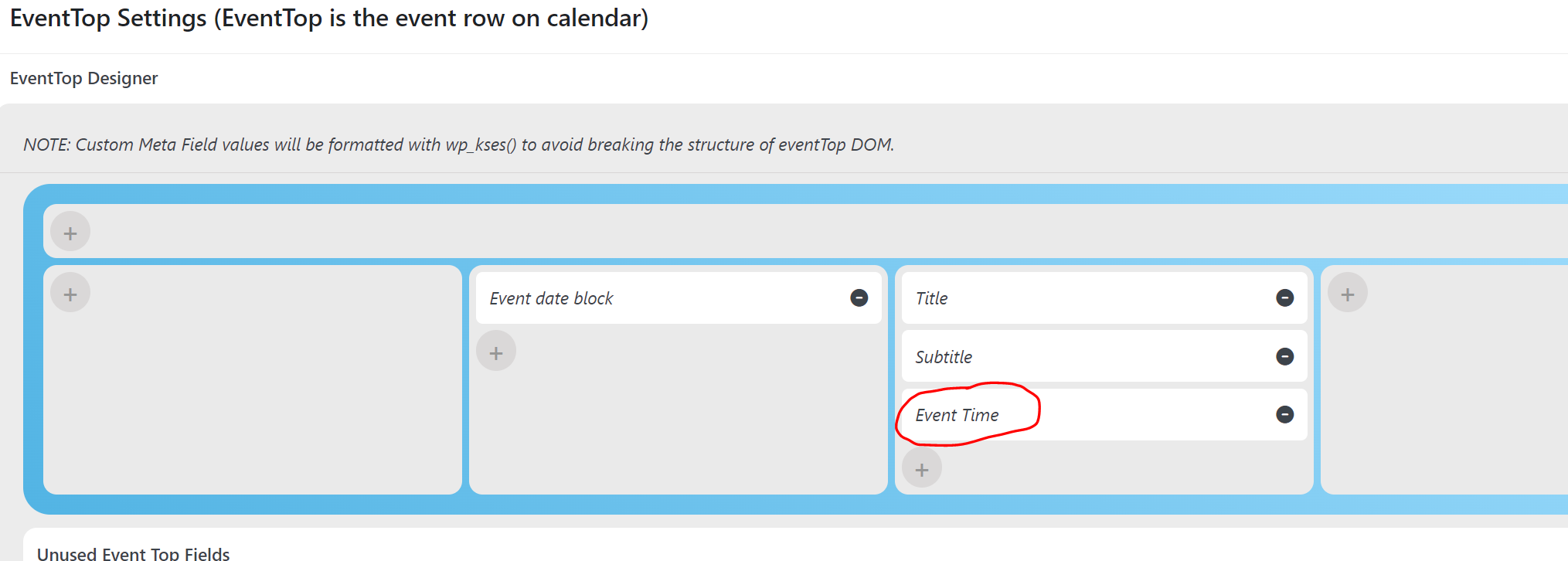
Issue is not related to timezones. The issue is related only with the Eventop time which is incorrect. The event time when you click on the event is correct, the issue only affects the Eventop time.
In your link there are no examples where the Eventop time is displayed to check
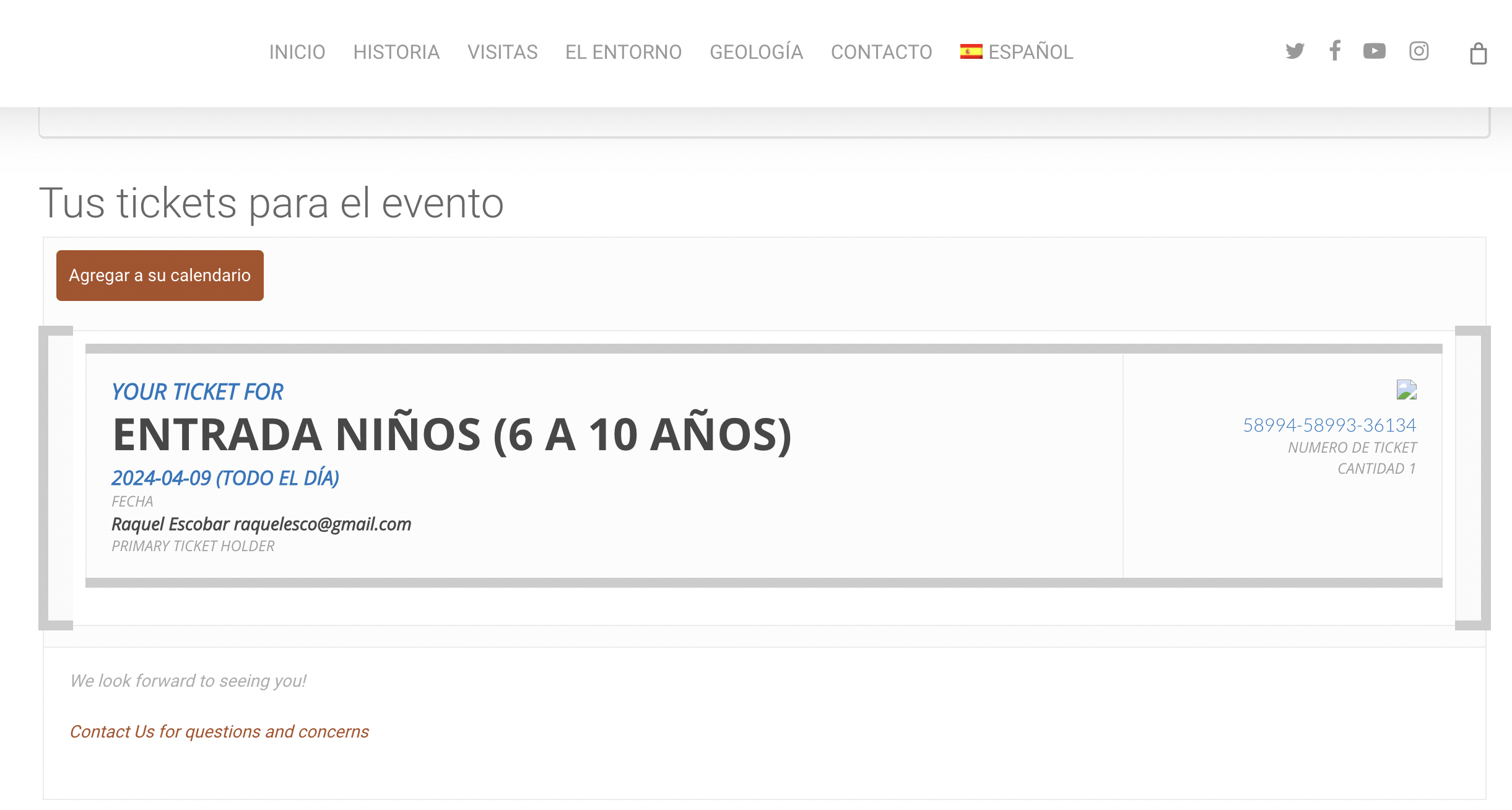
Thank you for your reply, I have just bought another ticket and did not get a message with the ticket in my email. It is still not working.
Could it be something on my settings? The date perhaps?
I also tried doing the update, and it was a complete disaster, I had to use the super backup from my hosting provider.
I really need to solve this ASAP please. My client is very upset, and I really do not know what to do.
Many thanks for your help,
Raquel