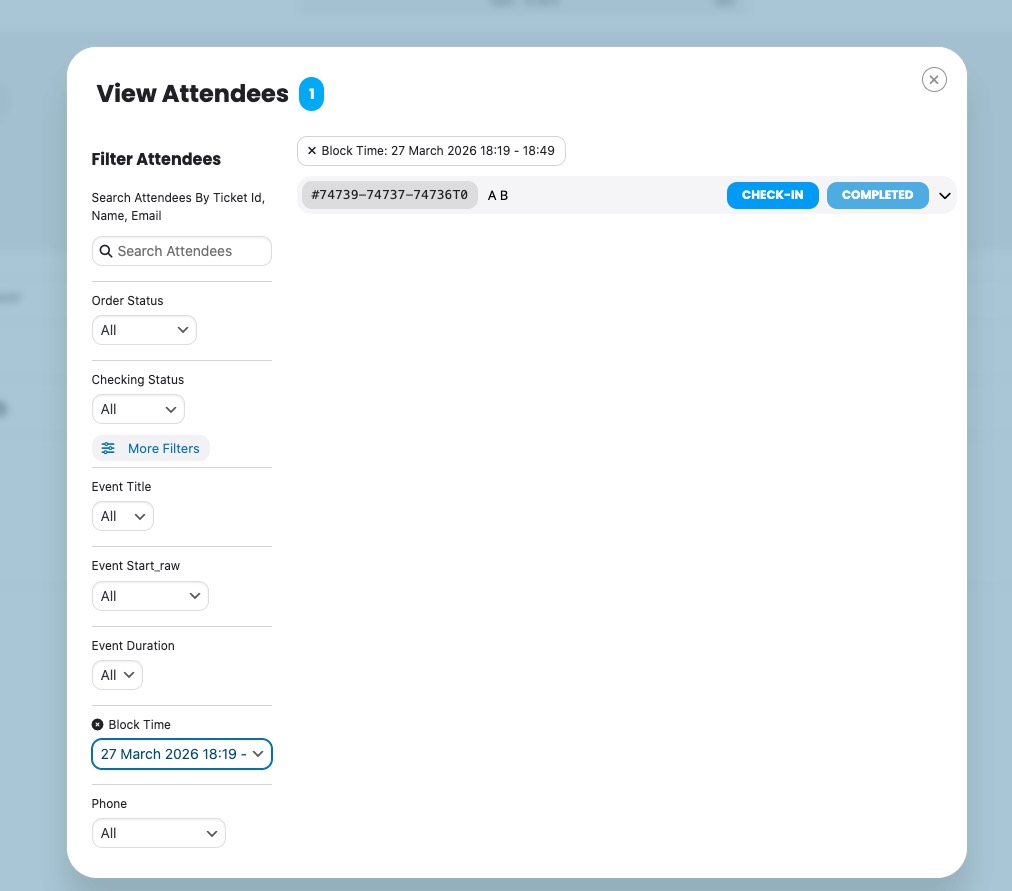
Ok Lucas, we have gone a head and refunded you for the order for both addons and the subscription is also cancel at this point. Should you decide to reactivate, you will need to re-purchase the addons again.
Do let us know if you have any other questions!
This is the login for the 2fa
https://rollerstop.co.uk/rollerball/
I would have to change the roll back to admin.
Let me know what you think is bes.
Iain
Hi Thanks for you reply
To speed things up I have change your login role to an editor.
I hope this is enough. If not I will sort out an admin role.
All of our plugins are up to date.
I have checked again after cache resets and still no luck.
Thanks for your help.
Iain
Thank you!
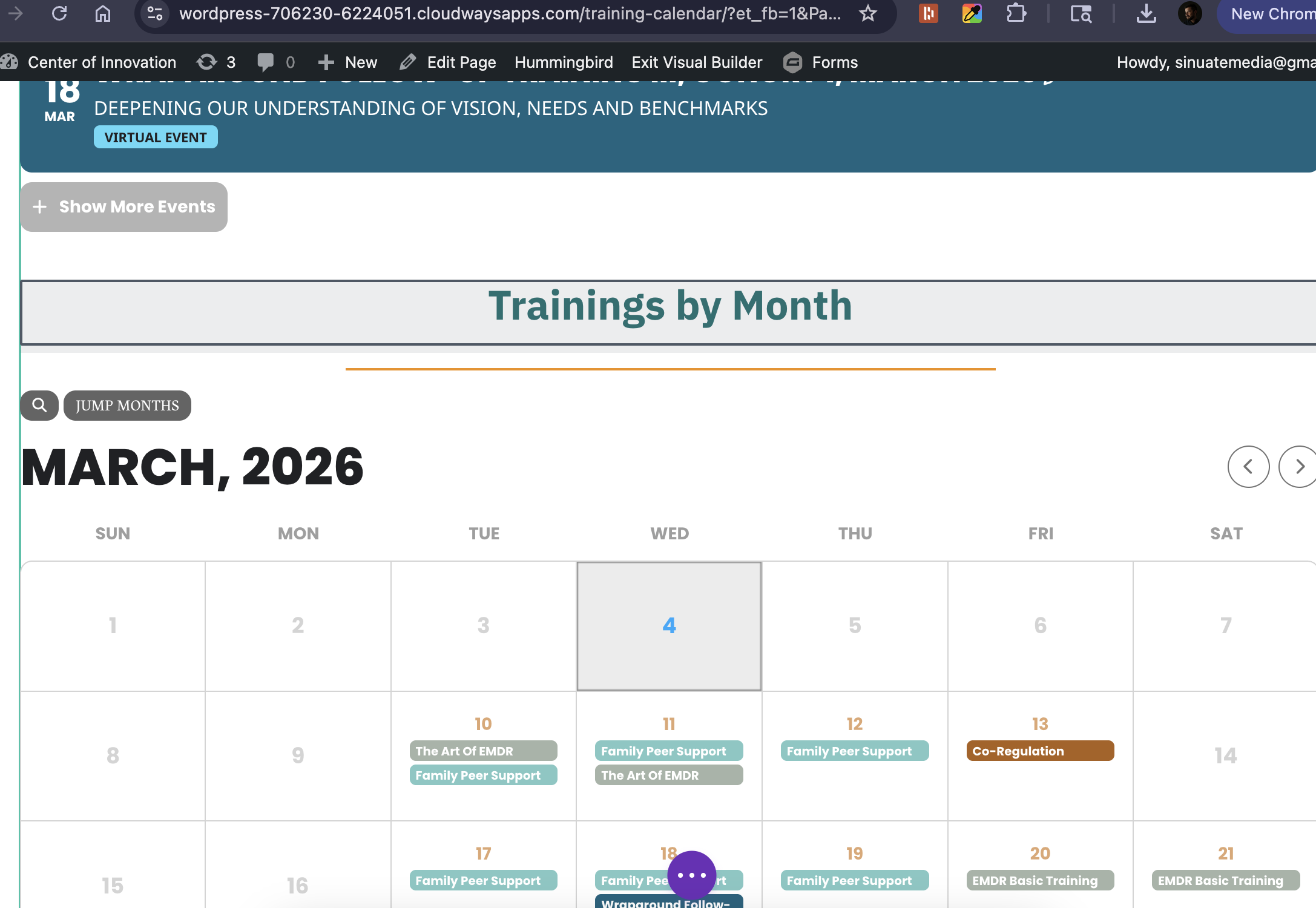
Full call view doesn’t show any events, note events exist and when in Visual Builder they show up (also tried adding the full cal with just the fc short code, no modifers and it also doesn’t show any events). This doesn’t seem like same problem, usually both full call and events list will just load as the grey outline when error triggers. Appreciate all the help, love this plugin and honestly 4 years with no issues couldn’t resolve so it’s been a bit of a struggle last couple months.
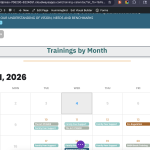
Ok pelase give it a try now. Should be working.
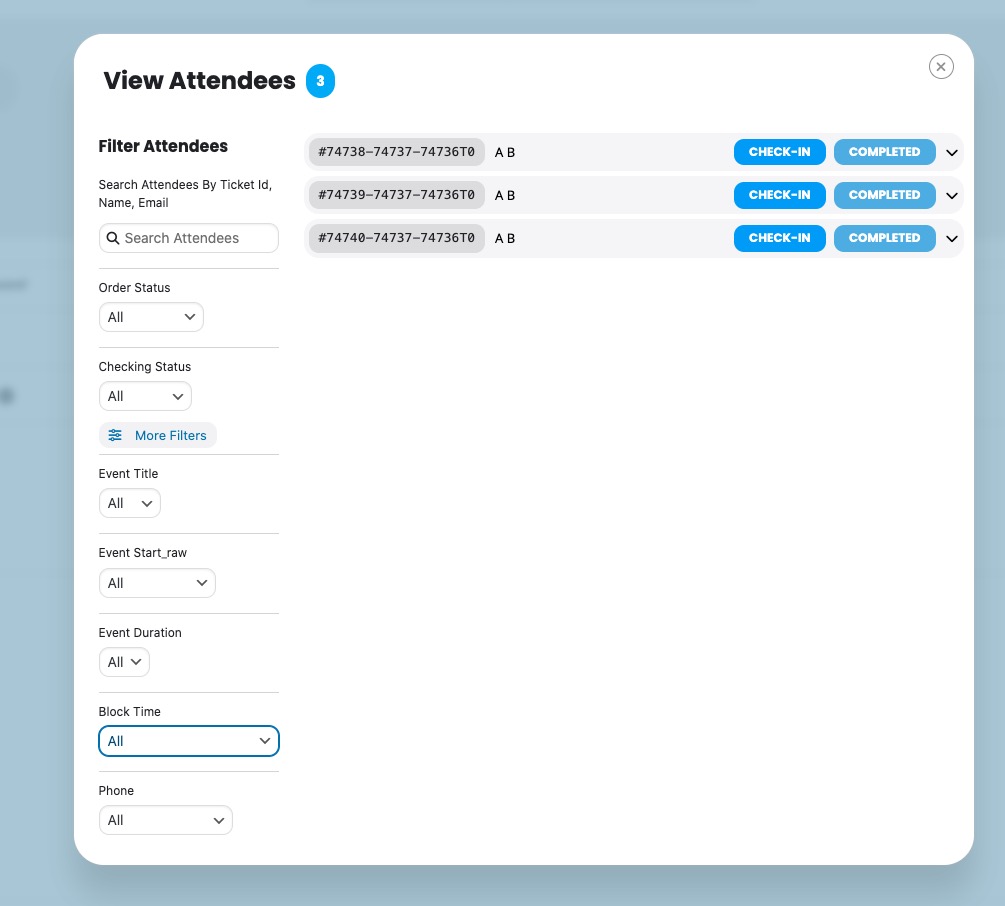
As you mentioned since you verified it already it was recorded in the system but out logic was missing to make sure already verified same user to complete the checkout.
Should be good to go now!
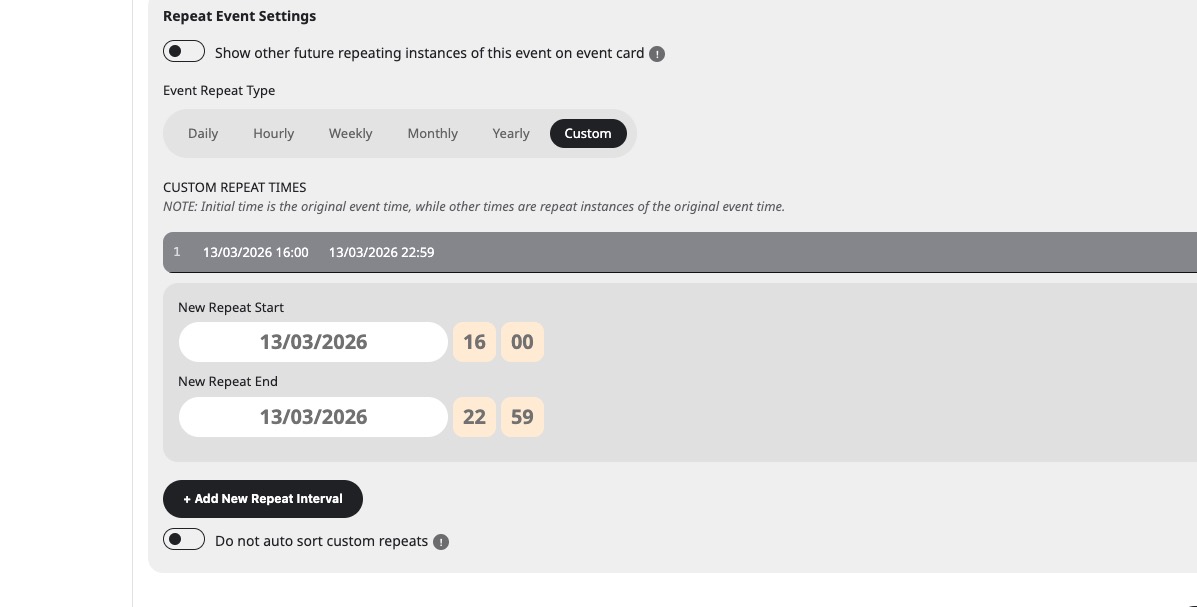
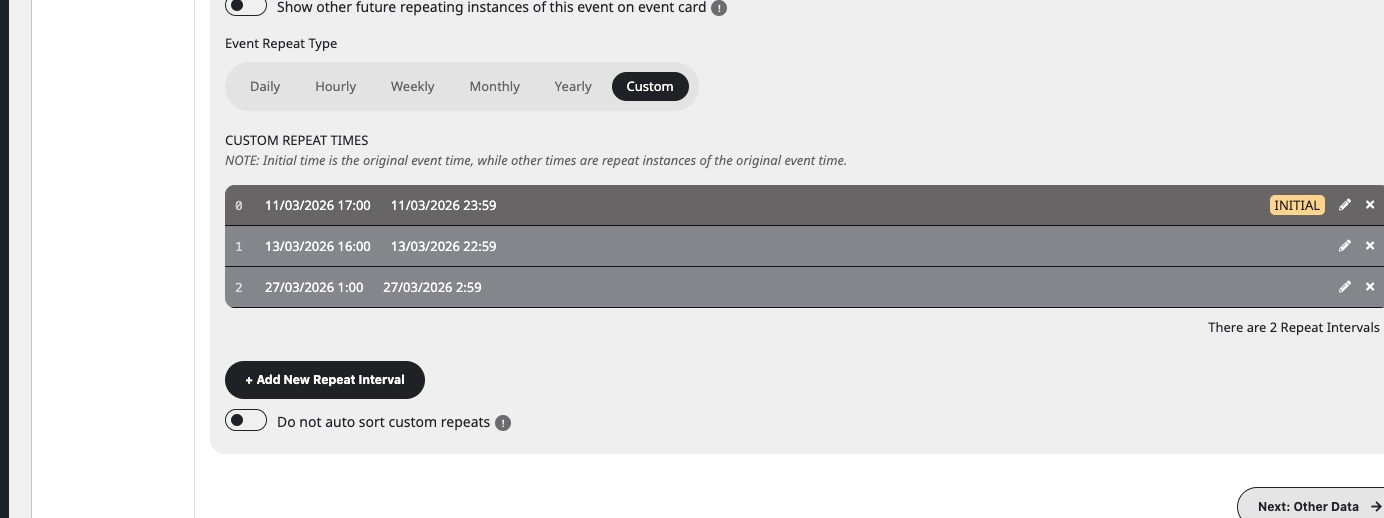
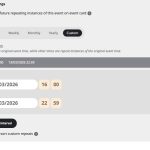
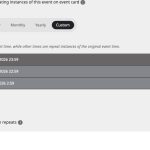
Please take a look at custom repeats I added:
Hello,
I cannot access wp-admin because of
LOGIN BLOCKED: 2FA is required to be active on your account. Please contact the site administrator.
I also checked our website and the filtering works there:
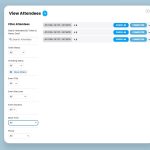
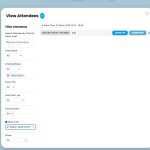
Please check for latest version of this software from here Your issue might be related to an older version you are running and we might have resolved this already in the newer version update. If you are on latest version of our software and the issue still persist please let us know.
Hello,
Please add this CSS code to EventON > Styles (If you don’t see any change, EventON > Scripts & Styling > turn off Write dynamic styles to header > save settings > turn on Write dynamic styles to header).
You can also add this code to wp-admin > Appearance > Customize > Additional CSS.
.evo_org_details_full { display: block !important; } .evo_org_details { display: none !important; }
Hello,
Please use this code:
.eventon_list_event .evoet_in, .evo_pop_body .evoet_in { flex-direction: column !important; }
Please also add these CSS lines:
#evcal_list .eventon_list_event .evoInput2::placeholder, .evo_pop_body .evoInput2::placeholder { color: white !important } #evcal_list .eventon_list_event .evoInput2, .evo_pop_body .evoInput2 { color: white !important }