Hello Graig!
I had the same problem and I solved it with CSS. Try placing this css code in Settings > custom style
.evocard_main_image {
height: 200px!important; /* adjust this value to your preferred height */
padding-top: 50%; /*50% for your image’s aspect ratio percentage (2:1 600x300px) */
background-color:transparent;
background-size: contain;
background-repeat: no-repeat;
}
I hope to be helpful. Regards!
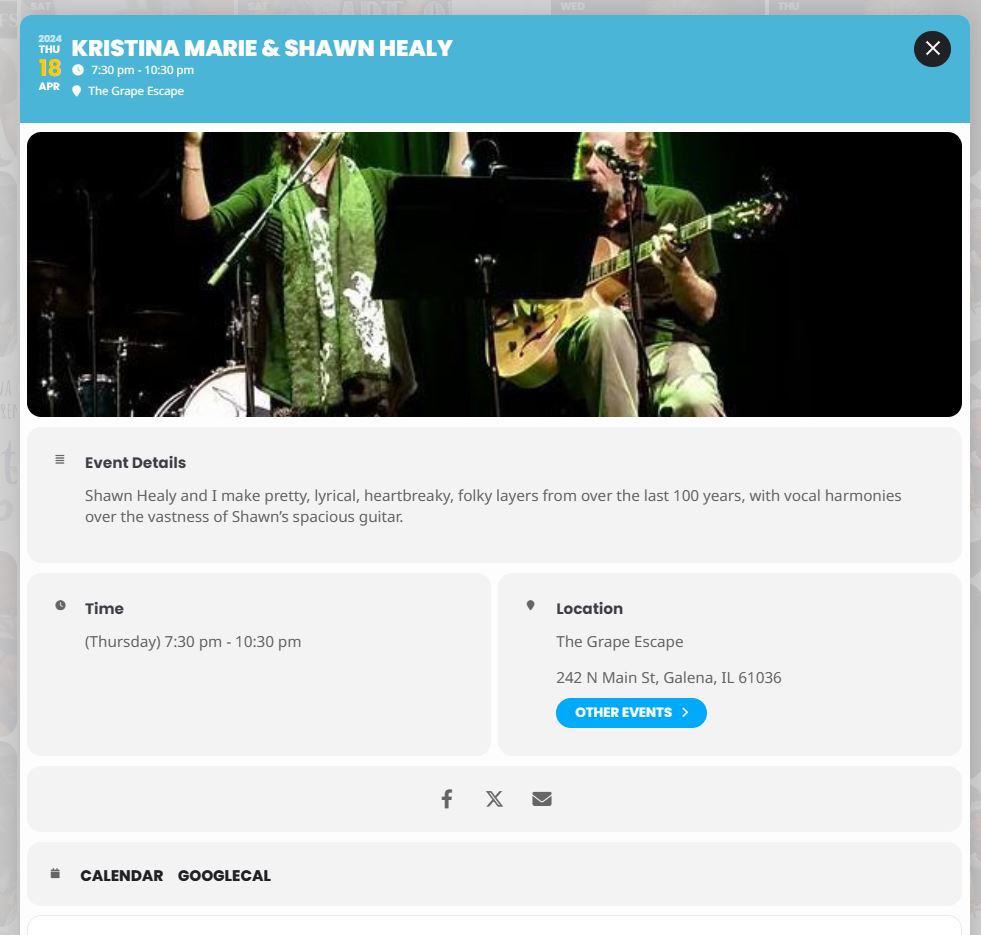
This image shows how the lightbox crops the event image. I would like the full image to be displayed when the lightbox is opened.
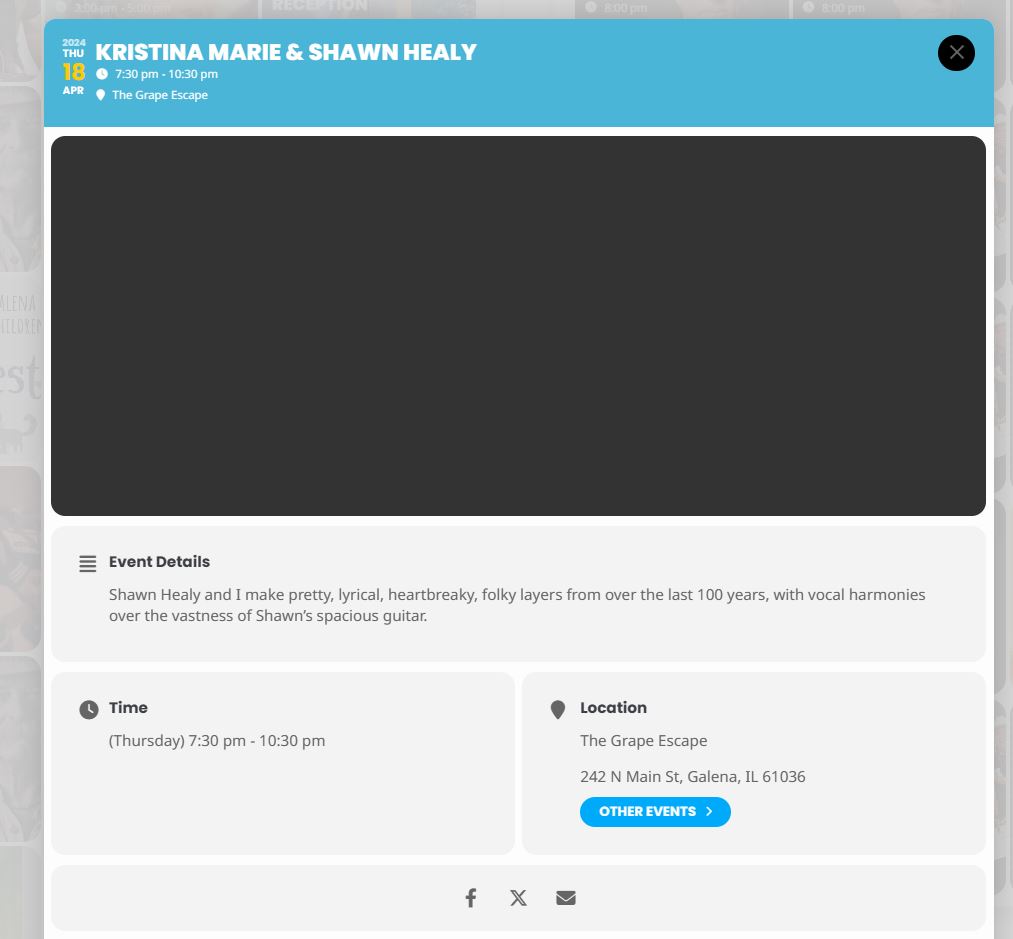
That worked for opening the lightbox but now the lightbox that opens has no image.
How do I fix this?
Thanks! Craig
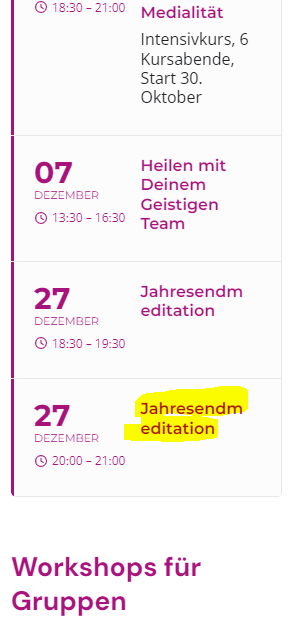
Hallo,
i changed it, but that doesn´t help with the hyphens. On the screenshot is the problem. The Words should break Jahresend-meditation. It doens´t break with a hyphens and very ugly. Even if i use ­
Hi, Artem et al, any news on this issue?
The actual dates are not showing up on the calendar, I have no idea what the date is without the actual number. Look here and it should be obvious the dates are not showing up: https://countrylanelodgeiowa.com/event-calendar/
I downgraded and it is still not working. My shortcode that I am using is:
[add_eventon_fc nexttogrid=”no” show_et_ft_img=”yes” jumper=”yes” mo1st=”yes” evc_open=”yes” style=”names” exp_jumper=”yes” jumper_count=”5″ jumper_offset=”2″]
If you click the jumper month and go to May, nothing shows up even though the calendar should be full. The events show up at the bottom, but not on the actual calendar.
Hi Artem –
Could you please show me exactly where to change that setting? I looked through the settings for EventOn and couldn’t find it.
Thanks,
Charles
I got this tips from an WP expert. Maybe it can help?:
In principle, the plug-in developer must actually check this. I have just filled out the form as a test and when sending via AJAX I get an HTTP status 400 – i.e. the endpoint that the plugin provides for saving is not found during the request. A plugin developer should be able to see this when testing.
Hello,
Which add-ons do you want to refund? Could you send us order ids?
Also can we try fixing these issues? Please refer to your other ticket where I left the reply.
Hello,
Could you add Lat/Long values to Locations?
You can use this site:
https://www.latlong.net/
Go to wp-admin > Events > Event Locations > Edit.
I added them and it seems to be working for “SOUTH CAROLINA STATE PARKS” event.