Sincerely apologize for the delay we are looking at this now! will update as soon as we have a fix.
Archives: Replies
Replies for tickets on suppota
Reply to: tickets(347924)
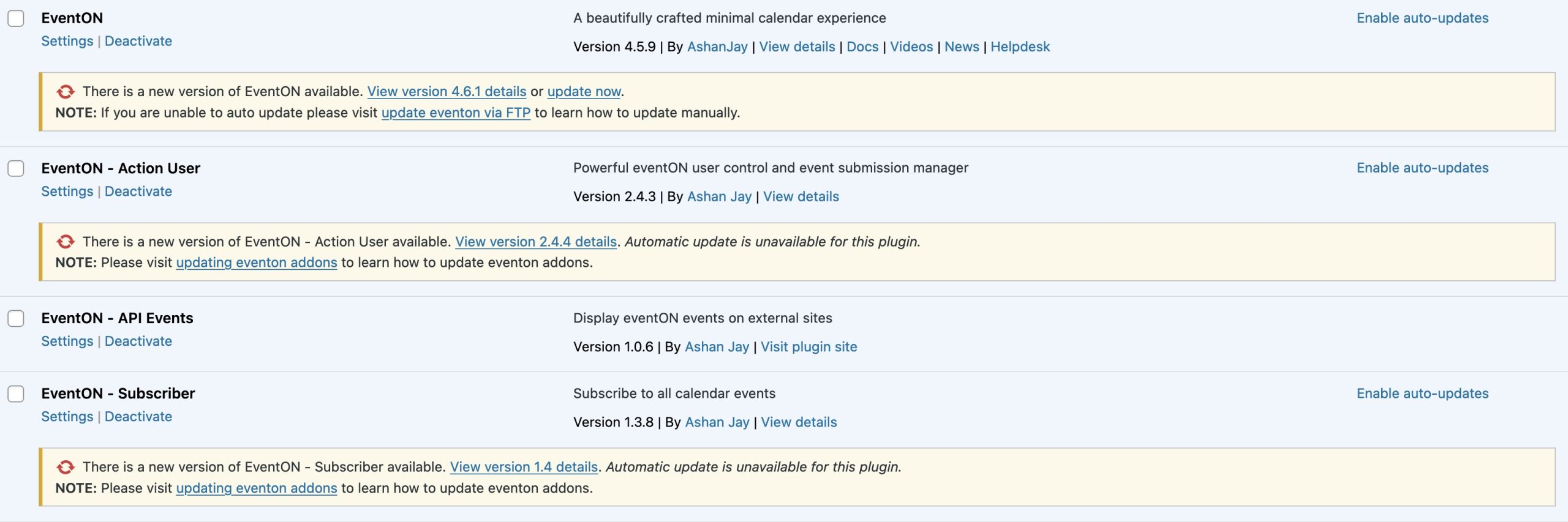
currently in live site
Reply to: tickets(347621)
Ashan,
On dev2:
https://dev2.myeventon.com/events/test-139/
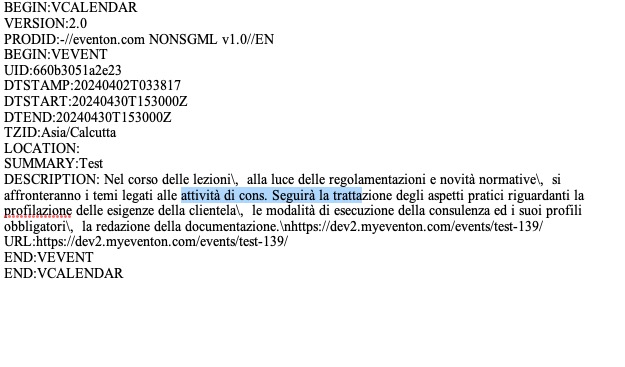
I think there was a similar ticket, but I cannot find it. Could you help?
Reply to: tickets(347621)
This seems to be correct. However, I am going to assign this ticket to Ashan and he will be able to take it from here and find you a solution. Please allow some time for him to get back to you, we greatly appreciate your patience and thank you for being a eventon customer! Also please disable any IP blocking on your site if there are any.
Reply to: tickets(347910)
Hello,
Please try adding ux_val to your shortcode. You can find it here:
https://pastebin.com/VECjaeHj
Reply to: tickets(347765)
Hello,
a) It seems that you can use Repeating Events:
https://docs.myeventon.com/documentations/setting-up-repeating-events/
However, please note that Action User has limited repeating functionality.
b) With Bookings you can add blocks of time for customers to select:
https://www.myeventon.com/addons/bookings/
But it doesn’t work with Action User.
c) Not sure what do you mean by “class”. Can’t you make one event = one class? How one event can have up to 200 classes?
d) When adding new events from Action User, user can set any title.
e) I don’t think this can be made with Action User. Could you elaborate on c) first?
f) You can enable Tickets for each event using Action User.
Please note that you can test our products on
https://dev.myeventon.com/wp-admin/
Reply to: tickets(347910)
Reply to: tickets(341422)
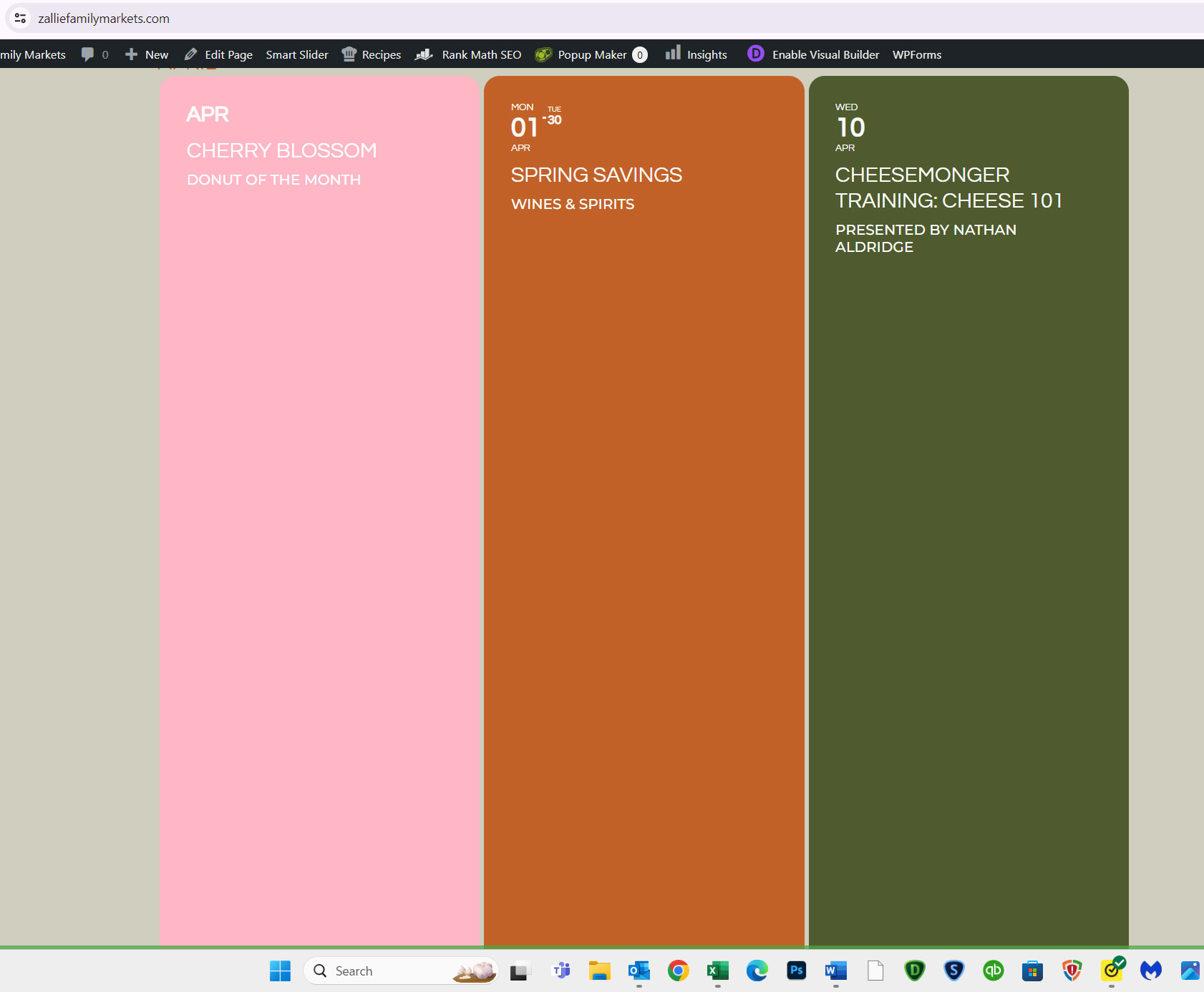
Calendars just keep loading for me, as well as /wp-admin page. I cannot check or test anything, I am afraid.
Previously, I tested the website in Troubleshooting Mode and only then it worked correctly.
Did you try enabling the mode?
Reply to: tickets(344614)
Please go here: https://www.pensar.ch/wp-admin/admin.php?page=wp_file_manager#elf_l1_d3AtY29udGVudC9wbHVnaW5zL2V2ZW50T04vYXNzZXRzL2pz
Reply to: tickets(344614)
Seems to be working: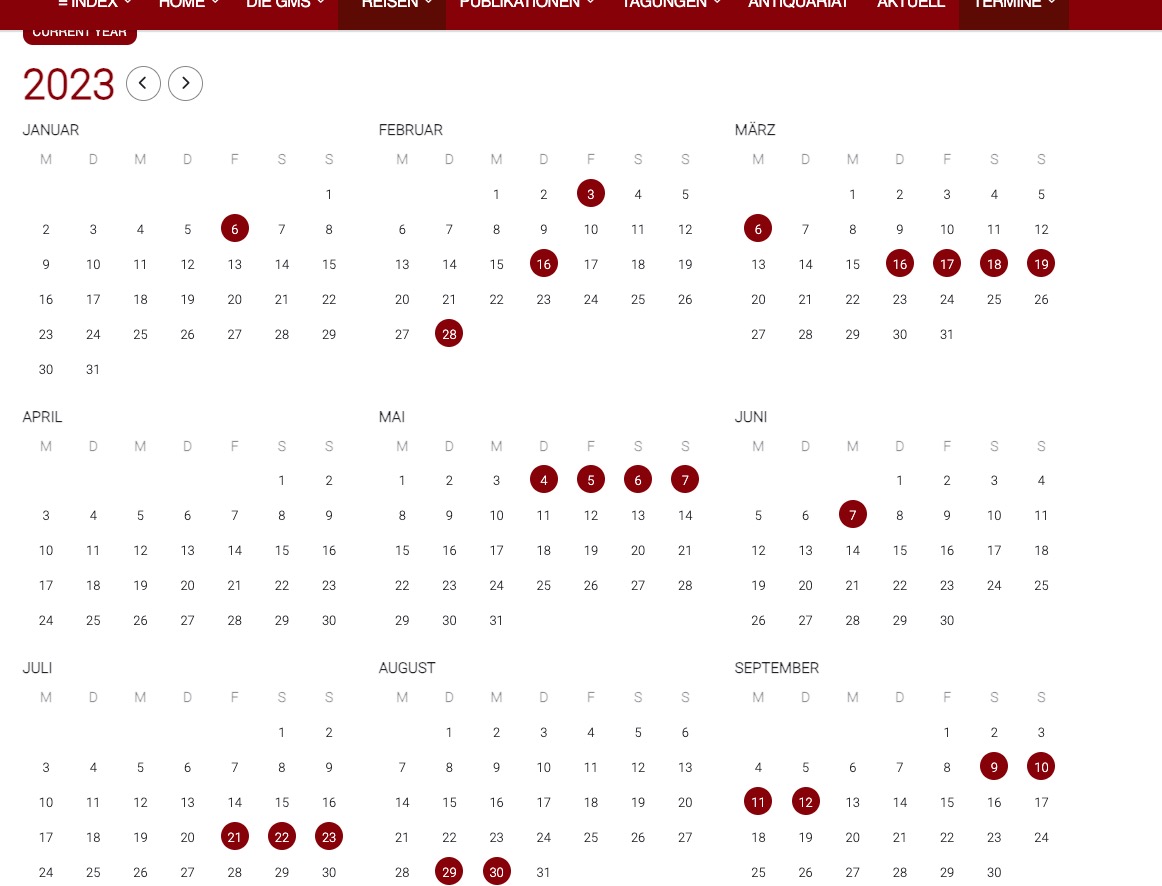
Please go to and open eventon_script.js and find this line:
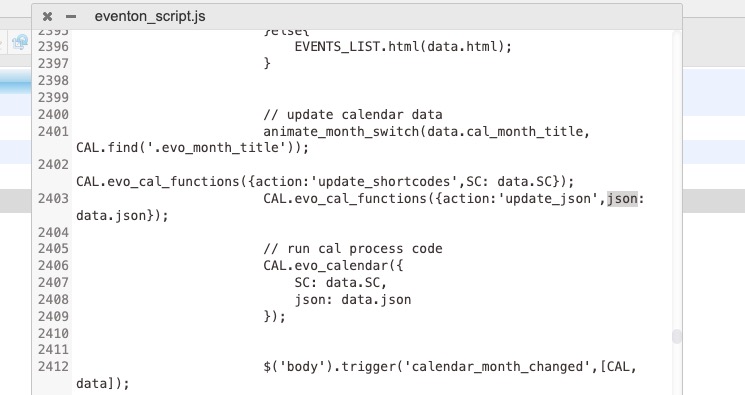
Make sure to clear your cache plugin first and then your browser cache.