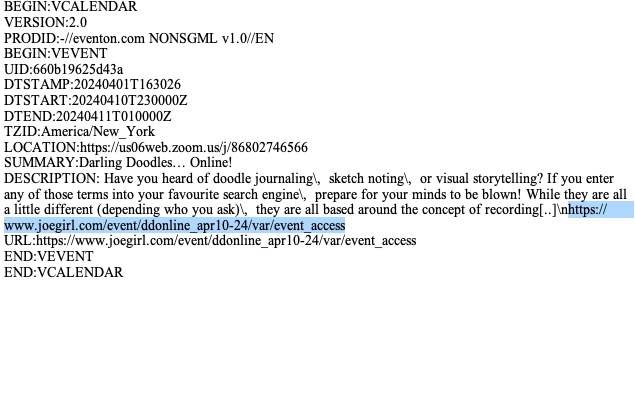
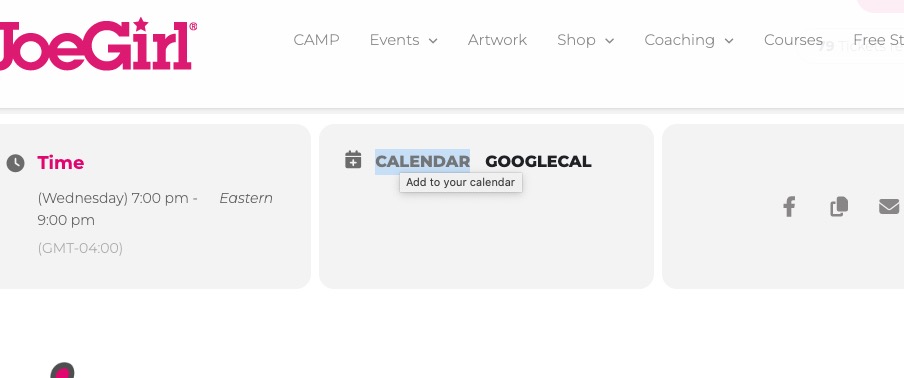
Ashan,
Please click on CALENDAR:
Replies for tickets on suppota
Ashan,
Please click on CALENDAR:
Hello,
Thank you for your messages, I am going to assign this ticket to Ashan and he will be able to take it from here and find you a solution. Please allow some time for him to get back to you, we greatly appreciate your patience and thank you for being a eventon customer! Also please disable any IP blocking on your site if there are any.
Hello,
Please try adding ux_val to your shortcode. You can find it here:
https://pastebin.com/VECjaeHj
We are glad your issue is resolved, if you have any further questions or concerns please create a new ticket.
If you have a moment, we would greatly appreciate if you could kindly leave us a review at myeventon/my-account!. Cheers!
Thank you for your messages, I am going to assign this ticket to Ashan and he will be able to take it from here and find you a solution. Please allow some time for him to get back to you, we greatly appreciate your patience and thank you for being a eventon customer!
Thanks. I had to restore the website to an earlier version before the upgrade because it was broken. I will restore to a staging site and upgrade there.
I have done as you asked and the calendar and list again display as we wish. I will hold off on any updates until I hear back from you.
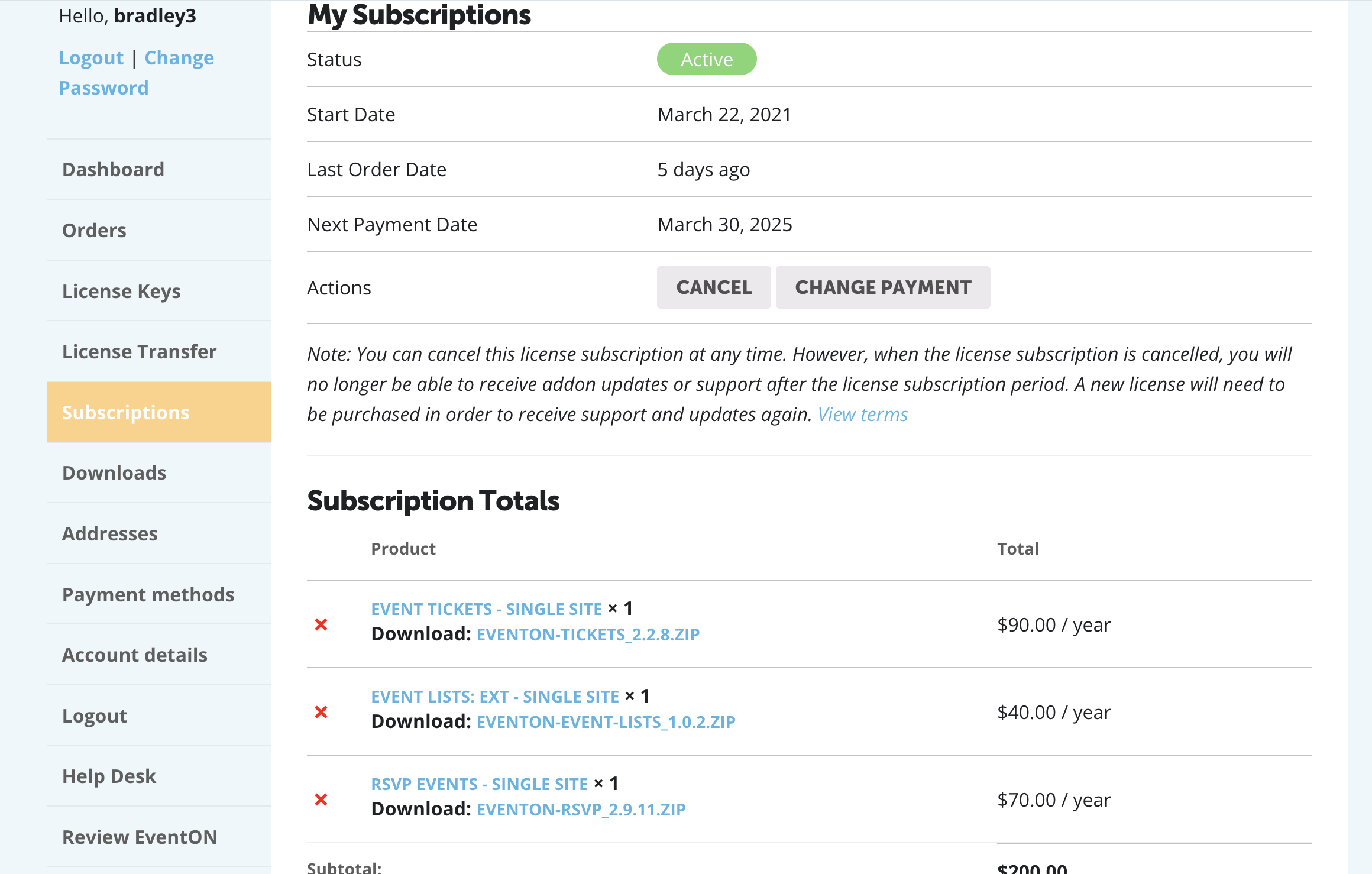
How do I cancel a single plugin when it has been ordered with 2 others? This is all I see and I don’t want to cancel the other two. The one I want to cancel is RSVP events.
Thanks, that worked.
Good morning! Just checking in on this ticket. Can you please provide an update on the status of the troubleshooting?
Thank you!