Can you please ask Ashan to take a look? We are running out of time. This is a fresh install WordPress, WooCommerce and eventon + tickets. I think there is something wrong with the latest version.
Archives: Replies
Replies for tickets on suppota
Reply to: tickets(347755)
Sorry, you can see website now.
Reply to: tickets(347621)
https://webinar.investimentifinanziari.it/wp-admin/admin-ajax.php?action=eventon_ics_download&event_id=1104&ri=0&nonce=e72906f815
Reply to: tickets(346958)
Now it works! Thank you.
Reply to: tickets(345412)
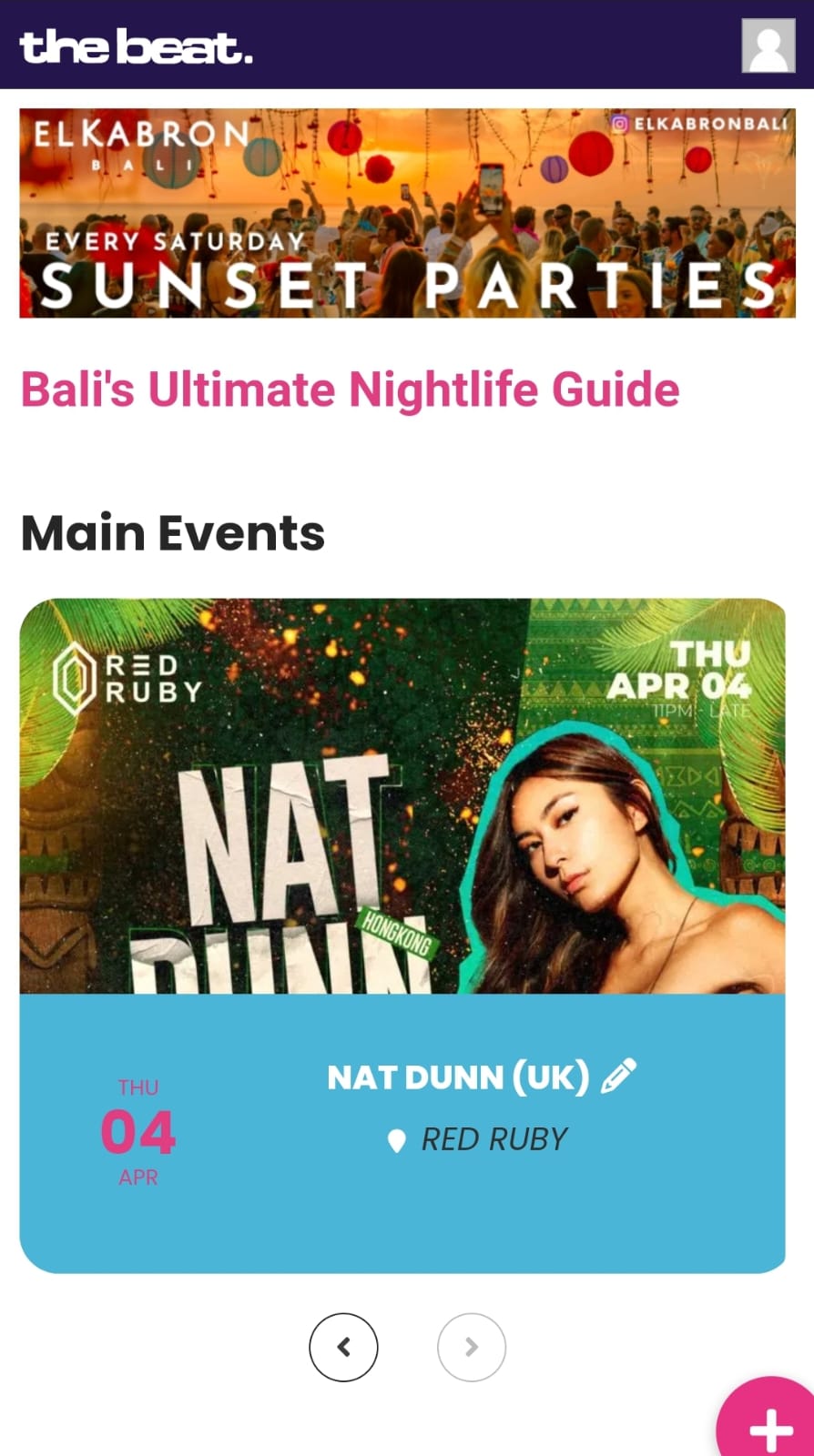
Hi there. Yes, I updated the plugin again.
EventON > EventCard > try a different Feature image display style. That seems to have worked. The image takes longer than usual to appear tho.
Sometimes when trying to find the right solution for a problem settings get changed and not set back again.
see attached. The slider featured event is still too small tho. It should be portrait, flyer almost square and event info below smaller.
Cheers
Reply to: tickets(347758)
1.5.1
Reply to: tickets(346461)
Thankyou but this is not the issue. Due to having 12 sites not working, I have had to find my own solutions. It was costing me customers.
UX VAL 3 or 3a do not work, they cause repeated and identical Jscript errors as some of the data appears to be missing
the only way I can make my sites work now is to switch to UXVAL 1 or 2, which work, inconsistently, but they do work
so the point is still the same, UXVAL 3 and 3a cause errors
Reply to: tickets(344614)
Validity 24 Hours
Test Page:
https://www.pensar.ch/
User: ON
PW: Kh5Bd%BZP^i3fmdm*$rr0TY1
IP:
188.78.147.95 Hostname: 95.147.78.188.dynamic.jazztel.es
When you have applied the fix I would like to know how to do the other 3 pages I have Online
Reply to: tickets(344835)
Hi Artem –
For whatever reason, it looks like the problems are fixed now on both the staging site and the live site. I’m not sure why. I don’t add new events on the staging site because there’s no need to do so, but there were events scheduled for April on the live site when I was getting the NO EVENTS message. Is there a way to adjust the shortcode on the live site so that events scheduled for the following month will show up on the carousel at the bottom of the home page?
For example, if I schedule events for May while the current month is still April, will they show up on the carousel on the bottom of the home page? This was not happening for my April events when it was still March, and I’m not sure why.
Also, may I update the Full Cal plugin now, or should I wait to update it?
Hope that makes sense. Any questions, please let me know.
Thanks,
Charles
Reply to: tickets(341422)
To also confirm that deactivating event list ext solve the issue on this page https://g2solution.co.uk/herefordshire/whats-on-in-herefordshire-1/events-this-week/. But it takes a while to load and i need event list ex