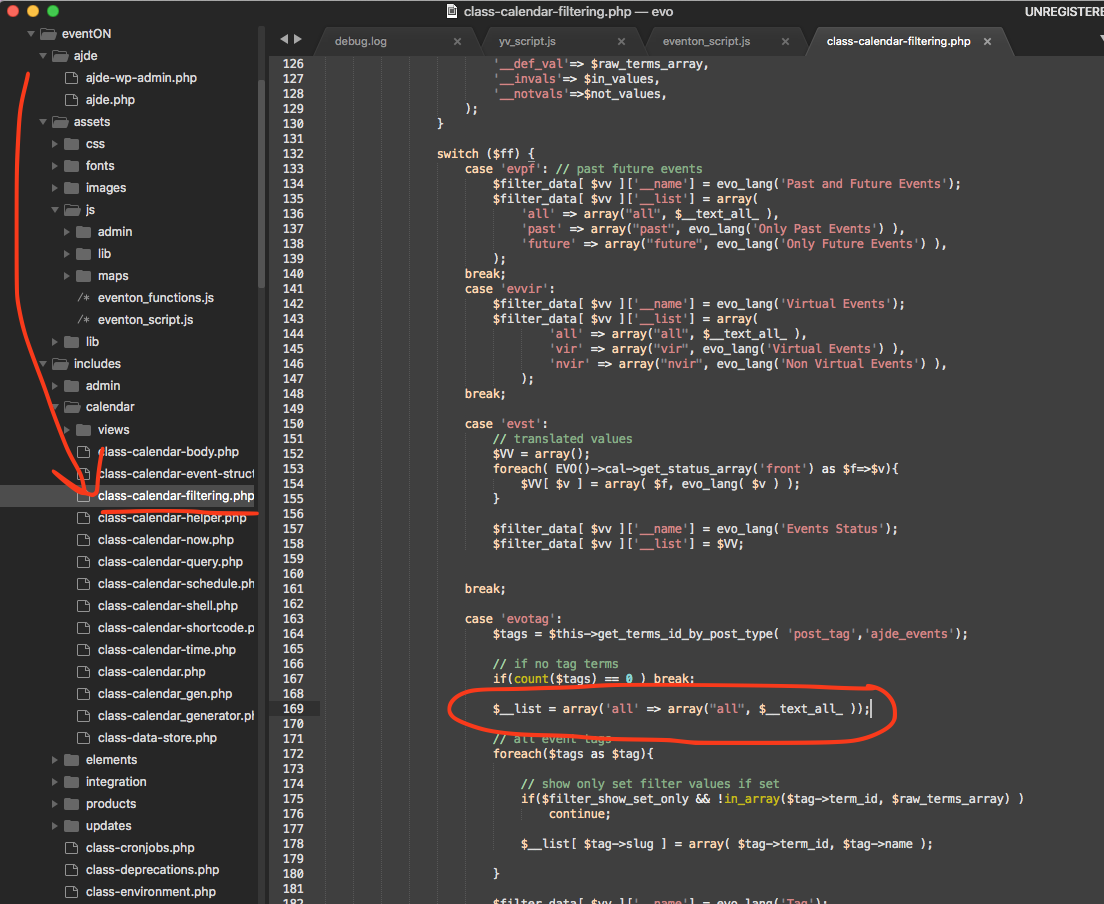
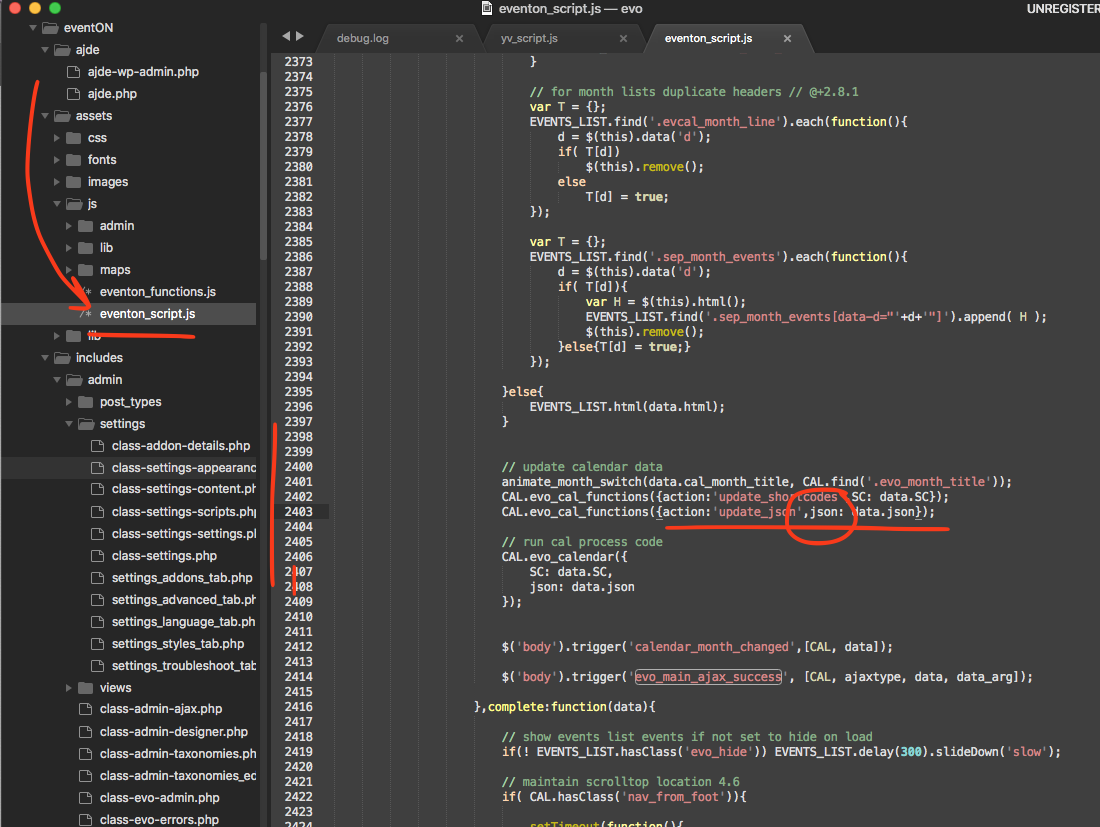
Thank you for letting us know of this. Here is the patch fix to resolve this in the plugin We wil include this in the next version update to eventON as well.
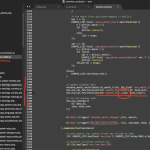
CODE: $__list = array(‘all’ => array(“all”, $__text_all_ ));
please check proper ‘ marks when coping above code.
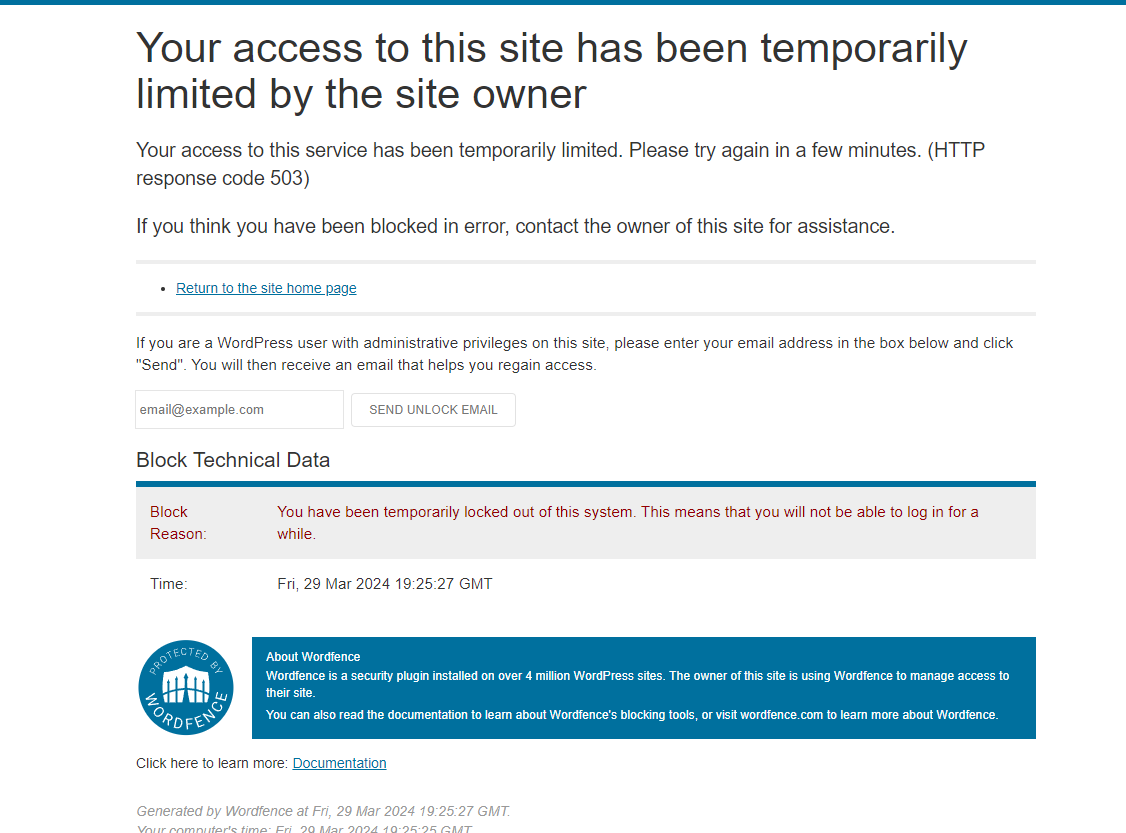
I gave Eventon access to my site and you locked me out of my own site! You best unlock me as the admin ASAP!!
You should be able to download the latest version 2.1.9 from myeventon.com now.
I was able to locate this Rachel. Order ID 103568 however the order subscription is cancelled now. You would need to re-purchase a new license to get the latest version.
found the issue kindly apply this patch fix.
So currently it is showing correct. What time in your end are you seeing the incorrect times? – in Auckland time.
Please go to EventON > EventCard > try a different Feature image display style.
Hello,
I went to EventON > Tickets > selected Default event ticket stop selling time base: When Event Ends.
So tickets can be purchased now. Please check and let me know.
Hello,
Could you downgrade EventON and FullCal while we are working on fixing these:
https://helpdeskx.s3.amazonaws.com/wp-content/uploads/2024/03/28044059/eventON-4.5.9.zip
https://helpdeskx.s3.amazonaws.com/wp-content/uploads/2024/03/28135900/eventon-full-cal2.1.1.zip
Usually the fix is:
https://docs.myeventon.com/documentations/increasing-wordpress-memory-limit/